


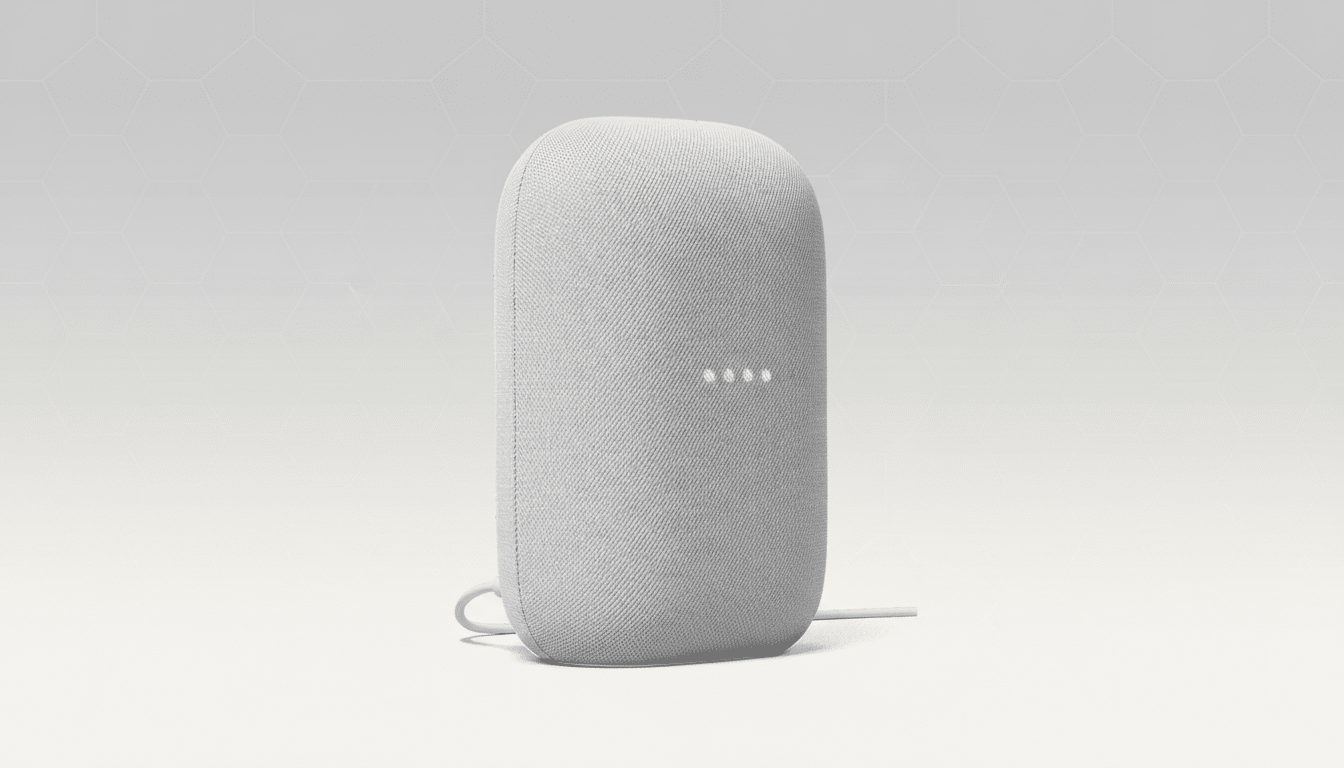
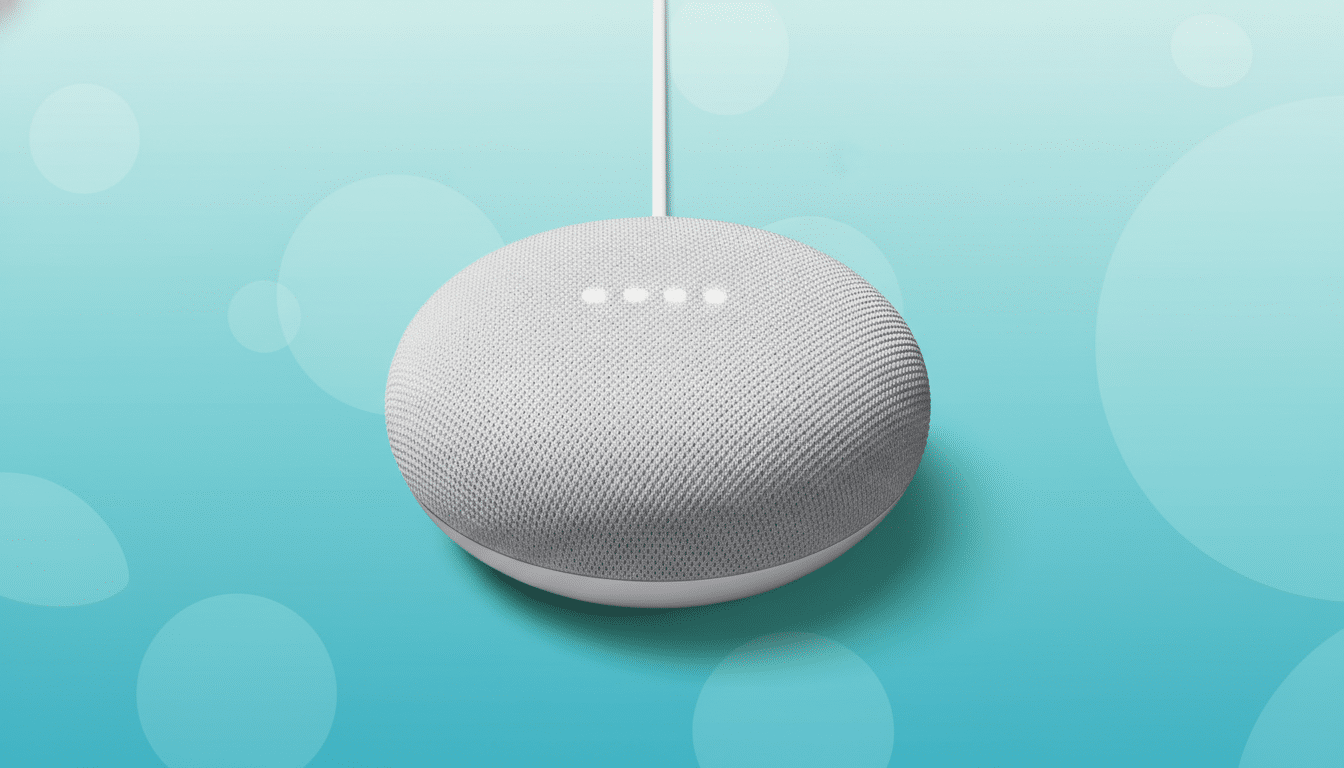
Google says it has resolved a glitch that briefly served ads to some YouTube Premium subscribers using YouTube Music on Google Home and Nest speakers, interrupting the ad-free listening experience those users pay for.
Reports from affected listeners surfaced across community forums after mid-song and mid-playlist ads began playing through smart speakers, despite active Premium accounts. The issue appeared limited to YouTube Music playback via Google’s smart home devices and did not reflect a change in Premium benefits.
What users experienced during the YouTube Music ad bug
Subscribers described a mix of symptoms: ad insertions during playlists, prolonged delays before tracks started, unusually low playback volume, casting hiccups, and disrupted recommendations. Posts on the Google Home subreddit indicated the behavior persisted even after reboots and factory resets, suggesting an account or entitlement misfire rather than a device-specific fault. Android Authority first compiled widespread user complaints.
In practice, this kind of bug often traces back to token or entitlement checks that verify a user’s Premium status across services. If the smart speaker fails that check—even temporarily—the session can default to the ad-supported tier, triggering commercials that Premium members shouldn’t hear.
Google’s response and resolution for the YouTube Music issue
The official Google Nest Community acknowledged the playback problems impacting YouTube Music on some Home and Nest devices and said a fix had been deployed. While the initial note did not single out ads, subsequent community updates indicated the problem was addressed and invited users to report any lingering anomalies.
Early user feedback suggests the ad insertions have stopped for most affected accounts. As with similar large-scale entitlement issues, it can take time for changes to propagate across account sessions, caches, and linked devices, so a small number of users may need to refresh their setups for the fix to take hold.
Why it matters for Premium members using smart speakers
YouTube Premium’s core promise is ad-free video and music, background play, downloads, and YouTube Music access. In the U.S., individual plans are priced at $13.99 per month. With over 100 million combined YouTube Music and Premium subscribers globally, even a narrow bug affecting smart speakers can translate into a noticeable wave of disruption—and frustration—across households.
The episode also highlights the complexity of Google’s ecosystem, where Premium status must be recognized consistently across the YouTube app, YouTube Music, Assistant, casting, and smart displays. As Google integrates newer AI capabilities like Gemini more deeply into Assistant and Nest products, ensuring seamless authentication and entitlement across services becomes even more critical.
If ads reappear on smart speakers, try these quick fixes
If you still hear ads on a Premium account through a Home or Nest device, a few steps can help re-sync entitlements:
- Confirm your Premium subscription is active and that the correct account is linked in the Google Home app.
- Unlink and relink YouTube Music as the default music provider in the Google Home app, then power-cycle the speaker.
- Sign out and back into the YouTube and YouTube Music apps on your phone, then attempt casting again.
- For family plans, ensure the device is using a recognized family member’s account with Premium access.
- If issues persist, report details (device model, region, and steps to reproduce) via the Google Nest Community to aid troubleshooting.
The bigger picture for YouTube Music and smart homes
This glitch arrives amid steady growth in YouTube Music usage and Google’s ongoing smart home updates. While platform-level hiccups are not uncommon in large-scale services, the bar for reliability is higher when users pay for ad-free listening. Clear communication and quick fixes—as seen here—are essential to maintaining trust.
For now, Premium members should once again get ad-free playback through YouTube Music on Home and Nest devices. If anything changes, watch for updates on official Google support channels and product community forums that typically host firsthand user reports and responses from Google representatives.