


Google has granted Fitbit users more time to switch their legacy Fitbit logins to Google accounts, easing a transition that affects sign-ins, device syncing, and access to historical health data. The delay gives holdouts a wider window to migrate without losing access, while introducing a secondary cutoff for data retention if they choose not to move.
Fitbit account cutoff delayed and grace period extended
The company has shifted the final cutoff by roughly three months, effectively extending the grace period before Fitbit logins stop working. After that new cutoff, Fitbit accounts that haven’t been converted will no longer sign in, and core features tied to authentication—including app access and device syncing—are expected to cease.
- Fitbit account cutoff delayed and grace period extended
- Steps to migrate your Fitbit login to a Google account
- Why Google is consolidating Fitbit logins under one account
- Privacy commitments and regulatory context after acquisition
- Why the migration delay matters for users and support
- How wearables now align accounts across device ecosystems
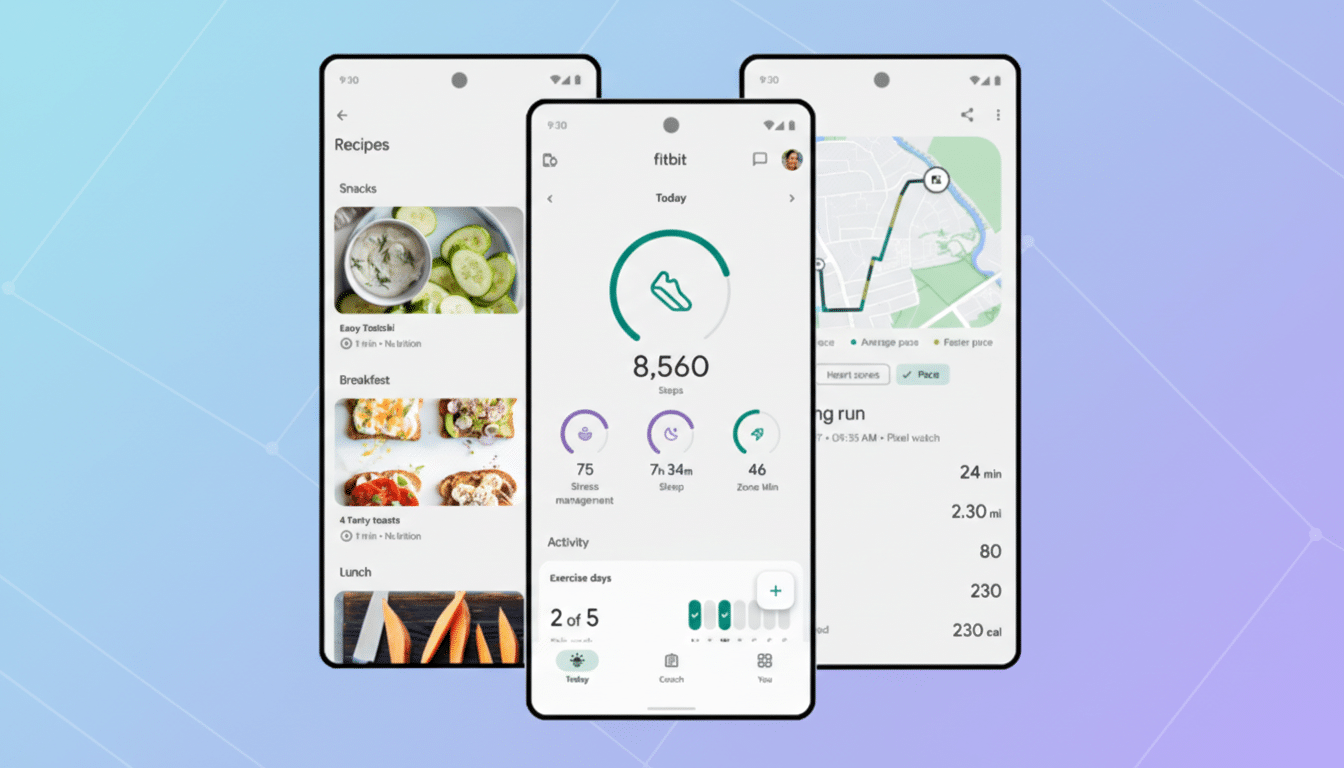
Google has also set a second milestone for data handling. If a user declines to migrate, deletion of legacy Fitbit data will begin shortly after the new cutoff, with a buffer period to download an archive or request erasure early. Once that secondary window closes, ongoing access to historical data cannot be guaranteed.
Steps to migrate your Fitbit login to a Google account
If you still sign in with a Fitbit username and password, open the Fitbit app and follow the on-screen prompts to migrate. You can also initiate it from account settings. The process links your Fitbit profile to a Google account you already use, or sets up a new one if needed. Expect standard security checks like two-step verification; if you use passkeys on your Google account, those will carry over to Fitbit for a smoother sign-in.
Before you switch, consider exporting a copy of your data. Google provides a data download option covering activity, sleep, and health metrics. If you prefer not to migrate, you can request deletion of your Fitbit data ahead of the scheduled purges. Either way, make sure you archive anything you want to keep.
Why Google is consolidating Fitbit logins under one account
Consolidating Fitbit logins into Google accounts is a logical step in Google’s broader wearable strategy. Newer wearables like Pixel Watch models already require a Google account, and moving the rest of the ecosystem under the same umbrella aligns authentication, billing, and support. It also reduces account sprawl for consumers who already use Google services for mail, photos, cloud storage, or smart home devices.
Security is a key part of the rationale. Google accounts support robust protections such as two-factor authentication, passkeys, suspicious activity alerts, and centralized device management. Unifying Fitbit under those mechanisms can help cut account recovery friction and lower the risk that older passwords linger in the wild.
Privacy commitments and regulatory context after acquisition
When regulators cleared Google’s acquisition of Fitbit, the European Commission required strict commitments: health and wellness data from Fitbit must be siloed and not used for Google ads, and users must have meaningful control over their data. Google has repeatedly stated that Fitbit data remains separate for advertising purposes and that users will continue to have access to export and deletion tools.
In practice, that means the account you use to sign in changes, but controls around data portability and deletion remain. Google’s support documentation outlines how to download activity histories, revoke third-party connections, and wipe your account if you opt out. If you decline to migrate, Google will begin deleting data after the new deadline, consistent with those regulatory commitments and posted policies.
Why the migration delay matters for users and support
Migrations are notoriously messy when health data, device pairings, and subscription services are involved. Many users postpone until the last moment, and even small complications—forgotten passwords, multi-account households, or issues with corporate wellness plans—can slow down adoption. A short extension reduces the risk of lockouts and support bottlenecks while giving organizations time to update employee wellness portals or benefits integrations.
For everyday users, the practical benefit is breathing room: a little extra time to confirm which Google account to use across devices, make a clean data export, and resolve family sharing or multi-device setups. For Google, it’s a chance to smooth the experience and limit churn during a sensitive transition.
How wearables now align accounts across device ecosystems
Unifying accounts echoes broader industry norms: Apple Watch is tied to Apple ID, and Galaxy Watch relies on a Samsung account for services like backups and payments. As health features expand—from irregular heart rhythm notifications to sleep profiling—vendors are steering users into a single identity system for consistency, security, and cross-product features.
If you use Fitbit devices past the new cutoff, migrating is effectively mandatory. Take a moment now to back up your records, pick the Google account you want as your anchor, and complete the switch. It’s the clearest way to keep your daily steps, sleep scores, and long-term trends intact.