


Android users who noticed their Google Play system update showing an older month instead of the latest release can breathe easy. Google says the odd rollback is a display-only bug, not a sign that devices were downgraded. A fix is in the works to restore the correct date label in system settings.
What Actually Happened with Play System Update Dates
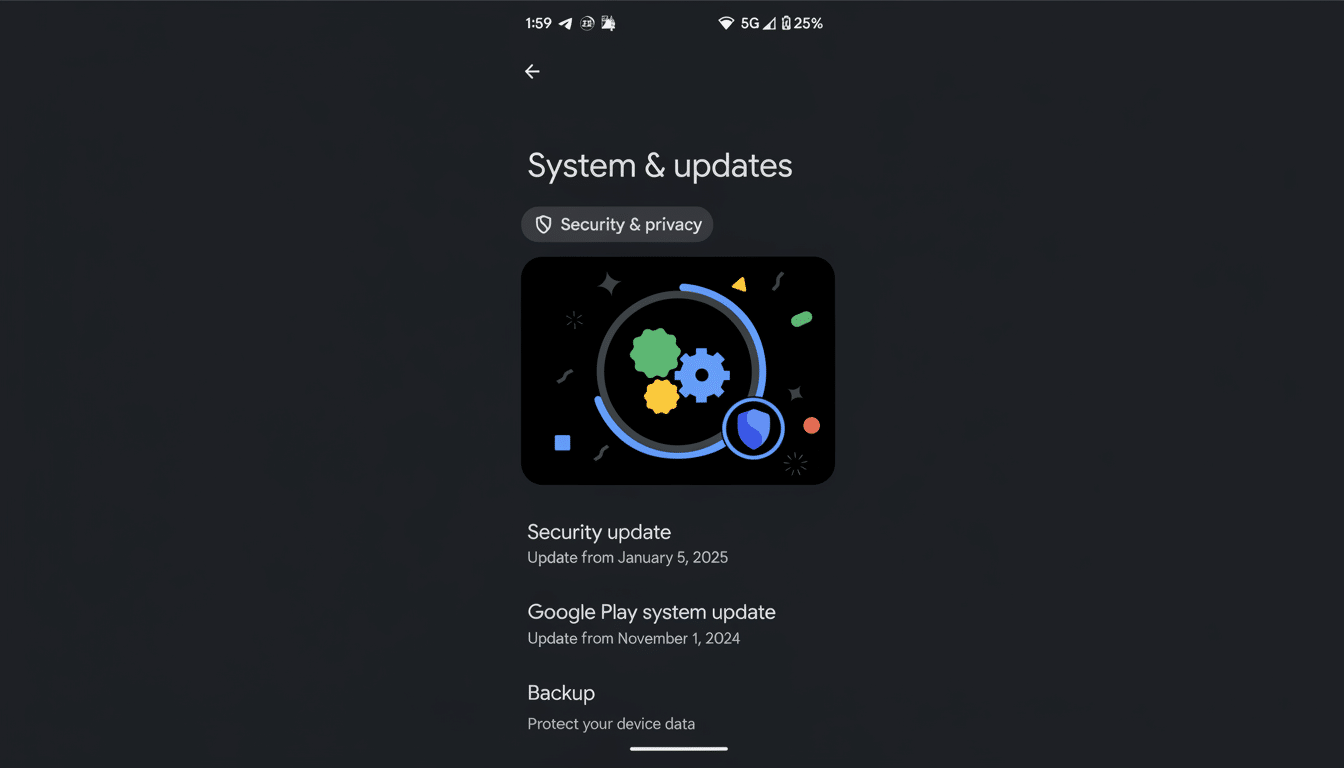
Reports surfaced across user forums that after installing the newest Google Play system update, the visible date in Settings appeared to jump backward to a prior month. That raised understandable alarms: did a new update secretly reinstall an older package?
- What Actually Happened with Play System Update Dates
- What Is Affected and What Is Not by the UI Date Bug
- How Google Play system updates work under Mainline
- Why a Google Play system update date label can be wrong
- What users should do now while Google fixes the label
- What to expect next from the Google System Update fix
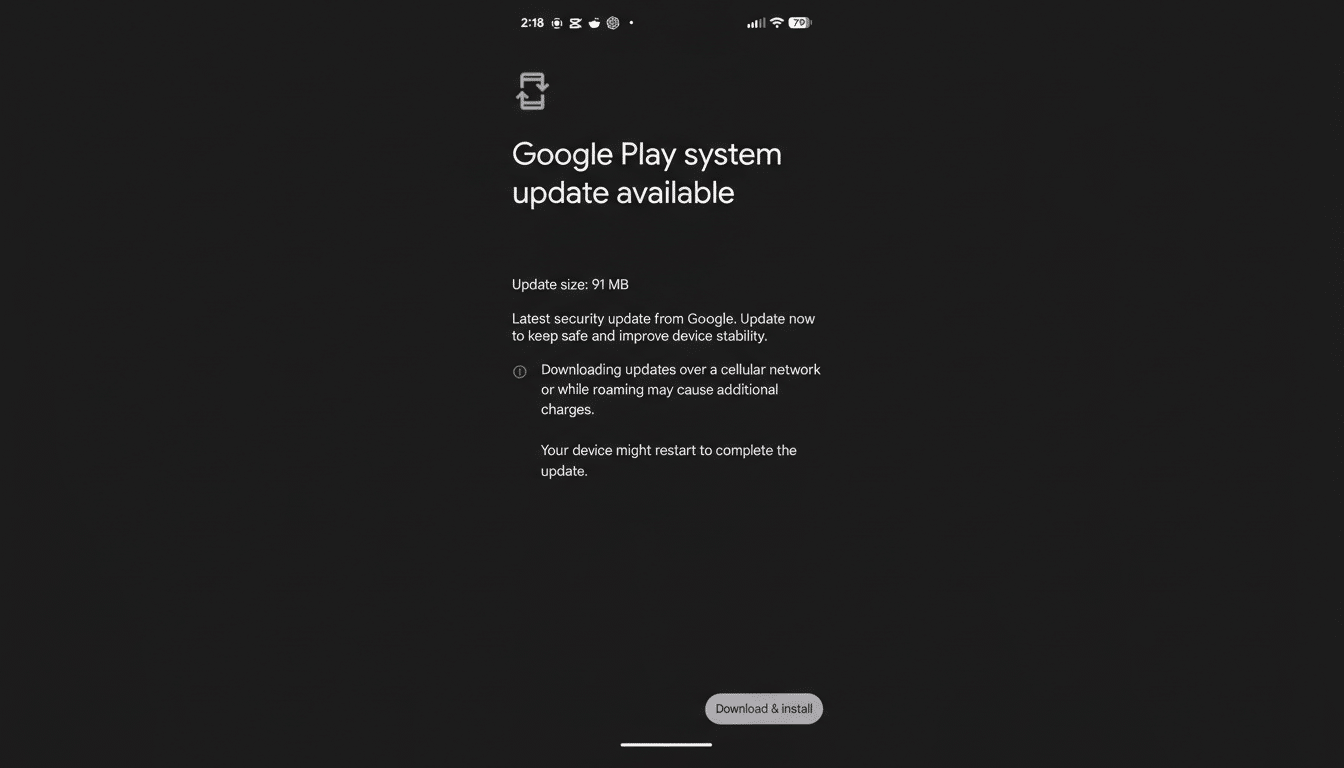
According to a Google spokesperson, the anomaly is cosmetic. The update itself contains current components, but the UI is pulling an incorrect label. In other words, the modules on your phone are up to date; the version tag you see is not.
What Is Affected and What Is Not by the UI Date Bug
The bug affects only the displayed month for the “Google Play system update” entry in Settings. It does not change your Android OS version, your Android security patch level, or your Google Play Store and Google Play services versions. There’s no evidence of functional regressions, and Google is not advising users to avoid or roll back the update.
This distinction matters because Google delivers critical improvements through multiple channels. The monthly Android security patch comes with device firmware from the manufacturer, while Google Play system updates ship core modules directly from Google. The glitch lives in the latter’s labeling, not in the actual code being applied.
How Google Play system updates work under Mainline
Under the Project Mainline initiative, Google can update foundational components—such as the permission controller, media frameworks, and runtime—via the Play Store using modular packages (APEX and APK). This approach allows faster distribution across the global Android base, which Google has previously put at more than 3 billion active devices, without waiting for full OEM firmware releases.
The date you see in Settings is a high-level marker meant to summarize the newest Mainline bundle applied to your device. Behind that single line, multiple modules can update on staggered schedules. If the metadata tying those pieces together is off, the summary date can fall out of sync with the actual modules—exactly the kind of mismatch Google says occurred here.
Why a Google Play system update date label can be wrong
Version labels in modular systems are typically derived from metadata files that map component versions to a human-readable date. If one package ships with a stale tag or if the rollup process doesn’t update the summary string, the UI may display an older month even though the underlying components are current. In large-scale release engineering, these presentation-layer mismatches can slip through because they don’t trigger functional test failures.
Similar labeling hiccups have cropped up before across different Android skins, where the text in Settings lagged behind the true build contents. The takeaway is that the label is a convenience indicator, not a cryptographic proof of module versions.
What users should do now while Google fixes the label
Keep installing updates as they arrive. There’s no action required to fix this on your end, and skipping updates could delay important improvements unrelated to the label. If you want to double-check your device’s status:
- Open Settings and review both “Android security patch level” and “Google Play system update.”
- Ensure Google Play Store and Google Play services are current; they update automatically but can be nudged by visiting their app info pages.
Enterprise admins managing fleets can verify module baselines through their EMM dashboards and Google’s system update release notes to confirm what’s deployed, independent of the end-user label.
What to expect next from the Google System Update fix
Google says it’s working on a correction so the Settings page reflects the accurate month again. Expect this to land as a small patch or as part of the next Google System Update cycle. When the fix arrives, the summary date should align with the current Mainline modules already on your device.
Bottom line: the scare looked worse than it was. Your phone likely received the intended components; the label just failed to keep pace. Once Google’s patch rolls out, the on-screen date should catch up to reality.