


Google has confirmed it will introduce a “high‑friction” sideloading flow on Android, adding extra prompts and safeguards when users install apps from outside the Play Store. A Google Play product executive characterized the change as an “accountability layer,” emphasizing education and informed consent rather than blocking installs. Advanced users will still be able to choose “Install without verifying,” but that path will include additional steps to underscore risk.
What Changes When You Sideload Apps On Android Devices
Today, sideloading typically requires granting a specific app (like a browser or file manager) permission to install unknown apps, followed by a Play Protect scan and warnings. The forthcoming flow goes further: users will see clearer notices about whether a developer is verified, that an internet connection is required for checks, and the potential consequences of proceeding. The option to bypass verification remains, but it will not be a single tap.

In practice, expect multiple confirmations, stronger language around security, and a more deliberate choice architecture that asks users to acknowledge responsibility. Crucially, Google has not suggested requiring a PC, external tools, or developer modes—signals that the company is trying to raise awareness without erecting hard barriers.
Why Google Is Doing This Now For Android Sideloading
Google has long argued that the biggest malware exposure on Android comes from installs outside the Play Store. In its Android security reporting, devices that sideload tend to encounter potentially harmful apps at higher rates than devices that stick to Play-only installs. Play Protect already performs billions of app scans each day and has blocked millions of policy-violating submissions in recent years, but social engineering and copycat apps remain persistent threats.
The new flow attempts to close the gap between capability and comprehension. By explicitly calling out developer verification and putting risk acceptance in front of the user, Google is trying to reduce “unwitting” sideloads—cases where a user taps through prompts without grasping the implications—while preserving the freedom that sets Android apart.
Impact On Developers And Alternative App Stores
For legitimate distributors that rely on direct downloads—game publishers like Epic, repositories such as F-Droid, and storefronts like the Amazon Appstore—the added friction could trim conversion. Product analytics commonly show completion rates fall with each extra step, and security language can amplify hesitation. That said, a clearer, more predictable flow may benefit reputable sources by differentiating them from fly-by-night installers and malicious drive-by downloads.
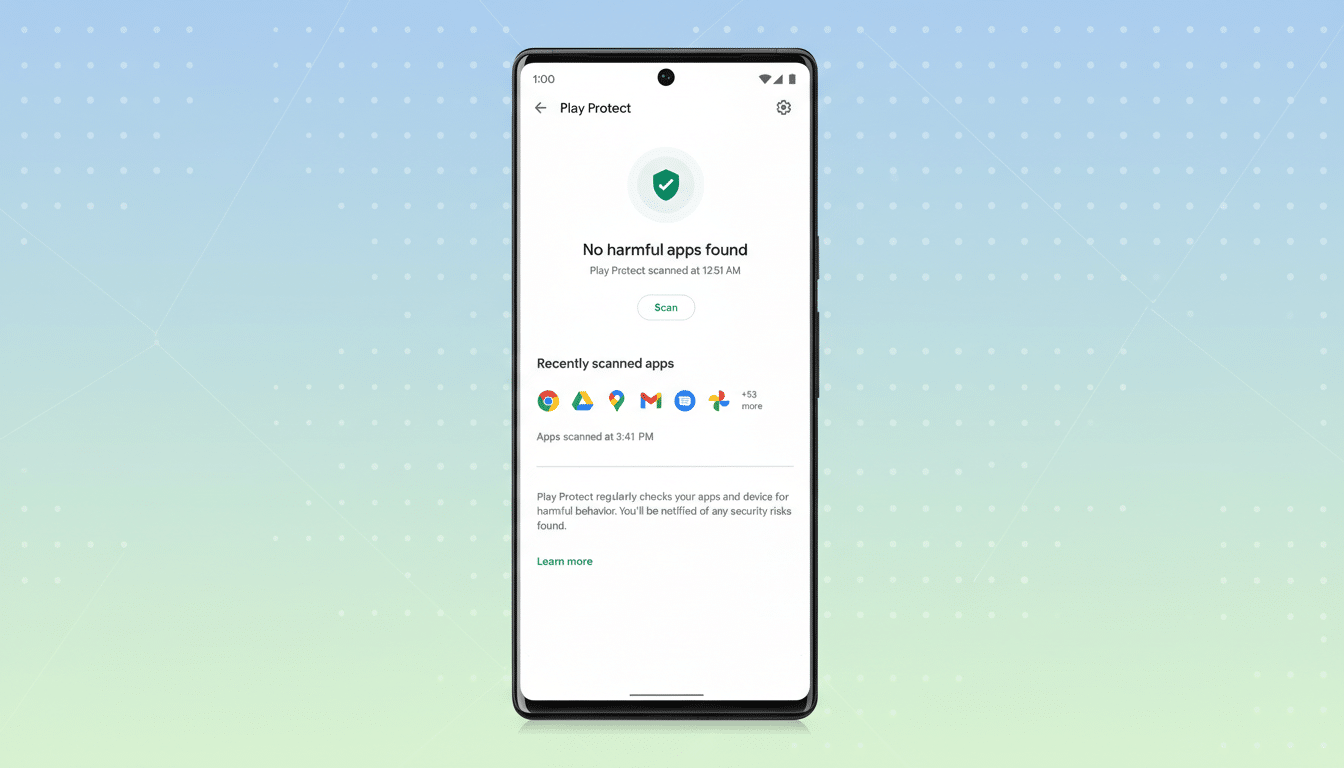
Enterprise admins and power users should still be able to proceed after additional confirmations. The presence of an “Install without verifying” route is a notable constraint on overreach: Google is signaling it wants to inform, not prohibit. The specifics—how many taps, how the warnings are worded, and whether the default nudges users toward verification—will determine the real-world impact.
The Regulatory And Competitive Backdrop For Android
The timing is notable. Android’s openness is under renewed scrutiny amid antitrust actions and evolving platform rules globally. A U.S. jury recently found Google violated antitrust laws in a case involving app distribution and billing, and remedies are still being shaped. In Europe, new market rules have pushed rivals to rethink app distribution models. By framing the change as an accountability layer, Google can argue it is improving safety without undermining user choice or competition.
What To Watch Next As Google Rolls Out Changes
Three details will tell the story.
- First, the copy: strong, clear language is helpful, but alarmist screens can become de facto deterrents.
- Second, defaults: if “verify” is preselected and “install anyway” is buried behind several taps, friction becomes policy.
- Third, rollout mechanics: a Play Services update could bring the new flow to a wide swath of devices quickly, while OEM variations and regional rules could create uneven experiences.
For now, nothing indicates a lockout. Sideloading remains part of Android’s DNA, and Google’s own messaging points to education over enforcement. If the company gets the balance right, users gain clarity, attackers lose easy wins, and legitimate alternative distribution remains viable—just with a bit more deliberation along the way.