


Google’s Clock app has mysteriously disappeared from the Play Store on some Wear OS devices, leaving smartwatch owners without an official method to install or update this specific version for their watches. Preliminary evidence suggests a pattern emerging around popular non-Pixel models such as Samsung’s Galaxy Watch line and the OnePlus Watch series, with Pixel watches escaping unscathed.
What Users Are Seeing on Affected Wear OS Watches
Threads on Reddit’s r/WearOS, posts to the Google Support Community, and recent Play Store reviews delve into this issue: the Google Clock listing was not showing up for some people in their watch’s version of the store, or they were getting a “device not supported” message even when they had previously installed it. In other situations, the app is still listed but not updatable, leading us to believe it is a compatibility flag flip as opposed to a removal from all devices.
- What Users Are Seeing on Affected Wear OS Watches
- Who Appears Affected Across Wear OS Watch Models
- Why This Could Be Happening on Non-Pixel Wear OS Watches
- The Real-World Impact on Wear OS Users and Devices
- Workarounds You Can Try While Google Fixes the Issue
- What to Watch Next as Google Addresses the Problem
Others attempted to sideload the newest Wear OS APK. And while it does install, the watch app is frequently unable to properly shake hands with the phone’s Google Clock, causing cross-device features—like synced alarms and mirrored dismiss/snooze actions—to fail. Downloading the phone app first and hoping the Play Store would subsequently push the watch companion hasn’t worked for a lot of people either, with some users reporting that when they go to install it—whether through their phone or desktop browser—they’re met with a message informing them that there is no connected Google account.
Who Appears Affected Across Wear OS Watch Models
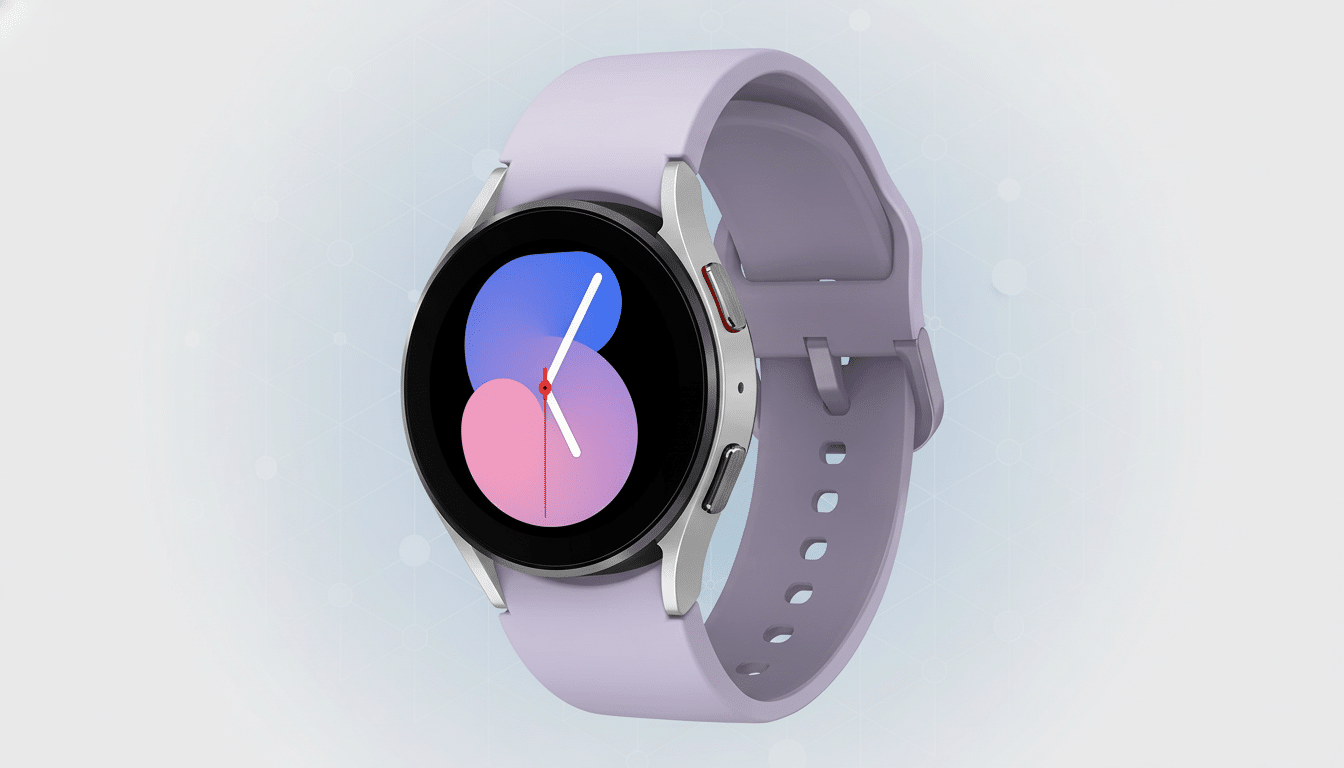
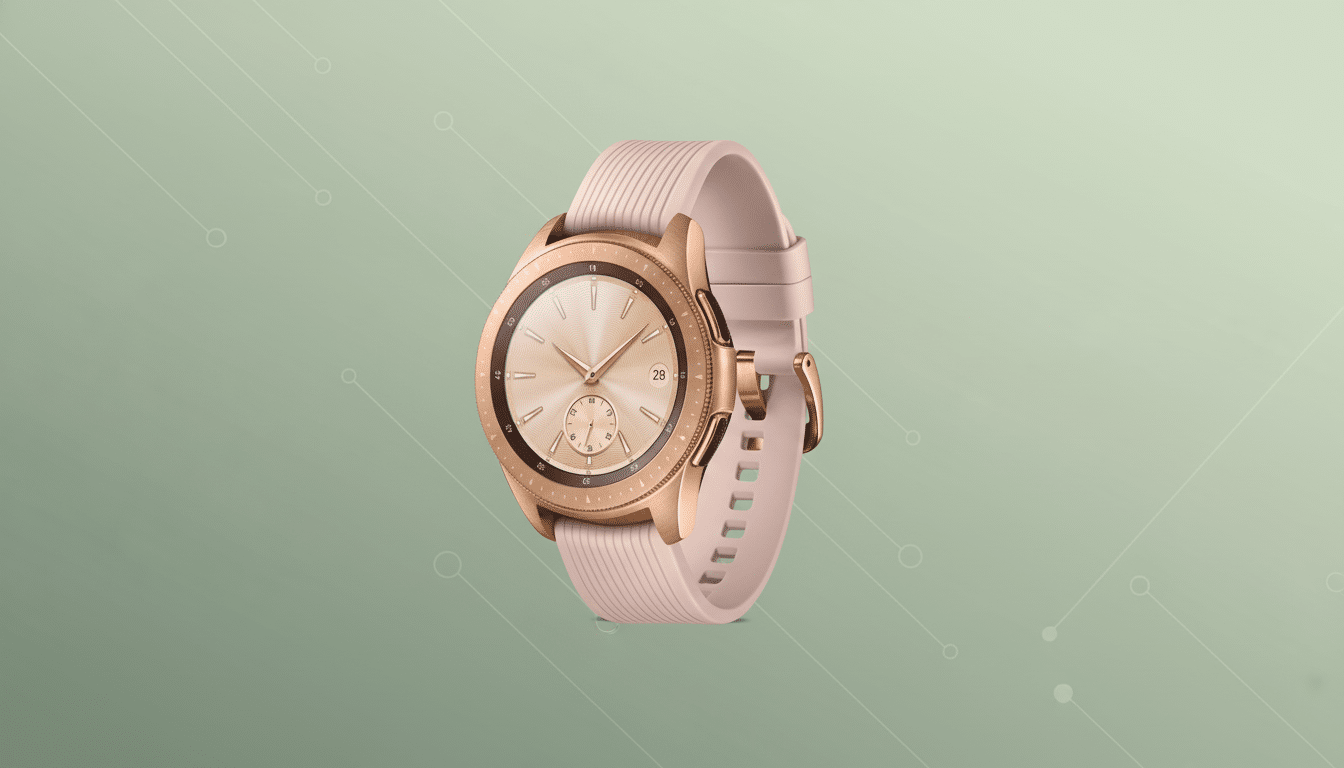
Commonly mentioned devices include Galaxy Watches (including those of recent generations with Exynos W920/W930 chips) as well as the OnePlus Watch 2 (Snapdragon W5+ Gen 1), running Wear OS 3 or Wear OS 4. Pixel Watch owners typically still see the Clock app in their library and can install it without a problem, which suggests that this is more of an issue of device catalog refactoring than a larger Wear OS policy change.
This counts because there are quite a few users of Galaxy Watch devices, and they could represent one of the busier Wear OS user bases. Samsung is routinely ranked by industry trackers as the second-biggest global smartwatch vendor, so even a targeted compatibility change can disrupt plenty of users and watch faces that use Google’s Clock app for alarms, timers, and complications.
Why This Could Be Happening on Non-Pixel Wear OS Watches
The most likely hypothesis is that it’s a backend compatibility filter in the Play Store device catalog. Whether that’s by bumping the minimum required Wear OS version, enabling a Pixel-only flag during a staged rollout, or mistakenly flipping a hardware capability requirement, with watches not meeting it suddenly getting labeled as unsupported. We’ve seen equivalent hiccups in the past when Google apps migrate APIs or add features that rely on newer Play Services for Wear OS.
Another theory is some type of authentication or account-linking change. The companion handshake protocol on the watch app is higher than what the server-side config is in sync with for some OEM builds—The Play Store will auto-hide to prevent broken installs. The fact that sideloads install (and probably both would eventually, but for a backend/entitlement issue) and then fail to connect is an indication of more of a back-end problem or perhaps even an entitlement model rather than purely APK-related.
The Real-World Impact on Wear OS Users and Devices
For some, though, Google Clock is more than just an alarm. It gives life to timer and stopwatch tiles, is integrated with Assistant routines, and even allows alarms set on the phone to synchronize to the watch—helpful for morning wake-ups, workouts, or travel across time zones. When the watch app cannot be installed or authenticated, alarms don’t sync; dismiss states do not mirror between devices, and tiles or complications that are linked to Google Clock may vanish.
Workarounds You Can Try While Google Fixes the Issue
First, update Google Play Services for Wear OS and the Play Store on the watch, then reboot. On the watch, open Play Store app settings and force an update or clear the cache if possible. On your phone or a computer, navigate to the web version of the Play Store and try choosing your watch from the drop-down device picker and checking if you can find the listing.
If Google Clock is still not there, you can always fall back on your OEM’s alarm app (such as Samsung Clock on the Galaxy Watch) or use a well-known third-party alarm/timer app from a reputable dev. You probably don’t want to sideload the Google Clock APK for a couple of reasons, including that the handshake between phone and watch, as well as account-linking, is reportedly broken currently, meaning that you can’t use Google’s app primarily anyway.
What to Watch Next as Google Addresses the Problem
Google hasn’t specified in public how it occurred, though these kinds of issues frequently correct themselves through a silent server-side change or fast Play Store metadata push. If the vanishing were due to a policy or platform change—perhaps Wear OS is now required?—I’d expect them to include clearer guidance in app release notes or a support post. The Galaxy Watch is a high-profile Wear OS device, after all, and they may be feeling pressure to resume normal availability.
Until then, we’ll be watching the Google Support Community and prominent Wear OS forums for word of a fix. If you find that the Clock app listing has returned to your watch, install it like normal (don’t sideload), and make sure that alarms and timers sync up with your phone without hiccups before relying on them.