


NotebookLM’s standout Video Overview capability is officially landing on Android, bringing AI-generated explainer videos to phones where most research and studying now happens. The feature, which also arrives on iOS, uses Google’s Gemini to turn your uploaded sources into short, coherent video essays you can watch on the go.
What’s New on Mobile for NotebookLM Video Overview
The Android app now lets you create Video Overviews directly from the Studio interface. Tap the magic wand Studio button from your notebook list or open the Studio tab inside a specific notebook, choose Video Overview, and NotebookLM will stitch together a visual summary grounded in your chosen sources. You can also view Video Overviews previously created on the web, keeping projects in sync across devices.
There is one caveat: unlike the web app, the mobile version currently doesn’t let you switch visual styles (for example, comic-book or anime aesthetics). That capability remains web-only for now. In return, Google is boosting Infographics on mobile with new edit controls—tap the pencil icon to set orientation, pick sources, add a guiding prompt, and change the output language.
How NotebookLM’s Video Overview Works on Phones
Video Overview pulls from the materials you add to a notebook—think PDFs, Google Docs, web articles, or class notes—and asks Gemini to produce a tightly framed narrative. The result is a short, chaptered video that highlights key arguments, defines terms, and calls out relationships between ideas. Because NotebookLM emphasizes source-grounded outputs with citations, these videos typically reference where each claim originates, making it easier to verify accuracy or dive deeper.
For students, researchers, and busy professionals, this can be a faster path from raw material to comprehension. Instead of wading through dozens of pages, you get a scaffolded overview that can quickly turn into a study plan, a meeting brief, or a content outline.
Why This Mobile Update Matters for Students and Learners
Bringing Video Overview to Android meets users where they are. StatCounter estimates mobile devices account for roughly 60% of global web traffic, and Pew Research Center reports smartphone ownership among U.S. adults is near 90%. A feature that once lived primarily on desktops now fits into the way people actually learn—between classes, on commutes, or during quick study sprints.
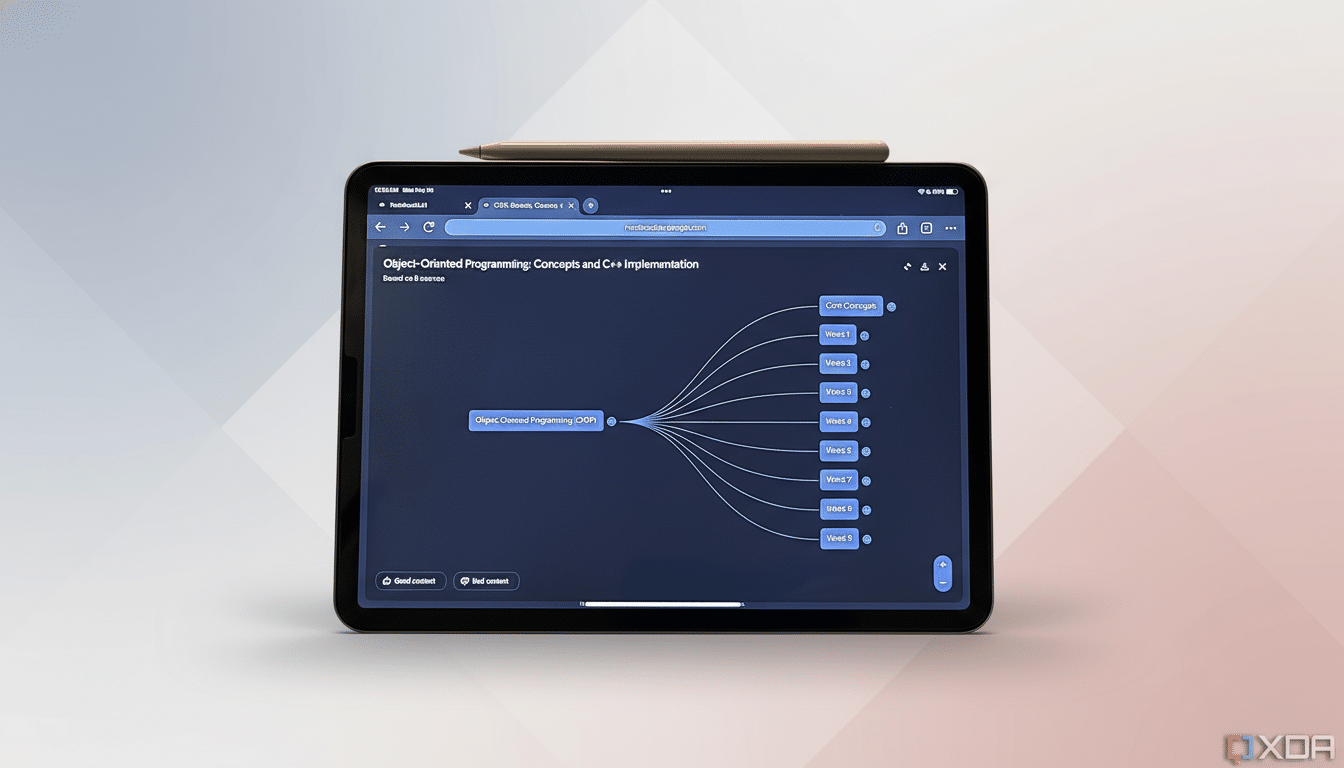
There’s also a cognitive edge: multimodal learning blends text, audio, and visuals, which can improve recall and engagement compared to reading alone. Short, structured explainers are particularly effective at reducing cognitive load when tackling dense material like policy analyses, scientific papers, or technical documentation.
Limitations on Mobile Creation and What’s Coming Next
While mobile creation is here, creative controls are tighter than on the web. Style customization for videos is the big omission, and heavy projects will still feel faster on a laptop with stable connectivity. As with any generative tool, users should keep an eye on factuality—NotebookLM’s citations help, but best practice is to sample the original sources for high-stakes work.
The expanded Infographics editor is a meaningful step for mobile-first users who want quick visuals for presentations or study decks without switching devices. Expect Google to close the styling gap over time as it unifies feature parity across platforms.
How to Get the Update and Start Using Video Overview
The rollout is underway broadly, with industry outlets reporting wide availability following the latest app update. If you don’t see Video Overview or the new Infographics controls yet, check for the newest version of NotebookLM in your app store and sign in to sync your existing notebooks.
Bottom line: AI video summaries moving to Android makes NotebookLM more practical for real-world study and research workflows. It’s a clear quality-of-life upgrade—one that turns downtime into learning time while keeping your sources, notes, and explainers a tap away.