


Google’s conversational helper for the Play Store is getting a notable boost. The company’s Gemini-powered Ask Play is beginning to surface in more places within the storefront, delivering richer answers directly in search and within app listings, according to user reports and recent Play Store build changes. The update appears to be a limited rollout for now, but it marks a clear step toward making app discovery and support more interactive.
What Ask Play Is Now Designed To Do in the Play Store
Ask Play launched as a way to quickly get answers about an app—what it can do, where to find features, and how to navigate settings—without sifting through reviews or developer notes. It’s backed by Google’s Gemini models and tailored to the Play Store, aiming to compress the time between a user’s question and a useful, app-specific response. Google previously signaled a more capable chat-like experience was coming in Play Store release notes late last year; that promise is finally showing up for some users.
- What Ask Play Is Now Designed To Do in the Play Store
- What’s Changing With the New Ask Play Interface Experience
- Why This Matters For Users And Developers
- How Google Is Rolling It Out to Play Store Users
- Limits and Open Questions About Ask Play on Play Store
- The Bottom Line on Google’s Expanded Ask Play Experience
What’s Changing With the New Ask Play Interface Experience
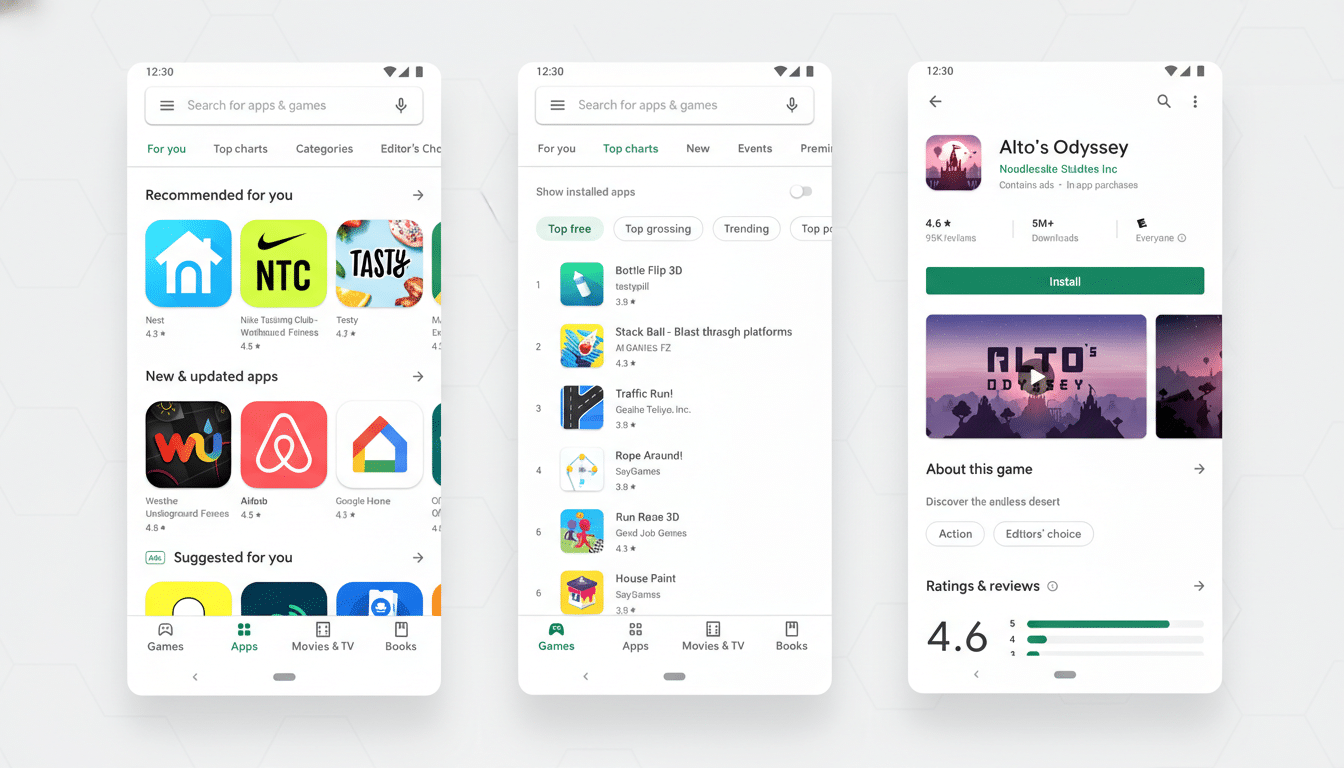
The most visible shift is that Ask Play no longer lives exclusively inside app listings. Some users on Play Store version 50.0.23-31 report the assistant answering right from the search screen after typing a query, with expandable cards that offer quick summaries followed by deeper detail. Suggested prompts appear at the bottom to nudge follow-ups like “Show alternatives with offline mode” or “Compare permissions.”
Inside listings, the upgraded interface arrives as a larger bottom-sheet card that slides up when you tap Ask Play. It’s more conversational than the earlier one-shot prompt box and better at context, pulling relevant details such as feature availability, subscription terms, and device requirements from the app’s metadata and documentation. Early testers have noted occasional inaccuracies—common to generative systems—but the flow is clearly designed to keep you engaged in the Play Store rather than bouncing out to search the web.
Why This Matters For Users And Developers
For users, the biggest win is reduced friction. Instead of scanning long descriptions or trawling through reviews, you can ask concrete questions: “Does this podcast app import OPML?”, “Is there a Linux desktop companion?”, or “Can I lock the app with biometrics?” If accurate, Ask Play can collapse research into a couple of taps, and that tends to improve confidence before installing or buying.
Developers may see benefits on conversion and support. By funneling common pre-install questions into a chat surface, Google can surface key differentiators without requiring a rewrite of every store listing. Pair that with Play Console tooling—like store listing experiments and custom store listings—and Ask Play could become another lever that highlights the right message for the right audience. It also dovetails with Google’s earlier AI-generated review summaries, which aim to give a faster read on sentiment and feature coverage across large review sets.
How Google Is Rolling It Out to Play Store Users
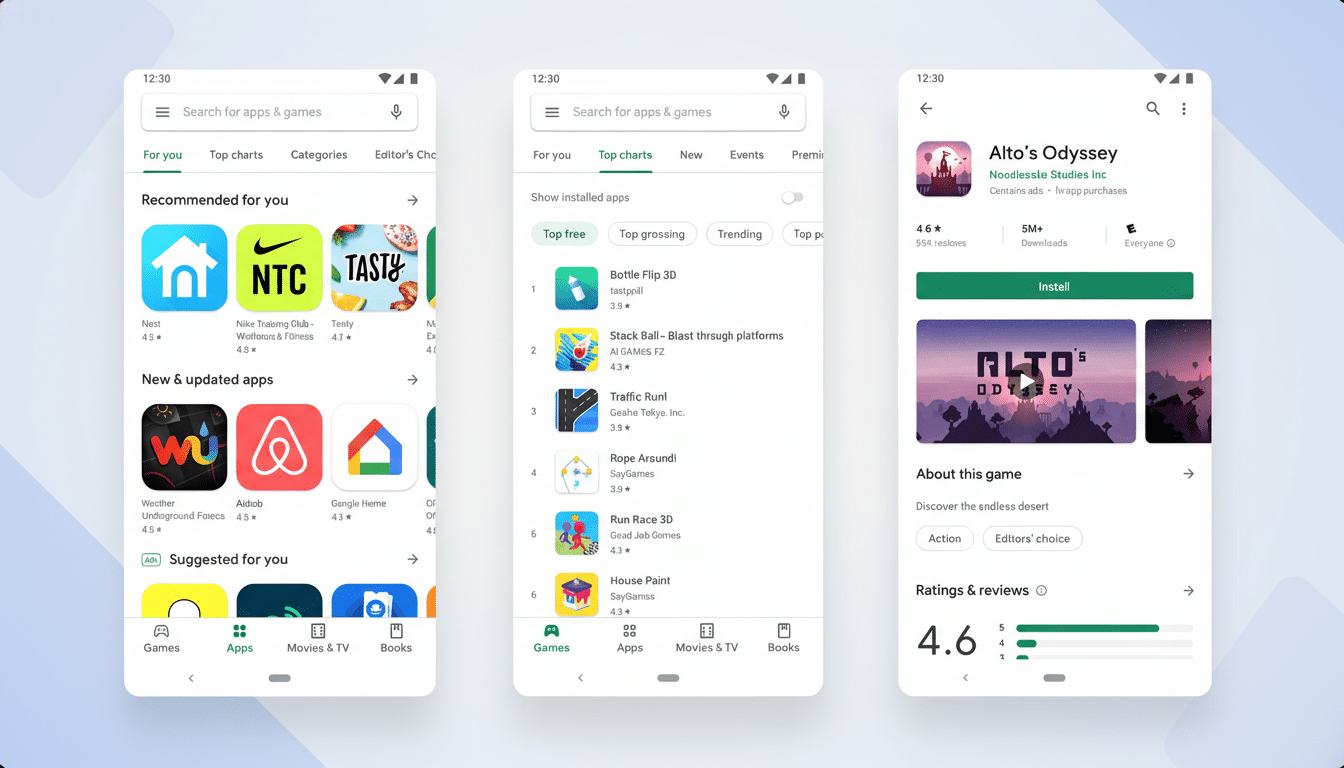
The availability appears to be controlled server-side, even on recent client builds. That’s consistent with how Google introduces Play Store features: staged experiments, language and region gating, and A/B tests to measure engagement. The company has not formally detailed the rollout scope, and visibility may vary by account, device, and Play Store version.
Given Android’s footprint—Google has cited more than 3 billion active devices—incremental testing is the norm to avoid regressions. Expect a gradual expansion if metrics hold up, similar to how other Play enhancements have moved from limited pilots to broad availability.
Limits and Open Questions About Ask Play on Play Store
As with any AI assistant, accuracy and transparency remain key concerns. Ask Play responses can be incomplete or occasionally off-base, and users should still verify details like pricing, privacy practices, and permissions on the official listing. It’s also not yet clear how deeply the assistant will leverage device context—such as installed apps or OS version—to tailor answers, or whether responses will label their information sources with more granularity.
Regulatory and trust expectations are rising too. Organizations such as the FTC and consumer advocacy groups increasingly scrutinize AI disclosures and claims. Clear signaling about limitations, along with consistent handoffs to authoritative information in the listing, will be essential as Ask Play scales.
The Bottom Line on Google’s Expanded Ask Play Experience
The upgraded Ask Play is a meaningful push to make app discovery conversational—and to keep users inside the Play Store while they decide what to install. Early access is limited, but the new search integration and larger in-listing chat window hint at how Google wants the storefront to feel: less like a catalog, more like a guided assistant. Keep an eye on your Play Store app; if you’re in the test group, you may already see Ask Play meeting you where you search.