


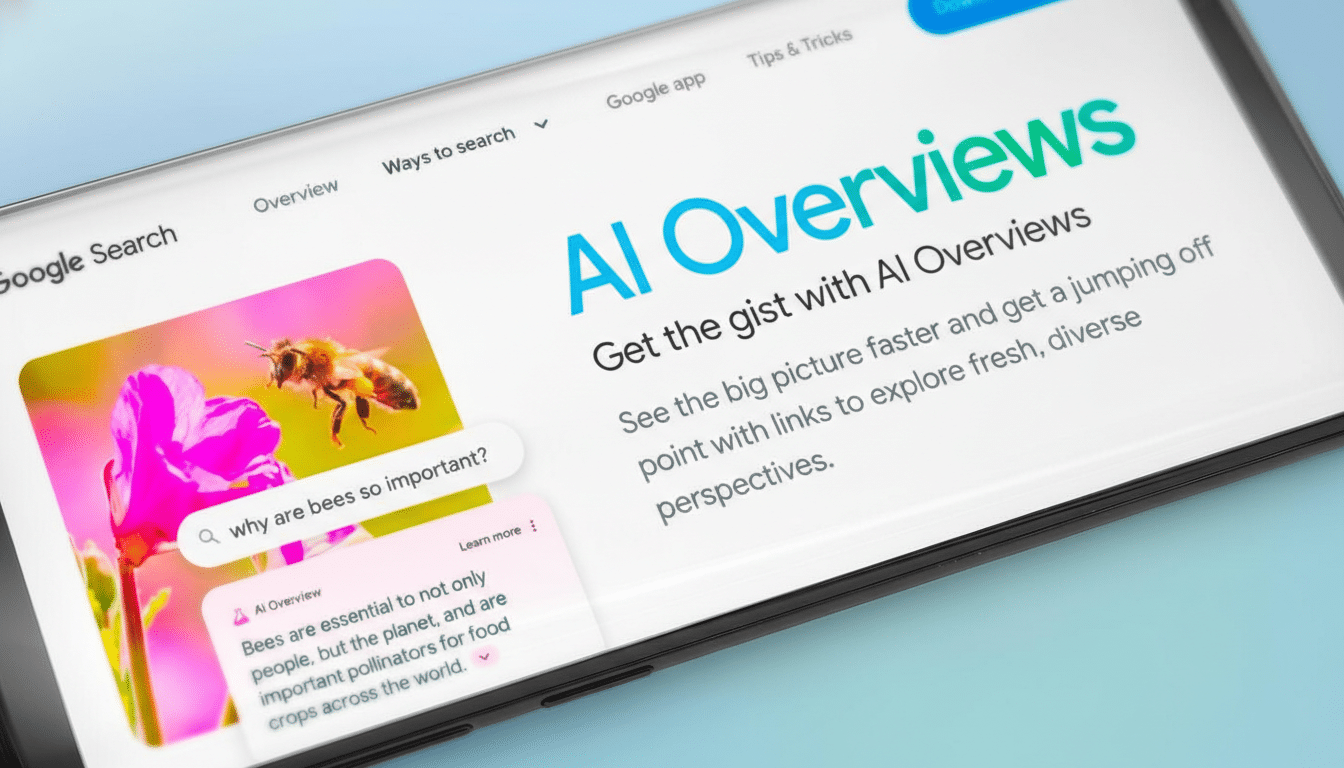
Google is turning its AI Overviews into a true conversation. The company has begun rolling out a follow-up feature on mobile that lets you keep asking questions directly below an Overview, shifting Search into an “AI Mode” chat without forcing you to start over.
The experience appears after tapping Show more on an AI Overview. An Ask anything box slides up at the bottom of the screen, preserving context so you can refine, narrow, or branch out from your original query. It’s a small UI change with big implications: Search is becoming a session, not a single result.
- How Follow-Up Questions Work in Google Search Chats
- Why Google Is Pushing Conversational Search
- Rollout and Availability Across the Google Mobile Experience
- What These Changes Mean for Publishers, Creators, and SEO
- Real-World Examples of Conversational Follow-Ups in Action
- Reliability, Accuracy, and Safety Considerations for AI Chats
- The Bottom Line: Conversational Search Is Arriving for All
How Follow-Up Questions Work in Google Search Chats
When an AI Overview loads, you can expand it to see sources, steps, and suggested next questions. From there, the new chat box allows natural-language follow-ups like “show kid-friendly options,” “compare the first two choices,” or “plan this for a $500 budget.” The system carries your original intent forward, so you don’t have to retype the full query.
Responses are grounded in web content and typically include citations you can tap to verify claims or dive deeper. Because Google is using its Gemini models under the hood, the chat can synthesize multiple documents, explain trade-offs, and adapt to additional constraints you add mid-conversation.
Why Google Is Pushing Conversational Search
Search behavior is shifting toward dialog-based assistance popularized by tools like Bing Copilot, ChatGPT, and Perplexity. Google has said its testing shows people prefer an experience that “flows naturally into a conversation,” which aligns with where the market is heading.
The stakes are high. Google still commands roughly 90% of global search share according to widely cited industry trackers, so small product tweaks ripple across the open web. Pew Research Center has reported that 26% of users now end their journey at an AI-generated answer—up from 16% when presented with traditional results—highlighting how summaries can satisfy intent without a click.
That dynamic worries publishers and creators who rely on referral traffic. Google counters that AI Overviews often surface more links and drive qualified clicks on complex tasks. The truth likely varies by query type: navigational searches may see fewer clicks, while multi-step projects can create deeper, source-driven sessions.
Rollout and Availability Across the Google Mobile Experience
Google says the follow-up experience is available globally on mobile, and early usage suggests a staggered rollout across the Google app and mobile browsers. If you don’t see the Ask anything box yet, you’re likely not in the first wave. Expect iterative updates as Google tunes quality, speed, and UI polish.
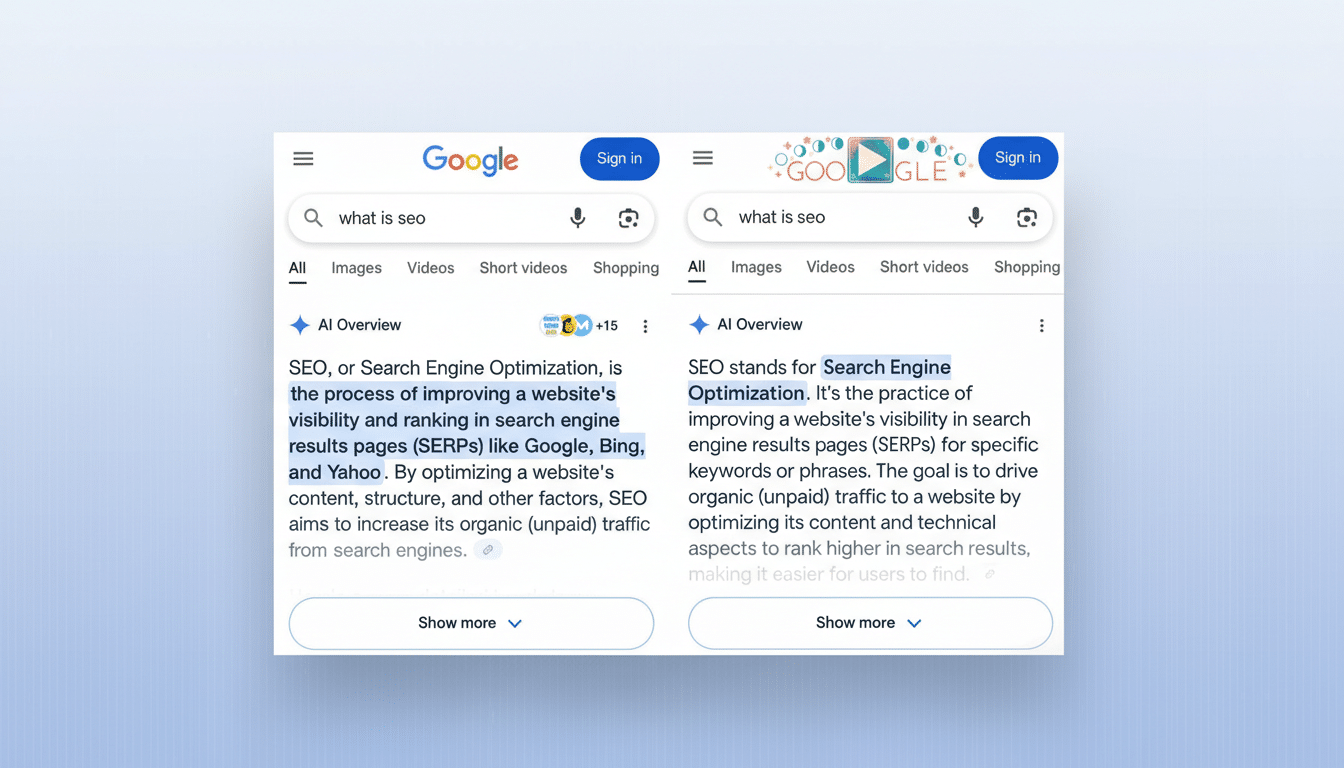
The feature currently appears after you expand an Overview. Once the chat is active, the interface switches into an AI-first flow labeled at the top, making it clear you’re in a generative experience rather than the classic ten blue links.
What These Changes Mean for Publishers, Creators, and SEO
Follow-ups compress the search funnel: more user intent gets resolved within the results page. To stay visible, content needs to be both a credible source and a quotable snippet. Practical steps include using schema markup for FAQs and how-tos, writing succinct answer paragraphs that can be cited, and reinforcing E-E-A-T signals through author expertise, transparent sourcing, and original research.
Think in sessions, not keywords. If your page answers the “next” question—cost breakdowns, regional availability, safety trade-offs—it’s more likely to be pulled into the conversational chain and earn a click when users want depth.
Real-World Examples of Conversational Follow-Ups in Action
- Trip planning: Ask “three-day Rome itinerary with art and food,” then follow up with “remove museums on Monday when many are closed” and “keep the total under $300.” The chat refines lodging and transit picks with updated costs and links.
- Troubleshooting: Search “Wi-Fi printer not found on Windows,” then ask “give steps for Model X” and “show where in settings this lives.” The Overview can tailor steps to your device and surface authoritative support pages.
- Shopping: Start with “best budget mirrorless camera for travel,” follow with “compare stabilization on the first two models” and “only show options under 1 lb.” You get quick trade-offs with spec citations and retailer links.
Reliability, Accuracy, and Safety Considerations for AI Chats
Generative systems can still get things wrong, and early AI Overviews drew attention for odd or inaccurate suggestions. Google says it has tightened guardrails with improved retrieval, stronger grounding to high-quality sources, and policy filters that limit sensitive recommendations.
You’ll see attributed links for context, and for topics like health, finance, or legal advice, opening primary sources remains essential. As the chat encourages longer sessions, clear citations and the ability to jump to original material are critical for accountability.
The Bottom Line: Conversational Search Is Arriving for All
Follow-up questions turn AI Overviews from a summary into a conversation. For users, it’s a faster path to precise answers. For the web, it’s another step toward session-based search that rewards clear expertise and verifiable sources. If you don’t see the feature yet, watch for the Show more prompt—your next query may start right inside the results.