


Google is giving the Pixel Tablet a genuine productivity lift with a new desktop-style windowing system arriving in the latest Pixel Feature Drop. Instead of being locked to full-screen or a basic split view, users can now open overlapping, resizable app windows—much closer to how multitasking works on a laptop.
What Desktop Windowing Brings To Pixel Tablet
The update unlocks free-form windows that you can drag, resize, and stack. Think email floating over a browser, with a chat app tucked into a compact column, all visible at once. It cuts down on constant app switching and lets you Keep reference material, communication tools, and creative apps in view together.
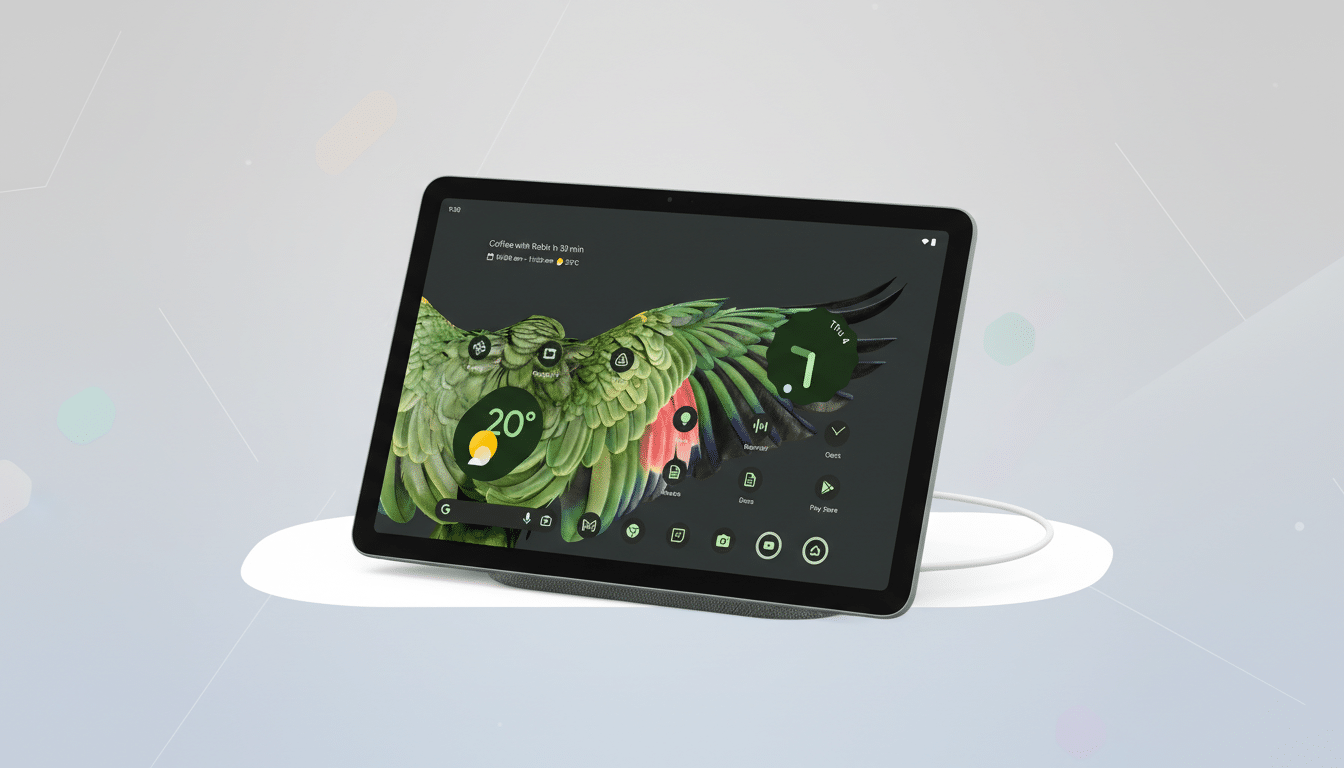
Beyond simple resizing, windowing taps into the large-screen features Google has been building since Android 12L. Expect smoother snapping behavior, quick gestures from the taskbar to spawn windows, and better support for mouse and keyboard. In practice, that means pairing a Bluetooth keyboard, using a trackpad to drag edges, and arranging a workspace that fits your flow—research in Chrome, notes in Keep, and a Meet call off to the side.
Under the hood, this also leans on Android’s WindowManager and activity embedding, so apps that adopt responsive layouts will look more like desktop software than stretched phone UIs. Google has spent the past few cycles optimizing its own apps for large screens, so Docs, Drive, Photos, and Calendar are well-positioned to take advantage from day one.
How It Stacks Up Against Key Tablet Rivals
Tablets that feel like computers are not new—Samsung’s DeX has offered overlapping windows on Galaxy tablets for years, and Apple’s iPadOS Stage Manager brought flexible multitasking to select iPads. Google’s move closes a meaningful gap for the Pixel Tablet, especially for users invested in the Android app ecosystem.
The broader Android tablet market remains sizable. IDC estimates Android-powered slates consistently account for roughly 55–60% of global tablet shipments, led by brands like Samsung and Lenovo. For Google, maturing windowing on its own hardware is a signal to developers and OEM partners that large-screen Android is a priority, not an afterthought.
There is also a clear ecosystem strategy. Alongside the tablet changes, Google is expanding a desktop-like experience when plugging newer Pixel phones into external displays via USB-C, complete with multi-window support for mouse and keyboard. Together, these updates suggest a push to make Android viable for “real work” scenarios where multiple apps must coexist fluidly.
Getting Started On The Updated Pixel Tablet
After installing the latest Feature Drop, you will see new windowing behaviors when launching apps from the taskbar or recent apps view. Drag an app icon to the side or center to open it in a window, then resize from the corners. Most standard Android input works as expected: tap to focus, use keyboard shortcuts in supported apps, and right-click with a mouse to access context menus where available.
While the Pixel Tablet does not natively output video over USB-C, the new windowing still benefits docked setups where the slate doubles as a smart display and a shared workstation. Pairing a keyboard and pointer turns it into a credible writing, research, or classroom device—particularly for web apps and Google Workspace.
Why It Matters For Apps, Multitasking, And Workflows
For developers, windowing reinforces Google’s guidance to adopt adaptive layouts, robust resizing behavior, and multi-instance support. Apps that honor breakpoint-aware designs will feel native in windows, while those that assume full-screen phones may letterbox or hit layout quirks. Google has been evangelizing Jetpack WindowManager and activity embedding, and this update puts real usage pressure behind that guidance.
For users, the gains are concrete. Research shows multitasking time often accounts for a sizable share of tablet use in education and hybrid work, and overlapping windows reduce context switching taxes. In day-to-day terms, that is drafting a report with source material visible, keeping an eye on chat threads, and tweaking a spreadsheet without bouncing between screens.
Early Caveats And The Pixel Tablet Road Ahead
Not every app will sing on day one. Some games and video apps resist windowing for DRM or performance reasons, and certain phone-first layouts may look awkward when shrunk. Performance will also hinge on how many windows you juggle and how demanding those apps are, especially on the Pixel Tablet’s Tensor G2 chipset.
Still, this is a meaningful milestone. With desktop-style windowing, the Pixel Tablet steps beyond consumption and into focused work. If Google continues to refine input, snapping, and app compatibility—and developers keep shipping large-screen updates—Android tablets can better meet users where they are: somewhere between a couch companion and a capable laptop stand-in.