


Gmail on Android appears to be testing true label management — the ability to create, rename, and delete labels directly from the app — closing one of the product’s most persistent gaps. The options surfaced in a recent build of the Gmail app (v2025.12.29, based on app analysis), suggesting Google is preparing to bring Android in line with Gmail on the web and iOS. While there’s no confirmed rollout yet, the interface looks polished and behaves as you’d expect, a strong signal this is more than a rough experiment.
What’s Changing In Gmail For Android Label Management
Early testers report a new Create label entry tucked into the main navigation drawer, right alongside system and custom labels. Tap it, give your label a name, save, and you’re done — no desktop detour required. That single addition fixes the day-to-day nuisance of having to wait until you’re at a computer just to spin up a new label for a project, client, or trip.
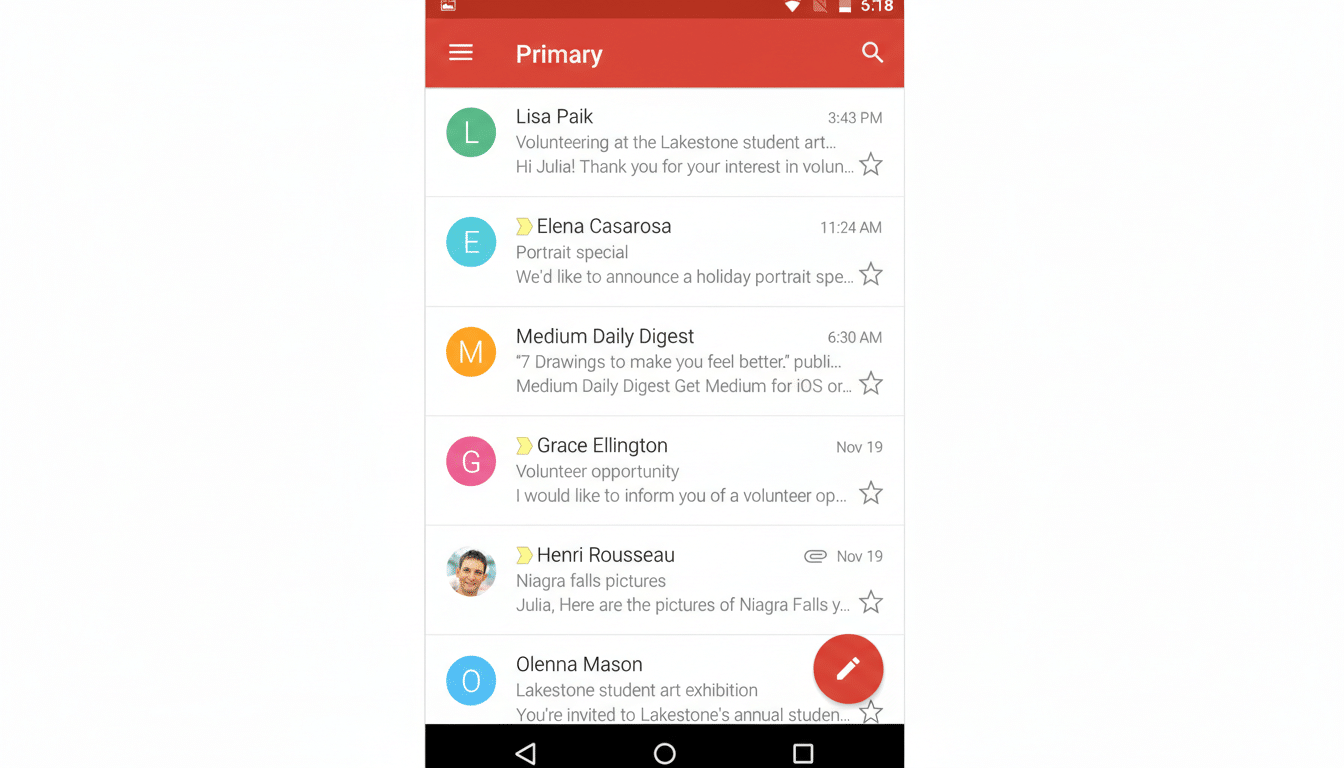
Label management lives deeper in settings, mirroring how it works on iPhone and iPad per Google’s support documentation. Head to Settings, select your inbox, and open Manage labels to rename or remove labels you created. System labels (like Starred, Sent, or Drafts) remain locked, just as they are on other platforms. Deleting a label doesn’t delete messages; it simply removes that classification from the affected emails.
Importantly, these controls apply to labels you’ve created anywhere — on desktop, iOS, or Android — so your existing taxonomy carries over and can finally be adjusted on the go.
Why This Matters For Mobile Gmail Workflows
Labels are the backbone of Gmail’s organization model. They power sophisticated filters, project-based sorting, and multi-dimensional categorization that folders can’t match. Yet on Android, power users have been stuck in a read-and-apply world, unable to evolve their system when work changes. That friction adds up — especially when triage increasingly happens on phones.
Consider a sales rep creating a “Q1 Proposals” label during airport downtime, or a contractor spinning up “Permit Docs” on-site. Today, many resort to makeshift prefixes, stars, or temporary labels until they reach a laptop. Giving Android full label control cuts that loop. It also reduces the chance of taxonomy drift, where rushed mobile workarounds slowly erode a well-structured inbox.
The timing is notable, too. Google has pushed AI features into Gmail — from smart replies to proactive summaries — while this basic organizational control has lagged behind. With Android commanding roughly 70% of global mobile OS share according to StatCounter, the absence has been glaring for a vast portion of mobile-first users.
Android Gmail Nearing Full Parity With iOS And Web
On desktop, label creation and management have been table stakes for years. iOS users have had in-app label controls as outlined in Google’s own help pages. Bringing Android up to parity should smooth cross-device workflows — start a label taxonomy at your desk, refine it in the field, and keep naming consistent everywhere. It’s a small feature with outsize impact on teams that depend on shared conventions like “Invoices 2026” or “Customer Escalations.”
For heavy Gmail users, parity also means fewer behavioral trade-offs. If you prefer labels to filters or categories, Android no longer forces a workflow compromise. And for those juggling multiple accounts — personal Gmail, school, and a work Google Workspace account — having consistent tools across platforms reduces cognitive load.
What To Expect From Gmail For Android Label Rollout
This discovery comes via app teardown and feature flags, which means plans can change. Google often staggers feature releases, enabling them for small cohorts before a broader launch, or shelving them if feedback isn’t positive. Still, nothing here is experimental or risky; the UI mirrors established patterns and aligns with capabilities already live on other platforms.
If you’re eager to try it, keep your Gmail app updated and watch for Create label in the navigation drawer. Beta channels sometimes receive toggles earlier, but availability will likely be server-side. Whether it arrives in days or takes a few cycles, the direction is clear: Android is finally getting the labeling control Gmail power users have been asking for years.
If and when it lands, expect one of those rare quality-of-life updates that quietly reduces friction every single day. Not flashy, just fundamental — exactly what long-time Gmail users on Android have been waiting for.