


Google is switching on a new capability for its AI assistant, and it goes straight to the heart of your digital life. Called Personal Intelligence, the feature lets Gemini look into your Gmail, Photos, YouTube history, and Search activity to deliver context-aware help. The promise is faster, more relevant answers. The question is whether the privacy tradeoff is worth it.
What Personal Intelligence Actually Does
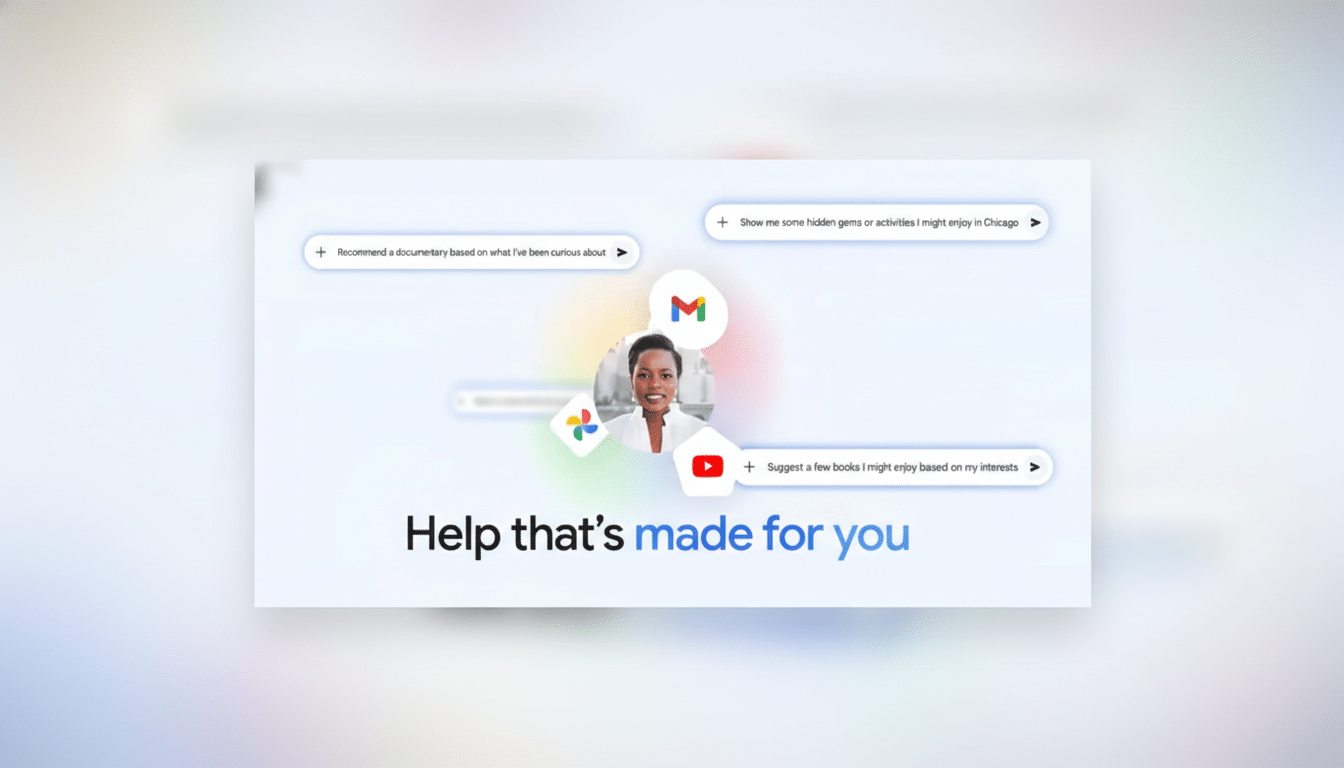
Think of Personal Intelligence as connective tissue across Google apps. Ask Gemini to “find the gate for my flight,” and it can pull the itinerary buried in your inbox. Ask for “the photo of my license plate,” and it can locate the image in your library. It can even link that long email thread about a DIY project to the YouTube video you watched, then summarize next steps.
This isn’t a new app. It’s an upgrade running in the background of Gemini 3 that uses your Google data only when relevant to a query. Google says the assistant will show citations indicating where it pulled facts from and is designed to avoid proactive assumptions around sensitive topics like health.
The Privacy Tradeoff And How Google Frames It
Google’s pitch is straightforward: more access yields better help. The company also stresses control. Personal Intelligence is off by default, with per-app toggles. It’s limited to personal accounts—no business, enterprise, or education workspaces—and works across the web, Android, and iOS. Google says it does not train models directly on your Gmail or Photos content; instead, limited training uses your prompts and the model’s responses, not the personal files themselves.
Privacy advocates will still raise eyebrows. The Electronic Frontier Foundation has long urged minimization of data flows between services, warning that any new cross-app bridge can widen the blast radius of a breach or subpoena. Regulators are watching too. The FTC has cautioned companies against “over-collection” and dark patterns that nudge people into sharing more than they intend.
The public remains skittish. Pew Research Center reports that most Americans are uneasy about how companies use their data, and more say they are concerned than excited about AI in daily life. That sentiment will shape how people judge features like this, even with opt-in controls.
Accuracy And Over-Personalization Risks To Watch
Google acknowledges two big risks: getting facts wrong and drawing the wrong personal inferences. Josh Woodward, who helps lead Gemini product efforts, has said the team worked to minimize both but expects mistakes during the beta. Over-personalization is the subtle one. If Gemini assumes you still live with a partner based on past photos or thinks you’re a golfer because you once filmed a friend’s tournament, the help can tilt from useful to intrusive.
There are guardrails. You can correct assumptions in chat, hit “try again” to strip personal context from an answer, and submit feedback to tune the system. Still, if you’re using AI to make decisions—rescheduling travel, reconciling expenses, or prepping medical paperwork—misfires can cost time or worse. The safe posture is to treat outputs as drafts, not decisions.
How It Compares To Other Assistants On Privacy
Apple Intelligence promises on-device processing where possible and a privacy architecture called Private Cloud Compute when it needs server power, aiming to limit how much raw personal data leaves your device. Microsoft’s Copilot ties deeply into Outlook, OneDrive, and Teams for organizational users, but corporate data protections and admin controls are standard. Google’s Personal Intelligence lands somewhere between: broad consumer reach, cross-app reasoning, and an opt-in design that still routes sensitive queries through Google’s cloud.
Availability And Controls For Personal Intelligence
Personal Intelligence is rolling out in beta to paid Gemini subscribers, including AI Pro and AI Ultra tiers, with plans to expand more broadly. Once enabled in Settings under Personal Intelligence and Connected Apps, it works with any model in the Gemini picker. Google says Search in AI Mode will also tap into this context soon.
If you do try it, tighten the basics.
- Use app-level toggles to connect only what you need.
- Review your Google Account Activity controls and consider shorter auto-delete windows.
- Periodically audit what’s connected, and revoke access you don’t actively use.
- For especially sensitive tasks—legal issues, finances, health—leave Personal Intelligence off and rely on manual searches or direct app queries.
Should You Turn It On Or Leave It Disabled
It depends on your risk tolerance and use case. If your inbox doubles as your memory and you regularly juggle travel, deliveries, or projects, the time savings could be real. If you’re privacy-first, prefer least-privilege data sharing, or manage sensitive material, you’ll likely keep it off and connect apps only for specific tasks.
The bigger story is where assistants are headed. Cross-app reasoning is becoming table stakes, and the winners will be those that deliver utility without eroding trust. For Google, proving that Personal Intelligence is helpful, reversible, and respectful of boundaries will matter more than any flashy demo. The best help, after all, is the kind you don’t regret accepting.