


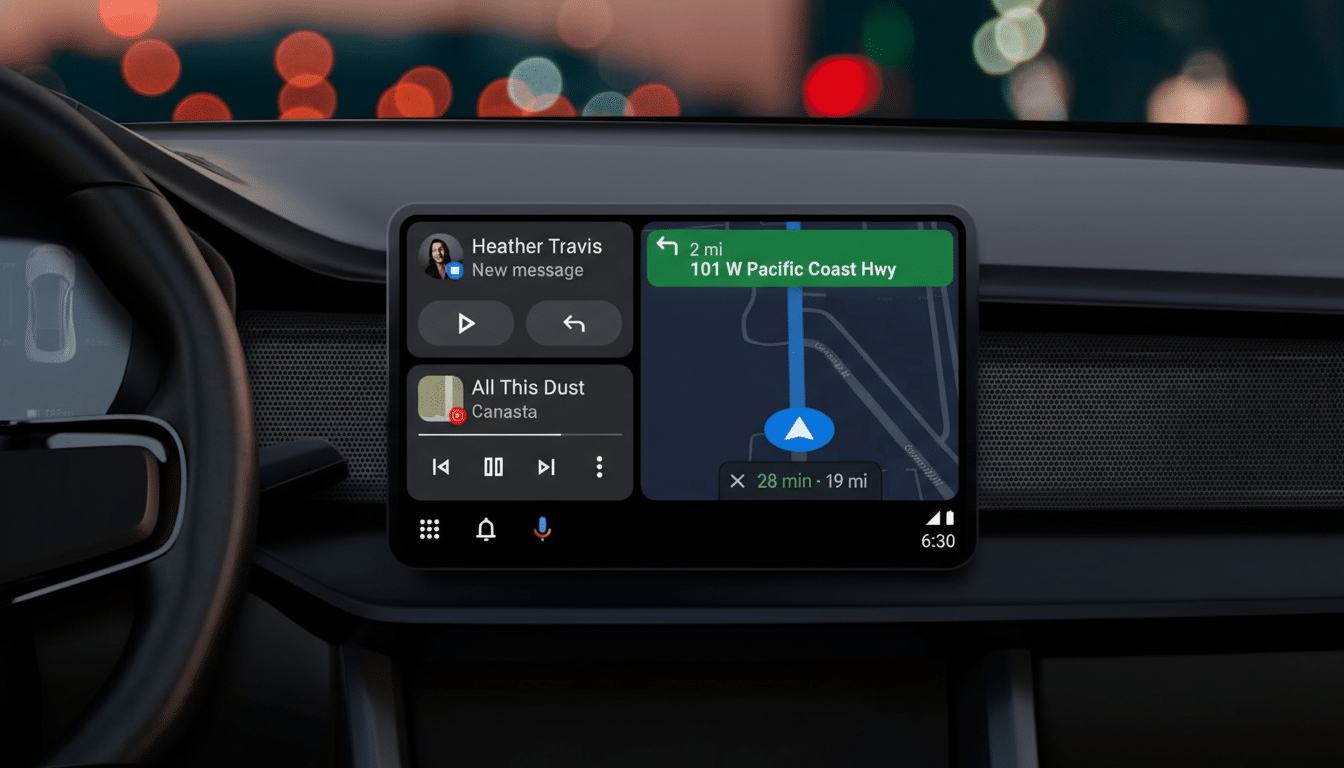
Gemini’s rollout to Android Auto is hitting a snag for some drivers, with reports that the assistant can fall into a conversation loop, interrupting itself mid-answer and starting over. The glitch appears most common when Gemini Live is active, and several users say the behavior is triggered by their car’s Bluetooth setup rather than a simple software hiccup.
What Users Are Seeing During Gemini Loops in Android Auto
Drivers describe a frustrating pattern. They ask a question, Gemini begins to respond, then abruptly flips into listening mode as if it heard a new prompt, and attempts to answer again. In some cars the loop repeats several times, especially when the phone is paired over Bluetooth. One user noted that lowering the car’s media volume reduces how often the assistant cuts itself off, while another said the same behavior shows up with the regular Gemini app when used in the vehicle.
The most detailed reports come from owners of older infotainment setups supplemented with aftermarket modules. One driver with a 2014 car said their system introduces a 3–4 second delay in audio over Bluetooth, which aligns neatly with how and when Gemini starts talking over itself.
Bluetooth Latency Likely to Blame for Gemini’s Voice Loop Issue
Voice assistants rely on barge-in detection and echo cancellation to handle full-duplex conversations. In plain terms, the system must filter out its own voice coming through the speakers so it does not mistake that for a new user command. When Bluetooth adds significant delay, the assistant’s speech returns to the microphone out of sync, making the software believe someone has started speaking again. The result is a stutter: talk, listen, talk, listen.
Typical A2DP Bluetooth audio adds roughly 150–300 ms of latency, according to figures commonly cited by audio engineers. Specialized codecs such as aptX Low Latency can lower that to around 40 ms under ideal conditions, as referenced by Qualcomm. But older head units, adapters, or complex audio routing can produce multi-second delays. A 3–4 second lag is more than enough to defeat echo cancellation and trigger false barge-ins, which would explain why the loop shows up most often with aftermarket or legacy Bluetooth paths.
Gemini Live also seems more sensitive than traditional voice modes. Continuous conversation requires aggressive barge-in to feel natural, but those same thresholds become brittle when the return audio is delayed. That interplay may be exposing an edge case in Gemini’s Android Auto tuning.
Why This Matters for Safety and Driver Attention
Beyond annoyance, looping voice prompts can mask turn-by-turn navigation, interrupt phone calls, or distract the driver at critical moments. Research from the AAA Foundation has previously shown that in-vehicle voice interactions can impose measurable cognitive load; repeated restarts and overlapping audio only increase that burden. With Android Auto now available in more than 200 million vehicles globally, according to Google, even a small failure rate could affect a large number of daily drives.
Workarounds You Can Try to Stop Gemini Loops in Android Auto
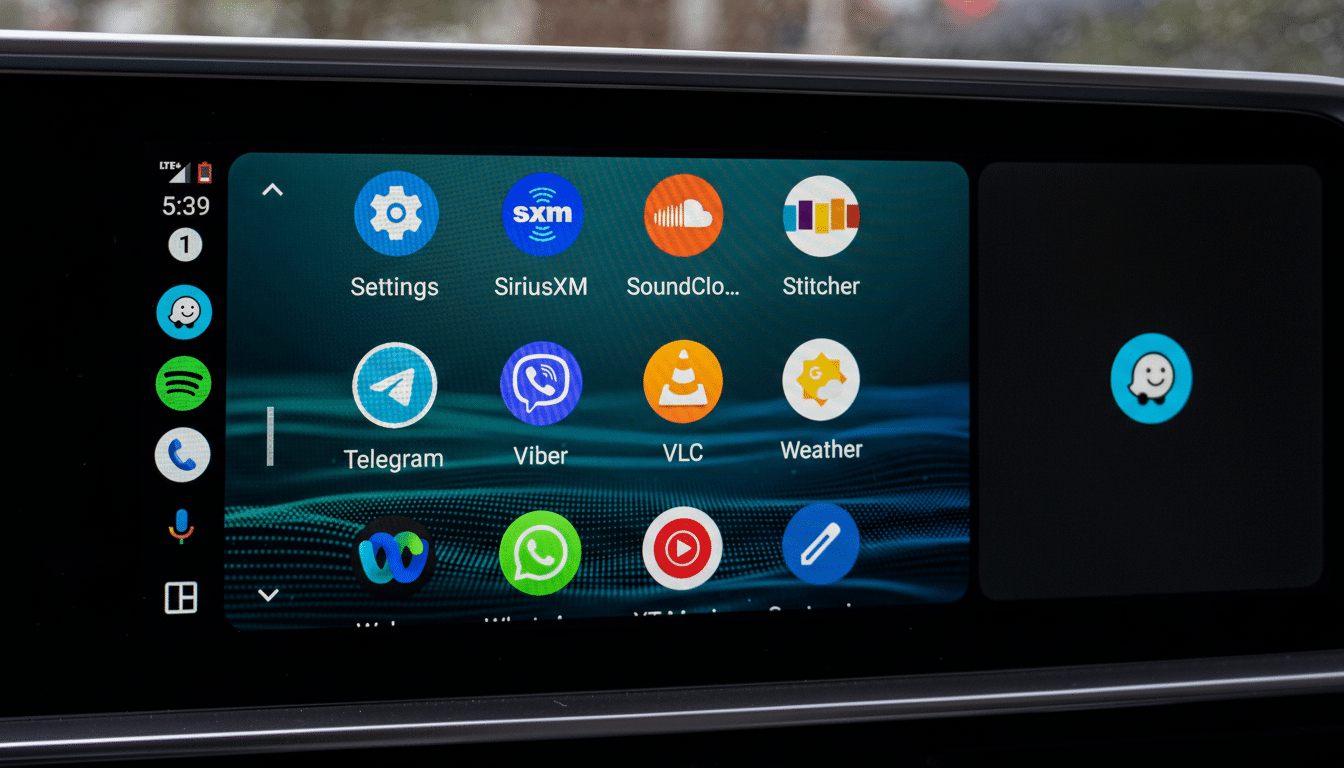
If you are experiencing the loop, the most effective workaround is to bypass the high-latency path. Use a wired USB connection for Android Auto so voice and media audio travel with minimal delay. If your setup forces Bluetooth for media, try routing only phone calls over Bluetooth and keep media on the car’s native input or a wired connection where available.
Reducing the car’s media volume can help by limiting how much of Gemini’s own voice reaches the microphone. Some users report success by temporarily switching their default assistant back to Google Assistant in system settings on the phone, then returning to Gemini once the issue is resolved. Toggling off hotword detection or disabling Gemini Live’s continuous conversation mode, where possible, can also mitigate barge-ins.
If none of the above works, collect logs and report the behavior through Android Auto’s Send Feedback option and the Gemini app’s feedback channel. Including details about your car model year, Bluetooth modules, and any aftermarket hardware improves the odds of a quick diagnosis.
What Google Could Do Next to Fix Android Auto Gemini Loops
There are technical levers that could make Gemini more resilient. Android Auto can detect whether audio is traveling over Bluetooth and adjust barge-in sensitivity or apply stronger echo cancellation. Gemini could prioritize push-to-talk on steering wheel controls when high latency is detected, reducing the need for open-mic conversation. A simple user-facing option to force responses to text on screen when Bluetooth latency is high would also sidestep the loop without removing functionality.
For now, this looks like the classic clash between cutting-edge conversational AI and the messy realities of in-car audio chains. Until tuning catches up, a cable and a few settings tweaks are your best bet to keep Gemini from talking itself in circles.