


Google’s new Gboard beta is now showing the much-anticipated redesign of the Expressive settings — on top of more subtle emoji picker changes — indicating a wider Material You adoption for one of the world’s most popular keyboards.
Early adopters say they have seen the revamped interface on version 16.5 of the beta — but there’s a catch: it only shows up right now on devices that run Android 16.
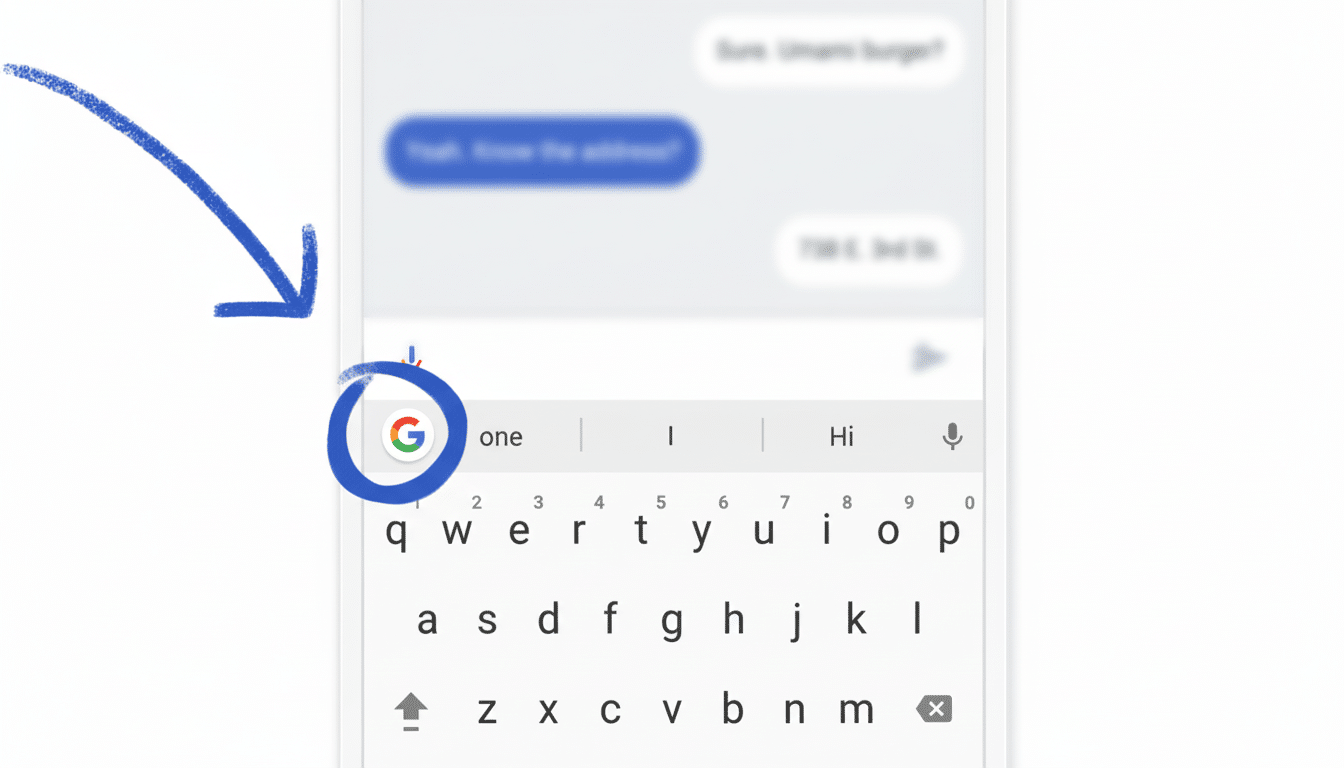
What’s changing in Gboard’s expressive settings and emoji
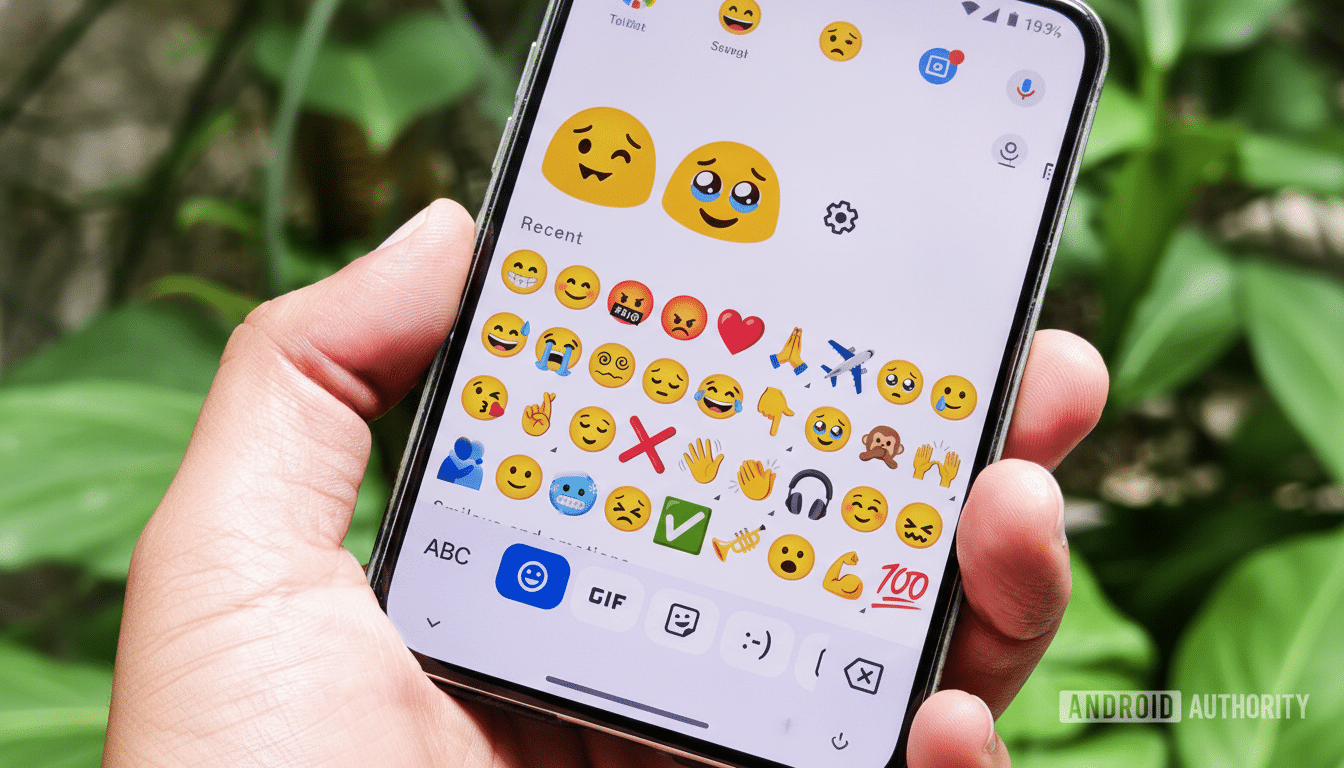
The noteworthy update here is the new Expressive settings UI, which revamps how you handle emojis, stickers, GIFs, and related suggestions. Menus have been updated to match Google’s Material 3 design language, including clearer sections, bigger touch targets, and color that adapts based on your theme. The end product is less searching through nested menus and more fine control of what Gboard surfaces to you as you type.
The emoji picker also receives a polish pass. Category tabs get a little more polished, with softer colors plus a new, rounder, and larger selection pill that makes things clearer at a glance. They are modest-looking tweaks, but they represent a real-world pain point, as rapid swipers between Smileys, Animals, Objects, and Symbols now get stronger visual cues to help prevent mis-taps and to speed up selection.
Why it matters for emoji and expressive input
Emoji is now central to online communication. The Unicode Consortium’s own research indicates people online use emoji at a rate of about 92%, and in messaging-heavy zones, the expressive layer — emoji, stickers, GIFs, and the like — can be more engaging than plain text. Mild interface tweaks can tip you in and out of a state of speed, accuracy, and the extent to which people rely on visual reactions instead of longer replies.
Material 3 alignment also finally gives some consistency with other Google apps and system components, which is important for muscle memory. If you have a Pixel or any other Android device where system UI, Photos, and Messages already adhere to Material 3’s design language, Gboard’s new controls will look familiar. That lowers the mental overhead when switching features such as emoji suggestions, animated sticker suggestions, or Emoji Kitchen combinations.
Availability and rollout for the Gboard redesign and emoji updates
For the time being, it seems this redesign is only showing up with Android 16 devices using the most recent version of the Gboard beta. Within those limitations, it’s still going to be a server-side rollout — some of you will see the changes right away, some of you just won’t, despite being on the same build. This gradual launch is par for the course in the Play Store, allowing Google a chance to verify stability and metrics before rolling things out.
If you’re running Android 15, don’t be surprised if nothing appears to have changed yet. The company typically tests UI overhauls on more recent platform builds first, then expands the release once telemetry shows that the design stands up across screen sizes, locales, and input types.
What’s different from previous tests of Gboard’s emoji UI
The emoji tab bar has been reworked once more and looks different compared to previous test builds. The currently selected tab now has a slightly rounder, more pill-shaped highlight, and the category colors have been adjusted so they’ll read better against dynamic backgrounds. These are subtle changes, but they are aimed at helping reduce visual noise while allowing quick recognition of each emoji category.
What to watch next as Gboard’s expressive redesign expands
Do not be surprised if the makeover of Expressive settings continues to grow beyond Android 16 once Google finishes testing this in diverse locales and other environments. With Gboard and system theming closely tied together, it’s a safe bet that there will be more Material 3 parity across the company’s apps as well. It will also be interesting to see how these UI changes interact with forthcoming emoji standard updates courtesy of the Unicode Consortium; as new characters land, discoverability in the picker and quality of suggestions will be key.
Gboard has been installed billions of times, and it plays an oversized role in how many of us communicate on Android. And while these updates may seem incremental, they influence daily behavior. A cleaned-up Expressive hub, crisper emoji navigation, and smarter visual emphasis can shave seconds from repetitive tasks — and at Gboard’s global scale, seconds add up.