


Garmin is rolling out a new beta to Vivoactive 6 users which focuses on an ongoing battery drain issue. Additionally, the firmware—numbered 15.05—adds a new ‘quick palm check’ to dismiss notifications and now presents the Morning and Evening Reports in the watch’s Notification Center instead of being buried within an app, small things that increase daily usage usability on top of the power-saving fix.
What the updated firmware changes and improves
Three headline shifts reported by early recipients: one, a power management fix that was meant to prevent “excessive” idle battery drain but instead just made things worse for some people in past builds; second, a nifty gesture—wave your hand over the screen to dismiss notifications—useful when you’re running or in a meeting; and third, quicker access to Garmin’s Morning and Evening Reports from the Notification Center—you can now glance at sleep, readiness and daily outlook without having to wade through widgets.
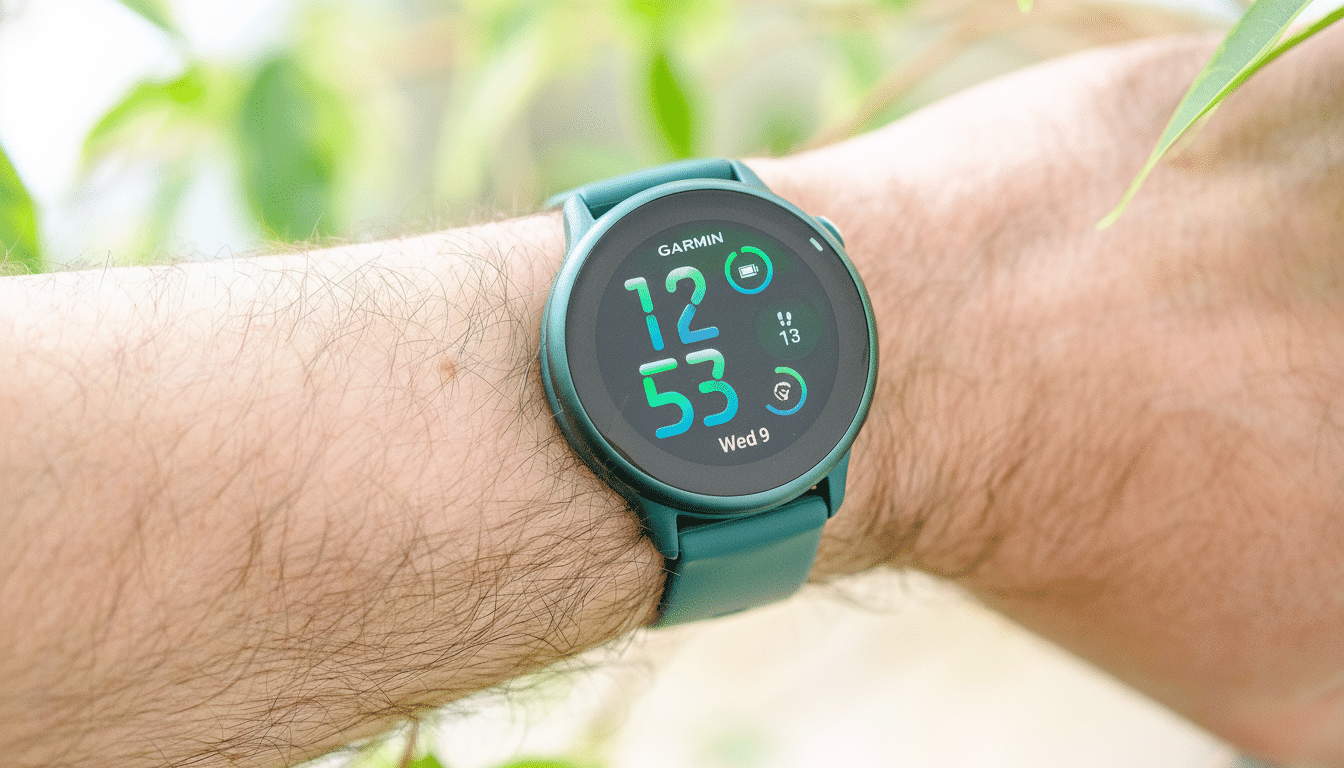
The gesture and report shortcuts are quality-of-life improvements, but the battery fix is the reason to update. Users who recharge only every couple of days can find their routine ruined by a surprise overnight drop; bringing consumption back into line is the difference between ending a long run with confidence and babysitting a power bar.
Why the battery bug was a big deal for owners
Battery is one of the highest purchasing drivers, repeatedly cited by IDC and Counterpoint analysts as a key reason why people switch platforms in wearables. Garmin’s appeal has always been multi‑day endurance, so any step back is going to be noticed quite quickly in the community. Forum posters report anomalous idle losses and faster-than-expected loss during normal use—which is the kind of behavior indicative of a background process kicking up trouble, rather than a single heavy feature like GPS.
In devices that have a lot of health-related functionality, these sorts of battery issues can generally be traced to notification polling, sensor sampling intervals or watch-face complications asking for data too often. A change on the firmware side can recalibrate those timers to make Bluetooth behave better, or more aggressively gate background jobs when the display is off. Garmin hasn’t offered a technical postmortem, but the smooth return to normal runtimes as described by their early testers indicates that the problem resided in power management rather than hardware.
Version hops and rollout anomalies explained
Some owners saw their devices go from version 12.74 to 15.05 and questioned what they had skipped. Garmin typically splits a core software branch across families like Forerunner, Venu, and Fenix/Epix so numbering can jump as features and fixes converge at different times for each device line. It’s not uncommon for beta builds to make it out before a finalized changelog, and reports from the Garmin Community forums and Notebookcheck also claim that the update is already arriving on people’s units well before official notes were posted.
The staggered pace is confusing at times, but it enables Garmin to push an urgent fix through quickly, then update documentation after verifying stability at scale.
Installing and confirming the patch on your watch
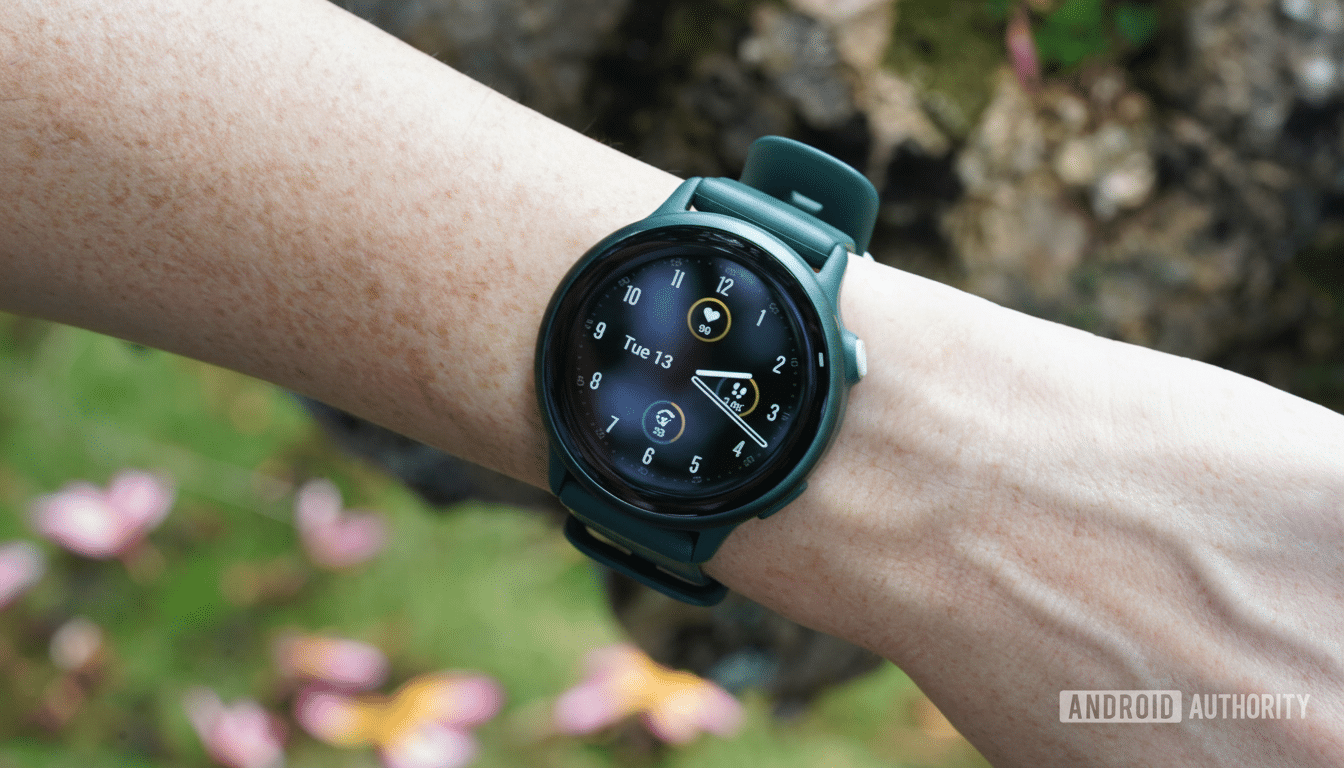
Go to Menu > Settings > System and down to Software Update to check your watch. If you are able to upgrade to 15.05, it can be done either wirelessly or through your phone via Garmin Connect. After it updates, charge the watch to full, wear like normal for a day, and then compare the idle versus active drain in the Battery widget’s chart against your baseline.
If you’re still experiencing erratic drain, perform a quick sanity check:
- Restart the watch.
- Revert to a stock watch face.
- Temporarily turn off power‑intensive features such as Always‑On Display or all‑day SpO2.
Long-term problems should be reported on the Garmin beta feedback channels or via Garmin Support with logs from GCM; detailed reports help engineers identify edge cases sooner!
What it means to be a Garmin owner right now
A high‑impact bug fixed promptly is a good sign for the platform’s update cadence. For Vivoactive 6 owners, it brings back one of the watch’s key features: reliable multi‑day endurance. More generally, however, it shows how Garmin’s shared codebase can allow fixes and features—such as the palm gesture and report shortcuts—to arrive on product lines more quickly than they would with a formal release.
In a field where Apple, Samsung and Fitbit are increasingly competing on health insights and convenience, stable battery life is table stakes. This beta suggests Garmin is paying attention to what its community wants and iterating fast, which is exactly what athletes (and everyday wearers) want in a training partner on the wrist.