


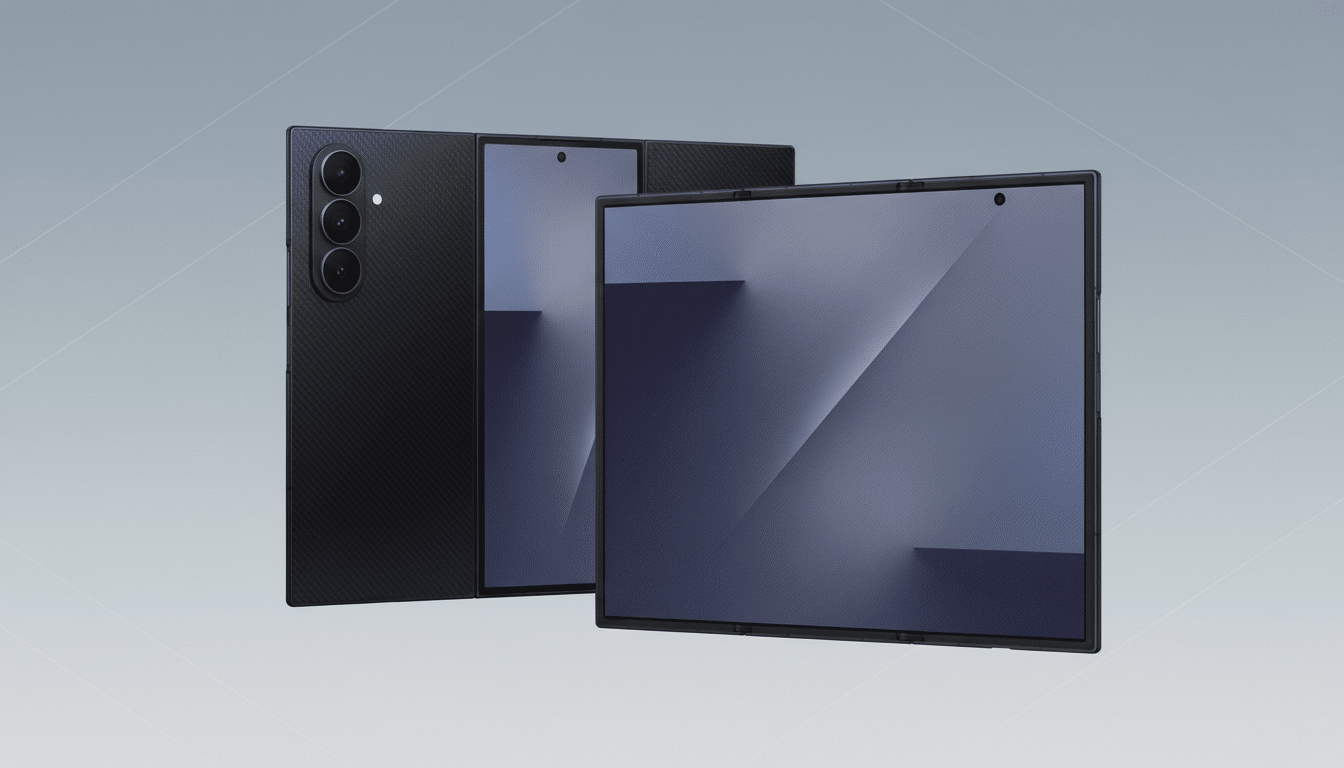
Early buyers of Samsung’s Galaxy Z TriFold are flagging an unsettling problem: some inner displays are failing after only a handful of days or weeks of normal use. Reports from owner communities describe blacked-out panels, unresponsive touch, sudden white screens, and even audible “pops” when folding — all pointing to a potential durability headache for the most ambitious foldable design yet.
What Users Are Reporting About Inner Screen Failures
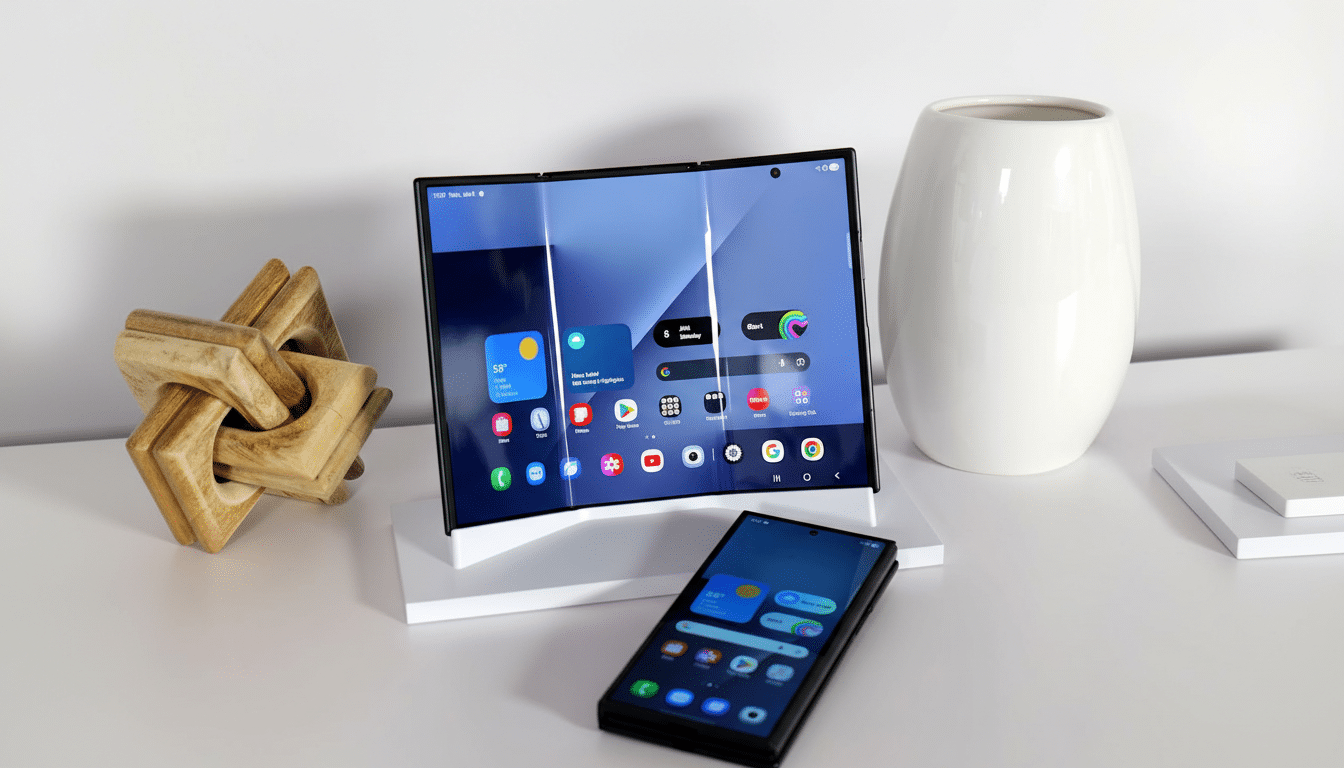
Multiple posts on Reddit, surfaced by tech watchers, detail inner screens that abruptly stop working. In one case, the display flashed green and went black after about a month and a half of trouble-free use, briefly recovering with a reboot before failing again and remaining unresponsive. Another user said their inner screen went completely white within five days and no longer registered input, noting a faint popping sound when folding and what looked like an air bubble beneath the surface.
- What Users Are Reporting About Inner Screen Failures
- Possible Causes Behind These Early Inner Screen Failures
- How Widespread Is the Problem for Galaxy Z TriFold Buyers
- What Affected Owners Should Do If the Inner Screen Fails
- Practical Tips to Reduce Risk and Stress on Foldables
- Why This Matters for the Foldable Market
Both owners say they handled the device with care — no drops, extreme temperatures, or excessive folding. While two cases don’t define a trend, the specific symptoms echo known failure modes in foldable panels and have understandably rattled early adopters of a brand-new form factor.
Possible Causes Behind These Early Inner Screen Failures
Foldable inner displays remain complex stacks of ultra-thin glass (UTG), polymer layers, adhesives, and protective films, all hinging — literally — on precise tolerances. In tri-fold designs, stress is distributed across multiple bends and radii, increasing the number of potential stress points compared to a single crease.
A sudden green flash followed by a black screen can indicate a panel-level fault or a display driver issue, where power or signal integrity to the OLED stack is disrupted. A persistent white screen may suggest the panel is powered but failing to render an image correctly — potentially a driver, connector, or layer separation issue. The “popping” sound and visible bubble are classic signs of adhesive delamination or a compromised protective film, which can quickly cascade into touch failure or panel damage if stress continues at the crease.
To be clear, these are informed possibilities rather than diagnoses. Environmental factors, microscopic debris near the hinge, or accidental pressure on the crease can all accelerate wear. Analysts at firms like DSCC have long noted that while UTG has improved foldable durability, the inner screen’s layered construction remains more fragile than a traditional glass slab.
How Widespread Is the Problem for Galaxy Z TriFold Buyers
Right now, the evidence is anecdotal. The Galaxy Z TriFold reportedly sold briskly at launch, and only a small number of public complaints have surfaced. Early production runs of any new hardware can see isolated defects that don’t reflect the broader population.
Samsung typically underscores that its foldables undergo extensive lab testing, often citing hundreds of thousands of fold cycles under controlled conditions. Real-world usage, however, introduces dust, pocket lint, skin oils, and uneven pressure — all variables that standardized tests struggle to replicate. Until a larger pattern emerges, it’s prudent to treat these as cautionary cases rather than a systemic flaw.
What Affected Owners Should Do If the Inner Screen Fails
If your inner display shows flickering, color flashes, white-out, popping sounds, or visible bubbles, stop folding the device and contact Samsung support immediately. In-warranty service typically involves diagnostics and, if confirmed, a module-level display replacement. Back up your data before sending the phone in, as display repairs can require disassembly and may trigger a full device reset.
Owners with protection plans such as Samsung Care+ may see faster turnaround or reduced repair fees depending on coverage. When contacting support, include photos or videos that capture the failure and describe the conditions when it occurred — details like whether the device was folded at the time, recent temperature exposure, and any visible artifacts help technicians pinpoint root causes.
Practical Tips to Reduce Risk and Stress on Foldables
While no amount of care can prevent a defective unit from failing, good habits help minimize stress on foldable screens:
- Do not remove the factory-installed inner screen protector or use aftermarket films not approved for foldables.
- Avoid pressing directly on the crease; use gentle, even taps and swipes.
- Keep dust and grit away from the hinge and inner display; clean with a soft, lint-free cloth using light pressure.
- Refrain from folding while debris is on the screen and avoid extreme heat or cold.
Why This Matters for the Foldable Market
The TriFold represents an ambitious leap — a phone that unfolds into a tablet-like canvas with additional folding complexity. For the category to keep growing, consumer trust in durability must rise in lockstep with innovation. Early stumbles, even if isolated, can color perceptions beyond a single model.
Competitors experimenting with multi-fold concepts will be watching closely. If these reports stay rare and are handled swiftly through warranty support, the impact may be minimal. But if more cases surface with consistent failure patterns, it could force design or materials changes in subsequent batches.
For now, prospective buyers should be aware, current owners should be attentive, and the industry should be transparent. New form factors are exciting — and they work best when the wow factor isn’t overshadowed by worry.