


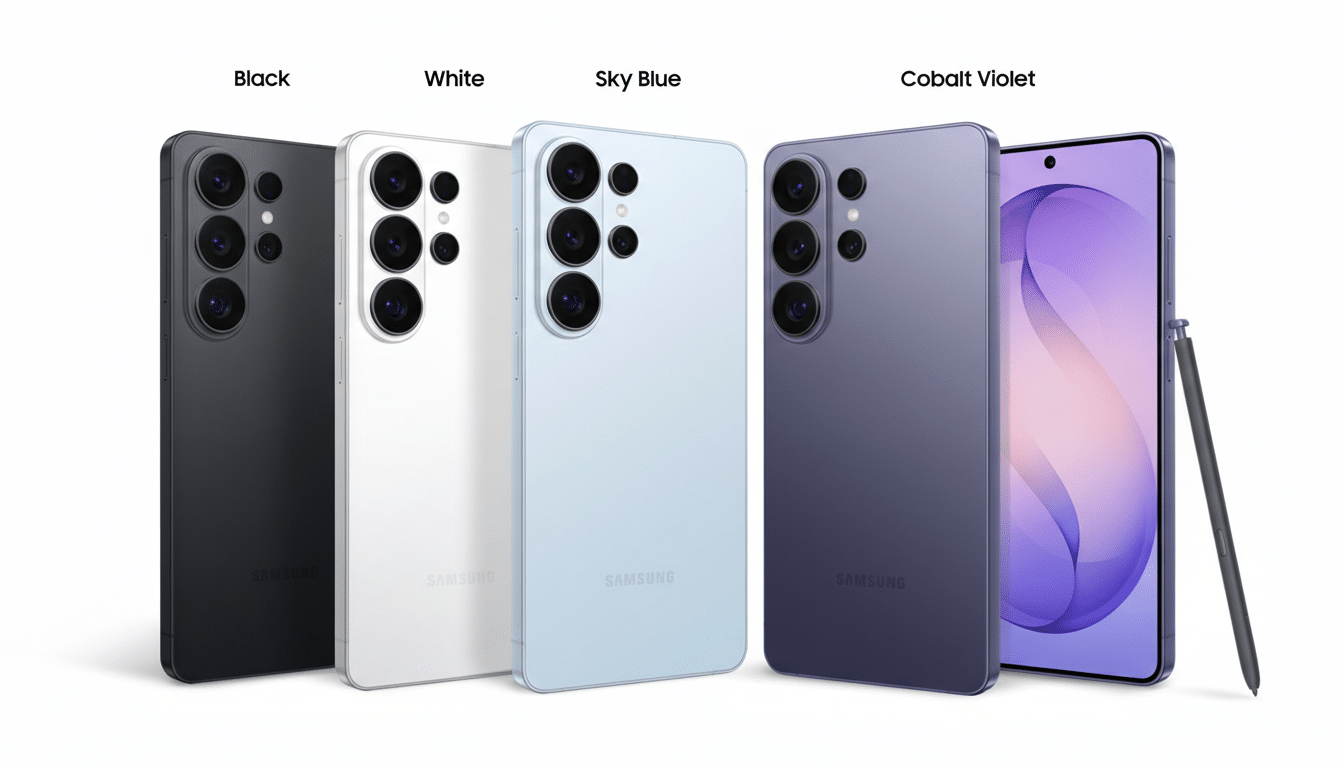
Samsung’s new Privacy Display on the Galaxy S26 Ultra is designed to keep prying eyes at bay by narrowing viewing angles on demand. But early hands-on impressions and macro close-ups suggest a side effect that’s hard to ignore: subtle but consistent drops in image clarity and color uniformity, even when the privacy feature is switched off.
What Changed in Samsung’s Display Panel Design
Instead of adding a conventional privacy filter layer, Samsung reportedly engineered the OLED itself with two pixel types. “Wide” pixels behave like normal OLED subpixels, while “narrow” pixels emit light into a tighter cone aimed straight ahead. In standard use, both pixel types are active; enable privacy, and the wide ones are selectively disabled to block side glances.
The catch is baked into the physics. Even with privacy off, narrow pixels still project into a smaller viewing cone. Look at the display dead-on and you see the full mix; move off-axis and the contribution from narrow pixels falls off faster than the wide ones. That asymmetry can shift perceived color, reduce perceived sharpness, and make fine text edges look rougher—especially under magnification.
Why Viewing Angles Can Hurt Display Image Fidelity
Display scientists describe this as an angular color shift and a modulation transfer function hit—the fancy way of saying detail and tone accuracy drop as your viewpoint drifts. With OLED PenTile layouts already relying on subpixel rendering tricks, mixing narrow and wide emission cones complicates how anti-aliased text is sampled by your eyes. Gray edges can take on faint fringes, and crisp strokes may look a touch jagged compared to a panel where all subpixels share similar angular behavior.
Conventional privacy films are known to cut luminance and alter off-axis colors, as documented by vendors like 3M. The S26 Ultra’s approach aims to avoid a brightness-sapping overlay, but the pixel-level privacy strategy introduces its own trade-offs: differing visibility of subpixels at different angles and, in turn, small shifts in how the image resolves.
What Early Tests and Users Are Seeing So Far
Macro photos shared by display enthusiasts on X, including side-by-side shots comparing an earlier Ultra model with the S26 Ultra, highlight the issue. Under magnification, larger black text on the S26 Ultra shows slightly rougher edges, while smaller gray text exhibits more visible color bleed versus the cleaner baseline of the previous generation panel. These comparisons were taken with privacy mode off and from a near head-on angle, suggesting the effect is intrinsic to the mixed-pixel design.
Anecdotally, some early adopters on Reddit’s Galaxy community report canceling preorders after hands-on demos, citing eye strain or noticeable fringing on small UI elements. Others say they cannot perceive a difference at normal distances. That split tracks with how sensitive users are to subpixel layout nuances—some people instantly notice OLED PenTile quirks, while others never do.
Does It Matter at Typical Phone Viewing Distances
Under a microscope, any panel reveals imperfections. The real question is whether they persist at arm’s length. In mixed pixel-cone designs, the biggest penalties typically appear off-axis—think reading in bed or glancing from the side on a desk—when narrow-cone subpixels contribute less, shifting color balance and thinning stroke weight. If you tend to hold your phone square-on, the impact is reduced but not necessarily erased, especially for small, gray-on-light text rendered with fine anti-aliasing.
HDR video and calibrated photo work are less forgiving. Subtle hue accuracy and tone mapping can be affected by angular behavior and uniformity. Professional reviews from organizations that quantify viewing-angle color shift and luminance falloff will be important to watch once lab data arrives.
What Software and Calibration Changes Could Improve
Two levers may help. First, subpixel-aware text rendering can be tuned. Modern Android stacks already lean on grayscale anti-aliasing to minimize OLED chroma fringing; further adjustments to font weight, gamma, and hinting at small sizes could soften artifacts. Second, display calibration can target a more stable white point off-axis by compensating for the unequal falloff of the narrow pixels, though that’s a balancing act that risks head-on accuracy.
A firmware-level toggle that more aggressively blends pixel contributions when privacy is off—effectively prioritizing the wide pixels at small text sizes—could also help. Whether that’s feasible without undermining the privacy effect remains to be seen.
Practical Buying Advice Before You Preorder or Upgrade
If you’re sensitive to text clarity or do a lot of off-axis viewing, try a unit in person before buying. Load a page with mixed black and gray text, tilt the phone 20–30 degrees, and watch for color fringing or edge roughness. Compare with a prior Ultra if possible. For most users who view head-on and value on-device privacy, the trade-off may be acceptable. But for accuracy sticklers, it’s worth waiting for comprehensive lab tests and potential firmware tweaks.
Bottom line: the Privacy Display is an innovative idea with real-world benefits, but early evidence suggests it can subtly compromise perceived sharpness and color uniformity even when disabled. Until we have standardized measurements, hands-on evaluation is the smartest move.