


If not for one standout feature, I’d have little reason to care about this year’s Galaxy S26 launch. The Ultra model’s new Privacy Display is the rare, concrete upgrade that promises to change how we use phones in crowded spaces, not just how fast they benchmark. It targets a real problem—shoulder surfing—without slapping on the usual trade-offs that make most privacy solutions feel like compromises.
The one feature worth waiting for on Galaxy S26 Ultra
Privacy Display is a hardware-level screen mode that dramatically narrows viewing angles so content remains legible to you but fades to near-black for anyone off-axis. Think of it as a built-in privacy filter, minus the dim, grainy film and fingerprint sensor headaches that plague stick-on protectors. It is designed to activate on demand or automatically during sensitive moments, like typing PINs, reading notifications, or opening banking apps.
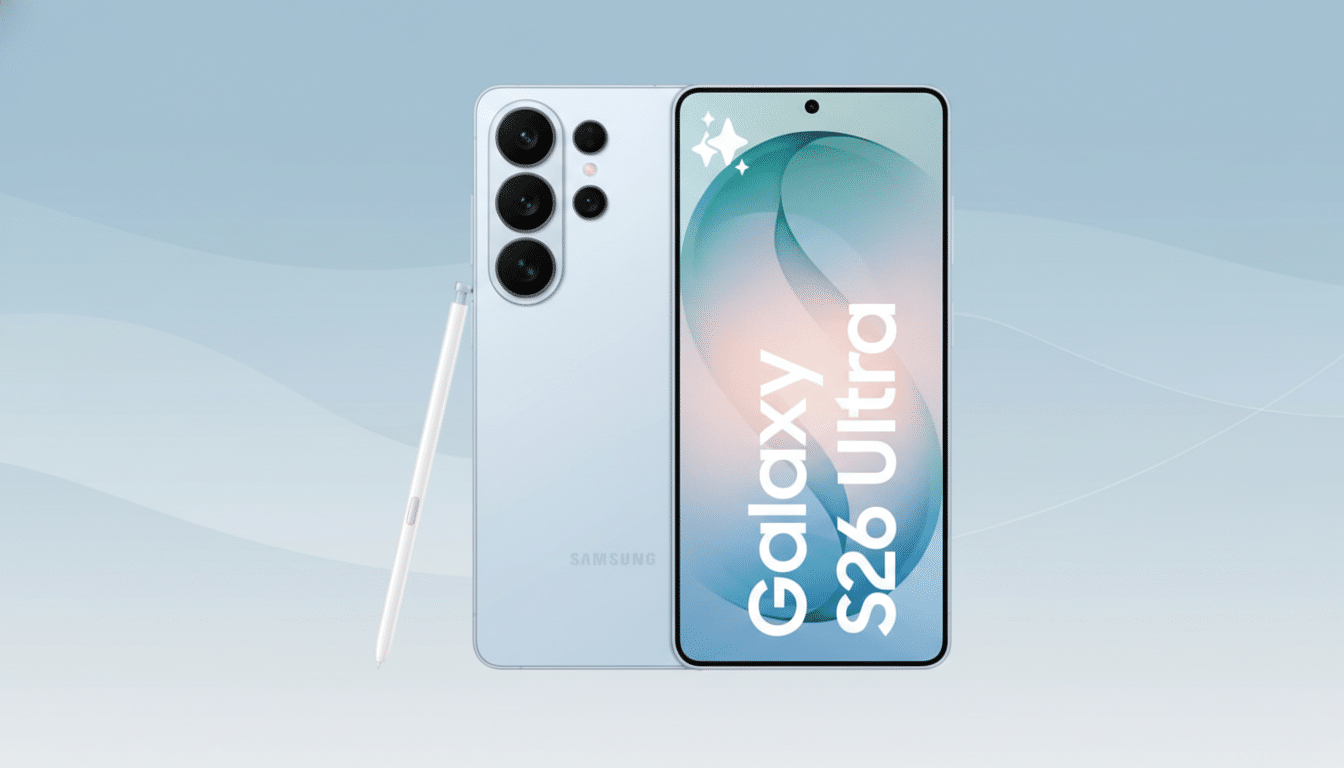
Unlike all-or-nothing filters, Samsung’s approach reportedly supports selective masking. You can make only banners or pop-ups private while the rest of the display stays normal, or trigger full-screen privacy in designated apps. That blend of control and convenience is exactly the nuance most privacy add-ons lack.
How Samsung is pulling it off with new OLED tech and software
Samsung Display has already laid the groundwork with its recent OLED stacks, including the M14 panel used in the Galaxy S24 Ultra. Two building blocks matter here. First, Color Filter on Encapsulation replaces a traditional polarizer with a color filter, improving light transmission and efficiency—a foundation for better brightness headroom when privacy dimming kicks in. Second, Samsung’s pixel-control techniques, often referenced under branding like Flex Magic Pixel, suggest more granular tuning of emission patterns to tighten the viewing cone at the pixel level.
The rest comes from software. One UI adds a Quick Settings toggle and deeper options to automate based on conditions: secure text entry, specific apps, gallery viewing, notifications, or even picture-in-picture video. Expect integration with Modes and Routines so you can, for example, enable Privacy Display automatically on public transport. Samsung has also indicated developer hooks so third-party apps can trigger privacy zones precisely where they’re needed.
Why it matters in the real world for privacy and security
Visual hacking is more common than most people assume. In the widely cited 3M Visual Hacking Experiment run by the Ponemon Institute, observers successfully captured sensitive on-screen data in 91% of attempts across typical office environments. Transit systems and cafes are even less forgiving. Police departments from London’s Metropolitan Police to the NYPD have warned about thieves who watch victims enter passcodes before grabbing their phones—an MO that a timed, angle-limiting screen could help blunt.
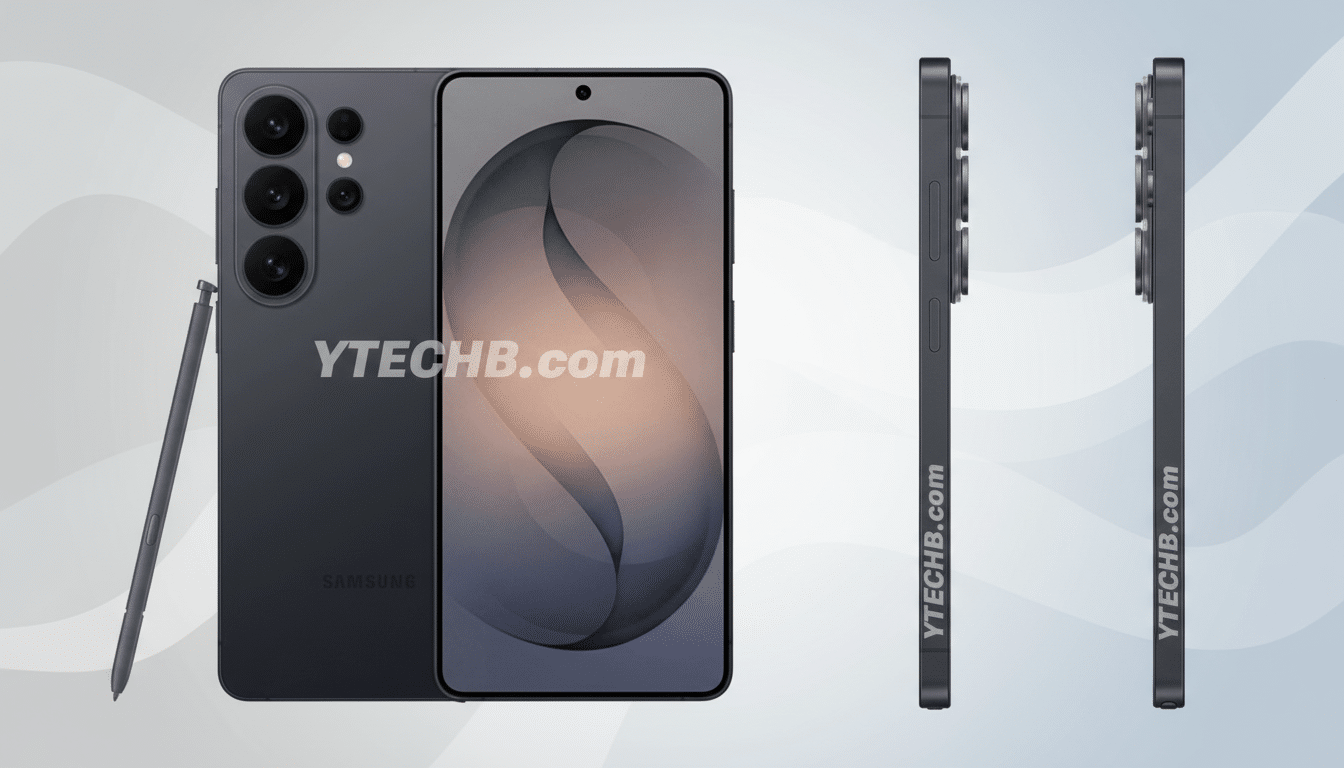
Stick-on privacy protectors have been the default fix, but they introduce real downsides. 3M’s own documentation notes that privacy filters reduce display brightness, often forcing users to crank up backlight and burn more battery. Many also degrade clarity, add color shift, and can confuse ultrasonic fingerprint sensors. A native, panel-level solution that preserves clarity head-on, limits off-axis leakage, and works in concert with biometrics would be a meaningful improvement.
What to watch at Unpacked as Samsung debuts Privacy Display
The idea is strong; execution will decide whether this becomes a must-have. Key questions remain. How aggressive is the off-axis dimming, and can you dial it from subtle to blackout? Does HDR video or gaming suffer from color shift when privacy is active? What’s the battery cost if the system compensates with extra brightness? And for sensitive users, is there any change to PWM behavior when the privacy mask toggles?
Equally important is scope. Will Privacy Display be exclusive to the Ultra at launch, or extend to the S26 Plus? Can enterprise admins manage it via device policies—an attractive proposition for finance, healthcare, and government deployments where accidental disclosure is a compliance risk? If Samsung nails the defaults and gives ample per-app controls, this could shift from a novelty to a daily habit.
Implications for the industry if angle-aware privacy lands
Displays tend to evolve in punctuated bursts—120Hz, LTPO, under-panel sensors, foldables—followed by years of refinement. Angle-aware privacy sits in that “useful leap” category. If it lands, rivals from Apple and Google to Xiaomi and Oppo will be pressed to respond, and suppliers like BOE and LG Display will likely accelerate similar optics and pixel control approaches. As with always-on displays or satellite messaging, once a feature demonstrates daily value, copycats follow fast.
I was ready to skip another iterative flagship cycle. But a seamless, configurable Privacy Display that protects passcodes, banking screens, and personal messages in the real world is the kind of upgrade that actually changes behavior. If Samsung delivers on clarity, brightness, and easy automation, this could be the S26 Ultra’s defining feature—and the one reason this launch is hard to ignore.