


There is a new leak that seems to indicate Samsung’s future Privacy Display might not be exclusive to the Galaxy S26 Ultra. It has appeared in Samsung’s own Tips app, showing the same privacy-focused screen control will be available for Galaxy S26 Plus — an answer to one point about model exclusivity.
Samsung hasn’t officially announced it, but Privacy Display is mentioned in a leaked One UI 8.5 build and has also been spotted in internal software hints as well. The new clue suggests that the device in question is more likely a wider S26 lineup model than an individual showcase.
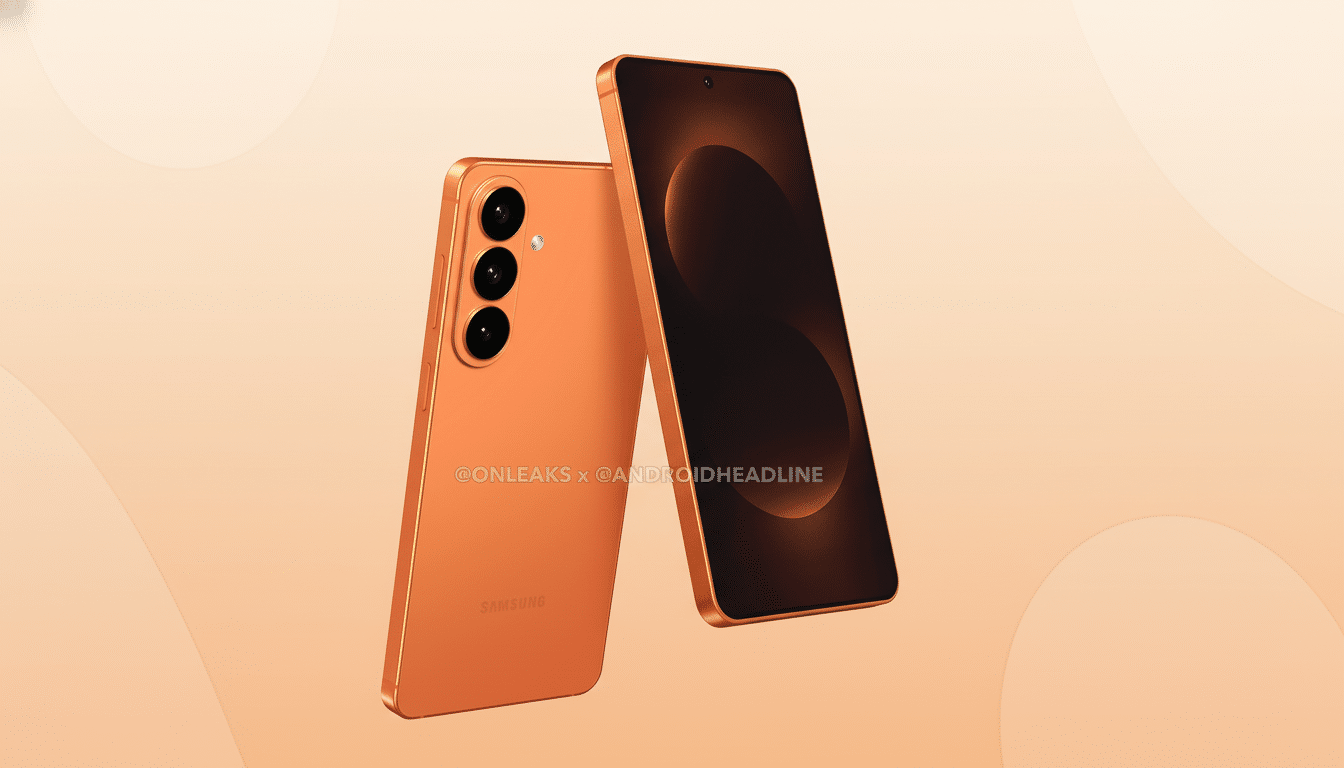
What the new leak reveals about Galaxy S26 Privacy Display
As per reports from those who trawl pre-release Samsung code, the new version of Samsung’s Tips app alerts users with a specific Privacy Display card if their device happens to be called the Galaxy S26 Plus. A similar card was shown before when the app was spoofed to believe it is running on a Galaxy S26 Ultra. It’s supposedly the same content — feature animations alongside description text of its uses.
And that’s a strong sign that Samsung is planning to launch the feature on more than the Ultra model. Still, it’s early software, and features that we note in internal tips or beta builds can change, move behind hardware gates, or disappear before the release. Take this as an educated indicator rather than a guarantee until Samsung has confirmed it.
What Privacy Display likely does and how it might work
From the animation descriptions, Privacy Display looks to be one that narrows control over viewing angles so onlookers off to the side will see a dimmed or obscured screen versus what someone in front of it can view (normal content). You could think of it as a privacy filter that’s built in, on demand, rather than a stick-on film.
There are two plausible approaches. One is a hardware-assisted approach, similar to the micro-louver tech used in some laptop panels (HP’s Sure View, for example) that alters light’s directionality to limit side visibility. The other is a software-based approach that manipulates luminance, contrast, and subpixel rendering to dampen off-axis clarity. With Samsung’s OLED craftsmanship and panel stack control, a “hybrid” approach is also possible.
Trade-offs are possible. Trimming the cone of vision can also mean less apparent brightness, color fidelity at angles, or fewer opportunities to look good in HDR. There may be some small energy cost to the mode if there is additional processing involved. However, a quick toggle in the Quick Panel would seem like a reasonable implementation here — turning it on for your commute and off once you want to watch some media.
Why this could matter across the Galaxy S26 line
Samsung has brought more high-end display features downstream in recent generations. The S24 Plus, for example, matched high-end refresh rates and resolution. Extending Privacy Display to the S26 Plus would fit nicely with that trajectory and make the feature relevant to more buyers, not just Ultra loyalists.
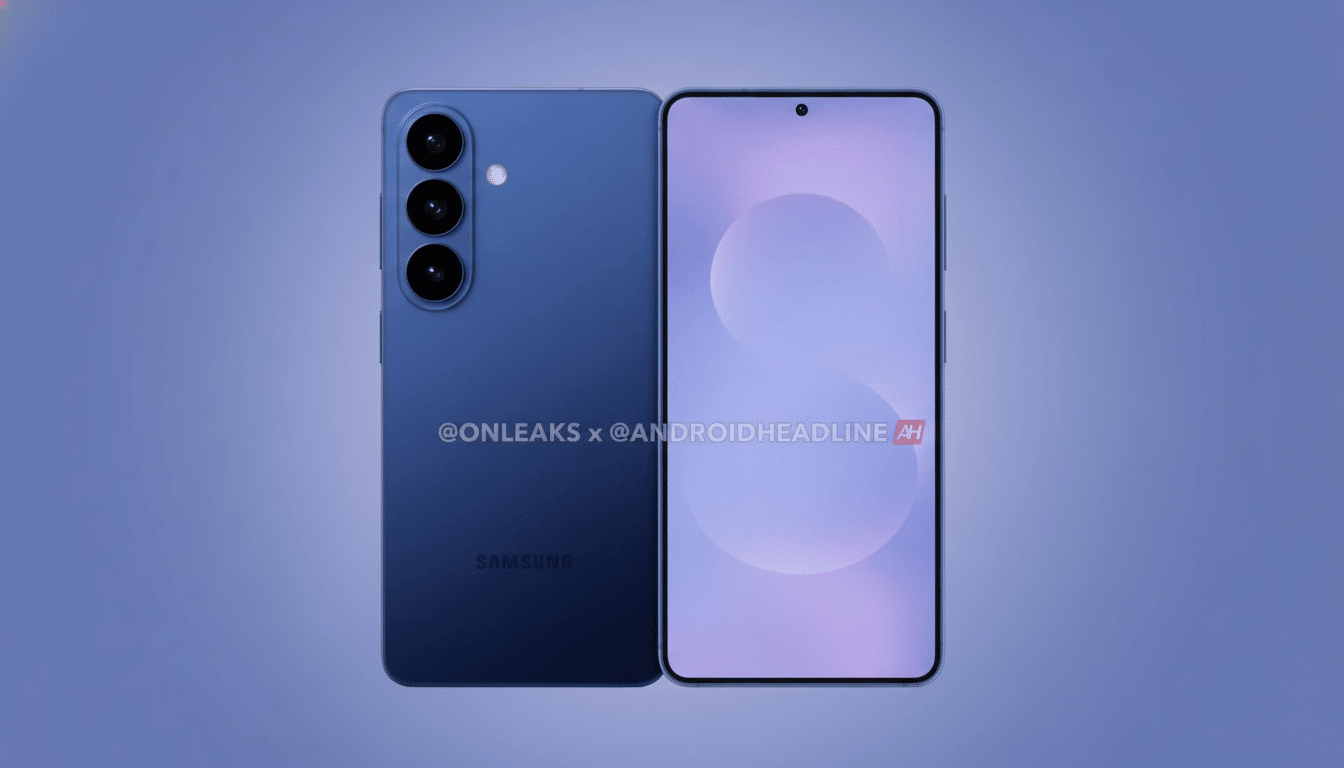
The timing is also right. Visual information leakage — so-called “shoulder surfing” — is still a frequent attack in crowded places or office environments. Ponemon Institute for 3M’s 2016 Visual Hacking Experiment says that visual hacks were effective in 91% of cases in the workplace. Eyeing the road-warrior crowd, frequent flyers, healthcare workers, and enterprise users who are bound by more stringent data-handling policies, there’s a native privacy mode to tinker with here — at least you don’t need accessories.
There’s competitive context, too. Privacy filters are readily available as physical add-ons, but a first-party, system-level solution baked into a flagship line would be significant as Android differentiators go, and distinct from competitors who offer variations on the theme in accessories or only partial software workarounds.
Caveats and what to watch next before Samsung confirms
Internal app cards aren’t product releases. Of course, Samsung could limit the feature to panels with certain hardware, shrink its scope, or save fancy controls for the Ultra. It might also come with trade-offs, such as a lower max brightness or narrower landscape efficacy.
Signals to keep an eye out for include:
- A Privacy Display toggle in upcoming One UI beta builds
- Mentions in Samsung enterprise materials
- Hints from inside Samsung Display about viewing-angle control
If the feature is a headline capability, you’ll likely see it pop up in official tips, retail demos, and carrier training materials leading up to release.
For now, the most recent Tips app proof is the best indicator yet that Privacy Display is on track for the Galaxy S26 Plus and not just the Ultra — a welcome one to anyone looking to keep their screen secure but who doesn’t want to rely on aftermarket films.