


A fresh software leak indicates there may be a smarter, faster way to employ live translation with Samsung’s next pair of earbuds. The Galaxy Buds 4 will soon make it possible to activate Interpreter mode with an easy squeeze, or pinch and hold, on both earbuds without the need to first reach for your phone. It’s a small change with major implications for how often people actually use real-time translation in the wild.
What the One UI 8.5 leak suggests for Buds 4 controls
Strings found in an internal One UI 8.5 build shared by leaker AssembleDebug point to new controls such as “Control Interpreter” and instructions to “pinch and hold earbuds” for starting a session. Today, if you’re a Galaxy Buds 3 owner, you have to first open the feature on your connected phone, then you can pause or continue with earbud gestures. The Buds 4 change seems to extend those controls to the start, turning a two-step action into one smooth move.
- What the One UI 8.5 leak suggests for Buds 4 controls
- Why easier earbud Interpreter access actually matters
- How the new Galaxy Buds Interpreter shortcut likely works
- Where this Interpreter gesture fits in the competition
- Open questions and what to watch as Buds 4 features roll out
- What the Interpreter pinch gesture could mean for users
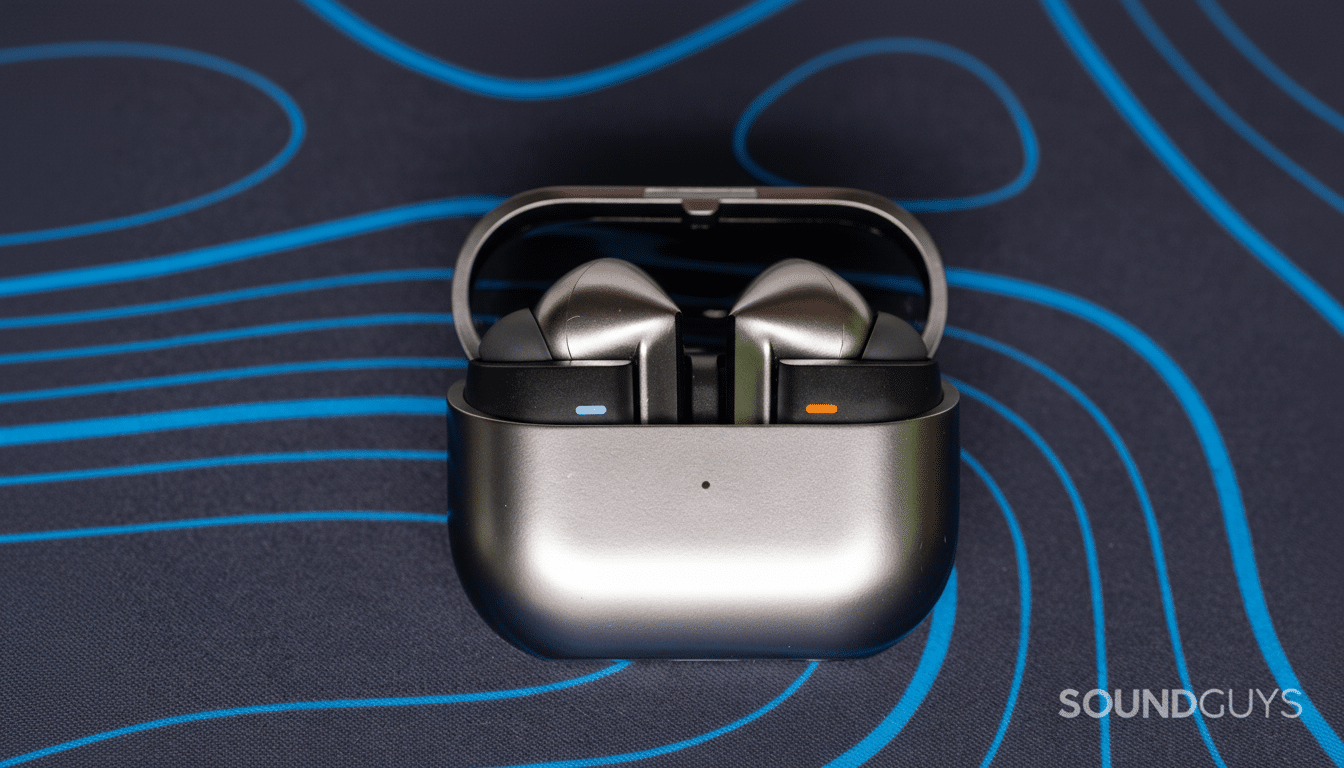
Ironically, the command to tap both earbuds suggests Samsung has focused on intent rather than accidental presses. That’s a reasonable feature to have for something that depends on microphones, voice pickup, and language models running directly on the phone—unintended activation could be very irritating and battery-draining.
Why easier earbud Interpreter access actually matters
Live translation only works if it is accessible. Whether you’re inquiring about directions, ordering food, or confirming the details of a meeting, seconds count. Eliminating the need to fish out a phone reduces friction and increases the likelihood people will actually use Interpreter when they should. UX research consistently demonstrates that each additional tap reduces engagement; in the earbuds space, a gesture-first approach can make the difference between a cool demo and a habit-forming tool.
This also aligns with the company’s broader move into on-device language capabilities. Previous flagships launched Galaxy AI features such as Live Translate and Interpreter on phones, with support for over a dozen languages that get better with offline packs. Adding initiation to the earbuds makes those capacities feel genuinely ambient—here when you want them, gone when you don’t.
How the new Galaxy Buds Interpreter shortcut likely works
The buds most likely send a command via Bluetooth to your paired phone or tablet, which then opens Interpreter in the background and launches a session. Anticipate voice pickup on the buds to route to the device, where on-device models take care of recognition and translation before sending translated audio back to your ears. The fact that two buds are needed for the motion also helps prevent false activation while guaranteeing stereo mic input to pick up what’s important even in noisy conditions.
Do not expect full freedom from the phone. Even with more adept earbuds, translation models and speech recognition generally run on the handset’s NPU for speed, privacy, and reliability. The move here is convenience, not architecture: the feeling to users should be that translation happens instantly, with the heavy lifting still done by the connected device.
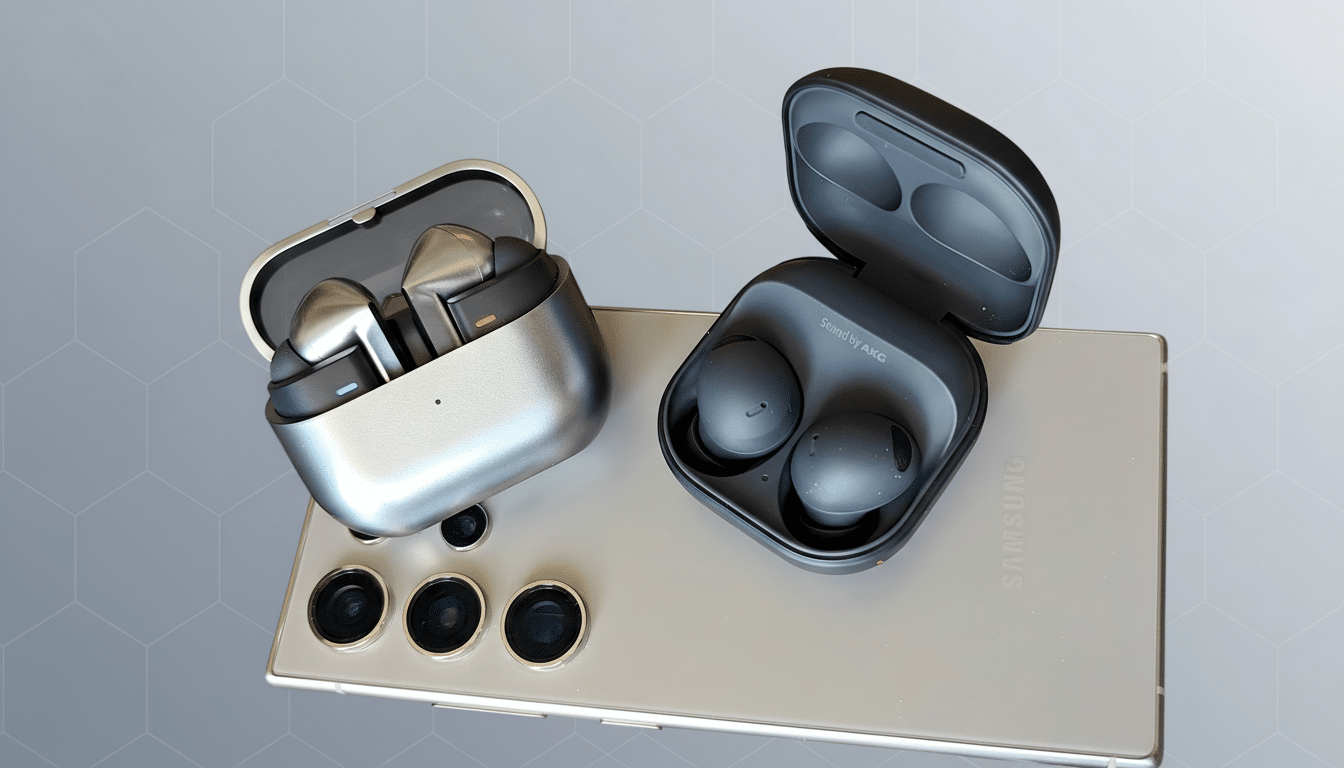
Where this Interpreter gesture fits in the competition
Competing ecosystems are weaving translation into wearables even further, and quick-access controls have turned into a battleground for everyday usability. By enabling a gesture to trigger Interpreter, Samsung closes the comfort gap with competitors that focus on glanceable and tap-free navigation across audio accessories.
The timing matters strategically, too. Companies like Canalys and IDC have a habit of keeping Samsung on the podium of the top global true wireless leaders, but in this industry leadership is about more than hardware; it’s about software experiences that stand apart from competitors. Useful translation—fast, private, hands-free—can be a compelling reason to remain in the ecosystem.
Open questions and what to watch as Buds 4 features roll out
Key details remain unclear, including:
- Whether this gesture is exclusive to Buds 4 hardware, or if it could come to Buds 3 and Buds 3 Pro via a firmware update.
- How many languages will be available at launch, and whether it will automatically select the language instead of requiring manual selection.
- What effect these changes will have on battery life and beamforming in noisy environments.
- Whether the Pro model adds any extra controls (like starting on a single bud).
But more than earbuds, the bigger question is specialness: Does Interpreter hand off seamlessly between phone, tablet, and watch? The ideal scenario: A user starts with a tap, has near-instant translation, and gets a transcript automatically saved in notes where they can refer back to it later—without any extra effort or thought.
What the Interpreter pinch gesture could mean for users
Picture getting into a taxi in a foreign city and putting both earbuds in to get the gist of what your driver is saying, or waiting at a market stall but not spending 10 seconds unlocking your phone before asking how much, exactly. That’s the promise of this leak: the same Interpreter experience as before; it’s just faster to get to and therefore more likely to be used in real life. If the Buds 4 offer that, it won’t just be a spec bump—it’ll actually improve your quality of life if you’re a traveler or student (or anybody who straddles more than one language on any given day).