


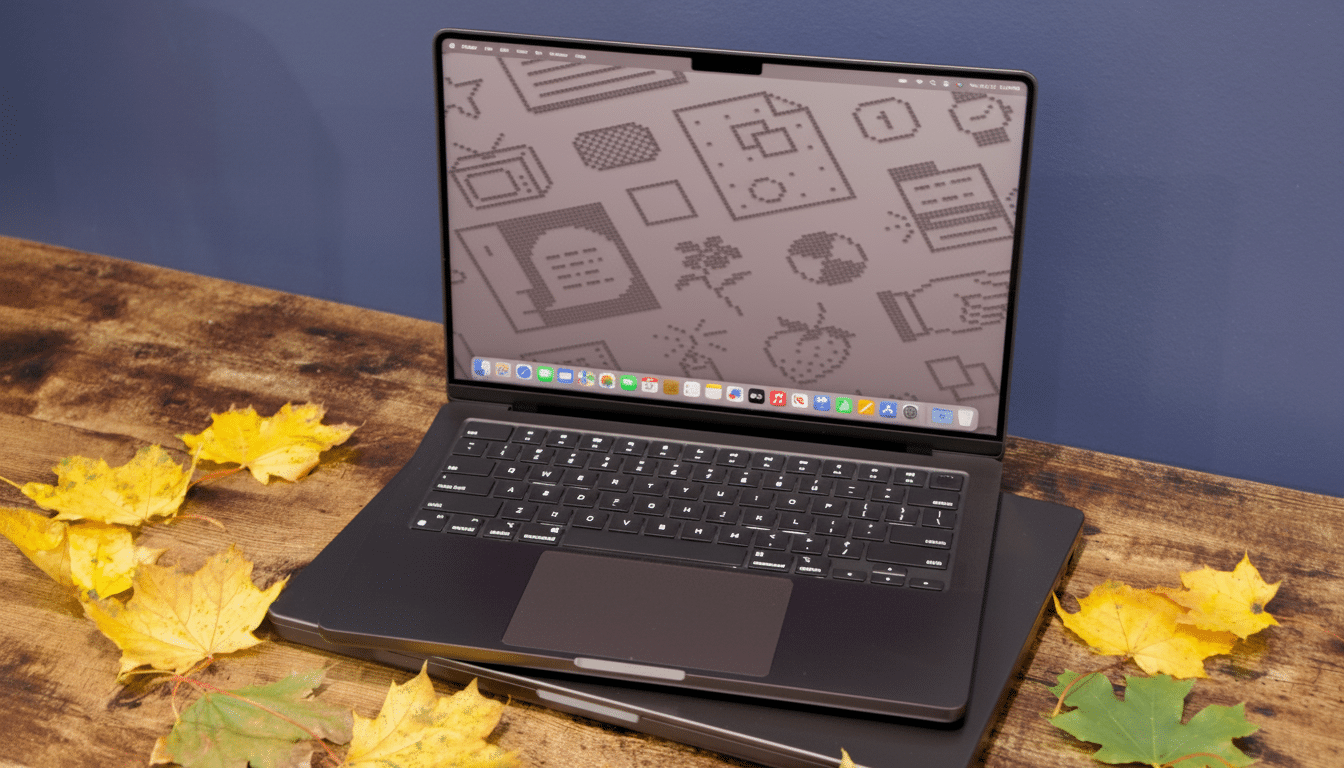
I love my M4 MacBook for its battery life, cool thermals, and clean software. But the next wave of Windows PCs—powered by fresh Arm silicon and a deeper stack of on-device AI features—are set to surpass it in the two or three places that matter most these days: local AI acceleration, sustained multi-core performance against real workloads, and real-world usability across form factors and price points.
This is not a matter of platform tribalism. It’s about the things that allow me to ship work faster. On paper and in early demos from chipmakers and OEMs, the latest Windows machines are a tier up over all of today’s macOS laptops, and that sucks me in—even if I wind up waiting to buy one until the ideal model lands on my desk.
- AI performance and local workflows on next-gen Windows PCs
- CPU and GPU headroom with Oryon cores in new Windows PCs
- Battery life that now matches Macs in real-world Windows use
- Compatibility finally feels boring on Windows on Arm PCs
- More range in designs and better value across Windows PCs
- What will close the switch: awaiting independent reviews
AI performance and local workflows on next-gen Windows PCs
Microsoft has set the bar for the next generation of PCs: Copilot+ systems with an NPU that supports at least 40 TOPS on-device AI. That matters. It takes a lot of workaday tasks such as transcribing interviews, doing image generation, summarizing long documents, and real-time translation out of the hands of proprietary cloud services that use your data to learn to do all that stuff faster—now you can do it on your laptop without the lag or the leak.
Qualcomm’s latest claim is that its upcoming Windows platform can offer up to 80 TOPS across the NPU, which would be twice the baseline Microsoft offers in advertising, as well as more than Apple’s publicly disclosed rating (up to 38 TOPS for its M4 ‘Neural Engine,’ according to Apple).
In more practical terms, local models for functions like code assistance, background removal, noise suppression, and style transfer should be able to run at the same time without the CPU or GPU getting pegged. Both Adobe and Microsoft have already shown off NPU-accelerated effects running in real time, while a lengthy list of tools tapping native Windows NPUs could indicate a faster route to meaningful productivity.
For the kind of work I do—meeting notes with automatic summarization, offline translation, quick generative fills inside Photoshop, and batch upscales ahead of handing assets over for video—that NPU headroom is precisely the difference between feature sets I occasionally dip into and those that make a new videographer out of me every hour on the hour.
CPU and GPU headroom with Oryon cores in new Windows PCs
The Arm-based Oryon cores that power these Windows machines are no longer an experiment in science. The latest Qualcomm platform combines a high-core-count CPU with contemporary power management and an updated Adreno GPU customized for DirectX 12. In company-published benchmarks, the highest-end model turned in a Geekbench 6.5 multi-core score of around 23,491 versus 15,146 for Apple’s M4—with all the usual caveats about vendor tests and pre-release hardware. If independent results are below the headline numbers, I don’t care; the direction of travel is obvious.
That added multi-core muscle is worth it in my world: encoding exports while compiling a project, running a local LLM for code suggestions, and crunching data in a Jupyter notebook in Python. The selling point is not just that “fast bursts are fun,” it’s about long-winded throughput with no screaming fans in the stands.
Battery life that now matches Macs in real-world Windows use
Apple had established the standard for endurance. Now Windows on Arm systems are closing the gap, as companies claim that they can provide a full day’s worth of battery life and 20+ hours of video playback in some internal tests. In demo units I’ve played with, the formula—effective Arm cores, assertive low-power states, and always-on connectivity—feels phone-like: instantaneous wake from sleep; imperceptible standby draw; cool operation during light-to-moderate use.
Were those attributes to remain in retail models, I’d be free to travel without a charger while continuing to run weightier, AI-augmented workflows locally. That was formerly a Mac-only advantage. Not anymore.
Compatibility finally feels boring on Windows on Arm PCs
Incompatibility was the Achilles’ heel of previous Windows on Arm attempts. It isn’t today. The x86-64 apps have matured on Microsoft’s Prism emulation engine, and we’re seeing a steady clip of Arm-native titles. Office, Teams, Edge, and Chrome are fully functional. Adobe has released Arm-native versions of significant Creative Cloud apps. Visual Studio and popular Python and Node frameworks work nicely, and Docker Desktop supports Arm-based developer workflows.
I still don’t anticipate every game or niche driver singing on day one, and pro audio users should double-check interface support. But for the everyday work of mainstream productivity, creative effort, and coding, most of the friction that once made us compromise has largely cleared up, according to these companies’ own platform updates.
More range in designs and better value across Windows PCs
Another under-the-radar win: Windows OEMs compete. Look for thin-and-light clamshells, 2-in-1s with pens, OLED panels, and plenty of ports alongside configurable RAM and storage options at all price levels from Lenovo, HP, Asus, Dell, and more. That variety allows me the freedom to choose a machine that fits my workflow, rather than bend my workflow to fit one guy’s blueprint.
- For creatives, that might be a high-gamut OLED with quiet cooling.
- For developers, a light 14-inch with a great keyboard and 32GB RAM.
- For travelers, a 5G ultralight.
What will close the switch: awaiting independent reviews
I’m reserving judgment on independent testing from labs that test sustained performance, battery under mixed AI loads, thermals, and driver stability. I want to see third-party verification from outlets that run standardized suites including Geekbench and real-world creator workflows—not just cherry-picked demos.
If those reviews corroborate what Qualcomm, Microsoft, and earlier OEM briefings all say—more NPU headroom, greater multi-core throughput than any A-series silicon that’s made it to the market so far, and yes, even Mac-level battery life—the next PC I lace up for daily driving will be running Windows. Not because my M4 MacBook sucks, but because the center of gravity for personal computing is swinging toward on-device AI and flexible design, and that’s where Windows looks best right now.