


Gaming’s come a long way from being just something to kill time. These days, it’s a full-blown competitive scene where how well someone performs actually matters. Controllers, headsets, keyboards, monitors – these aren’t just extras sitting on a desk; they’re legitimate tools that decide whether strategies get executed properly or fall apart when facing real opponents.
The distance between casual gaming and pro-level competition usually boils down to three things: precision, speed, and staying consistent. Sure, developing actual skill stays important, no argument there. But having the right gear? That amplifies whatever abilities are already there and gets rid of technical problems that create unnecessary roadblocks.
The Foundation: Why Equipment Quality Matters
Every single input travels through equipment before showing up on screen. A beat-up controller with buttons that stick? That creates delays. A monitor with terrible response time? Visual lag becomes a problem. These issues might not seem like much during chill gaming sessions, but stack them up during heated matches where milliseconds actually count, and suddenly they’re massive.
Quality gear brings reliability to the table. Pro players need equipment that works the same way every single time. When a mouse clicks register accurately, or a headset pumps out clear directional audio, focus stays entirely on decisions instead of trying to work around technical garbage. That reliability builds confidence and lets muscle memory develop the way it should.
Moving from casual to competitive play usually starts when limitations in equipment become obvious. Upgrading the setup turns into a natural part of getting better. Gaming enthusiasts regularly refresh their gear as skills improve, and plenty of them sell video game accessories from older setups to help pay for new stuff. This whole upgrade cycle lets players keep matching their equipment to whatever skill level they’ve reached while clearing space for better-performing gear.
Input Devices: The Direct Connection
Controllers and keyboards work as the main connection point to any game. Standard controllers handle casual play just fine, but competitive gaming needs more than that. How buttons respond, analog stick precision, overall build quality – all of it influences the ability to pull off complex techniques.
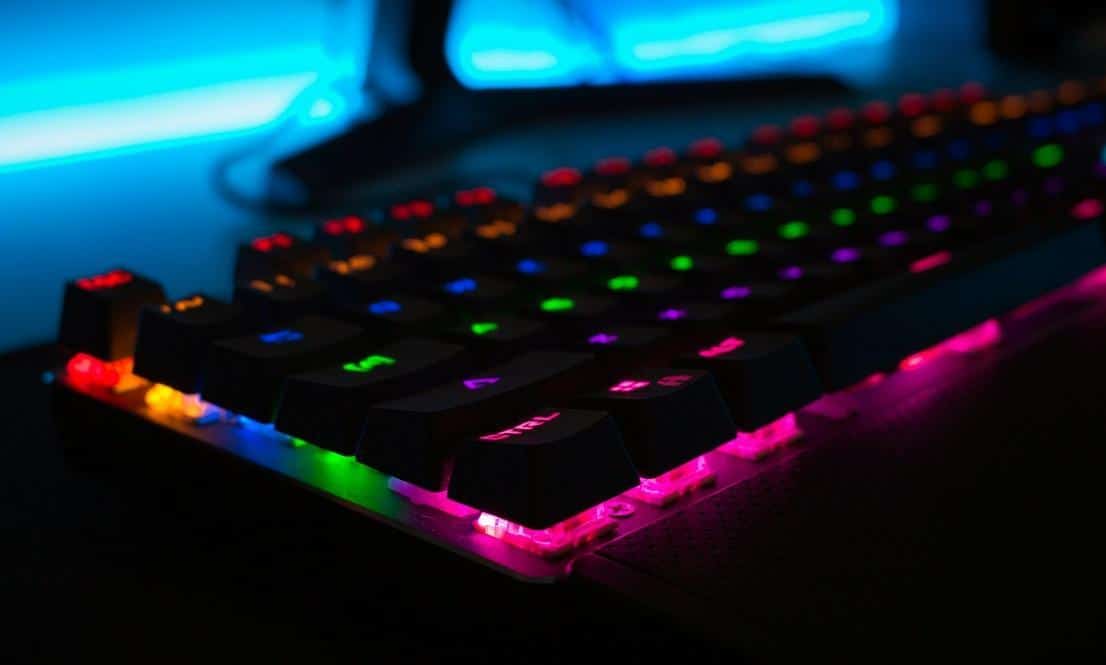
Mechanical keyboards bring tactile feedback and faster actuation compared to membrane alternatives. Each keystroke registers right at the moment of pressing, cutting out that mushy feeling that slows everything down. Pro players lean toward keyboards with customizable actuation points, letting them adjust how far keys need pressing before inputs actually register.
Gaming mice come packed with adjustable DPI settings, programmable buttons, and sensors that actually track properly. Higher DPI means faster cursor movement, lower settings enable aiming that’s precise down to the pixel. Switching between sensitivity levels while playing gives flexibility for different situations.
Audio Equipment: The Invisible Advantage
Sound delivers critical intel that visuals can’t provide alone. Footsteps, gunfire, ability activations, environmental noise – all of it communicates where enemies are and what they’re doing. Pro players depend heavily on audio for making split-second calls and keeping awareness of their surroundings intact.
Quality headsets pump out spatial audio that represents sound direction and distance accurately. Virtual surround sound tech creates a three-dimensional audio space, making it way easier to pinpoint opponent locations exactly. This advantage becomes absolutely vital in competitive shooters and battle royale games, where awareness literally determines who survives.
Frequency response carries weight, too. Headsets that emphasize bass might sound impressive at first, but can muddy important sounds in the mid and high ranges. Balanced audio profiles make sure footsteps, reloads, and voice comms come through clearly.
Visual Performance: Monitors and Displays
The monitor decides how quickly what’s happening in-game becomes visible. Refresh rate, response time, input lag – all of these impact visual performance. Standard 60Hz monitors refresh images sixty times each second, but competitive displays run at 144Hz, 240Hz, and sometimes even 360Hz.
Higher refresh rates create motion that looks smoother and shrink the gap between actions and their on-screen results. Pair that with low response times measured in milliseconds, and fast monitors wipe out motion blur plus ghosting. This clarity helps with tracking moving targets and reacting faster when things happen suddenly.
Screen size and resolution balance detail against performance. Bigger screens give more visual real estate but need beefier hardware to keep frame rates high. Many pros stick with 24 to 27-inch monitors since they can see everything without moving their eyes around excessively.
Ergonomics and Comfort
Physical comfort directly impacts how well someone performs during marathon gaming sessions. Proper ergonomics prevent getting tired too fast, reduce chances of injury, and keep focus sharp. Gaming chairs bring lumbar support and adjustable features that actually promote healthy posture.
Desk height, where the monitor sits, arm placement – all of it contributes to comfort levels. Screens should sit at eye level to avoid neck strain. Arms should rest at roughly 90-degree angles when using keyboard and mouse. These small tweaks reduce physical stress and make it possible to game longer without feeling like garbage.
Wrist rests, mouse pads, keyboard angles – they all help maintain neutral wrist positions during play. Repetitive strain injuries build up gradually through bad positioning and just playing too much. Pro players protect their careers by dropping money on ergonomic equipment and actually taking breaks regularly.
Making the Upgrade
Moving to better gear doesn’t mean replacing everything at once. Figure out the biggest limitation first. Missing crucial audio cues? Invest in a solid headset. Aim feels all over the place? Upgrade that mouse. Prioritizing based on specific needs creates improvements that actually get noticed.
Do some research before buying anything. Reviews from other players give insights into how gear performs in real situations. Testing equipment, when possible, helps find stuff that matches play style and physical preferences. What feels perfect for one player could be totally off for another person. Preferences vary wildly based on hand size, grip style, and what just feels natural. Budget’s definitely a factor, can’t ignore that. The thing is, quality equipment tends to stick around longer and keeps performing when cheaper stuff starts falling apart. In this regard, mid-range gear usually hits a sweet spot – gets professional-level features without the insane price tags that flagship products carry.