


A newly disclosed Bluetooth weakness dubbed WhisperPair is putting wireless earbuds and headphones at risk of silent hijacking and remote eavesdropping. The flaw stems from how some audio accessories implement Google’s Fast Pair protocol, letting attackers pair without permission, take control of playback and volume, and potentially capture audio from built-in microphones. Researchers demonstrated wireless attacks at up to 14 meters, turning everyday earbuds into covert listening devices if left unpatched.
The issue is serious enough to carry a critical CVE identifier (CVE-2025-36911). It was uncovered by a team at KU Leuven University with support from a national cybersecurity research program, and first detailed publicly in investigative reporting. Affected models span multiple brands, including Google, Sony, Harman’s JBL, and Anker, with fixes dependent on manufacturer firmware updates.
- What Is WhisperPair and Who Is Most at Risk
- How the WhisperPair Attack Works on Vulnerable Earbuds
- How to Fix WhisperPair Risks on Your Audio Accessories Now
- Risk Reduction Steps to Follow Until Your Device Is Patched
- Why Turning Off Fast Pair on Your Phone Isn’t Enough
- How to Check Your Model for Exposure and Available Patches
- What Industry and Researchers Say About Fixes and Risk
What Is WhisperPair and Who Is Most at Risk
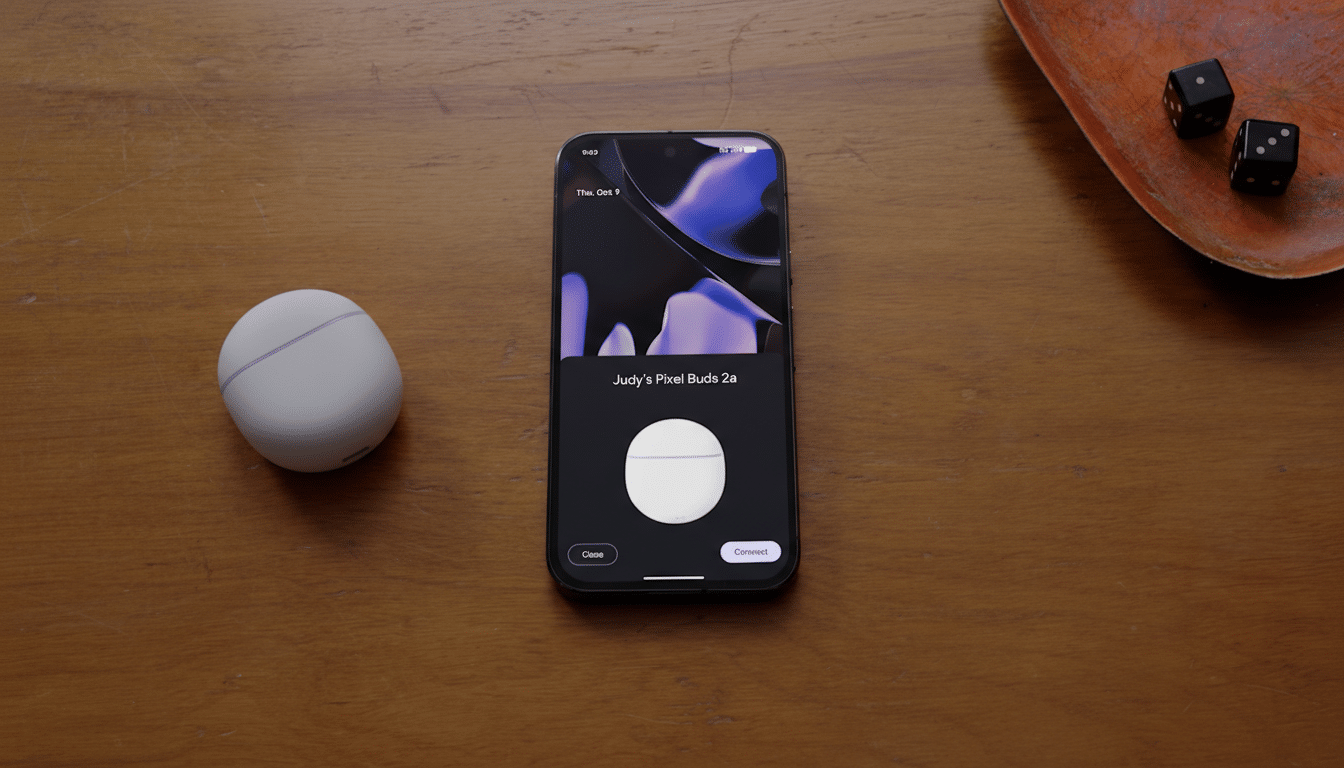
WhisperPair is a family of vulnerabilities tied to Fast Pair, the convenience feature that lets Android users connect accessories with a tap and sync them across devices. In Fast Pair, your phone or laptop acts as a “seeker” and the earbud or headphone is the “provider.” The protocol requires providers to accept pairing only when they’re explicitly in pairing mode. Many devices skip or mishandle that check. The result: a nearby attacker can trigger pairing anyway.
Because the flaw lives in the accessory’s firmware—not on your phone—both Android and iPhone users can be affected if they use Fast Pair–capable accessories. In some cases, attackers could also register an unclaimed accessory to the owner’s Google Find My Device network, enabling location tracking that appears benign to the victim.
How the WhisperPair Attack Works on Vulnerable Earbuds
The seeker sends pairing messages that should be ignored unless the accessory is in pairing mode. Vulnerable devices respond anyway. Once the attacker gets a reply, they complete pairing using standard Bluetooth procedures, often without any obvious alert to the victim—especially if the earbuds aren’t actively in use.
After pairing, an attacker may manipulate media controls, change volume, and—most troubling—access microphone input when the accessory supports voice calls or passthrough features. Researchers validated the technique at ranges up to 14 meters, far enough for misuse from neighboring rooms, offices, or public spaces.
How to Fix WhisperPair Risks on Your Audio Accessories Now
The only reliable remediation is a firmware update from your accessory’s manufacturer. Check the companion app or support page for your brand (for example, Sony Headphones Connect, JBL Headphones, Soundcore, or Pixel Buds) and install the latest firmware. Look for notes referencing Fast Pair, security, or connection reliability—vendors may not always label it “WhisperPair.”
After updating, power-cycle the accessory, then confirm the firmware version in the app. If an update isn’t available yet, enable auto-updates so you receive the patch as soon as it lands.
Risk Reduction Steps to Follow Until Your Device Is Patched
- Keep earbuds in their charging case when not in use; many models disable Bluetooth when docked and lid-closed, shrinking the attack window.
- Regularly review your phone’s Bluetooth paired devices and remove anything you don’t recognize. Factory-reset the accessory to clear unknown pairings, then re-pair only with your devices.
- Watch for unfamiliar tracking alerts. If your accessory hasn’t been added to your Find My Device account, an attacker could attempt to register it first. Registering it to your own account after patching reduces that risk.
- Avoid using vulnerable earbuds for sensitive calls or meetings until they’re patched.
Why Turning Off Fast Pair on Your Phone Isn’t Enough
Disabling Fast Pair on the phone doesn’t neutralize the vulnerability, because the attack targets the accessory’s handling of Fast Pair messages. Many earbuds have Fast Pair enabled by default with no user-facing option to disable it at the device level. Only a firmware fix on the accessory closes the hole.
How to Check Your Model for Exposure and Available Patches
The KU Leuven team published a searchable catalog of popular earbuds, headphones, speakers, and other audio devices tested for WhisperPair exposure. Search by vendor and model to see whether your device is vulnerable, patched, or unaffected. Even if your model is listed as not vulnerable, confirm you’re on the latest firmware.
What Industry and Researchers Say About Fixes and Risk
The research team reported the issue to Google under responsible disclosure and received a $15,000 bug bounty. Google and affected manufacturers are expected to roll out firmware updates; some models may already have patches available. Given the critical CVE rating and the practical attack range demonstrated, this is not a theoretical edge case but a realistic proximity threat in offices, transit hubs, and shared living spaces.
The bottom line: if you use Fast Pair–capable earbuds or headphones, install the latest firmware immediately, purge unknown pairings, and keep accessories cased when idle. Convenience features are only safe when the implementation enforces trust boundaries—and WhisperPair shows what happens when a single pairing check is skipped.