


Fairphone has paused its rollout of software for the Fairphone 4 after multiple owners said installing build FP4.QREL.15.15.2 left their devices unresponsive. Multiple reports posted to the company’s community forum detail phones that don’t boot, don’t accept a charge and can’t even be coaxed into recovery—becoming, for all intents and purposes, unresponsive bricks. Fairphone acknowledged the “unexpected issues” and withdrew the update while it investigates.
What happened during the Fairphone 4 update rollout
Almost immediately following the over-the-air update, scare stories started appearing about handsets being stuck in a dead state following the required reboot. Some users report there are no vibration cues, no charge LEDs and they’re unable to trigger normal key combinations for recovery or fastboot. Some say the phone seems to turn off and on again without ever actually getting to the lock screen.
- What happened during the Fairphone 4 update rollout
- Fairphone’s official response and guidance for owners
- How widespread the issue appears and potential root causes
- What Fairphone 4 owners can safely try and do right now
- Why this matters for a repairable, long-support smartphone
- What to watch next as Fairphone investigates and fixes this
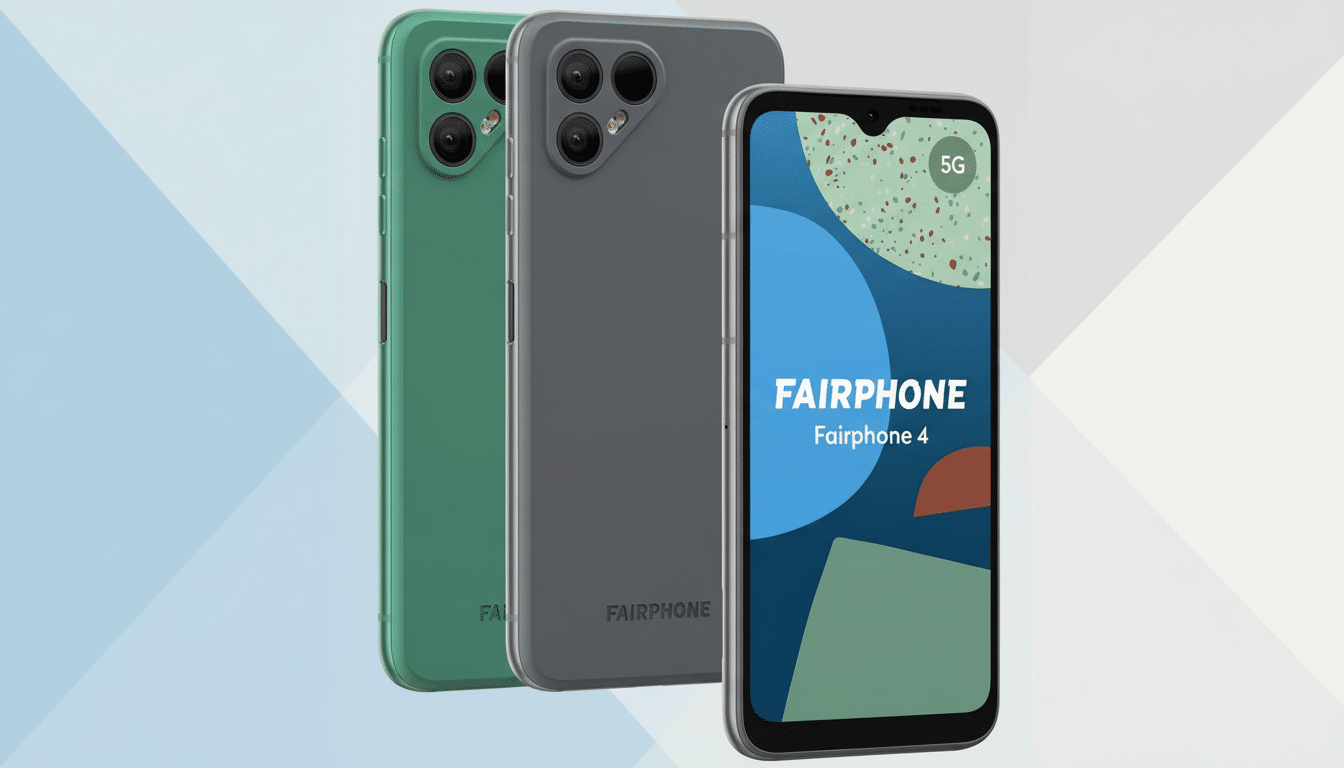
Not all Fairphone 4 units appear affected. Some community posts suggest that some devices updated, so it might be a failure mode dependent on previous firmware or storage state, or specific hardware manufacturing batches. The fact that there is no clear pattern is often why a vendor will pull distribution quickly (which, when only tens or hundreds of reports stand in opposition to thousands of “OK” reports, makes sense).
Fairphone’s official response and guidance for owners
The company confirmed it was halting the rollout after finding “unexpected issues” with the build. The company is advising anyone affected to open a case through its repair portal or contact customer service, and says support teams can triage devices and will attempt log collection where available. That’s critical data to figure out if the problem is in your bootloader, verified boot checks, or something went wrong with the vendor partition during the update process.
A lot will depend on how quickly, and how transparently, Fairphone is able to address this issue. We look forward to the solution Fairphone announced it’s working tirelessly toward, because given Fairphone’s history of post-sale support—particularly its work around designing for right-to-repair—it will surely need one. The company commonly shares details on root causes once a patched build is available, and has in the past provided support to repair devices after defective software leaves them unusable.
How widespread the issue appears and potential root causes
Early indicators point to the problem being a somewhat narrow slice of the installed base, but oppressive failure rates are catastrophic when all you get is a hard brick. OTAs in the Android space, for instance, typically make use of A/B seamless updates and strong rollback guarantees. When failures do occur, it tends to be due to edge cases in partition swapping, corruption of metadata or signature validation during boot.
Other broader brands have faced similar incidents in the past decades. Pixel, OnePlus and Samsung users have seen occasional but serious boot failures (associated with certain builds) subsequently fixed by hotfixes or service repairs. The pattern highlights just how complex contemporary Android updates have become, especially when security changes or the vendor firmware itself reaches down into low-level partitions.
What Fairphone 4 owners can safely try and do right now
If your Fairphone 4 will not boot after installing FP4.QREL.15.15.2, you are advised to reach out to Fairphone’s support team or open a case in the repair portal. Before moving on to that, there are some non-destructive checks you can try:
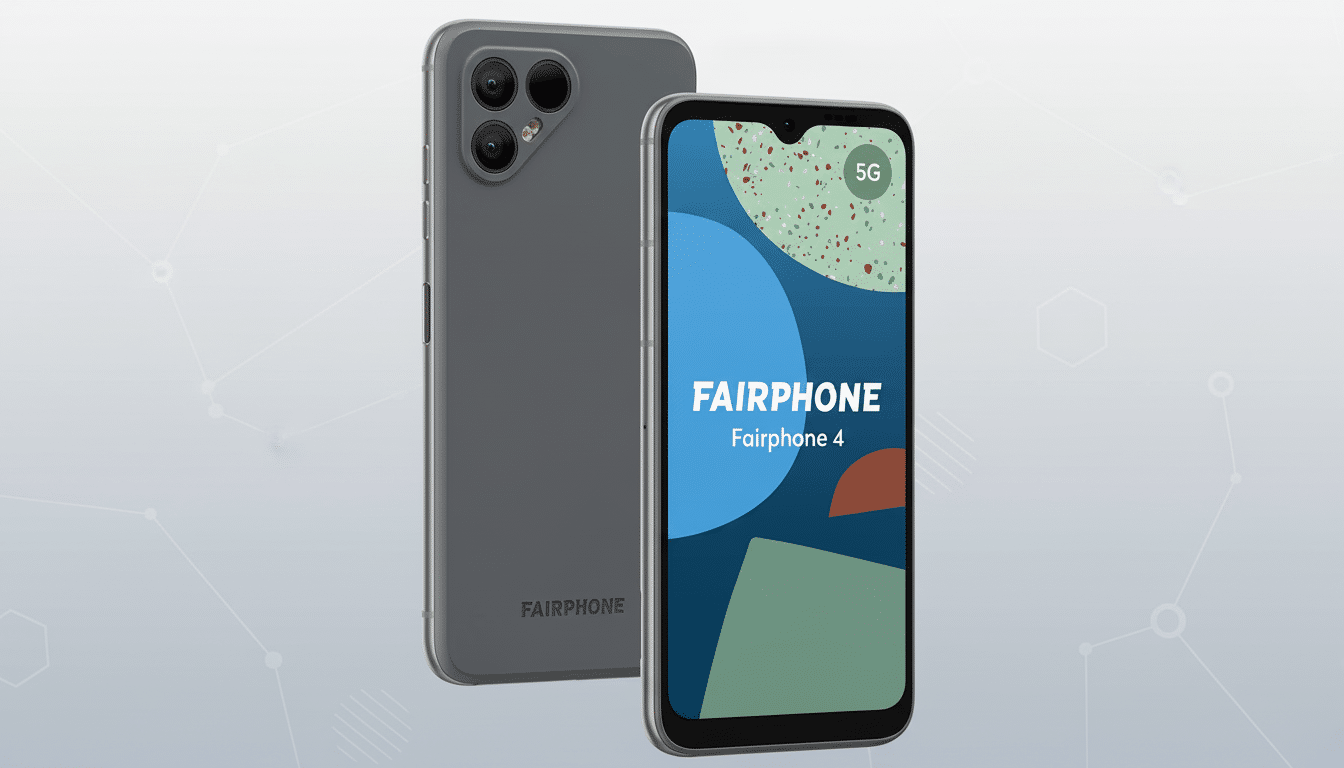
- Press and hold the power button for an extended time to attempt a forced reboot.
- Leave the phone on a wall charger for at least an hour in case the battery was below empty.
- Try the key combinations to boot into recovery or fastboot modes.
If none of these bring an adequate response, don’t try additional unofficial steps; seek official intervention sooner rather than later to avoid further damage.
Users whose devices successfully updated shouldn’t try to reinstall the pulled build. If an update warning appears again before there’s an official solution in place, ignore it and wait for advice from Fairphone’s side.
Why this matters for a repairable, long-support smartphone
Fairphone is on a mission to produce less e-waste, maintain software for longer and build modular hardware that can be repaired with a screwdriver. The Fairphone 4 is a model for that strategy in practice, with replacement-friendly parts and commitments to support life cycles. A major software issue contradicts that promise not because the hardware is beyond repair, but because a hard brick is one of the few failures you can’t fix with parts.
There’s also the weird practice of needing to provide updates long after traditional chipset support periods have ended. Coordinating Android changes upstream with vendor binaries from component suppliers incurs risk over time. Carefully staged rollouts, wider beta testing pools and quick rollback paths are the best tools to keep that risk low, while preserving the brand’s trademark longevity.
What to watch next as Fairphone investigates and fixes this
Expect Fairphone to trace the problem, release a new, corrected build, and give an indication of whether compromised devices can be brought back with recovery tools or need service center intervention. Clear guidelines for diagnostics and coverage parameters will be critical, particularly for owners out of warranty who were affected by an official update.
In the meantime, Fairphone 4 users should refrain from manually downloading any updates, regularly back up their data and be vigilant regarding the company’s official support channels and community forum for an all clear. When a fix comes, it will likely come with a new build number, focusing on mitigating steps (even if these are post-mitigation steps) and extra guardrails to ensure that recurrence does not occur.