


If your headphones or speakers sound just okay, there’s a high‑impact switch you’re likely ignoring: the equalizer. Audio engineers say most people are listening to the default tuning baked into their gear and rooms—less a faithful reproduction than a rough guess. Turn on EQ and you can correct those flaws in minutes.
What the EQ Setting Actually Does to Your Sound
EQ lets you raise or lower specific frequency ranges so music, movies, and voice sound more natural. Think of it as a set of precision volume knobs for bass, mids, and treble. Humans hear roughly 20 Hz to 20 kHz, and most headphones aren’t flat across that range—they have peaks and dips that color what you hear.
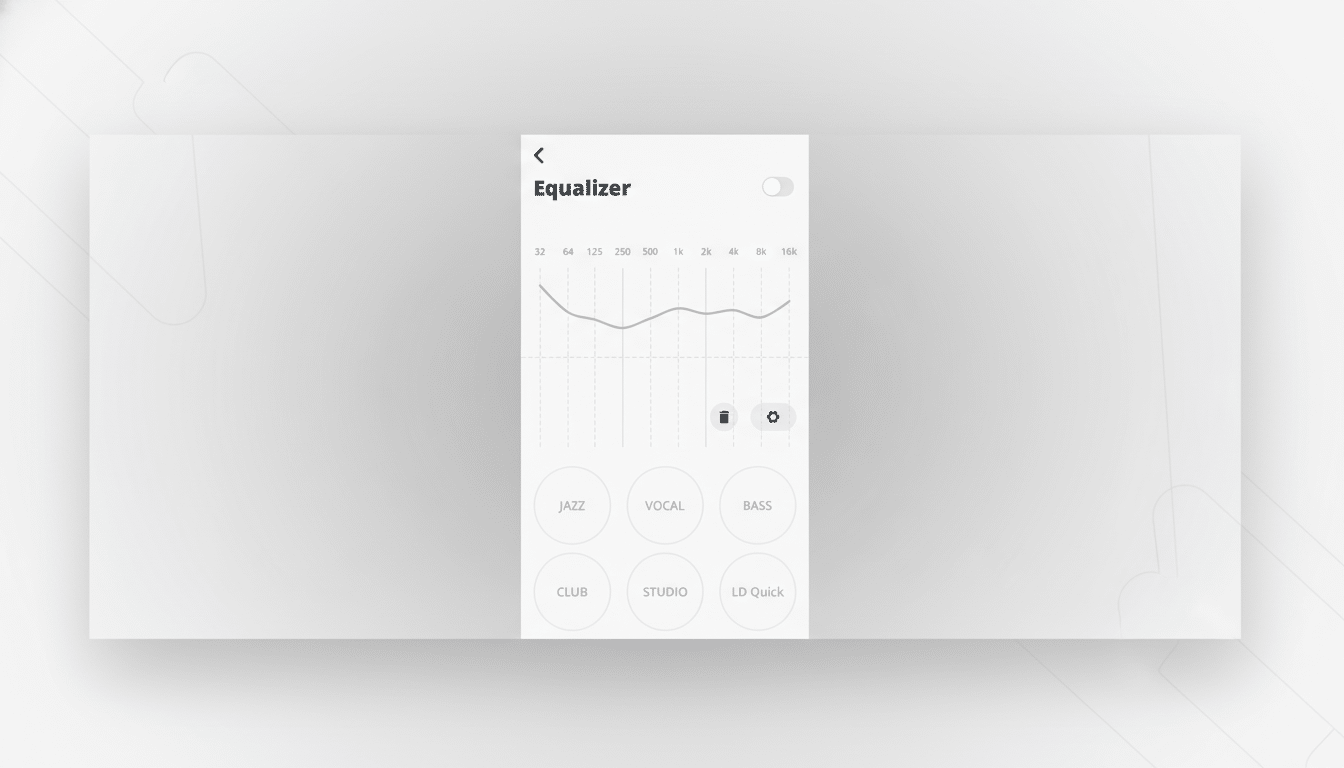
Graphic EQs give you fixed “bands” to push or pull, while parametric EQs let you pick the exact frequency, how wide the adjustment is (Q), and by how much. Small moves matter: 1–3 dB changes can transform clarity without introducing distortion. If you’re boosting, keep headroom in mind so you don’t clip (lower the preamp a few dB before big boosts).
Why You Are Not Hearing Them at Their Best Without EQ
Independent measurements from labs like RTINGS show many popular headphones deviate 5–15 dB from a neutral target across the spectrum. That’s not a flaw—manufacturers voice products to stand out—but it means “stock” sound rarely matches your taste or your ears.
Research led by Sean Olive at Harman found that listeners overwhelmingly prefer a specific response shaped by modest bass reinforcement and a smooth treble slope. The Audio Engineering Society has published multiple studies showing that aligning to a target curve significantly improves perceived quality in blind tests. EQ is how you steer your gear closer to that preferred response.
Speakers add another wrinkle: rooms. Desks, walls, and corners can exaggerate boom around 80–200 Hz and dull the presence region. Even great speakers suffer without correction. That’s why room and headphone calibration systems from Dirac and Sonarworks exist—and why a simple EQ can deliver instant gains at home.
Turn It On Here First: Where to Enable EQ Quickly
On phones, many music and streaming apps include EQ—Spotify, Apple Music, and YouTube Music all offer built‑in controls. iOS also provides Headphone Accommodations, which tailors output to your hearing. Android phones from Samsung, Google, and others typically include system EQs or Dolby presets.
On computers, macOS has an EQ in the Music app and systemwide audio tools support per‑app shaping. Windows offers device enhancements on some drivers; if yours lack EQ, popular utilities can add it. For TVs and soundbars, check audio menus for equalizer or “tone control” options. Start with a flat setting, then make gentle adjustments while level‑matching so “louder” doesn’t bias your judgment. Note that streaming services use loudness normalization based on standards like EBU R128 and ITU recommendations, so match volumes when comparing.
Smart Starting Curves for Fast Wins on Common Gear
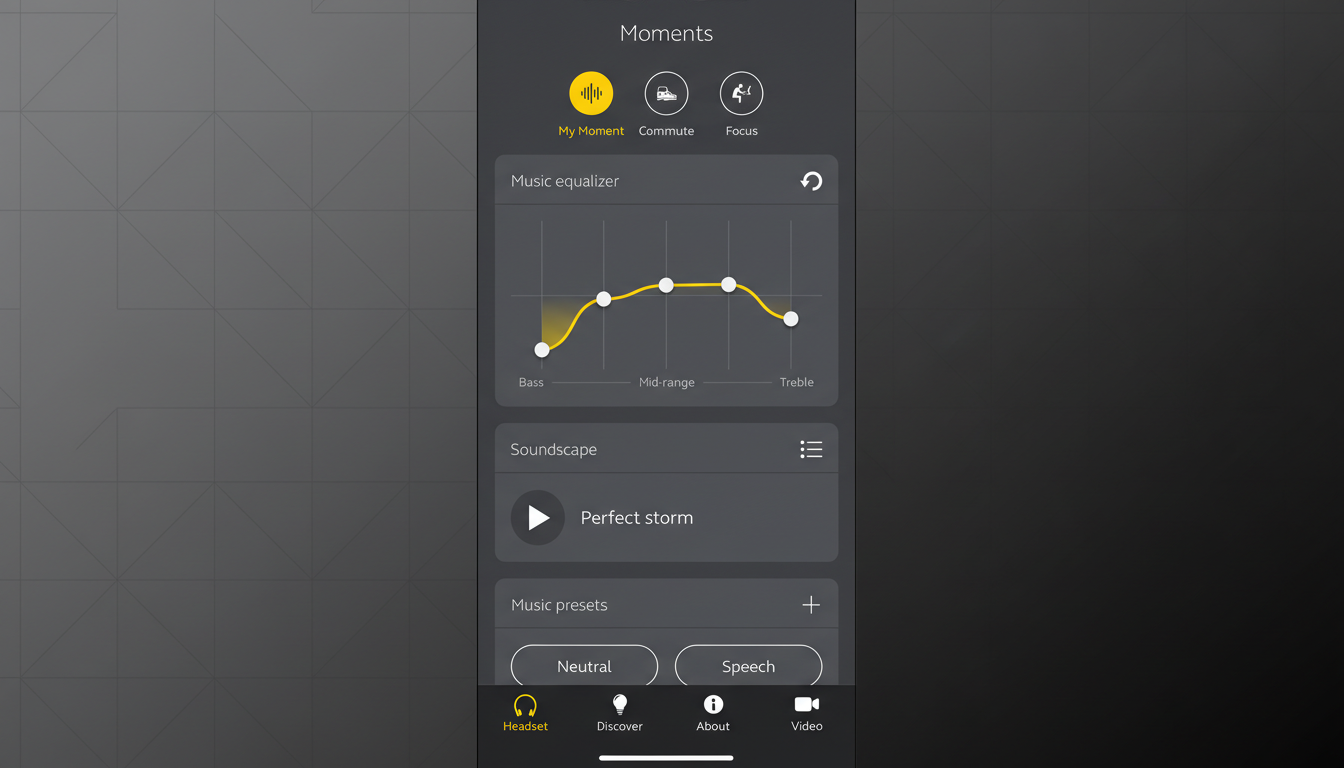
Budget earbuds often sound thin with shouty mids. Try a low‑shelf boost of about +2 to +3 dB near 80–100 Hz, a slight cut of −2 dB around 300–500 Hz to reduce boxiness, a mild presence lift of +1 to +2 dB at 3–5 kHz for detail, and a gentle +1 dB at 10–12 kHz for air. Keep changes small, listen, then fine‑tune.
Compact desktop speakers can boom on a desk. A −2 to −3 dB cut around 120–180 Hz often cleans the low end; a +1 to +2 dB lift near 2–4 kHz improves dialogue and instrument separation. If you use a subwoofer, set the crossover thoughtfully (commonly 70–90 Hz) and avoid overlapping boosts at the crossover point.
For podcasts and calls, prioritize intelligibility: a gentle +2 dB in the 1–3 kHz band centers voices without harshness. Gamers can carve a small dip around 250 Hz to reduce muddiness and nudge 3–6 kHz for footstep clarity—again, subtle beats aggressive.
Pro Tips Backed by Labs for Cleaner, Safer EQ
Cut before you boost. Trimming a resonant peak often sounds cleaner than piling on bass or treble. If you must boost more than +3 dB, drop the overall preamp by a similar amount to maintain headroom. Avoid stacking multiple “enhancements” (bass boost plus loudness plus EQ) that can clip and smear transients.
Personalize to your hearing. Subtle asymmetries are common and increase with age or exposure. Tools from Sonarworks and platform features like Headphone Accommodations can help tailor output; even a simple left/right balance tweak can restore imaging. For speakers, measurement software such as Room EQ Wizard lets you identify exact problem frequencies for surgical fixes.
The Bottom Line: Small EQ Tweaks, Big Sound Gains
EQ is the single setting that unlocks better sound on nearly every setup. It compensates for imperfect hardware, tricky rooms, and individual hearing—factors that stock tuning can’t solve. Turn it on, make small, targeted moves, and you’ll hear more music, clearer voices, and tighter bass within minutes.