


Smartphones are lifelines at protests, but they’re also pocket-sized dossiers. From location trails to message histories, the data you carry can be revealing if your device is seized, searched, or quietly tracked. Digital rights groups have warned for years that mass demonstrations draw heightened surveillance; public-records work by the ACLU shows cell-site simulators are used by dozens of agencies across more than two dozen states, and Google’s transparency reports detail a surge in geofence requests targeting phones near a scene. Heading out? Treat your phone like a liability to be minimized.
Below are seven focused, field-tested steps experts recommend to reduce risk without leaving you in the dark. None of these guarantee immunity, but together they meaningfully shrink your digital footprint while preserving your ability to coordinate and document safely.
- 1. Disable Biometrics And Use A Strong Passcode
- 2. Lock Down What Appears On The Lock Screen
- 3. Minimize What Your Phone Knows And Stores
- 4. Control Location And Wireless Signals
- 5. Use End-To-End Encrypted Apps With Disappearing Messages
- 6. Update, Encrypt, And SIM-Harden Your Device
- 7. Prepare For Seizure, Loss, Or Outage Before You Go
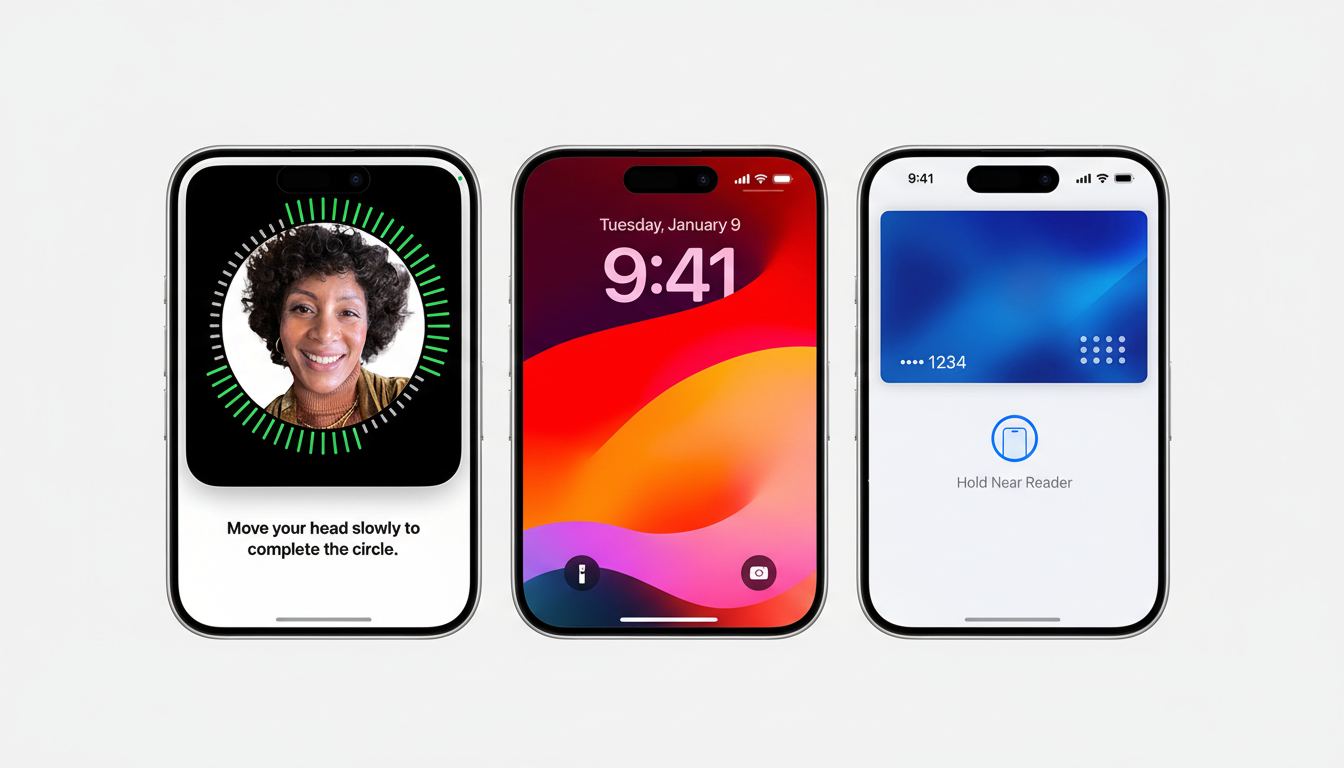
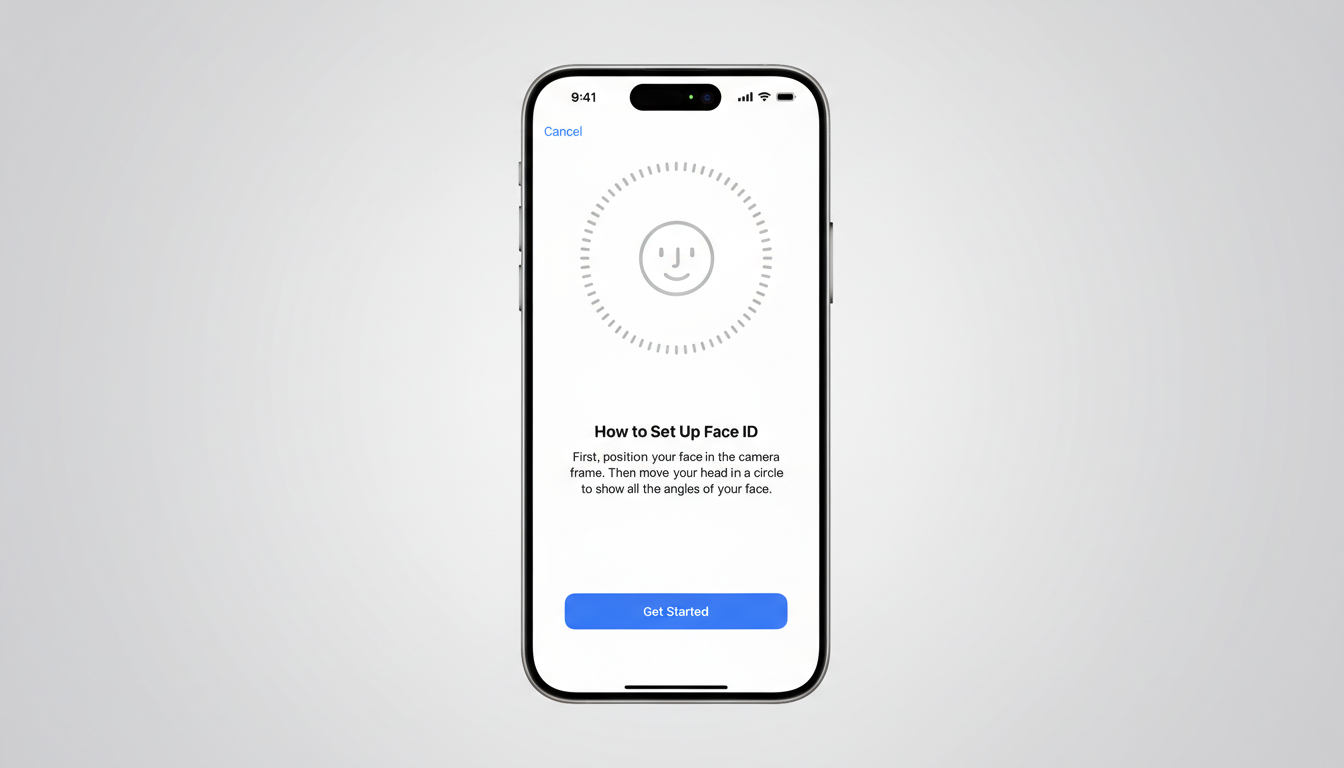
1. Disable Biometrics And Use A Strong Passcode
Turn off Face ID, Touch ID, and fingerprint unlock before you go. Legal scholars often note that a memorized passcode is treated differently than a fingerprint or face scan in many jurisdictions. Switch to a long passcode—at least six digits, ideally an alphanumeric code—and set auto-lock to the shortest interval. This hardens the first line of defense if your device is grabbed or you’re pressured to unlock it.
2. Lock Down What Appears On The Lock Screen
Previewed messages can leak context without ever unlocking. Disable notification previews, wallet access, and quick-reply from the lock screen. On iOS, turn off USB accessories when locked; on Android, disable Smart Lock and any trusted devices or places that keep the phone unlocked. Configure emergency SOS shortcuts and medical ID with only essential information—helpful in a crisis, but not a data dump.
3. Minimize What Your Phone Knows And Stores
Before you leave, sign out of (or temporarily remove) email, cloud storage, and social apps holding sensitive conversations or location history. Consider a secondary profile on Android or a spare Apple ID for protest-day use with minimal contacts and data. Clear recent call logs and set your camera to avoid saving to the cloud by default. Freedom of the Press Foundation trainers emphasize that the best data to protect is data you never carry.
4. Control Location And Wireless Signals
Airplane mode cuts cell, Wi-Fi, and Bluetooth in one tap; enable it when you don’t actively need connectivity. If you must stay reachable, at least turn off Wi-Fi and Bluetooth scanning, disable NFC, and revoke location access for nonessential apps. Disable camera geotagging. The EFF warns that cell-site simulators (Stingrays) can mimic towers to force connections; reducing your device’s radio chatter lowers exposure. Reset your advertising ID and limit ad tracking to reduce ambient profiling.
5. Use End-To-End Encrypted Apps With Disappearing Messages
For coordination, rely on apps that provide true end-to-end encryption by default. Signal remains the gold standard, with disappearing messages, screen security, and registration lock; verify safety numbers for critical contacts. WhatsApp also offers E2EE, but its backups and metadata policies differ. Set short-lived disappearing timers for sensitive chats and enable app-specific locks. Note that message content can be protected while metadata—who talked to whom and when—may still be revealing.
6. Update, Encrypt, And SIM-Harden Your Device
Apply the latest OS and app updates; many real-world compromises exploit already-patched bugs. Modern iPhones use hardware-backed full-disk encryption by default; most current Android phones use file-based encryption—confirm it’s enabled. Set a SIM PIN to block quick SIM swaps if your device is taken, and consider using an eSIM that’s harder to remove physically. Keep only essential apps; every extra permission is another potential leak.
7. Prepare For Seizure, Loss, Or Outage Before You Go
Back up your device before you go—prefer end-to-end encrypted backups. Enable “Find My” or Android’s Find My Device for remote wipe, and memorize or carry the steps you’d need to trigger it. Bring a battery pack and offline maps; networks can choke when crowds swell. If you film, strip or disable location metadata and get consent where possible—face recognition systems, which NIST evaluations show can have demographic error disparities, are increasingly applied to open-source footage. In some situations, a simple Faraday pouch can keep your device quiet until you need it, though you won’t receive urgent alerts while it’s sealed.
Finally, decide whether you truly need your primary phone. A low-cost “protest device” with minimal accounts and contacts dramatically reduces risk. If you bring your daily driver, these seven steps—endorsed by trainers at organizations like the EFF and Freedom of the Press Foundation—won’t make you invisible, but they will make you a harder target in a high-surveillance environment.