


I rebuilt my smart home to work without the cloud, and the result was faster response times, lower costs, and far fewer headaches. This isn’t a thought experiment—it’s a practical blueprint anyone can follow. After years of vendor lock-ins and surprise shutdowns, going fully offline feels less like a hobby project and more like prudent risk management.
Why I Cut the Cloud Cord for a Faster, Safer Smart Home
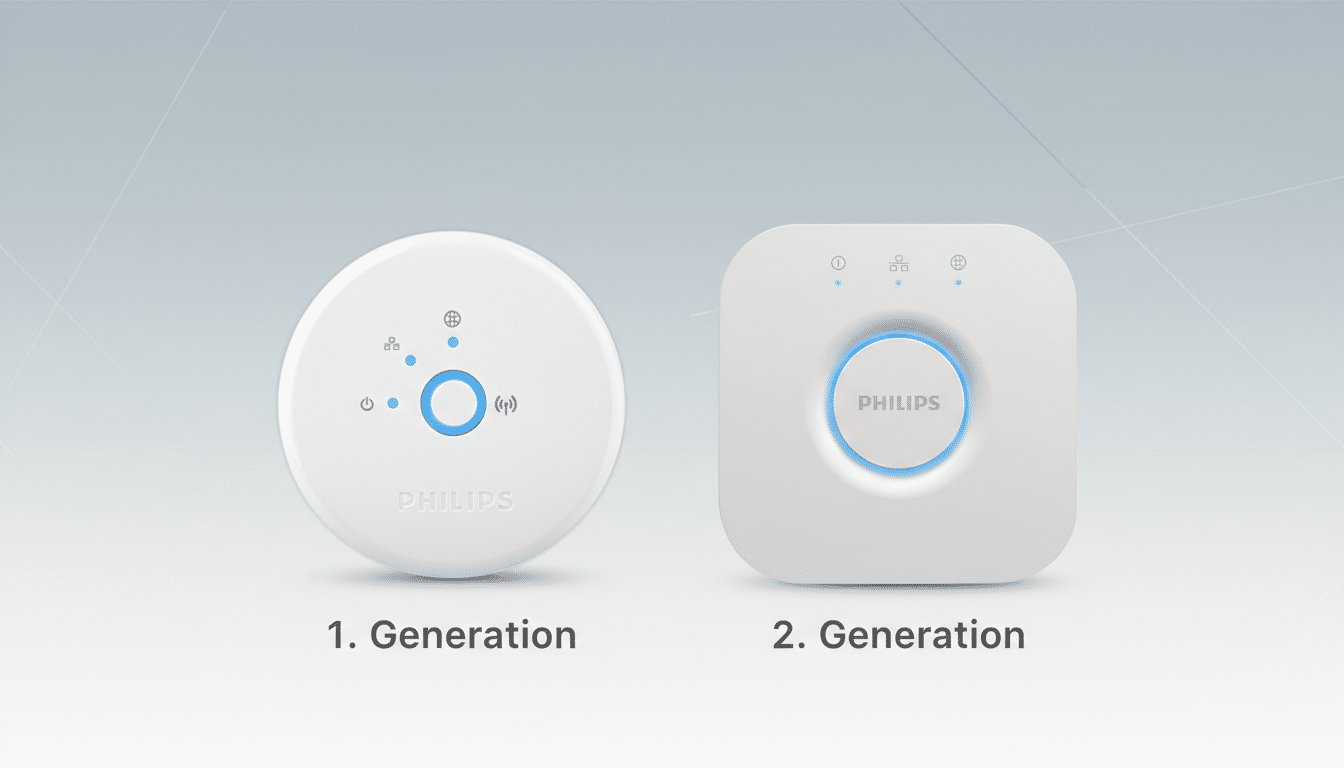
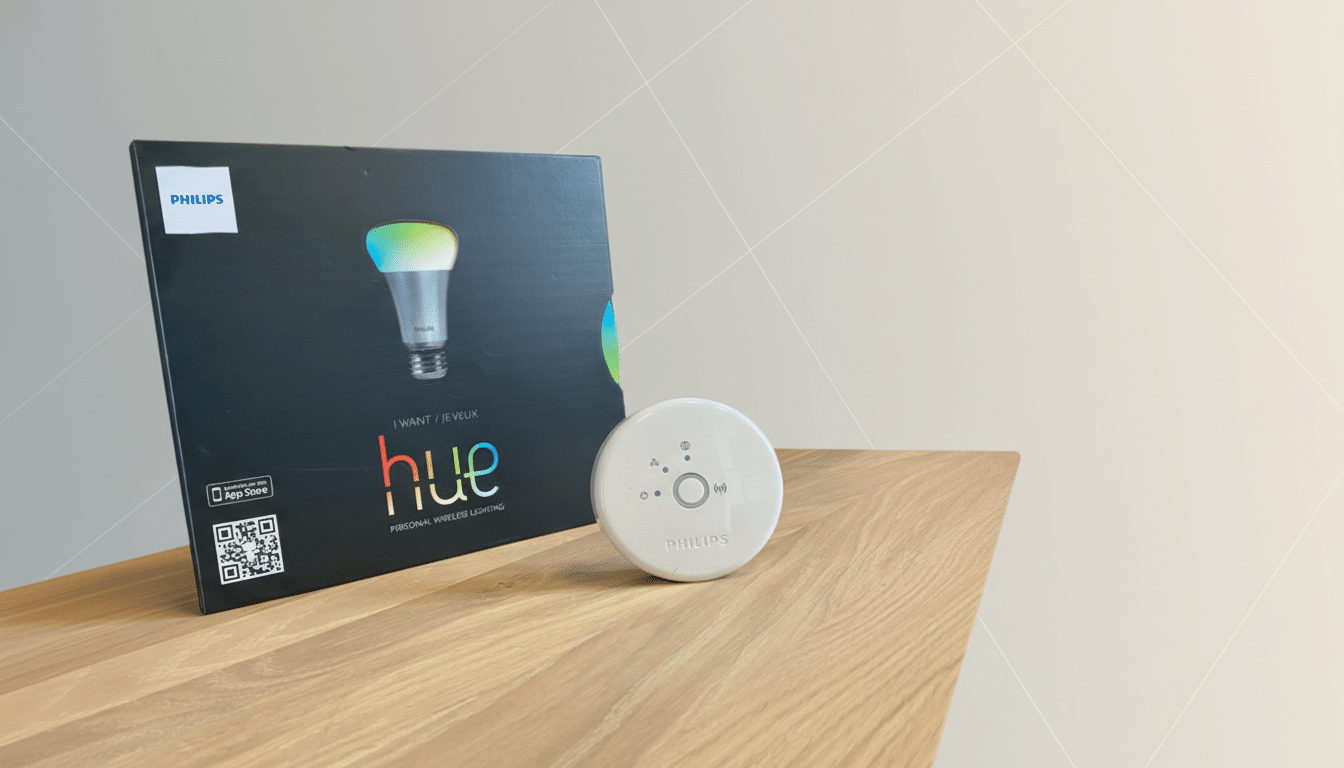
The wake-up call came from a string of abrupt pivots across the industry. Insteon’s server shutdown left owners stranded until a user-backed rescue; Philips ended support for the first‑gen Hue Bridge in 2020; and MyQ quietly dropped Google Assistant compatibility in 2023. These aren’t edge cases—they’re reminders that cloud logins are privileges, not guarantees.
- Why I Cut the Cloud Cord for a Faster, Safer Smart Home
- The Core Offline Stack Powering My Local Smart Home
- Devices That Play Nice Offline Across Brands and Budgets
- What About Voice Control and the Matter Hype Today
- Build It Yourself in a Weekend: A Practical Playbook
- Who Should Hold Off on a Fully Local Smart Home
Privacy was a factor too. Consumer Reports and the Mozilla Foundation’s Privacy Not Included project have repeatedly documented excessive data collection by connected devices. Even if you trust a brand, why continuously ship your household telemetry to someone else’s server when the lights in your hallway can work perfectly without an internet round trip?
Reliability sealed it. Local automations trigger in what feels like real time, without depending on your ISP or a vendor’s uptime. When the internet goes down, my routines keep firing. When their cloud changes, mine doesn’t.
The Core Offline Stack Powering My Local Smart Home
My hub is Home Assistant, an open-source platform maintained by a global community rather than a single manufacturer. It runs on a low-power computer—a Raspberry Pi or a compact mini PC is plenty—and then discovers and unifies devices across brands. Home Assistant maintains support for over 2,500 integrations, spanning lights, sensors, speakers, TVs, and more.
Setup took a weekend. I flashed Home Assistant onto a microSD card, booted the device, and added a Zigbee USB dongle. Zigbee forms a resilient mesh network where each powered device strengthens coverage, so rooms don’t depend on Wi‑Fi quirks. From there, I paired bulbs, switches, sensors, and a few Wi‑Fi devices with local APIs, and built automations entirely in Home Assistant’s graphical interface—no coding required.
The experience is unmistakably local. A single IKEA wireless button now dims non-IKEA bulbs, toggles my air conditioner, and launches a scene on my TV. No vendor app hopping, no cloud routines, no lag. The hub sips power—around 3W at idle—so it’s efficient enough to run 24/7 on a UPS for extra resilience.
Devices That Play Nice Offline Across Brands and Budgets
Zigbee remains my default recommendation because it’s proven and brand-agnostic. Philips Hue and IKEA Tradfri devices pair neatly with a generic Zigbee coordinator, while Aqara’s sensors are reliable and inexpensive. On the Wi‑Fi side, I favor products with documented local APIs, like Shelly and certain Sonoff models, which Home Assistant controls directly on the LAN.
For budget gear that leans on the Tuya cloud, I add them through Home Assistant’s local integrations and firewall their internet access at the router. It’s a privacy win and often improves stability. Even my aging robot vacuum now runs Valetudo, a community-built replacement that keeps maps and scheduling local. That mod isn’t for everyone, but it shows what’s possible when you prioritize control.
Media, air quality, and climate are straightforward too. Sonos, Nanoleaf, and many mini-split thermostats integrate locally; Nest and other cloud-first systems also work, but I keep internet access optional and route all automations through the hub to avoid fragmentation.
What About Voice Control and the Matter Hype Today
If you like talking to your home, you can still expose Home Assistant devices to Google Assistant, Alexa, or Siri with a few clicks. I prefer physical controls—fast Zigbee buttons in key rooms and wall switches for guests—but voice remains an option without sacrificing local reliability.
As for Thread and Matter, the Connectivity Standards Alliance says the ecosystem is growing, but real-world multi-admin support and cross-brand Thread network sharing are still maturing. You can add Thread to Home Assistant cheaply via a USB dongle and ride the wave later. For now, Zigbee offers the broadest, most predictable catalog of devices you can run entirely offline.
Build It Yourself in a Weekend: A Practical Playbook
The playbook is simple: install Home Assistant on a Pi or mini PC, plug in a Zigbee coordinator, pair your devices, and build automations in the UI. Add a local-only dashboard for quick access, schedule nightly backups, and use your router to block chatty devices from the internet. You’ll save money by retrofitting existing appliances with smart plugs and relays instead of buying “smart” versions that depend on a cloud.
Who Should Hold Off on a Fully Local Smart Home
If you’re setting up a home you can’t easily service—say, for relatives who live far away—a well-known cloud ecosystem with simple resets might be easier. Batteries die, devices occasionally need re-pairing, and remote troubleshooting is harder when everything is local. For my own home, though, the benefits dwarf the trade-offs.
After living with an offline setup, I won’t go back. It’s faster, quieter, and no vendor can flip a switch on my routines. The smart home promised comfort and control; running it locally finally delivers both.