


Apple’s ‘Awe Dropping’ keynote will be streaming far and wide, and — accordingly — there are many surefire ways to watch live, on just about any screen. Whether you hew to Apple’s homegrown platforms or you need the flexibility of YouTube, in order to make the most of the event, here’s a quick guide to every livestreaming option, along with some pro tips to ensure you’re able to view the show in a smooth, high‑quality manner.
Official Apple stream on the web
The easiest to access feed is on Apple’s events page, through an HLS, or HTTP Live Streaming, link, technology developed by Apple and supported by most modern browsers. It’s generally the lowest latency option — which can mean seconds, not milliseconds, ahead of rehosts — so it’s a wise choice if you want to hear the announcements before people on social media find out and react to them. Look forward to crystal‑clear 1080p with industrial‑strength reliability, built on the world’s premier enterprise CDNs. Apple usually has an “Add to calendar” prompt early in the lead-up to showtime so you’ll make sure to catch the beginning.
Compatibility is wide: Unless you’re using a recent version of Safari on a recent version of macOS or iOS (or are running the appropriate plugins), you can browse to and watch the stream on Chrome, Firefox, and Edge for Windows 10, Android, and Linux. If your company’s network slows down traffic to media domains, resort to a mobile connection or personal device hotspot instead.
Apple TV app for the big screen
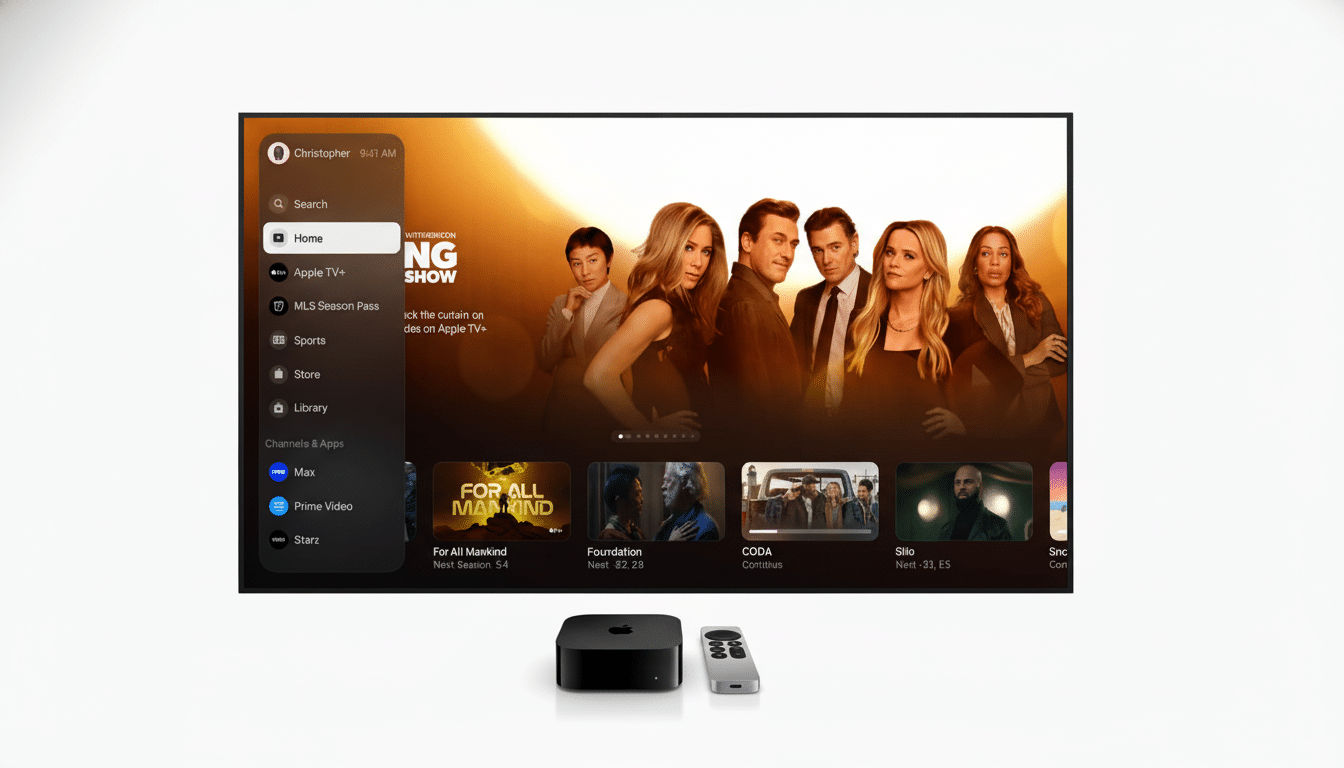
The Apple TV app will also showcase the keynote under the Events or Watch Now section, if you want a living‑room experience. It is on the Apple TV 4K hardware and the Apple TV app on recent smart TVs and on streaming sticks (Roku and Fire TV among others), iPhone, iPad and Mac. This route forgoes fiddling — open the app, choose the event, and you’re in. If you’re watching with more than one person at home, this is the most comfortable way to watch.
Pro tip: If your TV or sound bar is capable, turn on motion smoothing off and set audio to a “Movie” or “Standard” profile for clearer narration during rapid‑fire product segments.
YouTube’s official stream
Apple also simulcasts on its official YouTube channel. The benefits are evident: platform agnosticism, a convenient “Set Reminder” bell and the fact that it’s nearly universally accessible on phones, tablets, game consoles and smart TVs. Recent keynotes have been available up to 4K on YouTube, and hits, while not on the scale of a hit boy band from Korea, reach into the tens of millions over a matter of days, illustrating the size of demand. “It’s helpful to revisit heavier moments shortly after they air, especially if we’re watching it live on YouTube, what with YouTube’s auto‑generated captions features and ability to adjust playback speed.
Keep in mind that YouTube may lag a bit behind Apple’s own site in its processing.
If you are live-commenting or tracking those press alerts, do keep that latency gap in mind.
Third-party live coverage and analysis
The leading tech publications and broadcast outlets typically present live shows to bookend the official feed with pre‑show context and post‑show analysis. Real‑time fact‑checking, spec comparisons, and early hands‑on tells if demo areas open right as the event wraps up. SOMETIMES these streams mimic the keynote, or cut away for highlight clips while people you’ve probably never met, representing the hosts, add perspective.
Two caveats: mirrors maybe geo‑restricted, removed and taken down midstream if rights change, and commentary tracks may bury quieter portions of the keynote. If you’re looking for a clean audio feed from Apple’s presenters, stick with the official streams and open a second screen for analysis.
Accessibility and stream quality advice
Apple streams typically offer English closed captions, and YouTube tacks on auto‑captions you can enable. And if you’re hard of hearing or watching in a noisy place, switch on captions early — not in the middle — lest you miss the rapid‑fire specifications.
For the perfect picture, a steady connection is even more important than raw speed. YouTube suggests about 5 Mbps for 1080p and about 20 Mbps for 4K. If your network is shaky, switch to 720p for now — the quality is often virtually indistinguishable when you’re in sofa mode anyway, and you won’t have to worry about buffering during that crucial demo. On mobile: Low Data Mode off, and plug in to avoid battery throttling.
How to watch on any device
For phones and tables, the fastest route is likely Apple’s site within Safari or the YouTube app; on a laptop or desktop, it’ll be any up to date browser. If you have a TV that doesn’t have the app, cast your YouTube stream with ChromeCast or mirror your screen with AirPlay. If you’re delivering your talk in an office, plug a laptop into a projector via HDMI, pre‑load the stream in a browser to avoid any Wi‑Fi hiccups.
Finally, if you can’t decide between platforms: use Apple’s website for the shortest delay, the Apple TV app for comfy couch sitting, and YouTube for flexibility and to get 4K on the most devices. If you choose either route, you’ll receive the same keynote — just with the user experience modified to fit how and where you prefer to watch.