


EndeavourOS just made one of Arch Linux’s thorniest problems feel effortless. The new Ganymede release automatically detects your GPU during setup and installs the correct NVIDIA driver, removing the manual wrestling match that often greets Arch newcomers and veterans alike.
The Pain Point Ganymede Fixes for NVIDIA on Arch Linux
On Arch, handling proprietary graphics has long meant following the Arch Wiki, picking a driver family, configuring modules, and hoping a kernel update doesn’t break your stack. EndeavourOS Ganymede eliminates most of that friction by handling NVIDIA driver selection and installation during the Calamares-guided setup, so you boot into an accelerated desktop on first login.
- The Pain Point Ganymede Fixes for NVIDIA on Arch Linux
- What Else Is New in the EndeavourOS Ganymede Release
- First Impressions and Setup on EndeavourOS Ganymede
- Performance and Graphics Experience with NVIDIA on Ganymede
- Software Management Reality Check for GUI App Installation
- A Note on Samba Configuration and Missing smb.conf
- Why This Release Stands Out for Everyday Arch Users

Why this matters is simple: NVIDIA still dominates discrete GPU share among desktop gamers. Steam’s Hardware Survey consistently shows NVIDIA leading the field, often hovering around the 70% mark. That makes a smooth out-of-the-box experience for green-team hardware more than a convenience—it’s table stakes for a distribution that targets daily use.
What Else Is New in the EndeavourOS Ganymede Release
Ganymede ships with Linux kernel 6.17, the latest stable branch, and KDE Plasma 6.5.3 for those choosing the flagship desktop. On KDE, the project swapped the Maliit virtual keyboard for the Qt 6 virtual keyboard, improving touch input reliability and consistency across apps.
The release continues EndeavourOS’s approach of staying close to upstream Arch while smoothing rough edges. Updates are fast, the defaults are sensible, and the installer keeps decisions minimal without hiding the nuts and bolts that power users expect.
First Impressions and Setup on EndeavourOS Ganymede
Installation is a breeze: a handful of prompts, credentials, disk selection, and you’re done within minutes. After first boot, the Welcome app (v25.11.1-1) does real work—surfacing system updates, logs, display tweaks, news from the Arch ecosystem, and curated application choices. It feels like a smart dashboard rather than a splash screen you dismiss forever.
Theme aficionados will appreciate that Ganymede keeps KDE Plasma’s polish intact. Switching from the default look to a light theme preserved tasteful translucency and animations in my testing, a small but telling sign that the team sweats the details.
Performance and Graphics Experience with NVIDIA on Ganymede
With NVIDIA drivers handled at install time, the desktop feels immediately dialed in. Animations are snappy, apps pop open instantly, and window movement is tear-free. On modern hardware, KDE Plasma’s Wayland session benefits when the graphics stack is configured correctly—input latency tightens, fractional scaling behaves better, and screen recording is smoother.
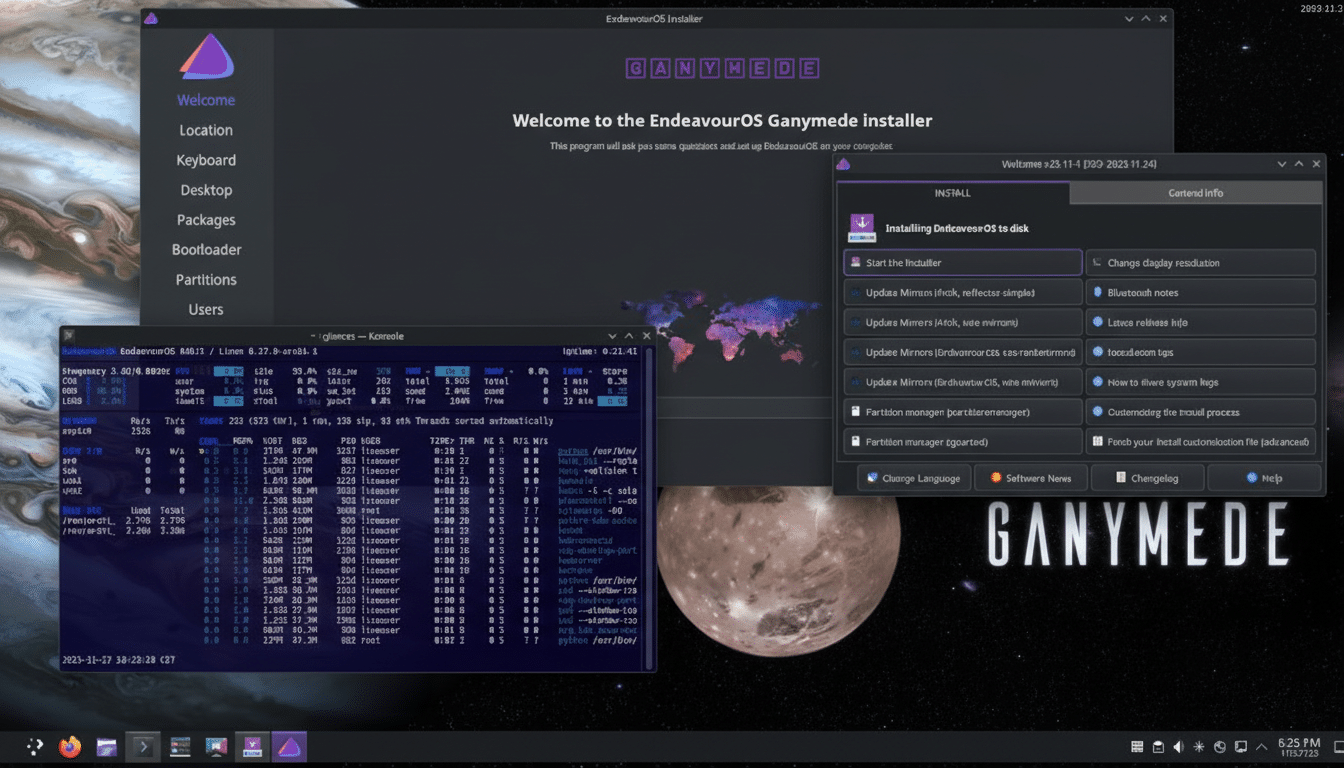
This is precisely where Ganymede shines: it takes the guesswork out of a setup that traditionally required careful reading, a few terminal sessions, and a willingness to backtrack when something didn’t load properly.
Software Management Reality Check for GUI App Installation
One caveat remains: EndeavourOS doesn’t include a GUI app store by default. If you prefer point-and-click, installing Octopi via the AUR helper is a quick fix using a single command. After that, software discovery and updates feel far more approachable, while the terminal-first crowd can stick with pacman and yay.
This choice reflects EndeavourOS’s philosophy—stay lean, let users decide, but don’t put training wheels on a system that prides itself on transparency and control.
A Note on Samba Configuration and Missing smb.conf
File sharing via Samba needs attention in this release. The package install may lack a default smb.conf, which can make network shares appear broken until you create or copy a working configuration. Power users will fix this in minutes, but if seamless LAN sharing is critical, keep this on your checklist post-install.
Why This Release Stands Out for Everyday Arch Users
The Arch ecosystem is famous for stability and flexibility—if you put in the work. Ganymede demonstrates that you can keep Arch’s rolling-release power and still deliver a polished out-of-the-box experience, especially for the huge slice of users on NVIDIA hardware. It’s a pragmatic improvement that will save thousands of people hours of trial and error.
Bottom line: EndeavourOS Ganymede is fast, beautiful, and more user-friendly without dulling Arch’s edge. If NVIDIA drivers have been your Achilles’ heel on Arch, this release finally turns that frustration into a non-event.