


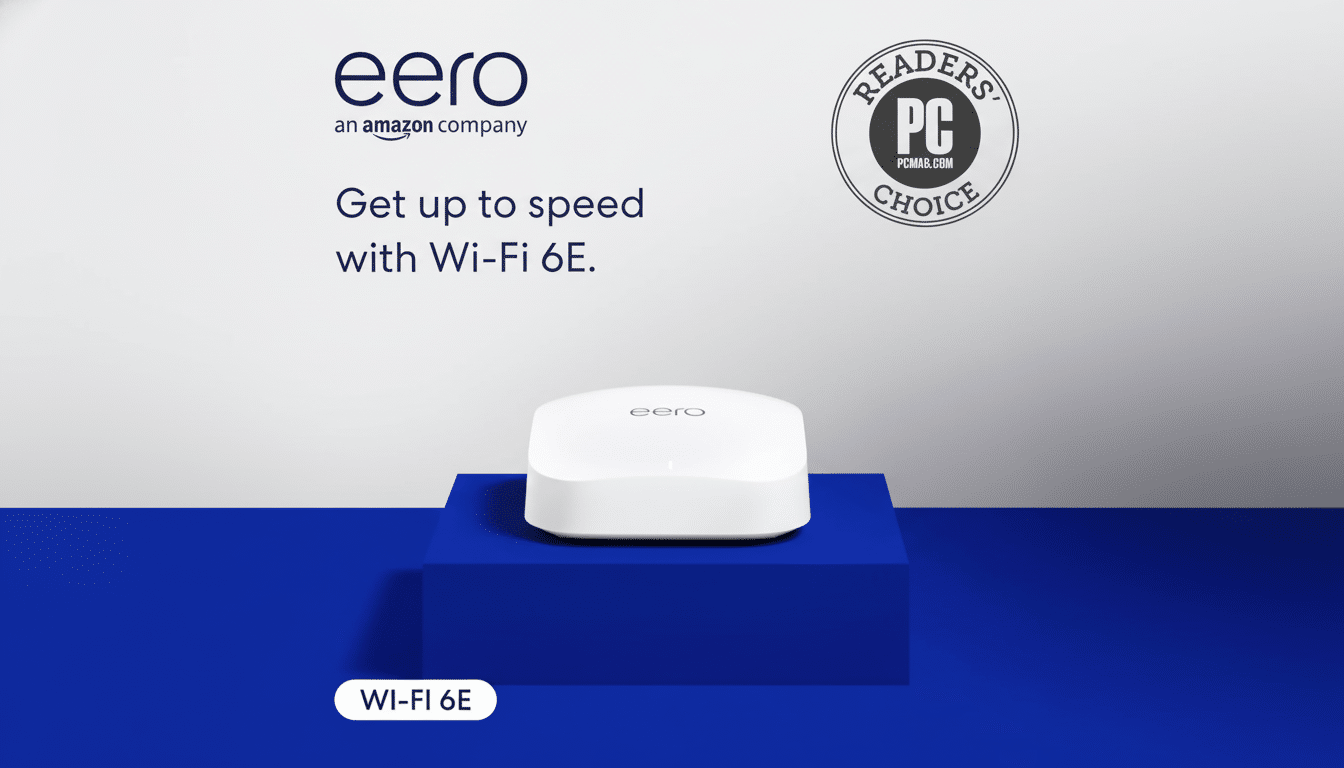
One of the best Wi‑Fi 6E mesh kits just got a steep discount. Now, the Eero Pro 6E system is $220 off — a much friendlier budget window for households that have been dealing with dead zones and spotty streaming to make the jump up to tri‑band 6GHz performance and whole‑home coverage.
This deal hits that three‑band sweet spot: 6GHz spectrum provides roomy 160MHz channels for cleaner, faster links, and Eero TrueMesh software takes care of seamless roaming so phones and laptops can hand off between nodes without a hiccup. If you’ve been waiting for an upgrade that can take gigabit internet, dozens of smart devices, and high‑density apartments in stride, this discount makes the case pretty compelling.
- Why This Discount Matters for Eero Pro 6E Buyers
- Key Hardware and Features of the Eero Pro 6E System
- Real‑World Performance Insights for Wi‑Fi 6E Mesh
- Setup and Management Tips for the Eero Pro 6E
- Who Should Upgrade to an Eero Pro 6E Mesh System
- Upgrade Now to 6E or Wait for Wi‑Fi 7? What to Know
- Bottom Line: Is the Eero Pro 6E Deal Worth It?
Why This Discount Matters for Eero Pro 6E Buyers
The most exciting thing about Wi‑Fi 6E is the ability to use the 6GHz band, which the FCC has cleared in the U.S. to alleviate congestion on both 2.4GHz and 5GHz.
The Wi‑Fi Alliance explains that 6GHz brings with it as many as fourteen more 80MHz channels and seven 160MHz channels, making high‑throughput connections that are much less likely to interfere with neighboring networks. That means more stable 4K streams, faster game downloads, and less jitter on your video calls.
The rub has been price: 6E mesh kits typically start above those of run‑of‑the‑mill Wi‑Fi 6 systems. A $220 snip shrinks that difference, and in many homes actually beats out similarly priced single routers because multi‑node means placement trumps raw power when walls, staircases, or basements come into play.
Key Hardware and Features of the Eero Pro 6E System
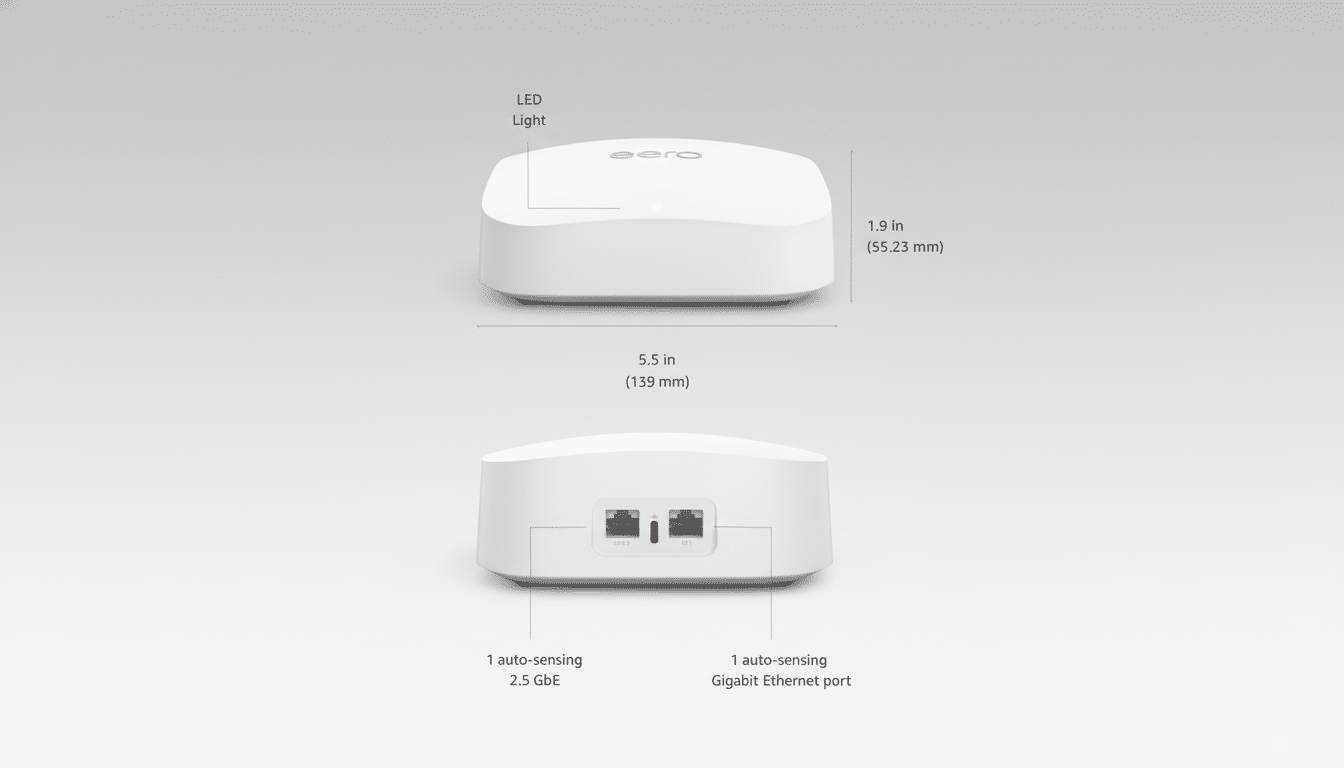
The Eero Pro 6E is a tri‑band system, with support for 160MHz channels and WPA3 security. Each comes with one 2.5GbE port for multi‑gig internet or backhaul, and one 1GbE port to support a wired device or downstream switch. Eero recommends a three‑pack for up to about 6,000 square feet of coverage and more than 100 devices per node — good stuff in the “home where phones, tablets, TVs, consoles, cameras, and smart speakers all vie for airtime” household.
There’s a built‑in Zigbee smart home hub, and newer firmware adds Matter support to compatible Eero models, acting as a central brain for lights, locks, and sensors without additional bridges. TrueMesh automatically picks the best path for every device, and as your environment changes, will utilize any band (including 6GHz) for client traffic or backhaul.
Real‑World Performance Insights for Wi‑Fi 6E Mesh
You can expect the 6GHz band to excel at short‑to‑medium range, whether line of sight or through one wall, making it suited to same‑room laptops, consoles, and workstations that can benefit from high burst rates. And since higher‑frequency radio signals attenuate more per wall than lower‑frequency ones — 6GHz weakens even faster than 5GHz through multiple walls — that’s where the mesh design comes into play. Strategically placing nodes throughout your home — one on each floor, usually — allows the system to maintain strong connections and prevents your devices from latching onto a distant, weak signal.
For Wi‑Fi 6E systems as a category, in independent lab tests, generally the lowest latency and peak throughput come from 6GHz in‑room operations while 5GHz becomes the workhorse for operations through walls. Eero steers you to the right band automatically, so you roam among nodes without buffering or manual channel scheduling during video calls and streaming.
Setup and Management Tips for the Eero Pro 6E
Installation is app‑driven, and typically takes 10–15 minutes: connect the first node to your modem via its 2.5GbE port; give the network a name; then add satellites by scanning a QR code from their base.
For best results, nodes should be 30 to 45 feet apart and kept out in the open — counters or shelves are preferable to cabinets that tuck nodes away. If your home has Ethernet cabling, turn on wired backhaul and leave more wireless capacity open to clients.
Eero promises automatic security and feature updates, a set‑and‑forget proposition that’s great for those of us who are not tinkerers. Advanced parental controls, network security filtering, and ad blocking reside behind an optional Eero Plus subscription, but the bread‑and‑butter experience — fast roaming, band steering, and updates — does not rely on any ongoing fees.
Who Should Upgrade to an Eero Pro 6E Mesh System
If you have upgraded to a 500Mbps or gigabit plan, stream multiple screens of 4K content, game online, or host video meetings often, a 6E mesh could banish the bottlenecks that single routers may be unable to fix (thanks to the increased lanes that 6GHz offers and the extra capacity provided by the other frequencies). Households with 20+ connected devices — today common according to recent consumer connectivity surveys — also benefit from these new lanes, and the distribution that a mesh provides.
Apartment dwellers, surrounded by overlapping networks, might experience outsized gains, since 6GHz steers clear of much of the 5GHz crowding. Big multistory homes also benefit from well‑positioned nodes that keep speeds high where you actually use them.
Upgrade Now to 6E or Wait for Wi‑Fi 7? What to Know
Wi‑Fi 7 gear is coming with jaw‑dropping peak specs, but early systems are costly, and the full advantages will require Wi‑Fi 7 clients. For most households today, Wi‑Fi 6E is the best value: Its support for clean spectrum in the 6GHz band, its compatibility with current phones and laptops that already ship with 6E radios, and the savings on cost — especially when it comes to saving $220.
Bottom Line: Is the Eero Pro 6E Deal Worth It?
A $220 discount on the Eero Pro 6E offers an accessible, reliable high‑end mesh upgrade. With tri‑band 6GHz speed and a 2.5GbE port for multi‑gig as well as Zigbee smart home integration, setup is dead simple and it’s a practical fix for iffy connections and forward‑looking decision‑making as more 6E devices are introduced to the market.