


If you’re in the market for a simple, all-purpose way to cart around big projects, photos and videos back and forth between older devices and new ones, Honor’s top deal of the day—a dual USB-C/USB-A 1TB flash drive—hits the sweet spot today.
At $64.97 (approximately 7 cents per GB), the price has dropped by around 41 percent, making it an attractive option for those who are interested in pocketable high-capacity storage that doesn’t require you to fumble around with adapters or cords.
- Why Having Both USB-C and USB-A Ports Matters
- Real-World Performance: What 20–30 MB/s Looks Like
- Built for the Road: Durability and Design
- Value at a Glance: Price, Capacity, and Trade-offs
- Compatibility and File System Tips for Setup
- Who Should Buy This Dual USB-C/USB-A 1TB Flash Drive
- Fast Tips to Keep Your Files Safe and Backed Up
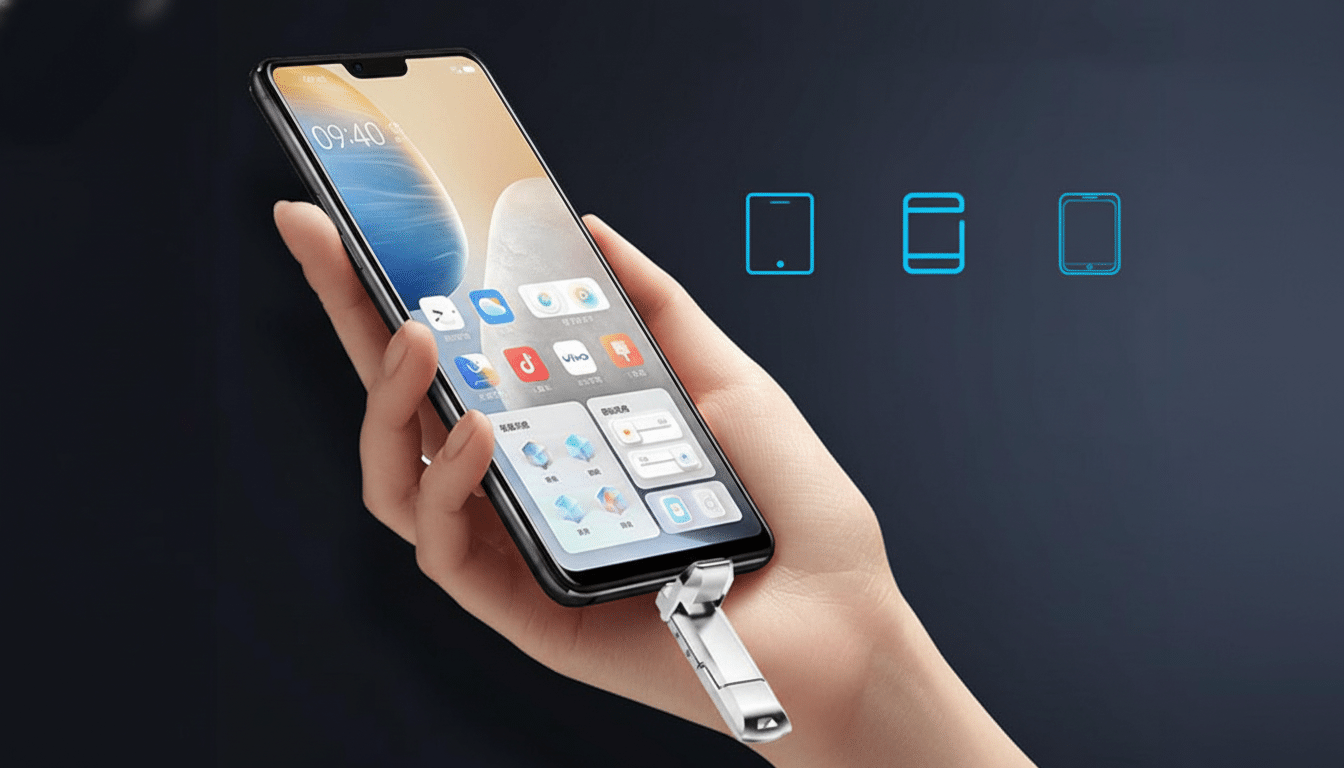
Why Having Both USB-C and USB-A Ports Matters
Dual-interface drives address a very real pain point: not every device uses the same port. USB-C is ubiquitous on new laptops, tablets and phones (along with many iPads, Chromebooks and newer iPhones), while USB-A remains everywhere in older PCs, offices and classrooms. A drive that conveniently works with both is ideal for transferring files between workstations or downloading footage from cameras via card readers and then dumping it to your phone (no dongle!).
For students, freelancers and field teams, that flexibility means less time wasted and fewer compatibility surprises. It is also handy to quickly hand off offline when Wi‑Fi sucks or is restricted—something that typically occurs a lot in corporate and hands-on production structures.
Real-World Performance: What 20–30 MB/s Looks Like
Its performance is rated at about 20–30 MB/s read and write. That’s plenty speedy for everyday reasons—to move office docs or perhaps a photo library or 1080p footage—but is not meant to compete with a portable SSD. To put things in context, copying 1TB of data at 30 MB/s would take about nine hours (or around 14 hours at 20 MB/s). If you’re frequently transferring multi-hundred-gig files, however, a USB 3.2 SSD (usually with speeds between 400–1,000 MB/s) is more your speed.
The “USB 3.2” designation describes the interface family, not necessarily an assured throughput—a distinction that the USB Implementers Forum has sought to clarify as names have shifted. Actual transfer speed may be influenced by file sizes and system load. Translation: this is a rock-solid drive that’s focused on compatibility, not speed, when it comes to all-around use.
As a general rule of thumb, you’ll be able to house one 4K/30 fps stream recorded at ~100 Mbps (~12.5 MB/s), but anyone recording directly to external media or editing from the drive will probably want faster kit.
Built for the Road: Durability and Design
The metal housing is water- and dust-resistant, rated to withstand everyday drops—important for anyone making a living on the go. Naturally, rugged flash drives aren’t a substitute for a comprehensive disaster-recovery plan, but they decidedly bring down the risk of leaving work hours and hours away from being accidentally punted into oblivion by that coffee spill or bag drop between meetings.
That physical wear and tear is more significant than many people realize: field reports and drive-return statistics often see physical mishap outpacing component insufficiency in regular losses. A rugged enclosure is inexpensive insurance on your irreplaceable files.
Value at a Glance: Price, Capacity, and Trade-offs
At $64.97 for 1TB, this model is less expensive than a lot of name-brand 1TB thumb drives, plus it has dual ports to boot.
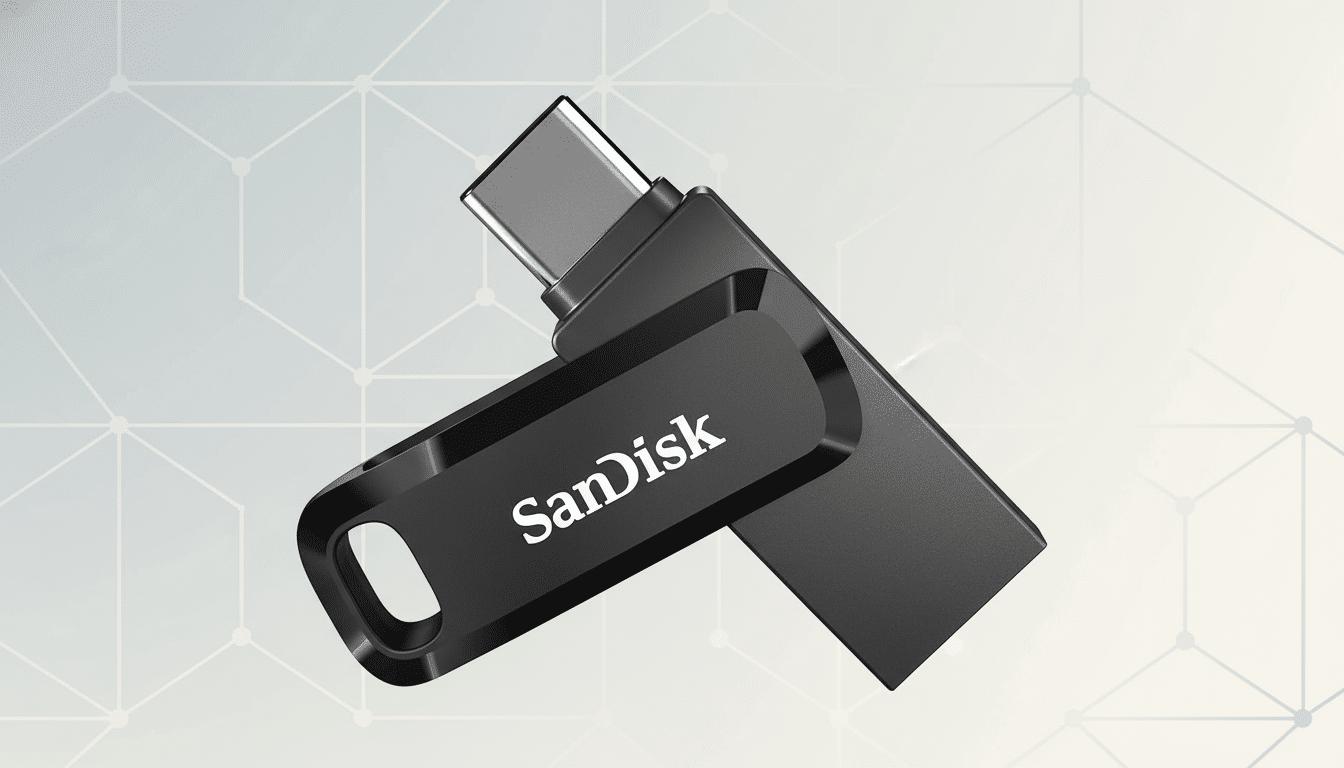
Portable SSDs are much faster but tend to cost more and need a cable. When your need is just additional storage and space matters, this is a money-saving alternative.
It’s competitive with most cost-per-GB mainstream flash options and, over time and especially in areas where bandwidth is constrained or egress policies are strict, far less expensive than cloud upgrades.
Compatibility and File System Tips for Setup
For the most part, dual-interface drives ship formatted as exFAT, a very user-friendly format that works with everything from Windows to macOS to Android to ChromeOS and even recent iPadOS. That’s ideal for cross-platform handoffs. If you want encryption, turn on BitLocker (Windows), FileVault (macOS, when using an APFS format), or a third-party tool such as VeraCrypt. For Android users, make sure USB OTG is supported on your device and check settings.
Pro tip: if you’re regularly moving single files over 4GB, stay away from old FAT32 formats; exFAT or NTFS/APFS are safer options for modern workflows.
Who Should Buy This Dual USB-C/USB-A 1TB Flash Drive
Get this if you want inexpensive, tough, and broadly compatible storage for documents, photo libraries, classroom materials, or media you’ll be viewing rather than editing live. It’s great as a travel-ready “briefcase,” or a fast backup target.
Consider a portable SSD if you’re editing 4K footage off the drive on a regular basis, syncing giant datasets every day, or need sustained high throughput. Even if 10Gbps-class SSDs are more expensive, it will be worth it for creators and IT pros who want faster gear.
Fast Tips to Keep Your Files Safe and Backed Up
Adhere to the 3-2-1 backup rule that is recommended industry-wide (and by entities like CISA):
- Keep 3 copies of your data.
- Store them on 2 different types of media.
- Ensure 1 copy is off-site.
If the drive contains sensitive work, encrypt it. And, of course, flash drives (like all storage) have finite write endurance—cycle or refresh your backups from time to time.
Serving up a perfect blend of capabilities, all-in-one connectivity and fortitude without breaking the bank, this 1TB dual USB-C/USB-A flash drive is a steal for anyone who needs to keep track of their files at the ready—no adapter mess or sticker shock in sight.