


For months now, I’d been wearing camera-first smart glasses, alternating between my Meta Ray-Bans and a new pair that has a built-in display. The difference isn’t subtle. When I see information just show up in front of my eyes, I don’t just use AI more often on the go — I use it with a lot more confidence than when I have to interact with it using voice alone, and in a couple key ways, the display pair actually outperformed the audio-only model.
Meta’s glasses get hands-free capture and conversational AI just about right, but when the answer is a thing that exists only in your ears, you’re still wrestling with memory, context and din. Add a subtle, on-lens display and suddenly something like reading translation, navigating or receiving prompts can become visual, instant and much less heavy on the noggin.
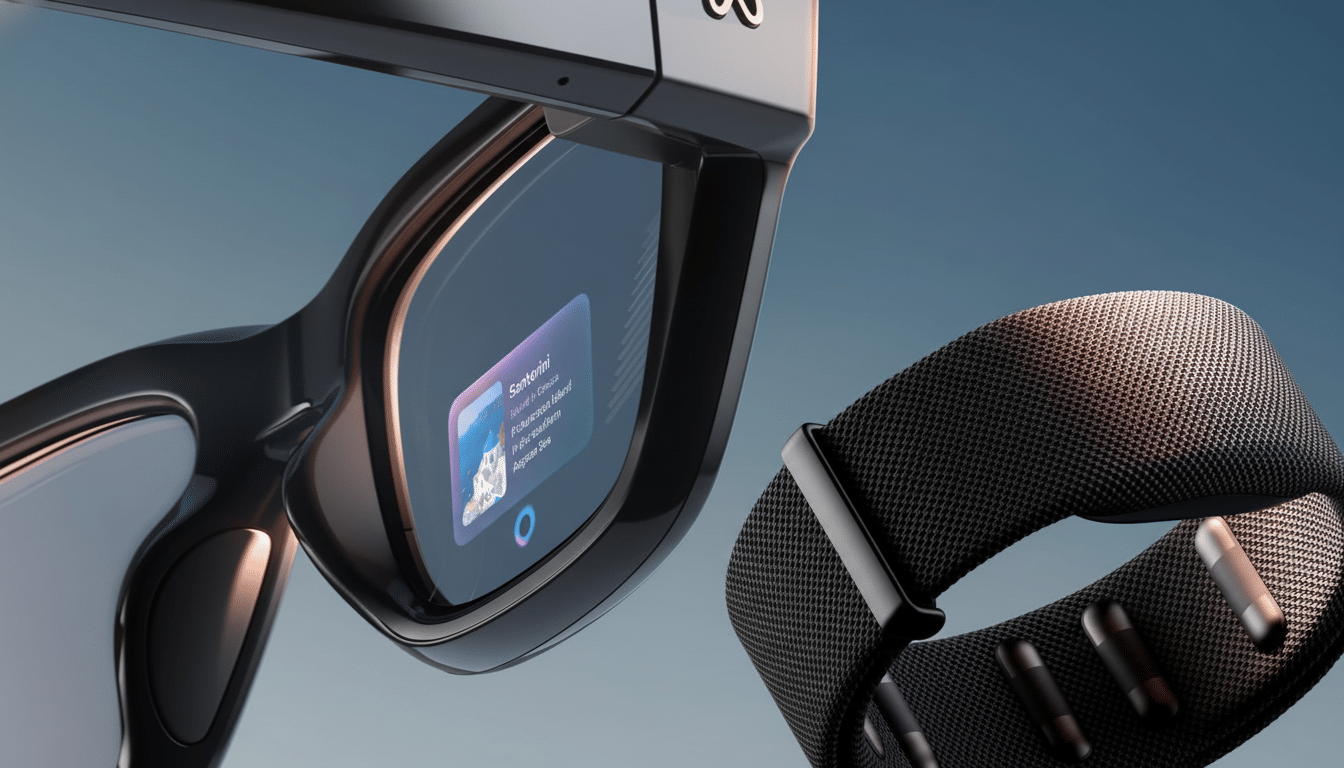
What a built-in display really changes
The glasses I tried use microLED waveguides to display a dimmonochrome UI that only you can see. Waveguides are an efficient, slim kind of optic that is used in enterprise AR: their trickle down into consumer frames is what makes this generation interesting. As IEEE Spectrum has reported, microLEDs offer plenty of brightness and low power consumption in little packages, ideally suited for glanceable text and simple graphics.
In practice, what this means is that turn-by turn prompts, a teleprompter, and live captions can hover just above your line of sight without obscuring the world. Meta Ray-Bans are audio bookmarks, as suitable as podcasts or brief answers or notations as those things are, but visual bookmarks allow you to cross-reference and act without the use of the ol’ mental rewind.
Real-world gains: commuting, presenting, translating
On a city commute, the display pair put up navigation arrows at a quick glance without forcing me to avoid looking where I was going; I did not have to fish my phone out of my pocket or force the assistant to repeat directions. During a meeting dry run, the built-in teleprompter scrolled with my voice, allowing me to maintain eye contact instead of glancing down at a laptop. And in a noisy cafe, real-time translation danced on-lens, allowing me to read along without cupping a speaker to listen over the cacophony.
That “glance, confirm, move” loop is faster than could be achieved with just audio. It’s better manners in public, too. I could glance silently at a note, a list of ingredients, a calendar cue, without broadcasting an assistant’s voice to anyone within earshot.
Seeing what the AI sees
The glasses are powered by a multimodal assistant supported by a 12MP sensor, and the on-lens UI shortens the feedback loop. Inquire, “What is the best-before date of this carton?” and the solution appears where you are looking. Point your phone at a street sign in a foreign language and the translation arrives on the screen in a beat. You can do something like this with Meta Ray-Bans, but hearing a translation is different from seeing translation overlaid on the scene.
For writers and speakers, the teleprompter is silent genius. It moves along as you speak, which means you don’t get caught tapping the screen to advance lines. That converts the glasses into a pocketable confidence monitor — something I’ve never been able to get from audio-only wearables.
Camera and capture: trade-offs vs Meta Ray-Bans
Meta’s strengths in image processing are still evident. Photo quality My Ray-Bans delivered punchier colors and better dynamic range outside. The display glasses recorded detailed 12MP photos, but fell flatter in contrast. Video provided a handy 60fps mode stuck at 720p to ensure some smooth motion, and smart aspect presets (including a vertical crop) that makes clips even more social-ready right off the face.
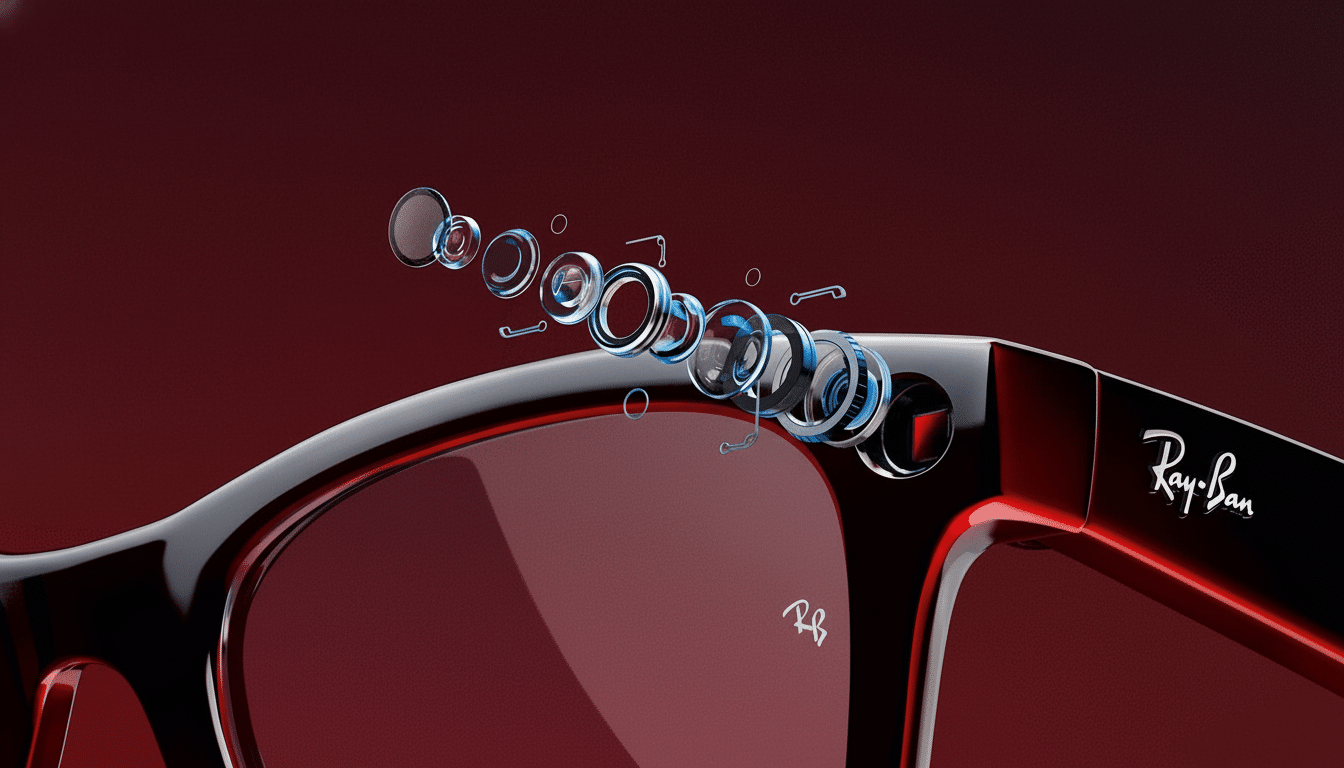
In other words, for video creators going after the best-looking shots, Meta’s tuning may be the way to go. If you value “capture plus context” (labels, prompts or overlays that you can see as you capture), the display glasses are the more powerful tool.
Comfort, battery, and discretion
Despite the additional lens work, the frames themselves don’t really scream “gadget.” They looked like regular eyewear in offices and on transit and people around me weren’t able to see the projection unless they were very uncomfortably close. Open-ear speakers were clear and didn’t leak too much sound, and I lasted a full workday with the occasional use — notifications, a few recordings and brief spurts of translation — before I needed a top-up.
The UI is driven by finger and voice though the temple. Some occasional swipes weren’t registered (likely early software), but voice unfailingly did what I needed it to perform with the basics. That’s a reliability that makes a difference; when the assistant fails in the moment, you’ll stop wearing the glasses, no matter how clever the optics.
Limitations to know
Displays this tiny are good only for text or simple graphics — not a dense dashboard. In bright, direct sunlight, legibility took a noticeable hit until I cupped the lens — a typical waveguide trade-off. And if on-lens visuals are beneficial for privacy, any camera-on eyewear requires etiquette — indicator LEDs are a start, but you still have to make it clear you’re recording.
As optics mature, consumer smart glasses are evolving from camera-first novelties into more valuable, display-first tools, according to analysts at IDC and CCS Insight. From my testing, that pivot is long overdue: visual feedback also enhances daily tasks in a way audio cannot.
The takeaway: Why they beat out my Meta Ray-Bans
For now, Meta Ray-Bans are the best way to record life from a hands-free perspective, or to have a one-on-one conversation with an AI without taking out a phone. But when you want it black and white — directions you can double-check, lines to give, translations you can read — it’s the built-in display. It has the added benefit of cutting down on friction, decreasing cognitive load and keeping your focus on the world around you.
If the next wave of wearables is about making AI useful in the most direct sense, not just the novel, then what you look at may be as important as what you listen to. After a week with glasses that have a changing display, I do not want to go back.