


A few Pixel owners claim that their habitual tug, used to open the notification shade, abruptly stopped working with the December software update (the problem arises when One-Handed Mode is enabled).
If invoking One-Handed Mode and a swipe that previously pulled down notifications suddenly doesn’t do anything, it’s not just in your head.
- What users are reporting about the broken notification swipe
- Which Pixel devices appear affected by the December update
- No changelog clues about One-Handed Mode or gestures
- The likely technical culprit behind the broken swipe
- Workarounds to try now until Google issues a fix
- How widespread the issue appears across Pixel devices
- What to watch next as Google investigates the bug
What users are reporting about the broken notification swipe
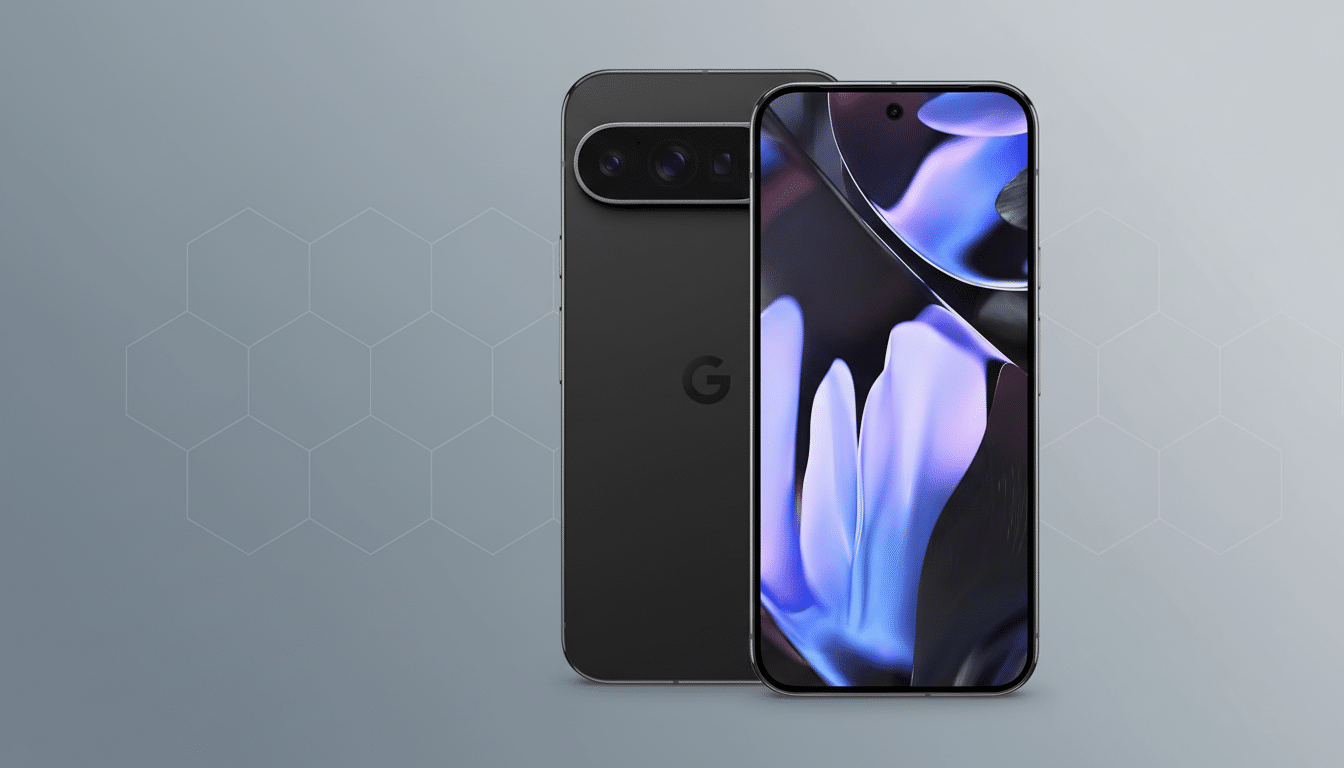
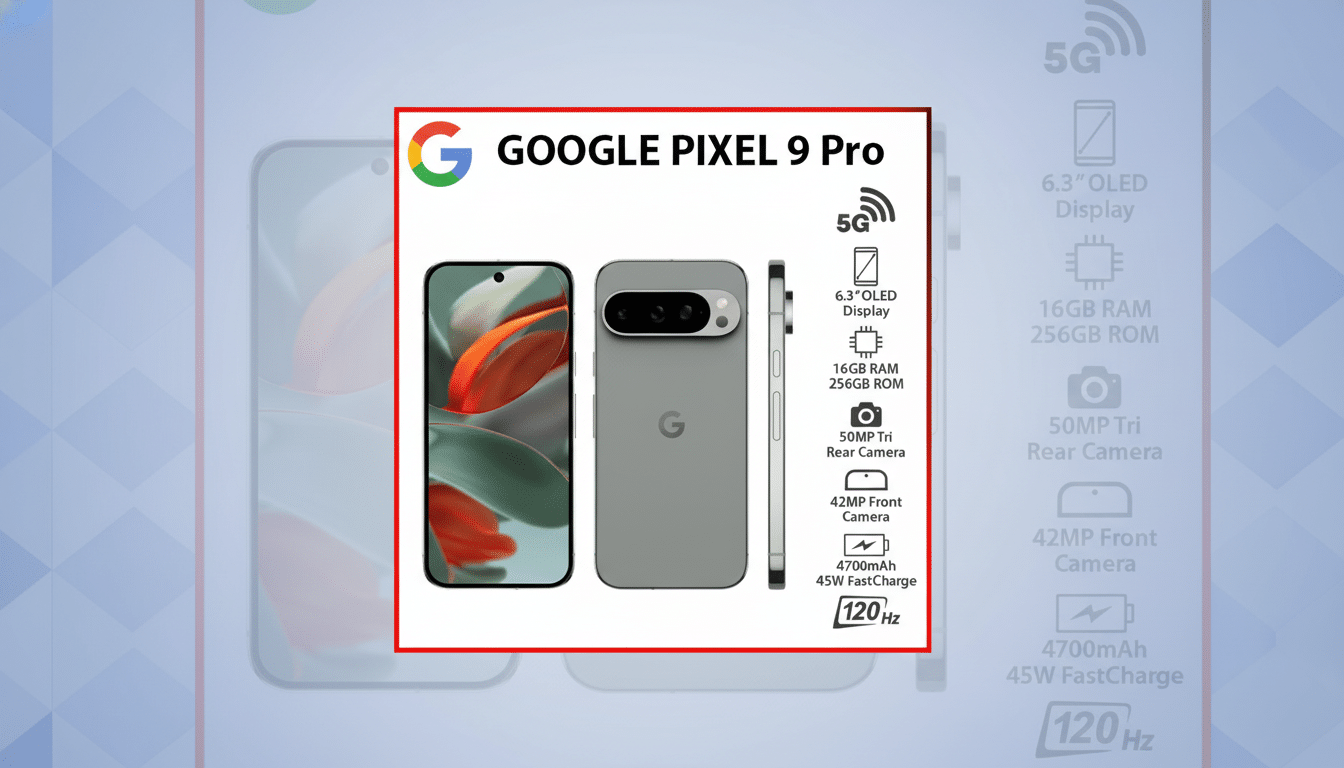
Among the first to report the bug was a user on Google’s official support forum, who reported not being able to open the notification panel after One-Handed Mode was activated on their Pixel 9 Pro.
Similar reports poured in shortly after through community threads on Reddit, with owners of new models describing similar behavior: One-Handed Mode still shrinks the screen as expected, but there’s no recognition (or inconsistent recognition) of swipes meant to reveal notifications.
It’s not universal, though. In those same threads, other Pixel users report that everything functions normally. That divide indicates this might be related to particular configurations—say, navigation settings, launcher preferences, or accessibility services—rather than a blanket failure on every device.
Which Pixel devices appear affected by the December update
Reports cover numerous recent Pixels, including Pro models. While there isn’t a complete list of what works and doesn’t on a model-by-model basis, the fact that similar devices seem to exhibit both confirmations and non-issues with gesture routing points to a software-side quirk rather than an outright hardware problem. Both stable channel users and those who installed the new feature bundle are included in the anecdotes, which really throws off the numbers.
No changelog clues about One-Handed Mode or gestures
Google’s December patch notes don’t have any mentions of changes to One-Handed Mode or the notification gestures. That absence doesn’t preclude a regression, though. System-level logic like gesture handling frequently resides in System UI, launcher integrations, and accessibility frameworks—all of which can be impacted by under-the-hood updates without the change itself being specifically called out in public release notes.
The likely technical culprit behind the broken swipe
One-Handed Mode scales and translates the visible window, so Android needs to remap touch coordinates correctly. The issue might be that a post-update change affected how System UI or the launcher responds to edge swipes in the presence of a screen shift, such that it may be misclassifying the gesture or sending it to the wrong layer. In jargony terms, your swipe might never reach the notification controller when One-Handed Mode is enabled.
A second option is System UI’s integration with One-Handed Mode, possibly a conflict when using gesture navigation. Pixels using full-gesture navigation add more logic on the bottom edge and in the corners. If that logic in the dispatcher now supersedes the notification pull in One-Handed Mode, then you just lose the swipe.
Workarounds to try now until Google issues a fix
Until an official fix is available, some stopgaps can return one-thumb access to notifications:
- Quick Tap: In Settings, set the double-tap on the back to “Open notifications.” This resembles the missing swipe with little retraining.
- Try the launcher swipe-down: In Pixel Launcher settings, enable “Swipe down for notifications” on the home screen. It won’t work within apps but is quick on the home screen.
- Temporarily turn off One-Handed Mode before swiping: A few users say the notification shade functions as intended as soon as they tap the back button to dismiss One-Handed Mode, so a quick toggle off-and-swipe might do in a pinch.
- Test navigation options: Try switching briefly to three-button navigation from full gestures, or even back again, which can indicate whether the bug is related to your current mode of navigation.
- Inspect accessibility services: If you use gesture-related services, turn them off and see if there’s a conflict introduced by the update.
How widespread the issue appears across Pixel devices
The problem seems to affect a minority of users yet still has enough reports to indicate more than isolated user error, according to forum threads. Anecdotal polls and replies indicate variable behavior depending on device setup and software state, as is generally the case with gesture-edge bugs.
What to watch next as Google investigates the bug
Watch the Google support channels and release notes for the next monthly patch or System UI update via Play services. If it’s about gesture dispatch or coordinate remapping with One-Handed Mode, it can probably be fixed without a serious platform change.
If you’ve experienced this, head to Settings > About phone > Send feedback and upload a short screen recording of One-Handed Mode showing the issue with the swipe. The more reproducible data Google gets, the quicker this sort of regression typically gets fixed.
Bottom line: You’re not crazy, and your phone isn’t broken. It seems that for some people with a Pixel, the December update has broken the notification gesture when One-Handed Mode is enabled, but there are reasonable ways around it until a patch arrives.