


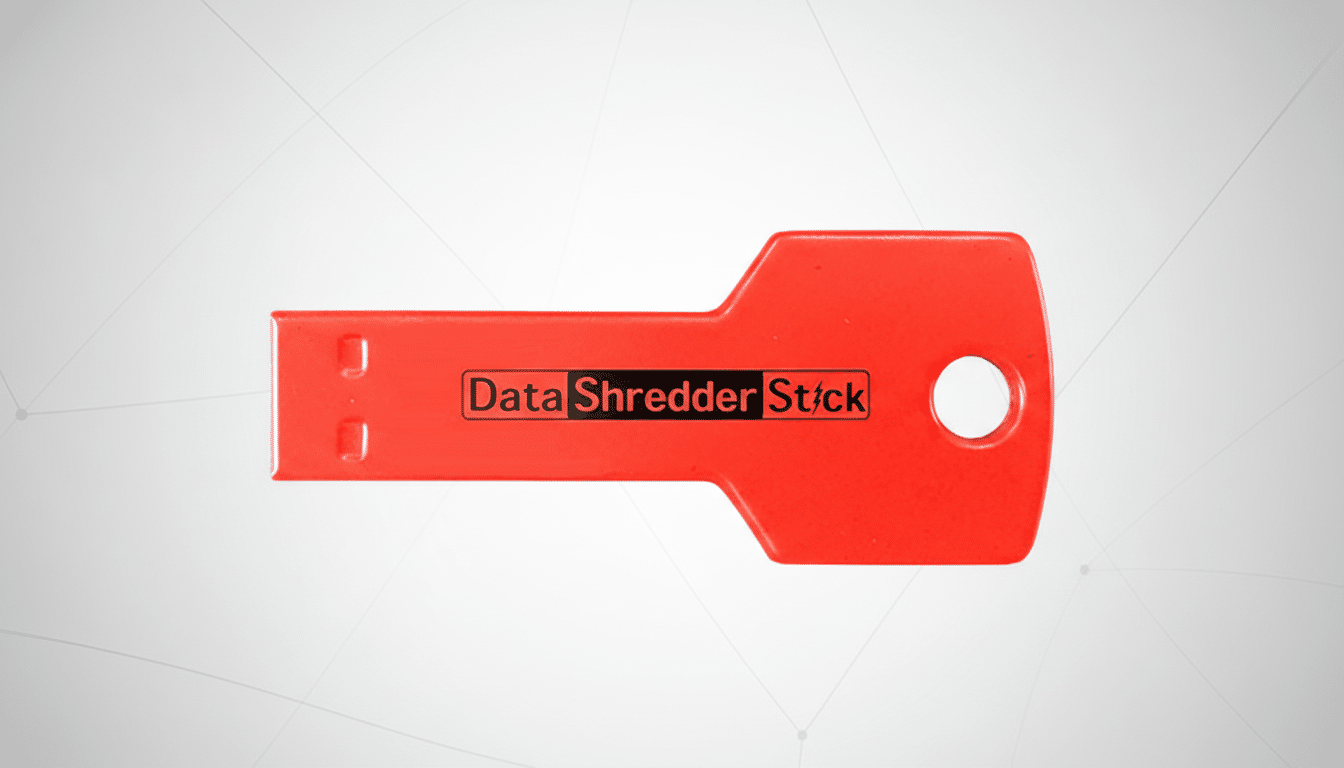
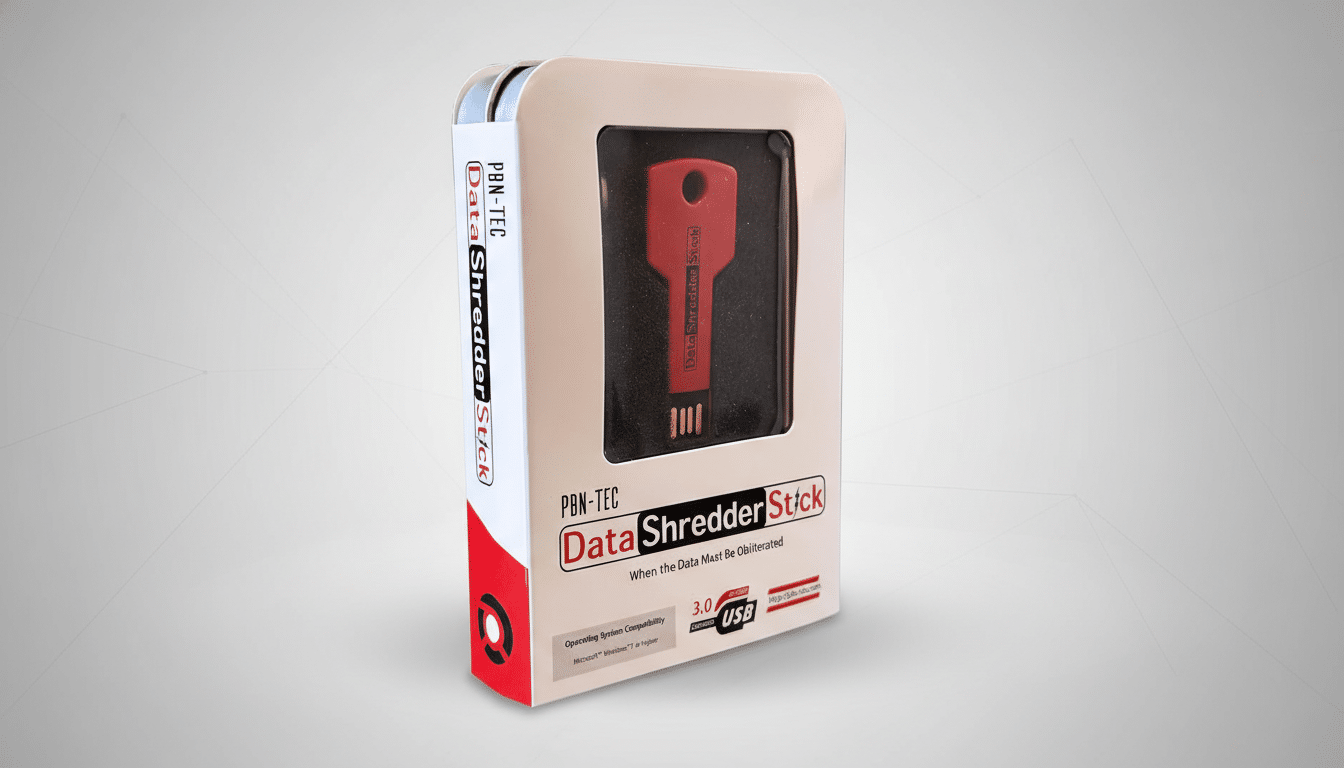
A steep discount just made secure deletion a lot simpler. The Data Shredder Stick, a plug-and-wipe USB tool designed to make deleted files truly unrecoverable, is on sale for $39.99, a 33% cut from its $59.99 MSRP, with free shipping. For anyone preparing to sell or donate a PC, cycling through external drives, or tightening day-to-day privacy practices, this is a timely deal on a straightforward solution.
Contrary to what the recycle bin suggests, deleting a file rarely eliminates it. On most systems, the data persists in unallocated space and can be brought back with basic forensic tools. The Shredder Stick aims to close that gap by overwriting the underlying storage, ensuring the original content cannot be pieced together later.
- Why Secure Deletion Matters for Your Data and Privacy
- What the Data Shredder Stick Does and How It Works
- HDDs Versus SSDs: Nuances of Effective Secure Wipes
- How It Compares to Built-In Options in Windows
- Who Benefits Most from This Data Shredder Stick
- Deal Takeaway: Why This Discount Is Worth Considering
Why Secure Deletion Matters for Your Data and Privacy
Real-world evidence shows how often “deleted” doesn’t mean gone. A study by Blancco and Ontrack found residual data on 78% of used drives purchased from online marketplaces. Researchers at the University of Hertfordshire, in an analysis supported by Comparitech, reported that 59% of secondhand drives still contained recoverable data, including photos, emails, and financial records. The National Association for Information Destruction has similarly flagged widespread data exposure in the secondhand device market.
Beyond personal privacy, the stakes are regulatory and financial. NIST Special Publication 800-88 outlines media sanitization best practices, while the FTC’s Disposal Rule, HIPAA requirements, and GDPR all impose expectations for responsible data destruction. IBM’s annual Cost of a Data Breach Report consistently places the average breach cost in the multimillion-dollar range, underscoring why “good enough” deletion isn’t good enough for many organizations.
What the Data Shredder Stick Does and How It Works
The appeal here is simplicity. Plug the USB 3.0 stick into a Windows machine, launch the included software, and choose what to erase. You can drag and drop files and folders for immediate shredding, wipe the free space where remnants of old files linger, or overwrite entire drives when you’re retiring a system. Once the overwrite is complete, recovery becomes impractical, even with forensic-grade tools.
Unlike subscription-based utilities, the Shredder Stick supports unlimited use across multiple computers and storage devices. That makes it a cost-efficient option for households, freelancers, and small businesses that periodically sanitize media. Its small, portable form factor also means you can bring it to machines that shouldn’t or can’t go online.
HDDs Versus SSDs: Nuances of Effective Secure Wipes
Effective erasure differs by storage type. On traditional hard drives, overwriting is typically sufficient: once new data is written across sectors, the original bits are functionally irretrievable. Solid-state drives are more complex due to wear leveling, TRIM, and overprovisioned areas that user-level software can’t always access directly.
NIST SP 800-88 recommends drive-native commands—such as ATA Secure Erase or the NVMe Sanitize command—or cryptographic erase (destroying the encryption key) for SSDs. While file-level shredding and free-space wipes remain valuable for everyday privacy, anyone sanitizing full SSDs should ensure their process aligns with those guidelines. As a best practice, verify that any tool you use supports TRIM-aware operations and can invoke firmware-level secure erase when available.
How It Compares to Built-In Options in Windows
Windows includes several pathways to safer deletion: Reset this PC with “Clean data” enabled, BitLocker with key destruction, and the command-line cipher utility to wipe free space. Those methods work, but they can be time-consuming, require comfort with system settings, or assume the OS is intact and bootable.
The Shredder Stick consolidates the most common tasks—file shredding, free-space clearing, full-drive wiping—into one portable interface, which is useful when decommissioning multiple PCs, preparing loaners, or sanitizing drives offline. It’s also handy when a quick, targeted wipe is preferable to a full system reset.
Who Benefits Most from This Data Shredder Stick
Home users retiring old desktops and laptops; creatives and contractors managing client files on external drives; small firms that handle HR records, invoices, and contracts; and resellers refurbishing machines all stand to gain. Because the license supports unlimited use on multiple computers and drives, the per-wipe cost drops quickly after a few sanitization jobs.
For the highest-risk data—think defense, healthcare, or extremely sensitive trade secrets—physical destruction or vendor-verified sanitization remains the gold standard. For most other scenarios, a software-based overwrite that follows recognized guidance dramatically reduces exposure.
Deal Takeaway: Why This Discount Is Worth Considering
At $39.99 with free shipping, the Data Shredder Stick is a timely 33% discount on a no-nonsense privacy tool. It won’t replace enterprise-grade destruction policies, but it provides a practical, portable way to ensure deleted files actually disappear—before you hand that drive to someone else, or before a simple mistake becomes tomorrow’s data leak.