


To create a practice test quiz, decide how many questions each unit needs, then generate them from your own notes and edit the draft. Adobe Acrobat’s quiz maker builds a quiz from PDF, DOCX, PPTX, TXT, and more up to 100MB per file, is free to start with no sign-up or credit card required, and lets you retake it.
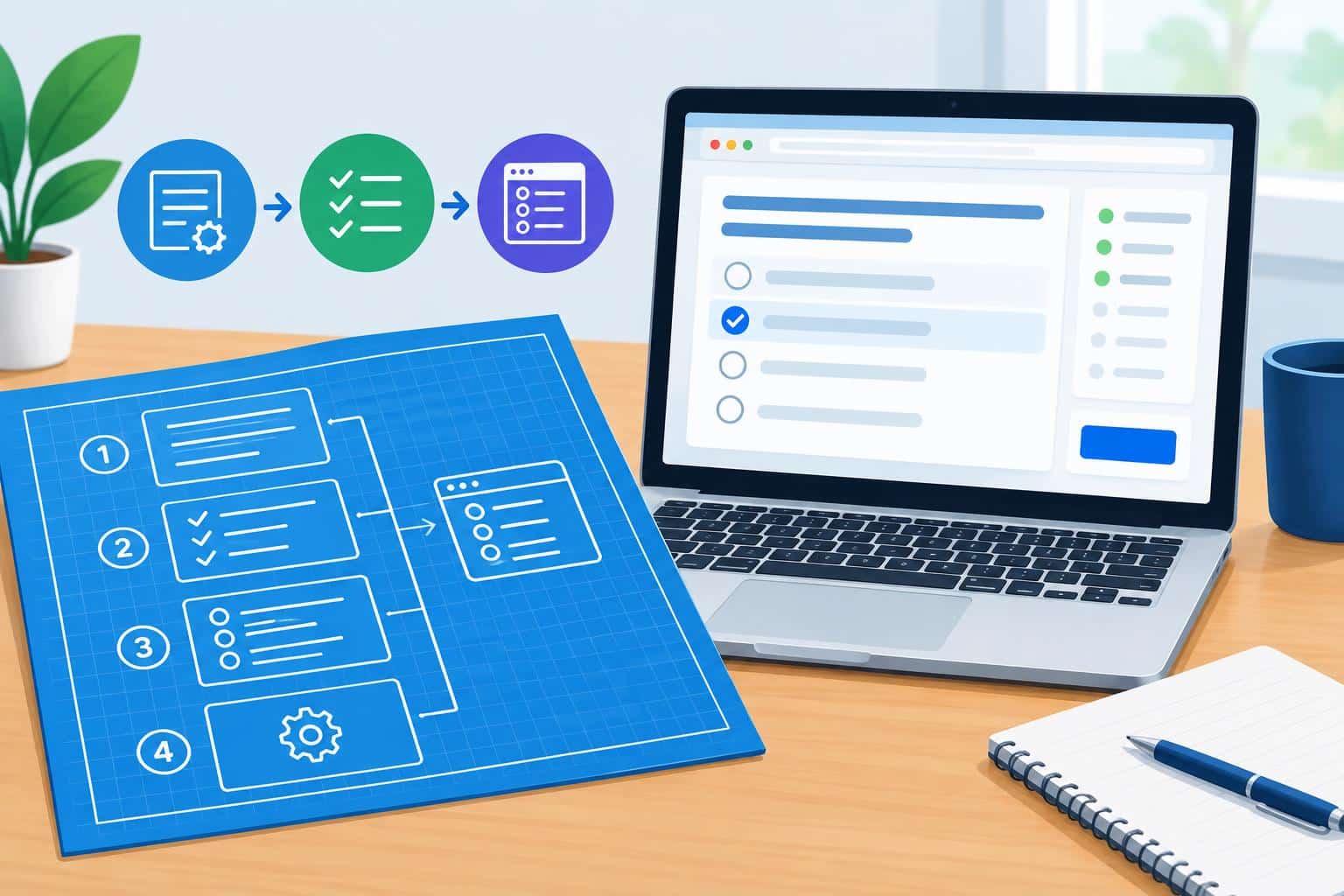
A practice test works best when it looks like the exam, and a generator will not know what your exam covers. A short blueprint fixes that: how many questions per unit, which question types, and how hard. This article walks through that planning step, then compares what several browser tools let you set, and shows how a study group can split the work. The blueprint example uses made-up exam weights for illustration. Details come from each tool’s own pages and from guides where noted. Plans and features change, so confirm them before you rely on one. Start with one course and one exam.
- Create an Assessment in Any Browser: When Is a Practice Quiz Enough?
- Create a Quiz Online: Which Settings Should You Choose First?
- Create Quizzes Online Through a Browser: How Should Students Split the Work in a Study Group?
- Quiz Creation in a Browser: What Do Question Types Add to a Practice Test?
- Frequently Asked Questions
| Unit | Example exam weight | Questions in a 20-question practice test |
| Unit 1 | 30 percent | 6 |
| Unit 2 | 25 percent | 5 |
| Unit 3 | 25 percent | 5 |
| Unit 4 | 20 percent | 4 |
Create an Assessment in Any Browser: When Is a Practice Quiz Enough?
A practice quiz is enough for studying, and not for anything that counts toward a grade. Adobe’s quiz maker page describes online practice quizzes you generate from class materials, edit, retake, and share with a study group. For a graded assessment, your instructor sets the questions and the system. Google’s help pages describe a form tool with an answer key, points, and feedback for people who need grading. Ask your instructor for exam weights or a topic list, because that is the blueprint behind the table above. Build your practice test to match it, and keep it labeled as practice if you share it.
Create a Quiz Online: Which Settings Should You Choose First?
Choose count, types, and difficulty. One vendor tool lists five to twenty questions per quiz, and Gemini Notebook’s help page lists easy, medium, and hard difficulty. Quizbot’s page lists true or false, fill in the blanks, multiple choice, and open-ended questions on its free plan, and Quizgecko’s page lists six question types. Adobe’s quiz maker lists no question types, but you can edit anything or generate new versions. Match the count to your blueprint, use the types your exam uses, and start at medium difficulty. Raise it once you answer most questions correctly, and add your own questions where the generator is too easy.
Create Quizzes Online Through a Browser: How Should Students Split the Work in a Study Group?
Split by unit. Adobe’s quiz maker page says you can send a quiz to your study group and that classmates can merge notes so questions draw from everyone’s uploads. Google Forms quizzes can be shared by link, per Google’s help pages. Give each member one unit from the blueprint, have them generate and edit that unit’s quiz, and then swap quizzes so each person checks someone else’s answer key. Combine the units into one mixed practice test a week before the exam. Agree on which course materials you may share, and avoid uploading anything your instructor has restricted.
Quiz Creation in a Browser: What Do Question Types Add to a Practice Test?
They change what you practice. Multiple choice checks recognition, while fill-in-the-blank and open-ended questions make you produce the answer. Quizbot lists both kinds on its free plan, and one guide says Wayground offers more than 20 question types, including open-ended responses, categorization, and drag and drop. Quizlet’s help content describes smart grading for longer text answers, while Google says short answer and paragraph questions may need manual grading. Match the mix to your exam, and include at least some questions where you must write an answer from memory, since those are harder to guess. Save the questions you miss for the next round.
Frequently Asked Questions
How many questions should a practice test have?
Match the exam’s length if you can, and split the questions by unit weight, as in the table. If you do not know the length, twenty questions is a practical size for a unit review, and one vendor tool offers five to twenty per quiz. Several short tests over a week usually beat one long test the night before. Adjust after the first attempt.
Should a practice test be timed?
Not at first. A teaching-technology guide to Wayground notes that timed, competitive modes can push speed over reasoning, so start untimed, read the feedback, and add a timer near the exam to rehearse pace. Keep the review step either way, because that is where you find your weak spots.
What should I do with the results?
Sort the misses by unit and concept, write why each answer is right, and retake only the misses in a day or two. Adobe’s quiz maker page says you can take the quiz, see what you missed, and keep practicing. Then update your blueprint so weak units get more questions next time.