


And if you’ve ever seen a crucial email chain vanish into the ether, you know that “I’ll get around to backing that stuff up soon” isn’t an arrangement anyone should stake their own personal backup strategy on. Full-featured email backups are now a thing and you can get in the game for only $35, gaining enterprise-like archiving and restore tools that previously were only available to individuals and smaller teams who wanted to protect their inboxes without adding yet another subscription.
Why Email Backups Matter for Security and Peace of Mind
Email is the infrastructure of digital life. Hundreds of billions of emails are sent and received each day worldwide, and that total increases regularly, according to Statista. With so much business, billing and documentation flowing through inboxes, the price of losing access can be high.
- Why Email Backups Matter for Security and Peace of Mind
- What $35 Buys You in a Full-Featured Email Backup Suite
- Built for Real-World Email Workflows and Smooth Migrations
- Restores and Migrations Are Easy as Pie with Granular Control
- Security Features You Can Explain to Your Family with Ease
- Who Benefits Most from a Dedicated Email Backup Solution
- The Bottom Line on Cost, Value, and Long-Term Email Protection
The F.B.I.’s Internet Crime Complaint Center logs billions of dollars in losses every year from business email compromise alone, emphasizing how frequently email exposes organizations to risk. Phishing—leading with clicks delivered via email—is noted by Verizon’s Data Breach Investigations Report as one of the top social engineering vectors year after year. Even when a breach isn’t the problem, inadvertent deletion, expired retention windows and account lockouts leave everyday data gaps.
What $35 Buys You in a Full-Featured Email Backup Suite
At this price, the offering is an attractive one: a Swiss Army knife backup and archiving solution that supports Apple Mail, Outlook, Office 365, Thunderbird, Postbox and Exchange — as well as popular services including Gmail, Outlook.com, Yahoo, and everything using IMAP. It’s built to download full mailboxes, not just the local caches, so you maintain a non-repudiable record of every message as well as attachments and metadata.
Backups are automatically compressed into an indexed archive that often reduces the original size to about one-third, so long-term retention is feasible on a laptop, desktop or external drive. When conducting tests such as migrating multi-gigabyte histories from Gmail or PST-laden Outlook accounts, compressed archives can cut storage use and transfer time significantly with no loss in fidelity.
Built for Real-World Email Workflows and Smooth Migrations
It reduces the friction involved in import and conversion of common formats—PST, OST, MBOX, EML and RGE (it’s not that kind of Outlook you’re moving to)—so you’re not locked into a single ecosystem.
That’s important when changing jobs, combining personal accounts or decommissioning old mailboxes that should be searchable for tax, warranty or legal reasons.
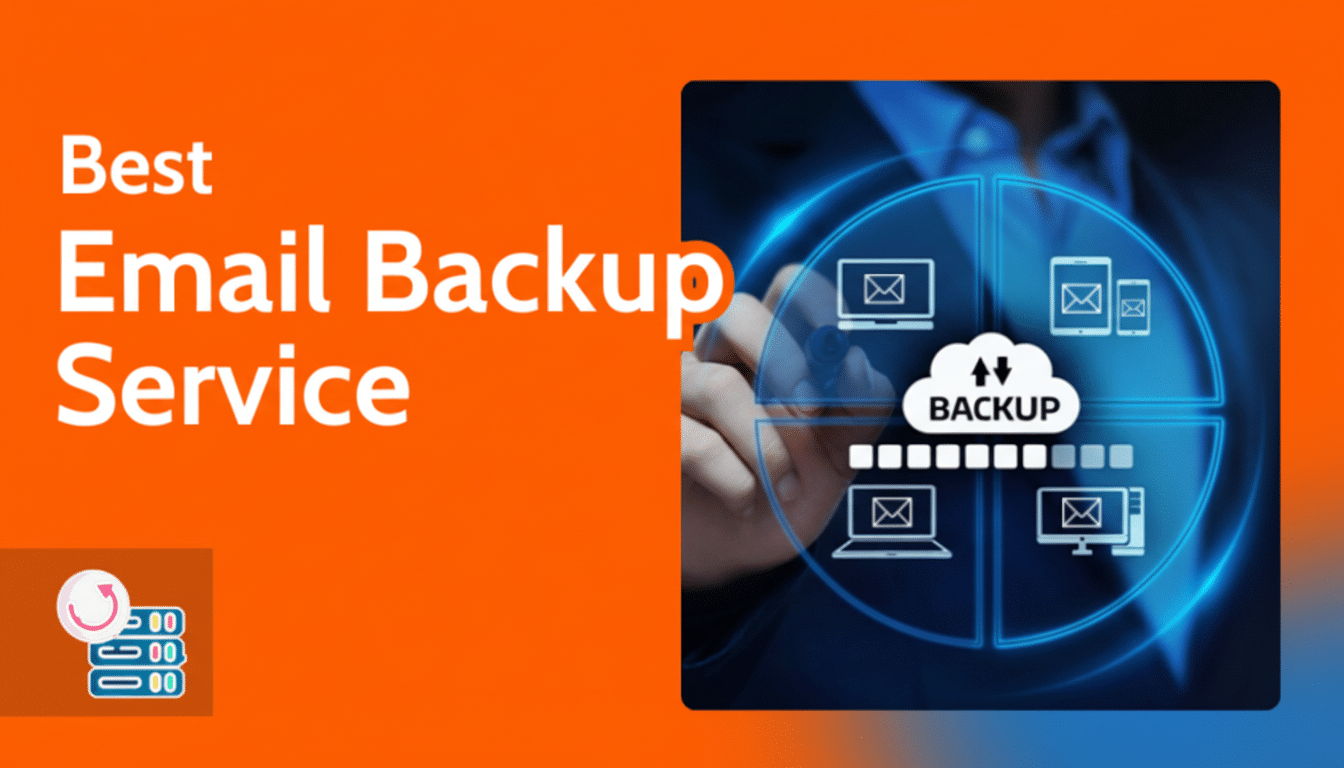
And mirrored backups to Google Drive, OneDrive, Dropbox or an external disk provide added redundancy that can help protect you against ransomware or the loss of a device. A common config is a local archive for speed, with a cloud mirror for disaster recovery, thus supporting the highly recommended 3-2-1 backup rule.
Restores and Migrations Are Easy as Pie with Granular Control
Restores can push messages back to the original server, or into a new provider such as Office 365. It solves persistent pain points like moving off of one’s personal Gmail onto a company domain or retrieving an ex-employee’s history onboarding for a new team member. And that kind of granular recovery — the ability to recover all the way down to a particular folder or date range — saves time when what you’re really looking for is just that one project thread from last spring.
Rebuilding folder structures intact and preserving original headers makes eDiscovery and compliance-related tasks simple. While no tool can replace legal counsel, consistent archiving assists with these retention policies mandated through regulations like GDPR or industry-specific rules.
Security Features You Can Explain to Your Family with Ease
Archives are encrypted using AES-256 encryption and controlled by a private key, which is the same level of encryption referenced in the NIST guidelines. That means that even if you lose a drive, what’s on it can’t be read without your credentials. For many, it’s the missing layer between “everything is in the cloud” and a real, defensible backup plan.
It also fits in with the shared responsibility model as defined by popular SaaS providers. Take Microsoft, for example, which says that customers are responsible for protecting their own content outside of service-level retention (in other words, only a basic amount). Dedicated backup is how you fulfill that obligation.
Who Benefits Most from a Dedicated Email Backup Solution
Freelancers for whom email is their system of record, families on a paperwork digitization journey through their inboxes and small businesses that are not presented with the full force of an IT team all win. The search index is like a personal treasure trove: invoices, contracts, school records and receipts can be immediately recalled even when the original account has been deleted or accessed by a hijacker.
IT managers are well pleased with the process flexibility for onboarding or offboarding users, and the ability to maintain archives offline for long-term retention without ongoing costs. The schedule is set-and-forget for non-tech users, and the restore paths are clear to minimize anxiety over “what if” scenarios.
The Bottom Line on Cost, Value, and Long-Term Email Protection
For around $35, about 80 percent off the usual price of $179, you can trade anxiety for a proven backup routine that covers most of the services people are already using. It’s a tangible, one-time purchase that protects years of conversations, attachments and memories, and pays for itself the minute you want to pull up a message that isn’t in the inbox anymore.