


I set out to vibe code a native macOS app with Claude Code in a focused eight-hour sprint. The app shipped. The experience felt less like conjuring software out of thin air and more like managing a remote junior developer under pressure. The headline: AI compressed the timeline, but it didn’t remove the work.
Inside the Eight-Hour Build of a Native macOS Companion App
The project started from a working Swift/SwiftUI iPhone app that tracks 3D-printing filament across racks and printers, with images and NFC tags for quick identification. Because I planned for multi-device from day one, the data lived in iCloud, which made it feasible to bring the same inventory to the desktop without rewriting the entire model layer.
- Inside the Eight-Hour Build of a Native macOS Companion App
- What Vibe Coding Really Took to Ship a Usable Mac App
- Why the Mac Experience Differs Fundamentally from iPhone
- Why Practical Performance Fixes Beat Prompt Tweaks Every Time
- Treat AI Like a Junior Developer and Manage Accordingly
- The Bigger Picture on AI Pairing and Real Developer Work
- Key Takeaways for Builders Shipping with AI Assistance
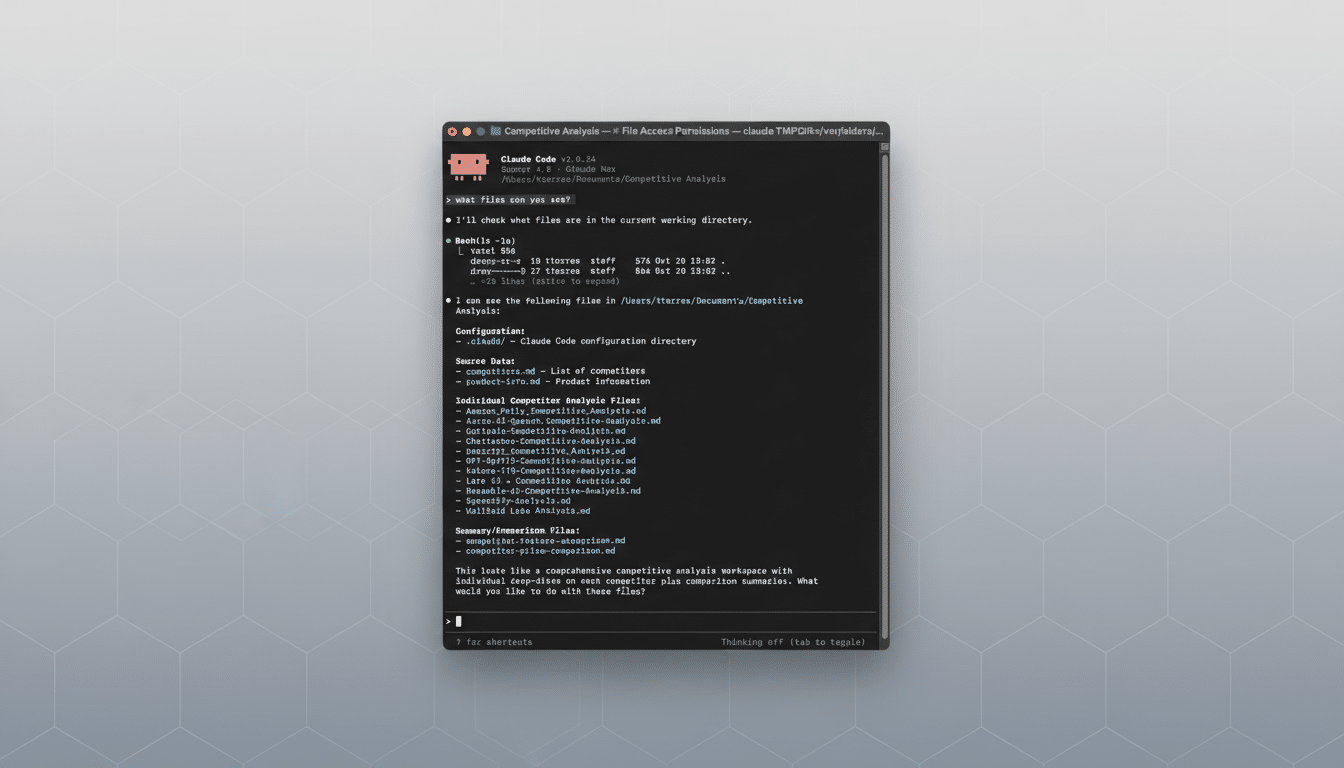
Process mattered. I branched the repo, backed up the workspace, and asked Claude Code to scaffold a Mac target, keeping the iCloud model intact while skipping iPhone-only features. Ten minutes later I had a rough macOS build—ugly, slow, but running. The real work was the next several hours of compile-fix-iterate cycles: share Xcode errors, get patches, run again, repeat. After dozens of passes, we had something usable.
What Vibe Coding Really Took to Ship a Usable Mac App
Vibe coding—describing intent in natural language and letting an AI produce the skeleton—works, but intent alone isn’t enough. The AI needed constraints, acceptance criteria, and nonfunctional requirements spelled out. I had to specify window behaviors, data consistency rules, and failure states. The more explicit the spec, the better the output.
To keep the AI on track, I built a living “project notes” file inside the codebase and repeatedly reminded Claude to consult it. That file became a source of truths such as “macOS windows must resize gracefully” and “iPhone and Mac UIs must not share views by default.” Each time a lesson surfaced, it became a rule—just as you’d coach a new team member.
Why the Mac Experience Differs Fundamentally from iPhone
The desktop is a different beast. My Mac Studio has no camera; macOS does not support NFC scanning. So the Mac app needed to read images and NFC-derived metadata created on iPhone, not create them. On UI, macOS demands resizable, multi-pane layouts and keyboard-first navigation—principles Apple’s Human Interface Guidelines make clear.
I settled on a three-pane SwiftUI layout: controls at left, a scrollable spool list in the center, and detailed properties at right. Early on, the Mac screens accidentally bled into the iOS target, breaking phone views. The fix was separating targets, views, and assets by platform, with conditional compilation to fence off shared logic from UI code.
Why Practical Performance Fixes Beat Prompt Tweaks Every Time
The list stuttered because it tried to render full-resolution spool photos in every row. The cure wasn’t a better prompt—it was engineering. I added a thumbnail cache that generates ~128-pixel images on a background queue, persists them on disk, and invalidates intelligently when the source changes. Scrolling changed from choppy to smooth immediately.
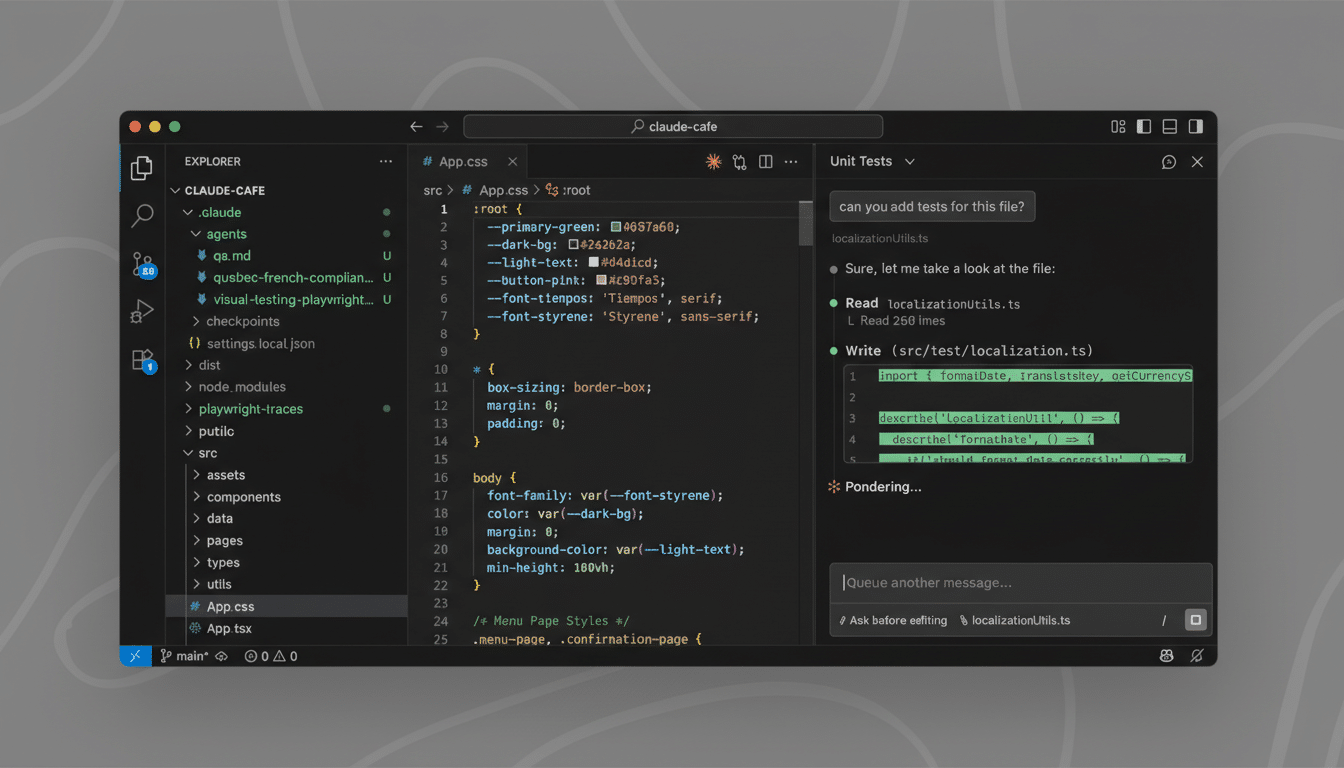
We also tightened refresh semantics to avoid needless recomputation, added a manual refresh for long-running background work, and built purging routines to keep the cache tidy. These are the unglamorous details that separate a demo from a daily driver.
Treat AI Like a Junior Developer and Manage Accordingly
The right mental model was management, not magic. I opened issues, assigned small tasks, demanded diffs, and requested justification for risky changes. I ran builds constantly. Once the app stabilized, roughly 90% of my effort shifted to testing. The AI missed some obvious edge cases until I called them out, and it occasionally “helpfully” refactored working code across targets.
Source control was non-negotiable. Every change lived on a branch with a clear description. I kept a running changelog so the AI could summarize state accurately, and I reviewed every patch before merge. That governance prevented subtle regressions from piling up.
The Bigger Picture on AI Pairing and Real Developer Work
Results like this align with broader findings. GitHub reported developers finished coding tasks 55% faster in controlled studies using AI pair programming. McKinsey’s analysis of generative AI in 2023 suggested a 20–30% productivity lift in certain software activities. Surveys from organizations like Stack Overflow show a majority of developers have tried AI assistants, though many caution that verification and security reviews remain essential.
Tooling is converging on the developer’s workflow—Claude Code, GitHub Copilot, and IDE-native assistants tap repos, context windows, and build tools. That reduces busywork but doesn’t remove the need for architecture decisions, platform guidelines, and performance tuning. In other words, the boring parts still matter.
Key Takeaways for Builders Shipping with AI Assistance
- Plan for platform differences early. Keep models shared, but segregate UI and assets by target, and encode those boundaries in your prompts.
- Iterate in tiny steps. Ask for small, verifiable changes, and require explanations for structural edits so you can trace intent.
- Instrument performance before you prompt for polish. Caches, background work, and memory discipline will outpace any “optimize” suggestion.
- Write and maintain a living spec that the AI must follow. Treat it as the single source of truth for rules, constraints, and style.
- Assume nothing. Test relentlessly, read diffs, and keep a rollback path. The time saved by AI goes straight into oversight.
Eight hours was enough to get a credible Mac app from an iPhone codebase with Claude Code’s help. It was more work than magic—and that’s a healthy expectation for anyone thinking of shipping with AI in the loop.