


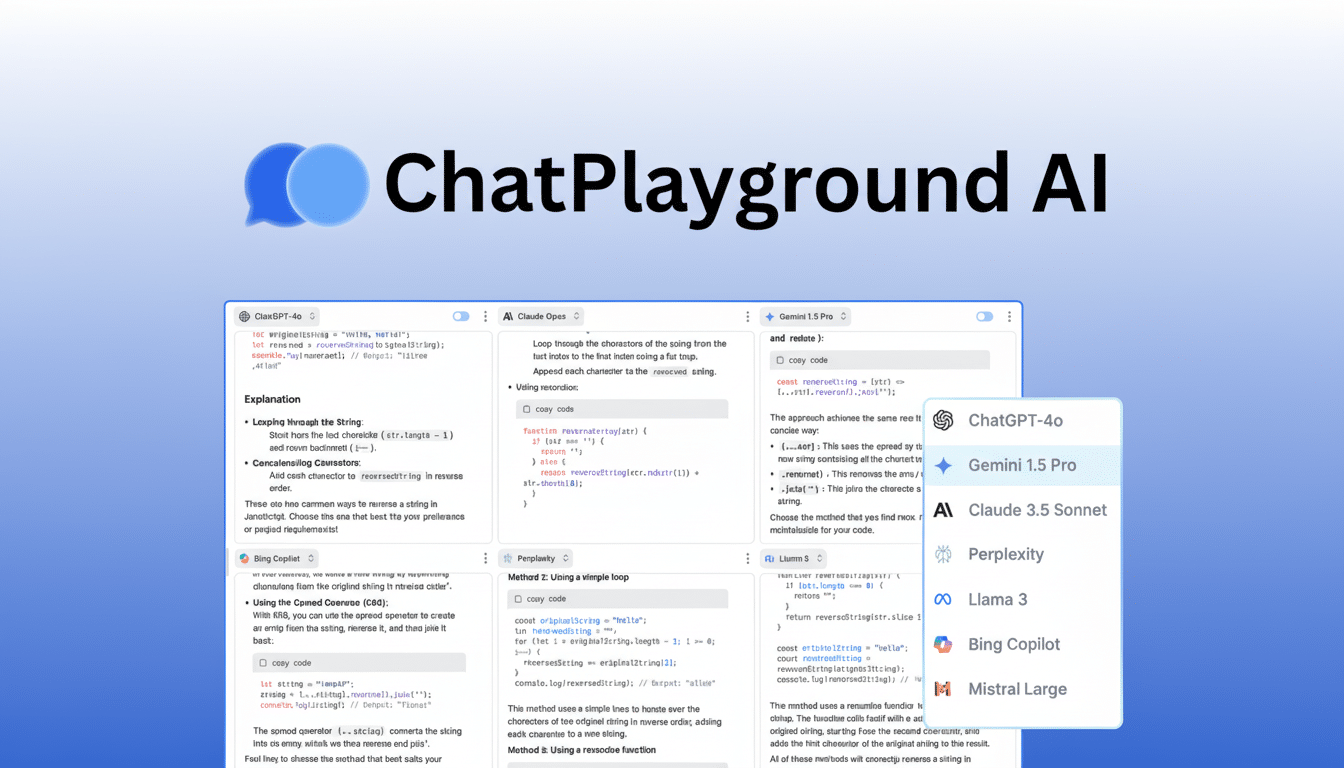
ChatPlayground AI is presenting the promise of an all-in-one console for generative AI, where you can run leading models from OpenAI/Anthropic/Google in a single interface and purchase an Unlimited Plan, which gives you unlimited use of the platform at a one-time price of $79 (MSRP is $619). It’s a simple promise: test outputs side by side, use the appropriate engine for each task, and spend less (and waste less time switching from one to another) on multiple tools.
It’s a timely proposition for teams that live in prompts all day. Performance does continue to differ widely by workload — coding vs. long-form writing, prompting for reasoning vs. prompting for image generation — something that human evaluations like the LMSYS Chatbot Arena and research from Stanford’s Center for Research on Foundation Models have highlighted. A hub that makes it easy to throw models at each other around the same prompt can transform trial and error into a repeatable workflow.
- How ChatPlayground AI Works Across Apps and Workflows
- The Case for Consolidating AI Tools Into One Interface
- Price and Value for Individuals and Teams Using AI
- Data Handling, Privacy, and Governance Considerations
- Who Benefits Most from a Unified Multi-Model AI Hub
- Bottom Line: Picking the Right Model for Each Task
How ChatPlayground AI Works Across Apps and Workflows
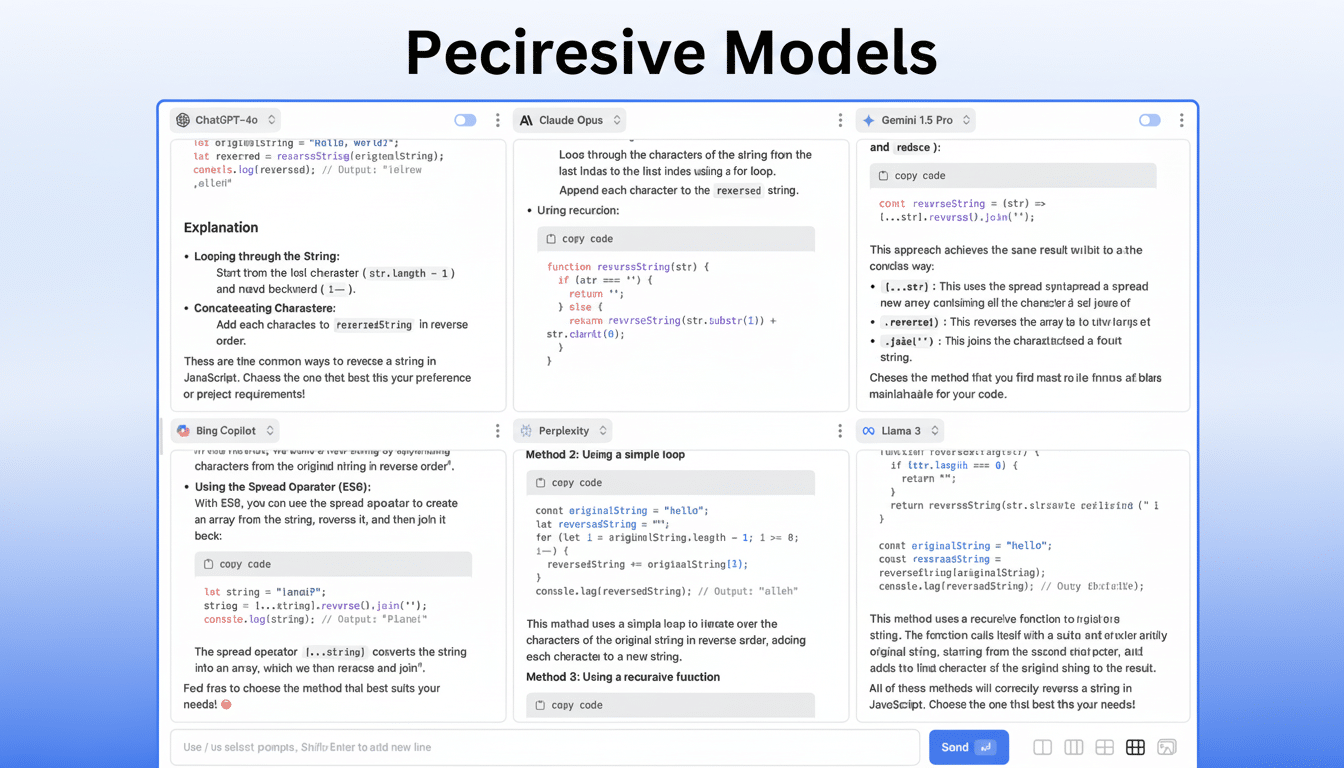
ChatPlayground AI supports text generation, image chat, PDF/image chat, prompt refinement, and saving the conversation history all in one place. It’s a browser extension that integrates well with everyday tools, meaning you can draft right in your CMS, analyze in your spreadsheet, or summarize from the PDF without bouncing around tabs.
You enter a prompt and witness simultaneous responses from several different models in a single pane. One of the nice things here is that it’s easy to A/B/C test tonality, accuracy (w/r/t structure and speed), etc. For instance, a marketer could request an outline for a product page and instantly learn which model delivers top-notch voice and SEO, while a developer might paste in a stack trace and compare fixes, runtime considerations, and associated tests across engines.
The platform claims inclusion of GPT, Claude, Gemini, and over two dozen other models. That breadth has implications at the margin: a model may better condense legal PDFs toward cleaner citation structures, produce more accurate TypeScript, or offer stronger ideation-friendly ads than your favorite implementation. Instead of staking everything on one subscription, you pick the model that wins for the job at hand.
The Case for Consolidating AI Tools Into One Interface
AI tool sprawl has indeed become a real tax on productivity. Single-user seats for ChatGPT Plus, Claude Pro, and Gemini Advanced usually each cost about $20 per month before you factor in image or vector tools. That results in context switching, unpredictable spend, and difficulty standardizing prompts or sharing takeaways within teams.
Analysts at the large research firms and consultancies have observed the trend of multi-model strategies in enterprises as leaders come around to the realization that “best model” is case-dependent. Even in highly normed public leaderboards, rankings come with warnings about how they change according to task mix and prompt design. The operational takeaway: organizations require a reliable means of testing, choosing, and documenting which model is optimal for which workflow. One unified interface doesn’t solve everything, but it churns more widely and makes those comparisons faster.
Price and Value for Individuals and Teams Using AI
Compared to separate subscriptions that you would pay anywhere from $60 to $80 per month for only three major text models available, I think a one-time fee of $79 is attractive. Heck, even a 1-seat stack for content, coding, and images can easily surpass $100 per month on image generators/API. Consolidation also makes cost control more transparent and procurement easier for budget owners.
Like any platform that aggregates information, the details in the fine print can be important. See if usage is throttled by daily caps, what happens with image- or file-processing credits, which model versions are present, and how quickly updates roll in when model vendors ship new releases. Also check that regional availability and latency (which depend on the provider and workload differences) are suitable.
Data Handling, Privacy, and Governance Considerations
Before centralizing sensitive work, verify the retention and privacy policies. Ask if prompts and responses are retained, who has access to archived conversation logs, and if data is used to train third-party models. Many vendors are nowadays providing enterprise-grade controls such as API pass-through (no data copy to consumer endpoints), SSO, audit logs, role-based access, and the ability to pin model versions for compliance.
If you work in a regulatory environment, consider export controls, data residency, and redaction tools. One practical test: run a few red-team prompts and see how the platform flags, blocks, or makes users aware of risky outputs.
Who Benefits Most from a Unified Multi-Model AI Hub
Content teams can compare style and factual anchoring in models before constructing editorial templates. Headline variants in comparison to conversion copy can be tested by product and growth teams. Engineers can triage bugs, write tests, or translate code with side-by-side diffs. Researchers can then summarize PDFs and images with the models swapped to validate citations, comparing results for consistency.
For solo creators or small businesses, the appeal is even more direct: a single pane to test a lot of top-tier engines before stacking—and paying for—recurring subscriptions, and a shortened path to “the right model for this task.”
Bottom Line: Picking the Right Model for Each Task
There is no such thing as a permanent “best” AI model — just the best model for your particular prompt and constraints. ChatPlayground AI leans on that by giving users a chance to compare the likes of GPT, Claude, and Gemini alongside a deeper bench from one place. If the $79 Unlimited Plan works with your usage and the service ticks off all of the boxes for limits and data controls, it’s a sensible way to stop tool sprawl and raise the bar on AI-assisted work.