


The best World of Warcraft raid addons and tools, of course, cannot replace skill, but they do help with much cleaner progression, especially with unusually small raid sizes like Dreamrift and the March on Quel’Danas, or typical big raids like The Voidspire. Currently, raids are level 90 content with Normal, Heroic, Mythic, Raid Finder, and Story Mode difficulties. We’ll take them as an example of how modern WoW raids test awareness, coordination, and clean execution instead of raw output.
That is, of course, the reason this subject is evergreen, as the raid itself may change from tier to tier, but the same progression problems seem to plague us with every iteration: missed mechanics, bad assignments, bad cooldown management, bad pulls, bad review, etc. The goal of this guide is to illustrate what World of Warcraft raid mods, coordination tools, and review tools actually help with in progressing raids smoothly.
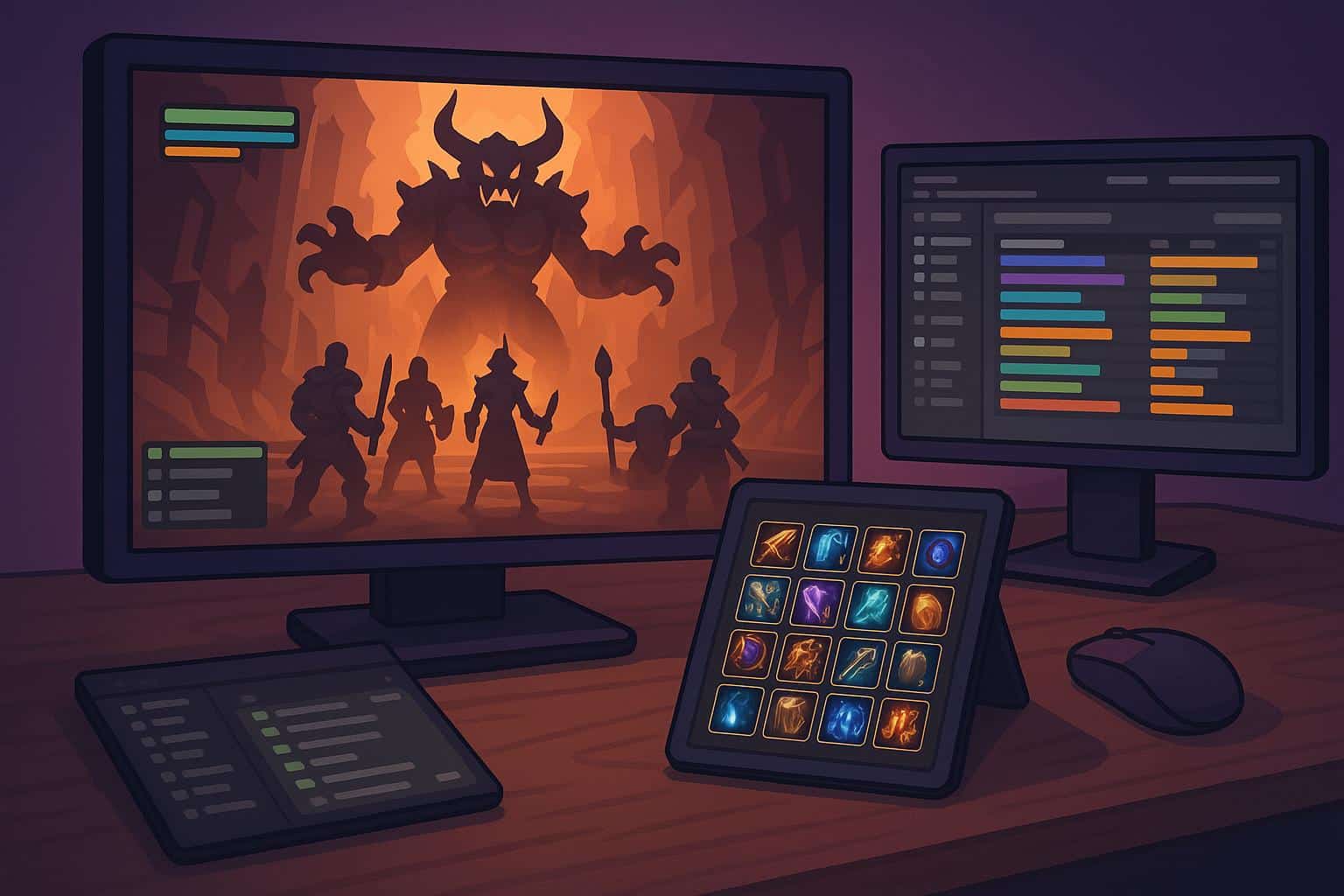
Why Raid Addons Matter in Every WoW Raid
Raid addons matter because they make important information easier to read in the middle of a fight. That is especially true in The Dreamrift, where one boss is capable of creating enough constant pressure on movement, awareness, and clean execution.
- They make boss abilities more noticeable. Timers, sounds, and visual alerts give you more time to react before a mechanic turns into a mistake.
- They make assignments more noticeable. In many raids, you need to interrupt, soak, or dispel the right player at the right time. This can be made much easier with the help of raid addons.
- They make avoidable mistakes less likely to happen. Even if just one player misses the boss’s ability because they did not notice it, it can affect the whole raid. By using raid addons, this can be less likely to happen.
- They make the raid leader’s job easier. Good tools help with assignments before the pull and make wipe recovery faster and cleaner.
- They improve learning in progression. You shouldn’t expect pull after pull and wipe after wipe; you should understand what went wrong. Add-ons help you identify mistakes that you are making repeatedly and improve on them.
- They make healing and utility easier. Decisions regarding healing and utility are always difficult, especially when it comes to raiding. A clean UI makes all such decisions much easier.
In reality, it seems much harder without any addons because it is harder to keep up with all the mechanics, assignments, and timings at once. For many players, it seems that a basic setup is enough to make it easier and less confusing, but that’s not true. Because of it, many players do not want to spend time building up a complete addon set for each raid tier, and they prefer services such as a WoW Dreamrift raid boost instead, so they can raid with a prepared team without having to spend extra time on that.
Best Boss Mods for WoW Raiding
Boss mods are usually one of the first add-ons that players add to their game when raiding, as they make messy mechanics much easier to understand by providing timers, warnings, and other visual queues. Boss mods do not replace learning a fight, but they help you notice bosses’ skill casts on actual pulls. Boss mods are essential in all WoW raids, including The Dreamrift, as even a one-boss raid can be unforgiving with poor timing.
The Dreamrift is the main current example in this guide, but the same boss-mod logic applies across Midnight Season 1 raids. That is why the table below also includes bosses from The Voidspire and March on Quel’Danas, showing how different encounters reward different tools even within the same raid season.
| Boss | Main problem | Best tools | Why they help |
|---|---|---|---|
| Chimaerus the Undreamt God | Split-group execution and soak control | DBM/BigWigs, MRT, raid frames, Logs | Timers and assignments help both groups stay organized |
| Imperator Averzian | Soaks and room control | DBM/BigWigs, MRT, Logs | Good timers and soak assignments matter most |
| Vorasius | Slam rhythm and movement | DBM/BigWigs, personal cooldown tracking | Helps with stacked damage and cleaner movement timing |
| Fallen-King Salhadaar | Orb priority and interrupts | DBM/BigWigs, MRT, raid frames, Logs | Target swaps and utility checks decide the pull |
| Vaelgor & Ezzorak | Breaths, snaps, and soaks | DBM/BigWigs, MRT, cooldown tracking | One bad movement error can ruin the platform |
| Lightblinded Vanguard | Shield breaks and healing pressure | DBM/BigWigs, MRT, healer-friendly raid frames | Clearer assignments help more than raw output |
| Crown of the Cosmos | Full-fight coordination | DBM/BigWigs, MRT, Logs | Final-boss pulls usually reward clean review the most |
| Belo’ren, Child of Al’ar | Light/Void polarity, soaks, and add control | DBM/BigWigs, MRT, raid frames | Clear calls help players match color mechanics and handle add waves |
| Midnight Falls | Overlapping raid damage and end-fight coordination | DBM/BigWigs, MRT, Logs, healer-friendly raid frames | Final-phase pressure is easier to manage with better timing and post-pull review |
For Dreamrift progression in particular, boss mods matter because Chimaerus is a single-boss encounter, which means one missed timer or bad call can waste the entire run. Another thing that matters, if anything above didn’t work, is Dreamrift carry, since it doesn’t require any skills or preparations. It’s simply a way out if you don’t want to fine-tune each addon to changing raid bosses.
Best Raid Tools for Assignments and Team Coordination
Boss mods are useful for the mechanics, but progression also relies on tools that assist in keeping everything organized in terms of the team’s assignments. There are instances in WoW raids where the team wipes not because they are unfamiliar with the fight, but rather because the interrupts, externals, dispels, and move calls are not well organized. That is why coordination tools form the foundation of raiding, especially in a raid like The Dreamrift, where one boss can punish weak communication very quickly.
The best tools in this category are those that assist in the organization of the team’s jobs.
Deadly Boss Mods (DBM)
It is usually the easiest choice for most players. DBM is designed specifically for fight warnings and telling you what you need to do. This makes it perfect for beginners and for players looking for an out-of-the-box solution that does not require much tweaking. DBM is also updated for the current retail versions.
BigWigs
BigWigs is a strong alternative for players who want a lighter and more customizable boss mod. This mod is also light and has many of the features that players prefer. BigWigs is designed as a boss timer and encounter addon, and many players prefer it for this reason. BigWigs is also updated for the current retail versions.
Method Raid Tools (MRT)
MRT is one of the most useful raid coordination addons as it allows groups to organize all of their notes, assignments, cooldowns, and markers in one place. It can prove to be quite useful when the raid leader needs the same setup to remain clear from pull to pull.
In reality, effective coordination tools can help save time by avoiding confusion before the pull and preventing the same assignment mistakes from occurring again. This is one of the easiest ways to make the progression smoother in The Dreamrift and in WoW raiding as a whole.
Best Tools for Reviewing Pulls and Fixing Mistakes
Progression improves if the group understands why the pull failed. Good tools for reviewing help the player identify the actual reason for failure, such as ignored interrupts, poor movement, poor cooldown management, or deaths. It does not require a lot of complexity, but it does require a few tools that make it easier to notice repeated mistakes. That matters even more in The Dreamrift, where one bad pull can waste the whole raid instead of just slowing down part of the instance.
These are the best tools for review after a pull:
Warcraft Logs
This is the best tool for a full raid review. It allows you to review deaths, damage taken, cooldowns, interrupts, dispels, and boss fights. If you want to improve your raid team between raid nights, this is probably where you should start.
Details! Damage Meter
Details! is also good (and even better than the in-built damage meter) because it provides instant answers without requiring you to leave the game. The damage, deaths, interrupts, and avoidable damage tabs help you quickly identify what went wrong after a wipe.
Combat Logging
This is one of the easiest things to forget. If nobody turns on combat logging before the raid, the group loses the best review data later.
A basic WoW pulls and mistakes review process is as follows:
- Use Details! right after the wipe for quick answers;
- Use Warcraft Logs after the raid for deeper review;
- Check deaths, interrupts, cooldowns, and movement mistakes first;
- Focus on repeated errors, not one random bad pull.
Your aim when using these tools is not really about taking twenty minutes after every wipe. You can simply find the mistake that is happening over and over again and correct it before the next pull. However, some players still prefer Dreamrift raid boost because it offers a more predictable run and fewer unnecessary wipes during progression.
How to Keep Your Raid UI Useful Without Overloading It
A good raid UI doesn’t have to be bigger than the default one. Too many bars, frames, and alerts are common mistakes that many players make and wonder why the raid mechanics are harder to read. A good raid UI is one that fixes an actual issue without hiding the raid. That matters in every raid, but it is especially noticeable in The Dreamrift, where one boss leaves very little room for visual clutter and slow reactions.
- Keep your boss mod in sight, but not too big. Timers should be easy to notice without covering your character or the arena.
- Keep your key cooldowns in sight. You do not need giant bars for every spell — only the tools you actually use in raids.
- Keep your raid frames in sight. Healers might need more detail, but every role still benefits from clear health, debuff, and dispel information.
- Keep the amount of duplicate information low. If DBM, your standard UI, and another addon are all notifying you of the same thing, it gets cluttered very quickly.
- Keep some space around your character. Most raid mechanics are easier to deal with when the center of your screen remains clean.
- Keep your sound notifications to a minimum. A few strong sound notifications are good, but too much sound spam makes it hard to notice the important ones.
- Keep your UI simple before the raid. A UI that looks good in town may look terrible in the raid.
A simple rule of thumb: if it does not help you make a raid decision faster, it probably does not need to be on your screen. A good raid UI is not the UI with the most information, but the UI with the right information at the right time. You may not consider it such, but good UI works almost like WoW Dreamrift boost — it helps you to save your time and enjoy raids with zero wipes.
When Organized Raid Help Saves More Time Than Another Bad PUG Night
Not every bad raid night means a player needs outside help, as sometimes it is a matter of better preparation, clearer roles, or a more solid team. Yet, there are instances wherein the actual problem is not skill, but time, especially when poor PUG nights result in lost time rather than the actual raid.
The greatest value comes in the structure. The player knows what they are doing, what they are aiming for, and what group they are in. This, in itself, saves the player more time than another poor PUG night. For some players, a Dreamrift boost is simply a more practical way to stay on pace when weekly raid time is limited.
The best WoW raid addons and tools are not a replacement for experience, but they can certainly make progression easier. Boss mods, coordination tools, and review tools can all be incredibly beneficial in getting reactions and learning from mistakes. This is true in March on Quel’Danas, and it is true in general WoW raiding.
Raids may change, but the same issues are always present. Issues such as mechanics, communication, poor review, and poor group structure are all issues that an organized raid group can potentially alleviate. If your UI is clean and your tools are useful, progression is usually easier. And if your biggest enemy is not the raid boss, but the group around you, sometimes organized raid help like the Dreamrift boosting is the easier solution.