


If you are looking for an entry-level 3D printer that balances price, ease of use, and print quality, a budget between $200 and $600 is the sweet spot. Choosing an FDM 3D printer with auto-leveling and an enclosed structure is usually the safest bet for beginners. This guide uses real consumer feedback, hardware comparisons, and FlashForge desktop solutions to help you find the right 3D printer in the US and UK markets while avoiding common traps.
What Makes a Good Entry-Level 3D Printer?
A solid entry-level 3D printer should not require dozens of hours for assembly or debugging. The beginner experience depends on out-of-the-box readiness, auto-leveling precision, print speed, and filament compatibility. By 2024–2025 market standards, the hardware floor has risen significantly. Features like CoreXY or high-rigidity Bedslinger structures, speeds of 250 mm/s or higher, PEI magnetic plates, all-metal hotends, and touchscreen interfaces are now standard for 3D printers over $300.
- What Makes a Good Entry-Level 3D Printer?
- Best Budget 3D Printers for Beginners
- Best Overall Entry Level 3D Printer
- Best Cheap 3D Printer for a Tight Budget
- Best Easy 3D Printer for Home Use
- Best Compact 3D Printer for Small Spaces
- How to Choose Your First 3D Printer
- FDM or Resin: Which Is Better for Beginners?
- What Can You Make with a Budget 3D Printer?
- Common Beginner Mistakes to Avoid
- Quick Buying Tips for US and UK Shoppers
- Final Verdict: Which Entry Level 3D Printer Should You Buy?
| Evaluation Metric | Entry-Level Minimum | Recommended Configuration |
| Build Volume | 180 × 180 × 180 mm | 220 × 220 × 250 mm or larger |
| Auto-Leveling | Manual assistance | Full-auto multi-point leveling |
| Max Nozzle Temp | 240°C | 280°C or higher |
| Actual Print Speed | 80 mm/s | 250 mm/s or higher |
| Noise Level | <55 dB | <50 dB |
Best Budget 3D Printers for Beginners
After understanding the technical specs, we have categorized solutions based on four common needs: overall performance, tight budget, home convenience, and limited space. Match these to your specific situation.
Best Overall Entry Level 3D Printer
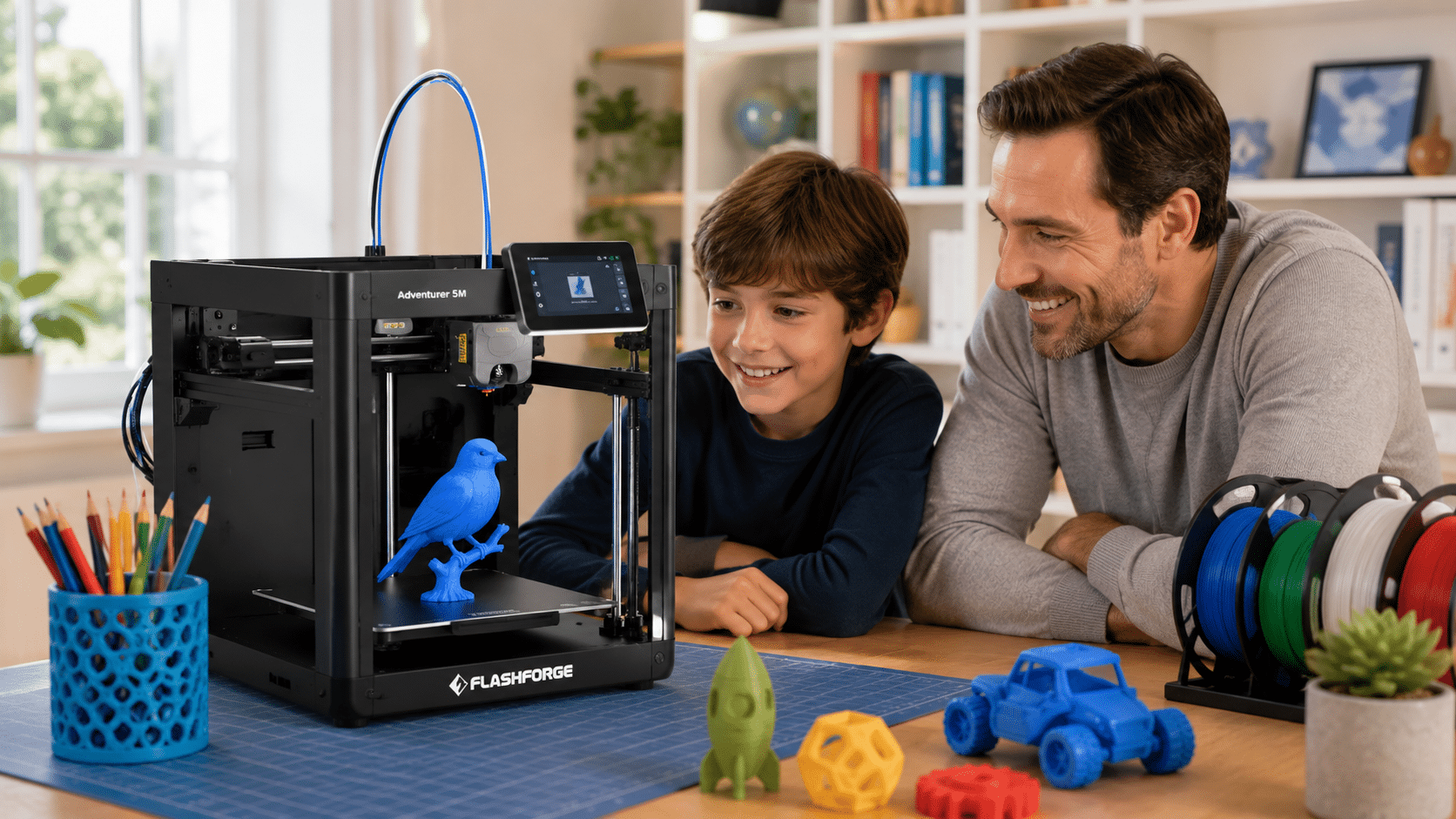
The best all-around entry level 3d printer must balance quality, speed, and stability. The FlashForge Adventurer 5M is a top contender in this category. It uses a CoreXY structure with a max speed of 600 mm/s and acceleration of 20,000 mm/s². It features one-click auto-leveling and a 220 × 220 × 220 mm build volume with a removable PEI plate. It handles PLA and PETG well. For engineering materials like ABS or ASA, you can add an enclosure kit to stabilize temperatures and reduce noise.
Best Cheap 3D Printer for a Tight Budget
If your budget is under $200, you will mostly find open-frame Bedslinger 3D printers. The trade-off here is clear: you must accept manual assembly, limited material compatibility (usually just PLA and PETG), and a higher failure rate. Beginners at this price point should ensure the FDM 3D printer includes CR-Touch or a similar auto-leveling module. Otherwise, you will likely spend your first 20 hours just calibrating the unit.
Best Easy 3D Printer for Home Use
Home users often worry about noise, odors, and safety. An enclosed 3D printer with HEPA and activated carbon filtration is the gold standard for home use. The FlashForge Adventurer 5M Pro improves on the base 5M with a built-in camera, a dual filtration system that captures 99% of particles and odors, a TVOC sensor, and a silent mode (approx. 50 dB). This makes it safe for living rooms or near kids’ rooms.
Expert Tip: If you have children or pets, choose an enclosed FDM 3D printer to hide the hot nozzle (240°C+). Even with PLA, always keep the 3D printer in a well-ventilated area to manage ultrafine particles (UFP).
Best Compact 3D Printer for Small Spaces
Users in apartments or dorms often lack a 50 cm x 50 cm footprint. Look for a high ratio of build volume to external size. An FDM 3D printer smaller than 400 × 400 × 450 mm that still offers a 150 mm³ build area is highly efficient. Remember to leave 10 cm of space for cooling and maintenance rather than pushing the 3D printer flat against a wall.
How to Choose Your First 3D Printer
Price is just the start of the decision. Long-term satisfaction comes from filament costs, space requirements, and the learning curve.
Budget and Ongoing Costs
Beginners often forget the cost of ownership. Beyond the initial purchase, annual spending on filament, nozzles, plates, and electricity ranges from $150 to $400.
- Filament: 1 kg of PLA costs roughly $18–$25 in the US and £18–£22 in the UK.
- Nozzles: Brass nozzles need replacement every 3–6 months.
- Build Plates: A PEI plate lasts roughly 500–800 printing hours.
Print Size and Desk Space
Bigger is not always better. Data shows over 70% of beginner prints fit within a 100 mm³ cube. Buying a 300 mm³ 3D printer adds unnecessary bulk and noise while increasing heating times.
Setup, Auto Leveling, and Ease of Use
Auto-leveling is now a requirement. A 3D printer that takes 2 hours to level manually causes 60% of beginners to quit in the first week. Choose an FDM 3D printer with one-click leveling, Wi-Fi control, and official slicer support (like Orca-FlashForge or FlashPrint) to reduce your first-print setup from 6 hours to 30 minutes.
FDM or Resin: Which Is Better for Beginners?
Beginners are often drawn to the detail of resin prints but overlook the hidden costs and safety risks. Here is how the two compare for entry-level use:
| Metric | FDM (Filament) | Resin (SLA/DLP) |
| Entry Price | $200–$600 | $250–$500 |
| Post-Processing | 0–15 minutes | 30–60 minutes (Wash + Cure) |
| Safety/Odor | Low | High (Needs ventilation + gloves) |
| Accuracy | 0.1–0.2 mm | 0.025–0.05 mm |
| Best Use Case | Tools, toys, home decor | Miniatures, jewelry, statues |
For most beginners, FDM is the reliable choice. Only choose a resin 3D printer if your primary goal is high-detail tabletop minis or dental models.
What Can You Make with a Budget 3D Printer?
Even budget 3D printers are highly capable. Common projects include phone stands, organizers, cable clips, toys, holiday decor, car parts, cosplay props, and replacement plastic parts for home appliances. Many users recover 30% of the 3D printer’s cost just by fixing broken household items within the first three months.
Common Beginner Mistakes to Avoid
Most mistakes are about mindset, not just operation. Avoid these five common pitfalls:
- Using mystery-brand filament: Cheap PLA often has high moisture content, leading to clogged nozzles.
- Ignoring the first layer: 80% of failures happen because the first layer didn’t stick.
- Unstable placement: Placing the 3D printer on carpet or wobbly tables causes layer shifts.
- Dirty build plates: Finger oils prevent models from sticking; clean the plate regularly.
- Speed obsession: Pushing past the mechanical limits of the FDM 3D printer causes ghosting and vibrations.
Expert Tip: Use the default profiles in the official slicer for your first 10 prints. Avoid tweaking speed and retraction until you understand your 3D printer’s personality.
Quick Buying Tips for US and UK Shoppers
US Buyers: Check for 110V compatibility, FCC certification, and local support centers.
UK Buyers: Ensure the unit has a BS 1363 plug, CE/UKCA certification, and clarify if VAT is included in the price.
Choose brands with local warehouses to shorten the delivery of nozzles and plates from 3 weeks to 3 days.
Final Verdict: Which Entry Level 3D Printer Should You Buy?
If you want to avoid trial and error, a factory-enclosed CoreXY 3d printer like the FlashForge Adventurer 5M Pro is the best overall experience for 2025. Budget users can start with an open Bedslinger but should save $50 for spare parts and upgrades. 3D printing is about bringing ideas to life, not just owning hardware. Choosing the right tool is the first step of the journey.