


Amazon has the ASUS ZenScreen portable monitor for $30 off, bringing the 15.6-inch USB-C display down to $119. That’s $30 less than its regular $149 price and among the best prices we’ve seen in recent months for a popular, ready-to-travel screen.
For those of us who juggle between home, office and the road, a second display is less a luxury than a productivity multiplier. The single-cable design of the ZenScreen, ultra-lean profile, and familiar 1080p canvas make it an easy way to free up desk acreage without having to haul around a complete monitor.
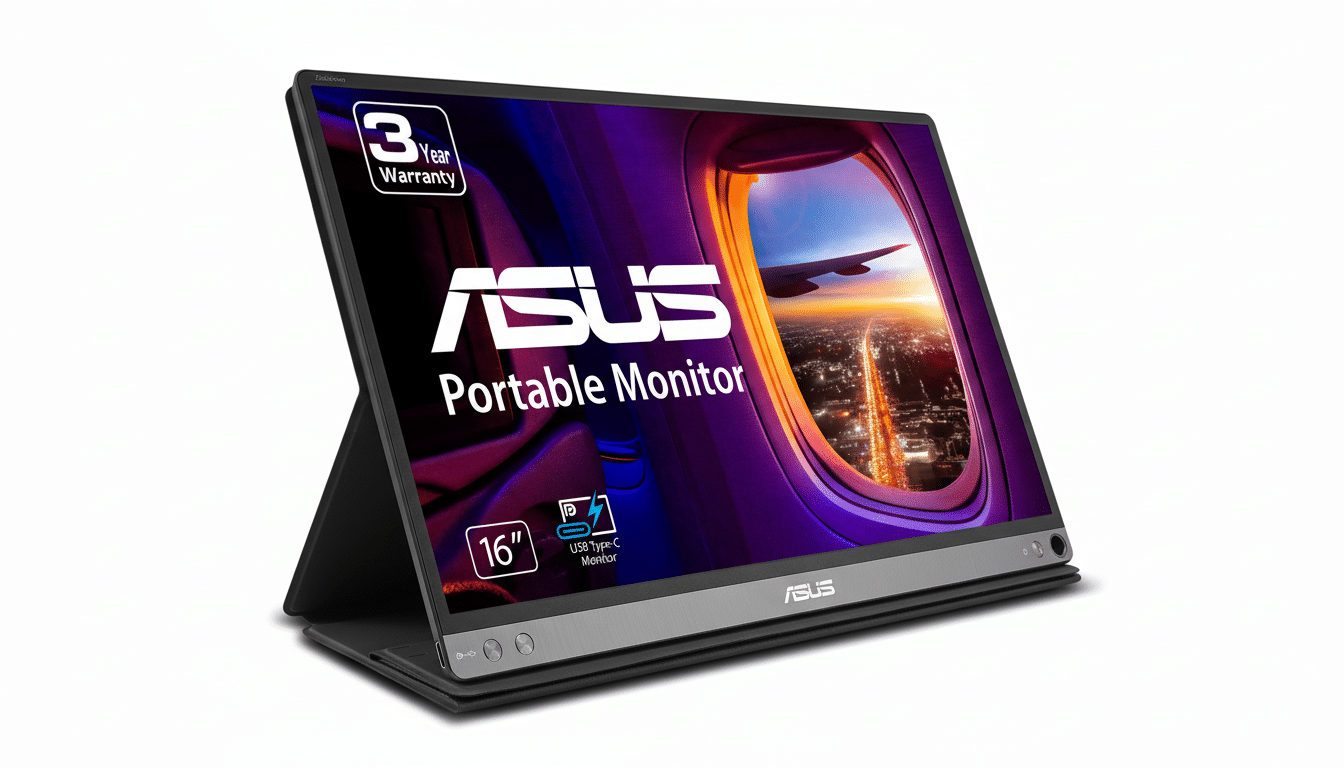
Why This ZenScreen Portable Monitor Deal Is Important
Portable monitors have gone from a niche accessory to an everyday carry for hybrid workers. Observers at IDC and the NPD Group have noted steady growth in the category as professionals find themselves working across more locations. A $119 price places the ZenScreen among the greatest bargains available in 15.6 inches, besting much of its competition while still including critical functionality.
For reference, single-cable 1080p portables from reputable vendors normally hit the $140–$230 price bracket. Priced at $119, the ZenScreen represents a convenient entry point for first-time buyers and a worthy backup option for those frequent travelers who already use dual screens at home.
Key Specs and Everyday Use for the ZenScreen Monitor
The 15.6-inch ZenScreen produces a Full HD resolution on an IPS panel, which goes a little way toward alleviating the problems with off-angle viewing and color consistency when you’re sharing a screen in a meeting or working from tight quarters at the corner café.
It will offer a typical 60Hz refresh rate that’s perfect for multitasking, browsing the internet, watching some light media and console gaming — this isn’t designed with esports-level frame rates in mind, and that’s fine.
Its killer feature is simplicity: video and power over a single USB-C cable, provided your laptop or tablet supports DisplayPort Alt Mode. That means no power brick, no fretting about battery life and fewer cables in your bag. The power draw is small but relatively consistent — just a few watts — so it won’t tank your laptop battery during a meeting or flight.
Portability is the other win. The ZenScreen is slim (about 10.5mm thick) and easy to slip into a backpack sleeve. A built-in stand makes for quick setups, and support for auto-rotating to portrait mode makes flipping from article to the next page super easy, while code, chat threads or documentation that’s too long for a single screen can comfortably fit. (ASUS’s Eye Care features, including flicker-free tech and low blue light modes, are also useful in the late-night hours.)
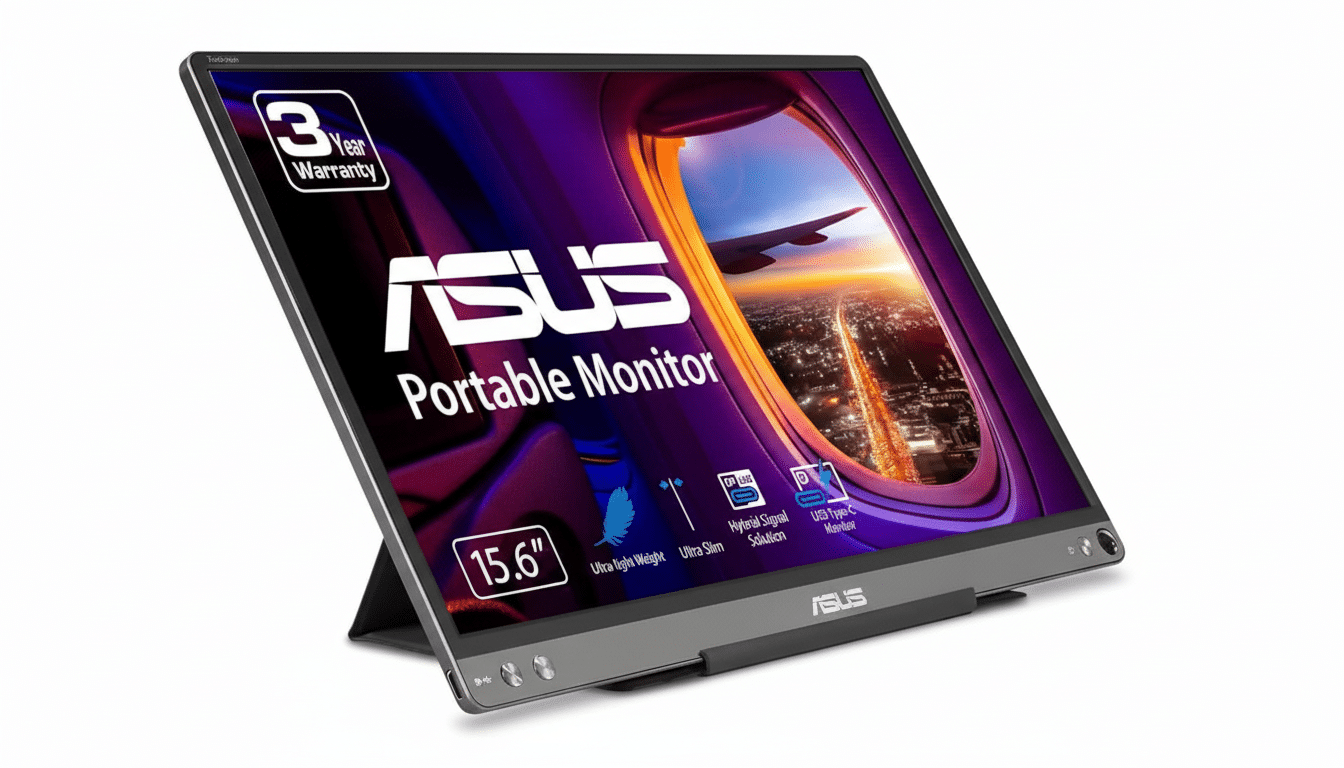
How It Stacks Up Against The Alternatives
Lenovo’s M14 line is popular for being featherweight, but it usually also costs more. AOC’s 15.6-inch models flirt with this neighborhood, though you’ll often find them running on older USB standards or clad with a bulkier cover. Some ASUS ZenScreen models toss in a micro-HDMI or integrated batteries (great for camera feeds or game consoles), but those extras bump up the price tag pretty significantly.
This ZenScreen costs $119, and its value proposition can best be described as clear: a 1080p IPS panel (with a good battery size), a dependable single-cable USB-C connection, and the portability factor of this thing itself.
Unless you specifically require a touch or touch-optional display, micro-HDMI out, and a brighter screen for outdoor use, this deal just about nails the sweet spot for mobile workflows.
Who Will Benefit Most From This ZenScreen Monitor
- Remote and hybrid workers: Use the ZenScreen for email or reference docs, while presentations or spreadsheets occupy your primary display. Gallup points out that most workers who are capable of working remotely now work in hybrids, and a second screen significantly reduces context switching.
- Creatives and analysts on-the-go: Use it for timeline panels, palettes or data visualizations when you’re out of the studio. Portrait mode is great for code reviews and dashboards in particular.
- Students and travelers: Light enough for lecture halls and hotel desks, while serving as a worlds better canvas for research than tab juggling on a single laptop screen.
Buying Tips and Current Price for ASUS ZenScreen
Before you buy, verify that your device does support USB-C with DisplayPort Alt Mode; it’s common on newer MacBooks and many Windows ultrabooks, but not universal across every USB-C port. If your laptop doesn’t include Alt Mode, you’ll want to purchase a variant of the ZenScreen with HDMI, or make sure to tack on a compatible adapter.
Pricing, of course, is subject to change — especially with Amazon deals. The ZenScreen has been alternating between list and promo tiers when checked by independent price trackers, and $119 matches its better recent lows. If this is on your wishlist, it’s a powerful way in without creeping into clearance territory.
Bottom line: For the mobile worker who craves a hassle-free second screen, the ASUS ZenScreen ($119) offers just the right blend of portability, clarity and convenience at a price that’s easy to justify after one productive trip.