


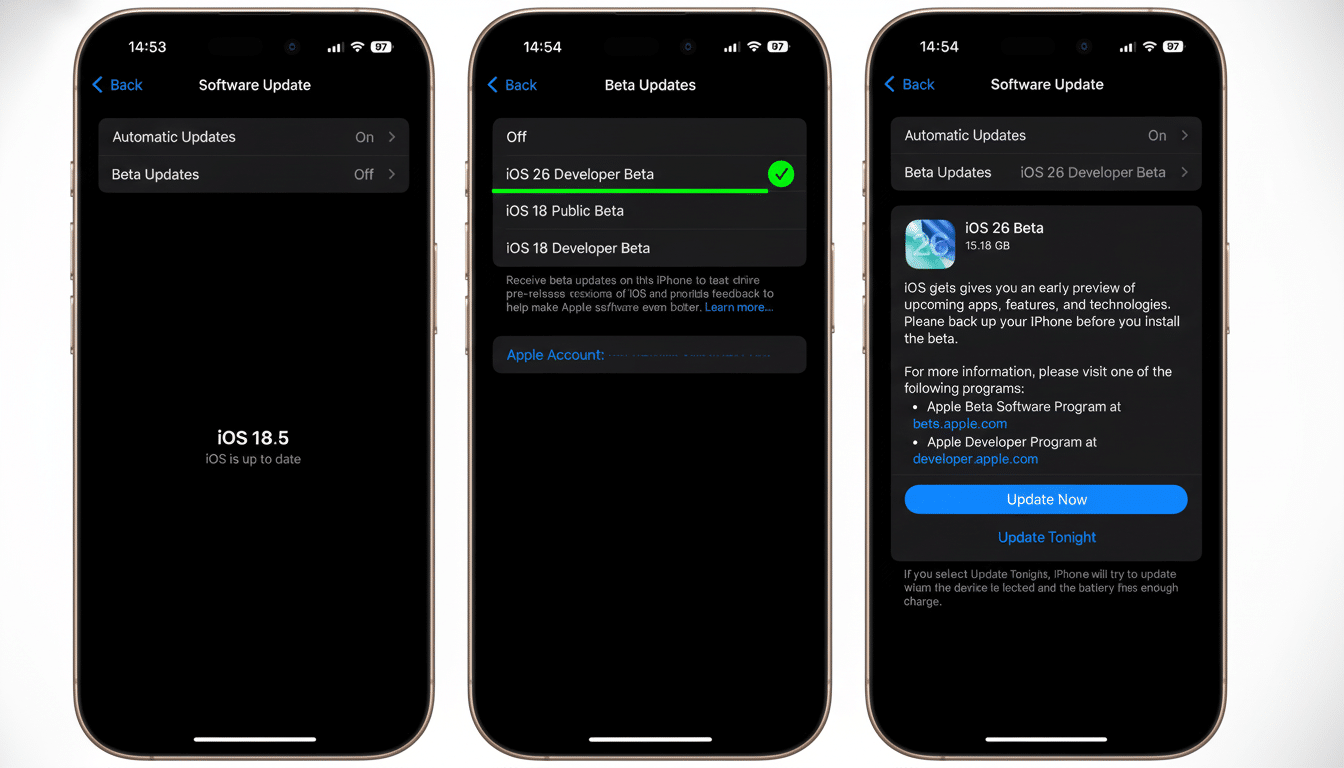
Apple’s most recent iOS developer beta reveals a new and dramatic upgrade for the ethics of push, with devastating effects on its ability to play multi‑platform. Testers have found a native transfer tool that will allow iPhone owners to start their switch to an Android device just by setting the two phones next to each other and choosing what they want to take with them. In practical terms, it’s the most direct on‑ramp Apple has ever provided to get off of iOS.
What the new iOS-to-Android transfer tool does
The tool, based on reports from MacRumors along with our own related discoveries in Android test builds, starts with a proximity handshake between the devices. Once it’s linked, users can opt to transfer core data categories such as messages, photos, notes, apps, passwords, and even the phone number. The goal is a one‑session handoff that eliminates the need to fiddle with cables, make temporary cloud uploads, or have multiple apps open.
There are sensible carve‑outs. It appears that health data, Bluetooth pairings, and protected items (like locked notes) will not transfer, according to initial impressions. Those exclusions line up with Apple’s current privacy model, as well as how most Android OEMs treat highly sensitive stores. There may also be some app‑by‑app variation: banking and two‑factor authentication apps typically require fresh logins or recovery codes on any new device, irrespective of platform.
On the Android front, beta hints point to a “Copy data” flow with a session ID and passcode, indicative of a secure pairing flow where you’d authenticate, then authorize categories of things, and finally move signed, trusted‑over‑cable data.
How it probably works under the hood on both phones
Apple’s current Quick Start utilizes Bluetooth Low Energy for discovery and a peer‑to‑peer Wi‑Fi connection to perform bulk transfer. This new cross‑platform tool seems to follow the same pattern, only with shared protocols that Android can speak. The session code suggests an ephemeral pairing secret that boots up an encrypted, high‑throughput channel — probably Wi‑Fi Direct or a local hotspot. That method circumvents the sluggish cloud relay and lets a big media library move across the LAN at LAN speed.
A noteworthy addition is the password migration. That would indicate support for a standards‑based export/import of credentials from iCloud Keychain to an Android password manager or the device’s Credential Manager. Also not mentioned but likely: Apple is in all likelihood going to require explicit permission for each sensitive category, and will exclude from an automated unattended transfer end‑to‑end encrypted domains like Health and iCloud Keychain recovery.
Why Apple is doing this now and what it signals
Pressure to simplify switching has arrived from multiple directions. Regulators and consumer advocates have championed data portability as a user right, while platform owners have realized that diminishing friction boosts customer confidence. Apple has already introduced Move to iOS for Android users moving in the other direction; providing symmetry helps to address accusations of lock‑in, but it’s also more closely aligned with wider industry strategies — notably the multi‑company Data Transfer Project.
Market dynamics also matter. CIRP’s data has repeatedly pointed toward platform loyalty in both ecosystems topping 90%, and thus relatively few users jump sides every year — but for those who do, migration headaches are a big deterrent. IDC calculates that iOS and Android combined make up nearly every smartphone shipped, so any reduction in friction has an impact on millions of device upgrades/exchanges all over the world.
There’s a carrier angle, too. Recent efforts by Apple, Google, and the GSM Association to simplify eSIM transfer across platforms mean that phone numbers could move more easily, a long‑time cause for grumbling. If this beta flow is integrated or coordinated with eSIM transfer prompts, then you would move your own line as part of the guided setup.
Limits and open questions for cross-platform transfers
Not everything will follow you. Health records, watch backups, and some DRM‑protected content will probably continue to be siloed. iMessage history is a strange beast — it’s possible to move SMS/MMS messages, but Apple’s end‑to‑end encryption and identity model don’t fit importing wholesale. Expect Apple Watch users to pair anew or switch to an Android‑compatible wearable.
App parity is another variable. The tool might grab matching Android apps if they exist, but cross‑buy entitlements and in‑app purchases don’t usually carry between stores. Users should expect to re‑authenticate for financial apps and restore authenticator tokens using backup codes.
What it means for you if you plan to switch phones
If you’ve ever been iPhone‑curious about Android flagships but feared the setup day, then this is material. A guided, proximity‑based move where photos, messages, passwords, and your number all come along too can consolidate hours of busywork into a bite‑sized session. For families, it might make it easier for one person to pass down an older iPhone to another person while the first one tries out a new Android phone.
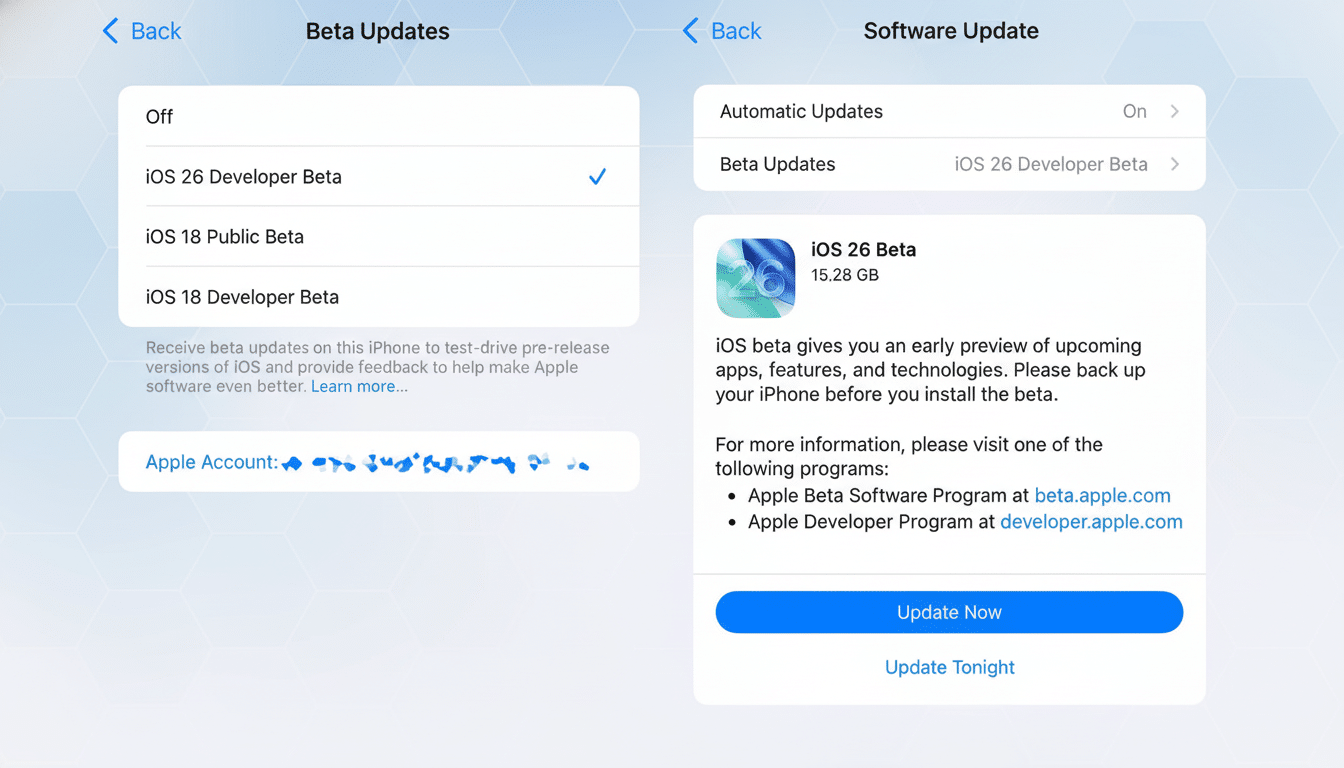
Since this is a beta feature, details could change and availability may be determined based on Android device support. The first devices in the ecosystem appear to be first‑party Google phones, with more OEM adoption as the minimum capabilities become available across all devices. Reasonable precautions remain the same:
- Create fresh backups on both devices.
- Export recovery codes for important accounts.
- Make sure both phones stay charged and on a trusted network during the transfer.
The headline is modest, but promising: Apple is dismantling the pompous, walled garden it planted around your iPhone’s data. Whether it’s moving in or out, improved portability is a win for users — and confirmation that platform choice should come down to how you like the interface, not paperwork.