


As part of Android, it’s building a way to shuttle what you’re doing on one device to another. It’ll work at the system level and is an explicit answer to Apple’s Handoff. Recent Android builds hint at a feature called Task Continuity that bubbles up a live “resume” prompt on (say) your tablet or PC for the app you’re using on your phone, but relaunches the app with state restored where requested instead of played back.
What The New Feature Is Trying to Solve On Android
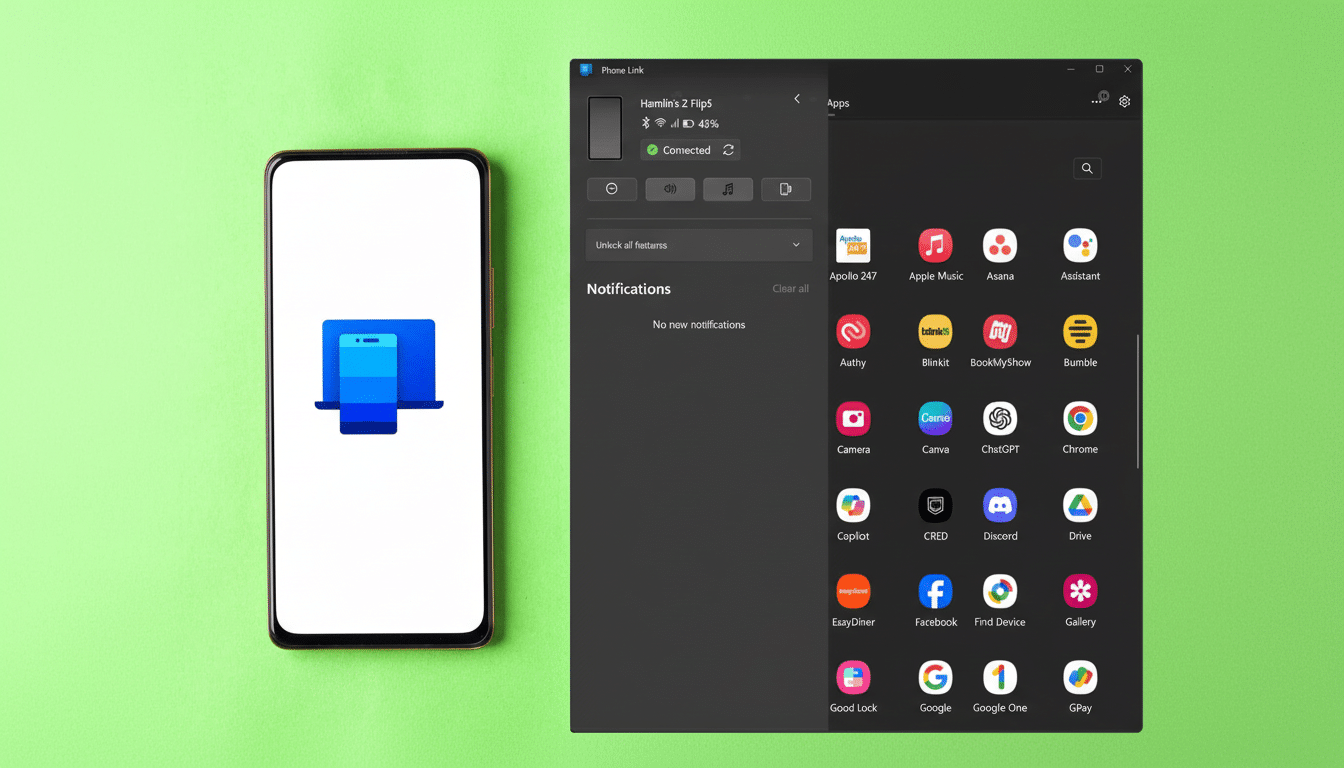
The cross-device solutions available for Android today are a mix of vendor add-ons and third-party apps. A product like Microsoft Phone Link, for instance, does allow a limited set of cross-device flows with Windows, but it is mostly single‑directional and based on app-specific or OEM integrations. Android’s plan is to bake continuity underneath of the OS, ensuring that phone call ding will work as expected across handsets, tablets, Chromebooks and the aforementioned Android-powered PCs.
- What The New Feature Is Trying to Solve On Android
- How It Will Work In Action Across Devices
- The Technical Underpinnings Behind Task Continuity
- How It Compares To Apple And Windows Approaches
- What Developers Should Expect From Continuity
- Privacy, Security, And Controls For Cross-Device Use
- Timeline And Where It Fits In The Android Ecosystem
- Real-World Examples To Expect Across Devices
- Bottom Line On Android Task Continuity And Handoff
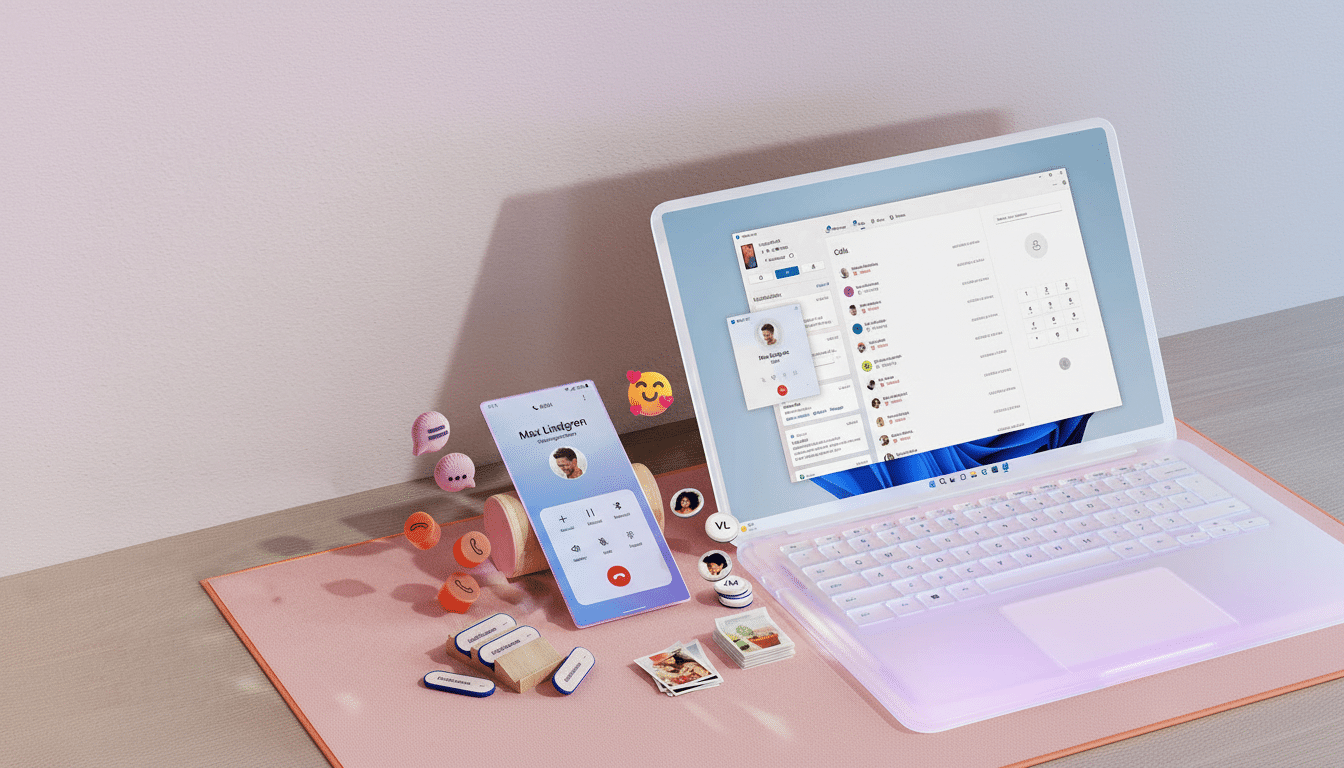
How It Will Work In Action Across Devices
When two companion devices are in close proximity and signed into the same profile, the receiving device’s taskbar will display a smart suggestion representing an app that is currently running on the other device—“Continue in Docs” or “Resume Maps,” for example. Tap that suggestion and the system negotiates a secure connection, opens the local app, and puts you back in your place — be that an open document, a half‑written message or a paused video timeline.
Notifications, lightweight files and app continuity are seen grouped in what the leaker claims as a new ‘Handoff’ menu under Cross-Device Services under Android settings which implies one common surface of discovery, permissions and controls. Look for toggles to sync alerts, share recent files and let apps announce their current activity to trusted nearby devices.
The Technical Underpinnings Behind Task Continuity
Code changes added to the Android Open Source Project mention a Task Continuity service, responsible for arranging device discovery, trust and state transition. Under the covers, I suspect it’s powered by Google’s Cross‑Device SDK and the Nearby stack (Bluetooth LE for discovery, Wi‑Fi/LAN for throughput), using Play services to secure channels and account approvals.
On the app side, they provide a small serializable “resume token” that captures where the user is (current screen, scroll position, identifiers for draft content…) as well as a fallback deep link. The receiving device does identity verification, app install and compatibility check, followed by state reconstruction through Android’s standard lifecycle APIs. If the app is not installed, the system can be asked to install it before applying the token.
How It Compares To Apple And Windows Approaches
Apple’s Handoff is a tool in its larger Continuity feature set that puts an icon in the Mac Dock or iOS App Switcher and operates between Apple and third‑party apps that incorporate the API. Handoff is one of those things that’s native and predictable because Apple controls the whole stack. This is the same bar that Android’s implementation aims for — an OS‑level suggestion, a common resume payload along with negligible developer friction.
Windows’ Cross-Device experiences got better, but Microsoft’s efforts are held back by limited hooks on the Android side and app work specific to Windows. Analysts such as Mishaal Rahman believe that Android Task Continuity will help cut fragmentation, getting one API out to OEMs and developers no matter which form factor their apps may end up on.
What Developers Should Expect From Continuity
The preliminary signs are for a lightweight integration: mark your app as continuable, expose a tiny sliver of state that is privacy‑safe, take care of potential version mismatches and respect authentication. Jetpack libraries will probably simplify the implementation and Managed Google Play policies should allow enterprise admins to enable or restrict cross‑device resume for work profiles.
Central: a single API will encourage adoption. Not separate Windows SDKs/OEM plug‑ins/proprietary bridges — instead, target Android’s continuity contract once and have coverage across phones, tablets, Chromebooks, and increasingly — don’t call it a PC — Android PCs.
Privacy, Security, And Controls For Cross-Device Use
Anticipate clear user-centric permissions, proximity-based discovery, and end-to-end encryption. Only devices logged in to the same profile — or ones that are specifically approved with Fast Pair — ought to be privy to handoff suggestions. Admin controls will be important for schools and enterprises, while a clearly delineated settings page under Cross-Device Services will allow users to pause sharing or restrict which apps can advertise state.
Timeline And Where It Fits In The Android Ecosystem
We see working code landing in Android’s quarterly releases, which indicates that it is being actively developed, and a more general release is likely pegged to a larger platform update.
That course would square with Google’s stated goal of getting Android onto PCs, as echoed by Qualcomm during its Snapdragon Summit and China-based phone-makers this year that his company had scored new PC contracts.
The potential reach is massive. Android runs on more than three billion active devices worldwide, Google has said. Even if the initial support is limited to Pixels, major OEM phones and ChromeOS, that would offer people a real-world benefit every day—moving a doc from phone to laptop in a tap takes just one lovely, painless second.
Real-World Examples To Expect Across Devices
Compose in Gmail while commuting and finish on a tablet keyboard without finding the draft. Begin navigation on a phone and continue it on a car‑mounted tablet with the route all ready to go. Edit a slide on your Android PC then hand it back to your phone as you get ready for that meeting. The aim is to eliminate the friction points that currently drive users toward cloud file juggling and screenshots.
Bottom Line On Android Task Continuity And Handoff
Android’s counterpart to Handoff may be a native OS feature rather than just a vendor hack. With Task Continuity, Cross-Device Services and standardized APIs in general, Google is building the connective tissue it’s been missing for quite some time. With this kind of execution matching the architecture, seamless task pickup across Android devices — and Android PCs — will seem natural as unlocking your phone.