


Android Auto’s text messaging doesn’t appear to be working for at least some people who use the app and have Google Workspace installed on their Android phones, with in-car displays saying a “request is sent” when users try to reply to incoming messages. “From my end, I am seeing that there are slight issues from our side,” an advocate wrote. It seems like a small enough problem, but one that comes up often enough to annoy some commuters who depend on voice replies while keeping their hands free.
What Drivers Are Seeing in Cars When Replying via Android Auto
Accounts highlighted by independent tech sites and reposted across Google’s community forums and the r/AndroidAuto subreddit all tell the same story: Android Auto can read your incoming messages, but any attempt to reply kicks back an “admin approval required” notice.
- What Drivers Are Seeing in Cars When Replying via Android Auto
- Why Workspace Accounts Are in the Mix for Messaging
- Scope and Timing of the Android Auto Messaging Bug
- What You Can Do Right Now to Restore Voice Replies
- Why This Is a Safety and Productivity Concern
- What to Watch Next as Google Works on a Fix
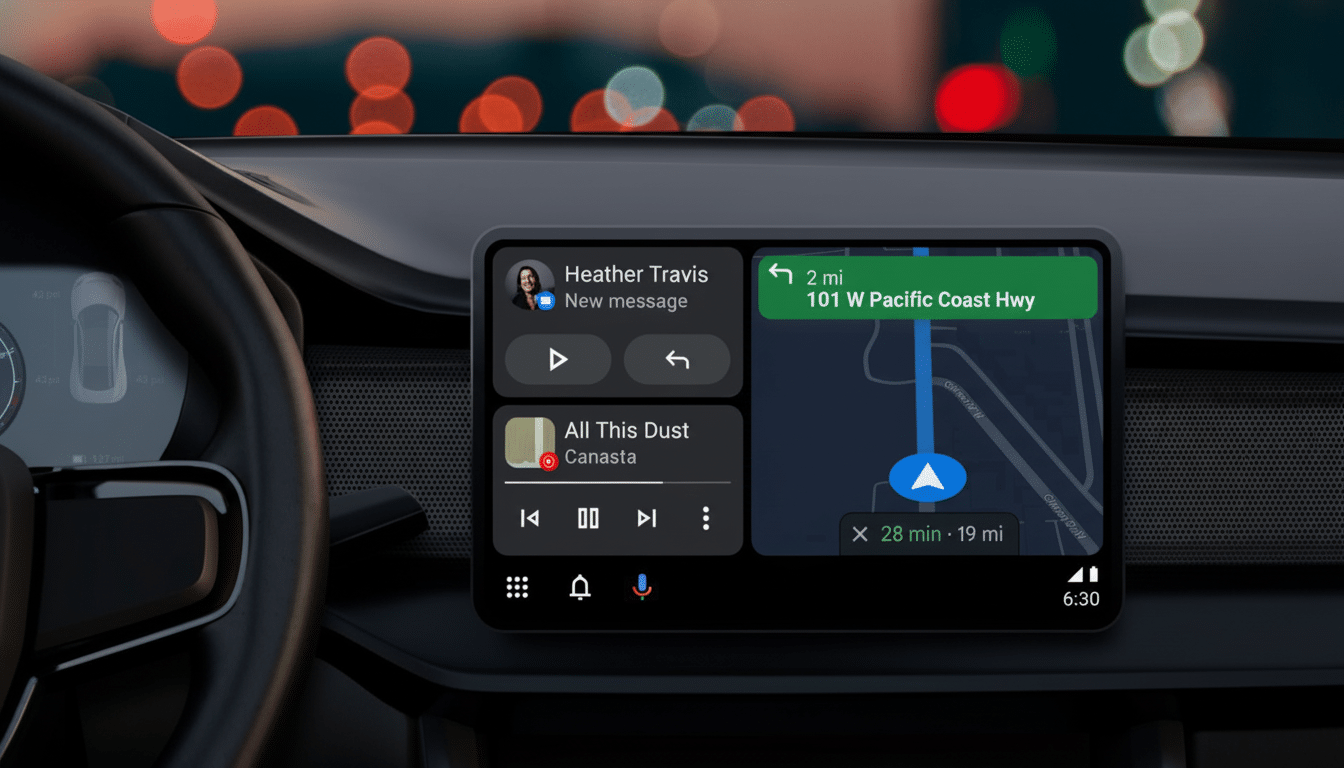
The behavior is evident with both Google Messages and third‑party apps such as WhatsApp, suggesting the issue lies with Android Auto’s messaging pipeline or account permissions rather than any single app.
Several affected users mention that they see the prompt on personally owned smartphones where only a work account has been set up, which suggests that Android Auto could be getting some Workspace policies wrong. Although the issue cannot be reproduced with all users (or in all situations), it remains a problem that signals there is something failing with authentication and/or a user‑requested policy check when Android Auto attempts to send out a dictated reply to a messaging app.
Why Workspace Accounts Are in the Mix for Messaging
Admins: You can manage access to Google Assistant, app permissions and data usage in the Admin console for Google Workspace. If Android Auto determines a user is under a policy that doesn’t allow voice capabilities or undrafted messaging actions, it may suppress the response and prompt the driver to reach out to the admin. That makes sense for corporate devices that can be locked down, but not for personal phones with nothing on them except a work profile or account.
The most likely explanation appears to be that some server‑side feature change or app update increased the lockdown on a policy check—either around Assistant, notification access, or voice typing—and because of that Android Auto has been treating certain mixed personal/work setups as fully managed. It’s not an unusual situation for hybrid workers to have several different user accounts and work profiles, either; in such cases, microscopic chinks between local permissions and cloud policy could easily trigger exactly this failure mode.
Scope and Timing of the Android Auto Messaging Bug
The flood of complaints has been building for weeks, and new posts continue to surface. Coverage from publications that follow Android Auto closely has pointed out that the bug is affecting a relatively small group of Workspace users, rather than the larger base of Android Auto users. That is consistent with the reality that most personal Gmail accounts remain able to send replies without an issue.
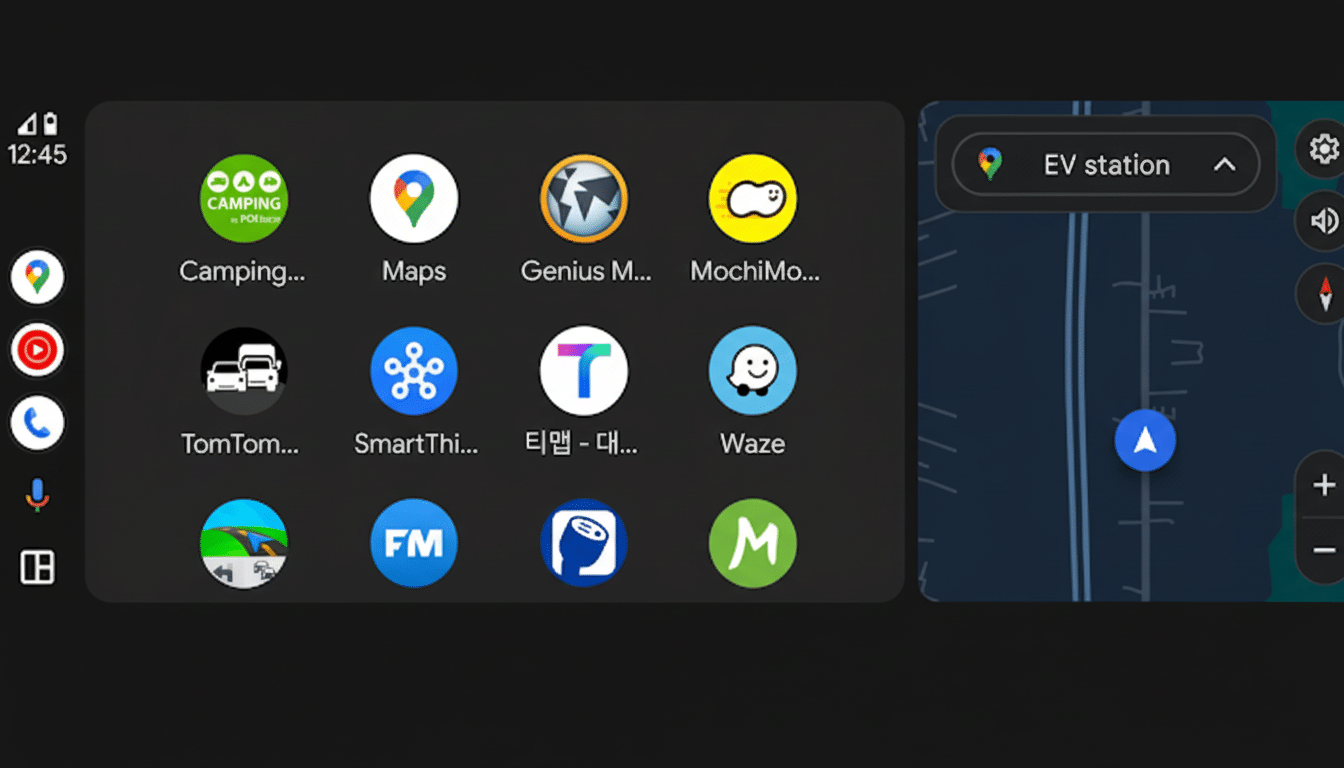
Quiet speculation surrounds a new stable release of Android Auto version 16 that should add polish more than any major features. It’s not clear if that release includes a fix for the Workspace messaging glitch. Due to the nature of policy and authentication checks, a server‑side tweak from Google could also fix it without requiring an update on the client.
What You Can Do Right Now to Restore Voice Replies
If you are affected, there are a couple of workarounds you can try until an official fix arrives:
- Temporarily switch Android Auto to a personal Google account, if possible, and test replies.
- In your phone’s settings, turn on Android Auto’s notification access and “Reply to messages.” Also check Google Assistant permissions for mic, notifications, and voice typing.
- Clear cache and data for Android Auto, Google Assistant, the Google app, and your phone’s messaging app on the Android phone, and try re‑pairing the car.
- Revoke and re‑grant Android Auto access on the car’s infotainment system.
- Ask your Workspace admin to check if Google Assistant, Android Auto, and related services are allowed for your organizational unit and that you don’t have a data loss prevention or context‑aware policy blocking voice replies.
- When all else fails, just read messages and don’t use your phone manually while driving. Hands‑free safety outweighs workarounds that promote use of the screen.
Why This Is a Safety and Productivity Concern
The key value of Android Auto is keeping your eyes on the road. Messaging with voice is a key component of that. The National Highway Traffic Safety Administration estimates that over 3,000 people are killed on the roads every year in distraction‑related crashes, and texting while driving is one of the top offenders. When voice replies do not work for those who rely on them — and professional drivers and field crews working in Workspace are among the biggest users of Reply — risk can return as people fumble to get their phones when they stop at a light or sit in traffic.
The disruption also coincides with the increasing adoption of smartphone projection systems by most new vehicles, industry analyses from S&P Global Mobility and automaker disclosures show. Millions of drivers now assume that basic navigation and messaging work “out of the box,” whether or not they sign in with a personal or corporate account.
What to Watch Next as Google Works on a Fix
Look out for Android Auto app updates and any news from Google that the Workspace service has been restored. Apps roll out, outlets notice, and the next stable build is closer — with a server‑side tweak perhaps much sooner. If you’re an IT admin, you can review service settings in Assistant and Android Auto for your organization to head off help desk tickets while a more comprehensive fix rolls out.
In the meantime, the best practice is straightforward: don’t tap out your messages manually in the car, make sure Auto and Messages are running their latest versions, and submit feedback to Android Auto through its in‑app flow so Google can link logs and expedite a fix.