


Google’s latest Quarterly Platform Release for Android 16 is now rolling out to eligible Pixel hardware, and the headline question is simple: is your device on the list? Below is the definitive rundown, plus what QPR3 actually brings and how to get it without a hitch.
Which Pixel Models Are Getting Android 16 QPR3
Google treats QPRs like mini platform refreshes that land on every Pixel still in its official update window. If your phone or tablet remains supported, you’re included in this wave.
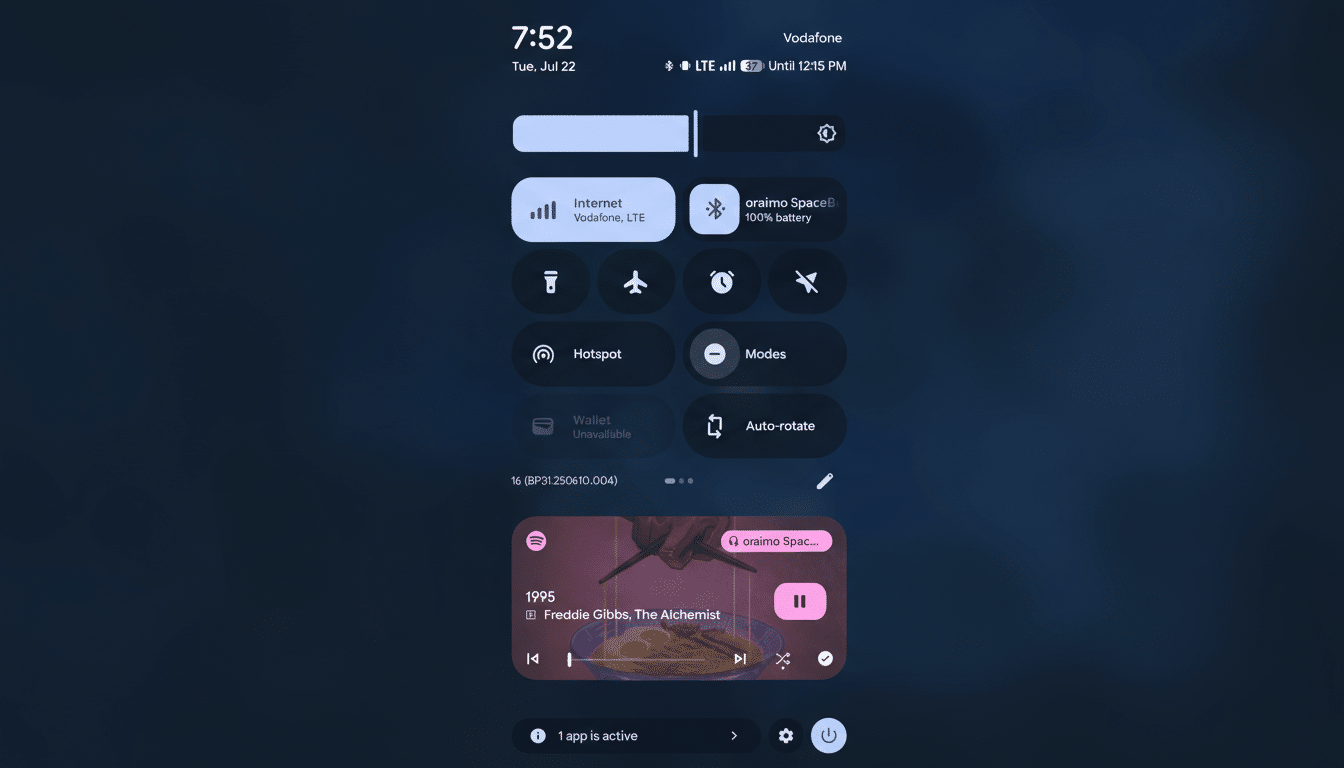
Eligible phones:
- Pixel 7, Pixel 7 Pro, Pixel 7a
- Pixel 8, Pixel 8 Pro, Pixel 8a
- Pixel 9, Pixel 9 Pro, Pixel 9 Pro XL, Pixel 9 Pro Fold
- Pixel 10, Pixel 10 Pro
Eligible large-screen devices:
- Pixel Fold (first generation)
- Pixel Tablet
Not included:
- Pixel 10a (ships with Android 16 QPR3 preinstalled)
- Older models that never received Android 16 (such as the Pixel 6 series and earlier)
What QPR3 Delivers on Pixel Devices This Cycle
QPR3 extends the feature set introduced this cycle with a user-facing twist on identity and context. Building on last year’s caller enhancements, you can now create a personal calling card that surfaces when you place calls, making it easier for friends and colleagues to recognize you at a glance.
Communication gets smarter too: Google Messages adds real-time location sharing, streamlining meetups without jumping between apps. On supported models, Magic Cue offers restaurant recommendations you can act on quickly, while At a Glance expands with live sports scores so key info is visible without unlocking.
And yes, the fun stuff is here: fresh Emoji Kitchen combos roll out broadly, letting you remix reactions in ways that feel personalized rather than canned.
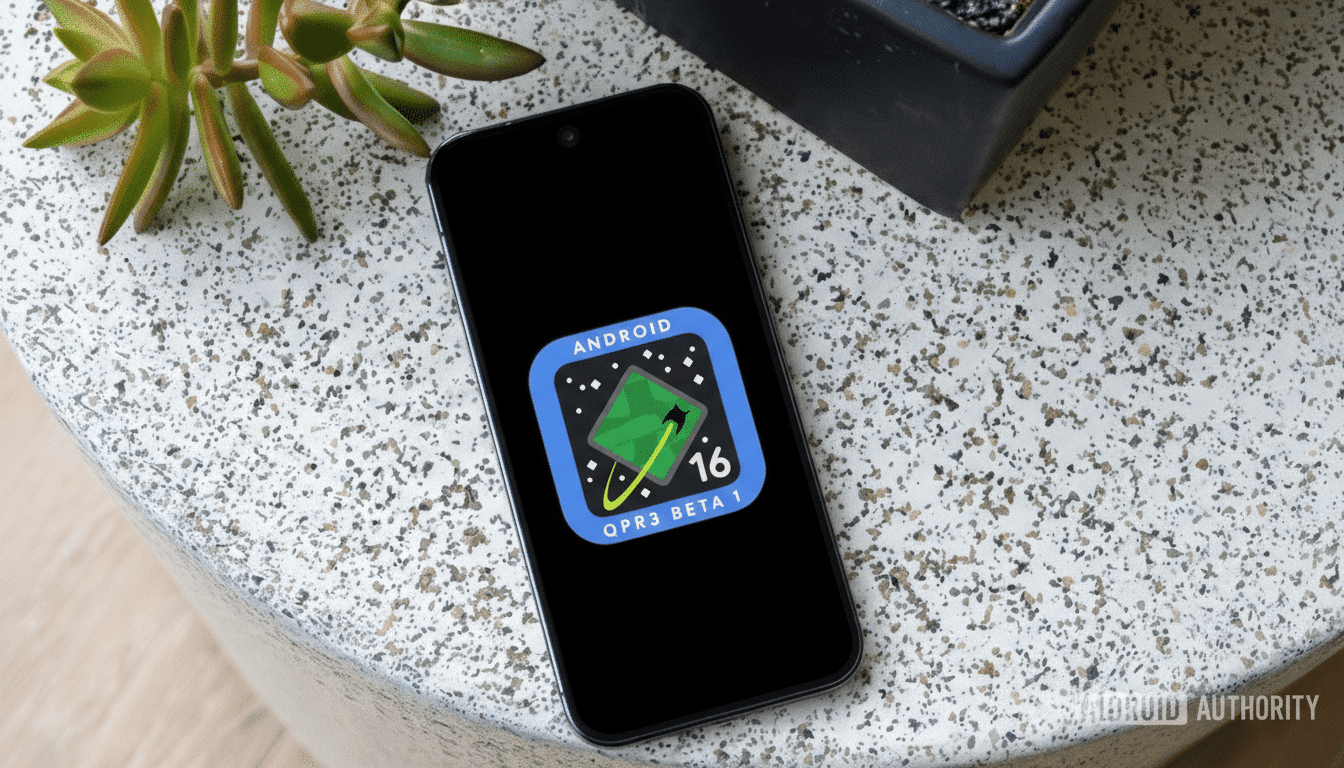
Under the hood, QPR3 typically folds in dozens of stability, battery, and connectivity improvements. Google’s Pixel Update Bulletin and the Android Security Bulletin outline modem reliability tweaks, camera tuning updates, and security patches that harden the platform without changing your daily workflow.
How to Update and What to Do If You Don’t See It
To check for Android 16 QPR3, open Settings, tap System, select Software updates, then choose System update. If it doesn’t appear, wait a bit and try again—staged rollouts can take time as builds propagate across regions and carriers.
For a smoother install, connect to Wi-Fi, charge above 50%, and keep storage headroom free. If you previously joined the Android Beta Program for QPR previews, verify you’re on the stable track; devices enrolled in beta often receive the stable build automatically once it’s available for that device.
Why Some Pixels Are Left Out of Android 16 QPR3
Eligibility tracks Google’s published support timelines. Devices that topped out at Android 15, like the Pixel 6 family, won’t receive Android 16-based QPRs. Conversely, newer hardware with extended update commitments—such as Tensor G3 and later phones—remain on the front of the line for these quarterly drops.
It’s also worth noting that while monthly patches can occasionally skip a device for carrier or certification reasons, QPR updates are delivered broadly across all still-supported Pixels. When in doubt, the model-by-model status in Google’s device support pages and the Pixel Update Bulletin provide the authoritative word.
Bottom line: if you’re on a supported Pixel—from the 7 series through the latest 10 lineup, plus Pixel Fold and Pixel Tablet—you’re getting Android 16 QPR3. Expect a tighter, smarter experience, and a few thoughtful touches that make your Pixel feel new again.