


Android 16’s latest QPR3 beta is still breaking key productivity apps for many Pixel users, and Google has yet to deliver a reliable remedy. Reports across community forums indicate that Microsoft’s Office suite and related work tools keep crashing on Pixel 6 and newer devices, even after Google said the problem was addressed in the most recent beta drop.
Reports Persist Despite Claimed Fix in Latest Beta
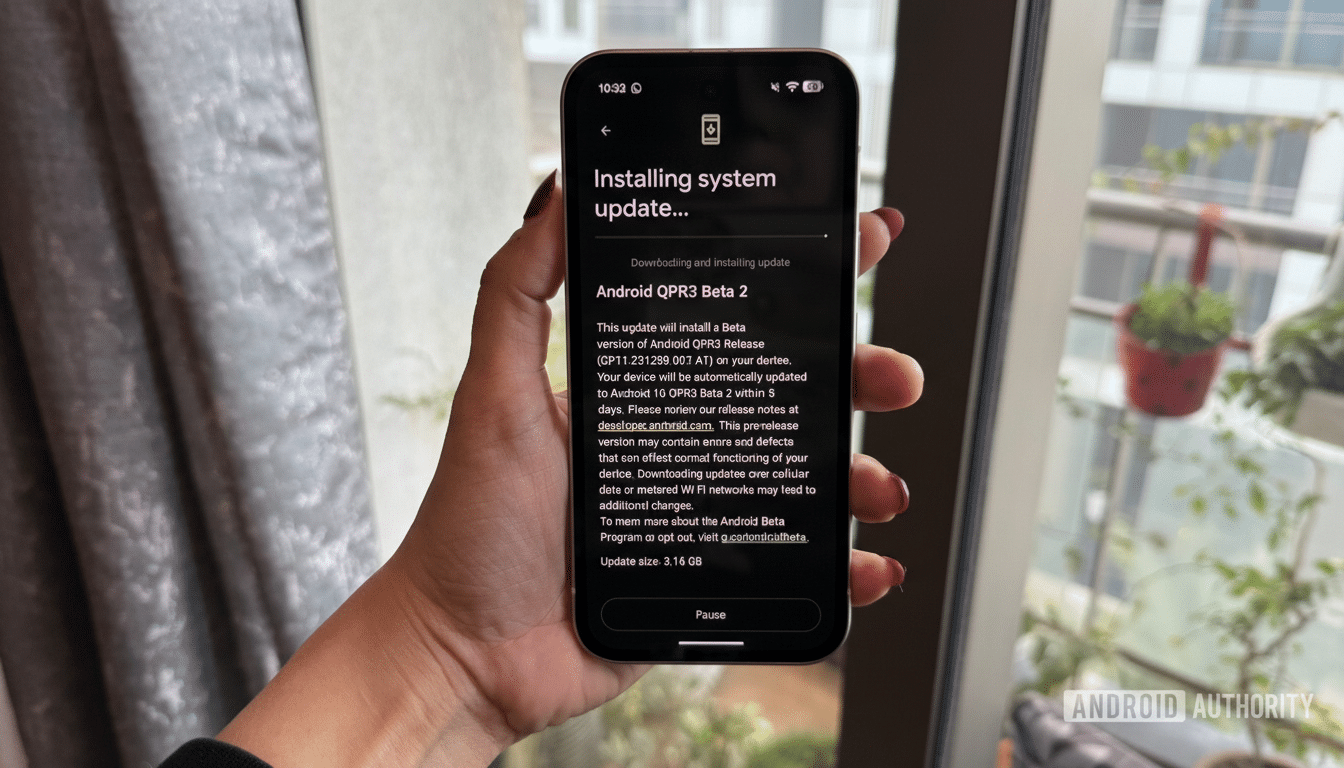
Google’s changelog for the current QPR3 Beta 2 flagged a fix for Microsoft app crashes tied to Intune, the enterprise device management layer. However, testers on the Android beta subreddit and Google’s Issue Tracker continue to document failures affecting Teams, Outlook, Word, Excel, and PowerPoint. Some also point to instability in Microsoft Launcher.
- Reports Persist Despite Claimed Fix in Latest Beta
- Who Is Affected by the Android 16 QPR3 Beta Crashes
- What Might Be Going Wrong with WebView and Profiles
- Why This Matters for Enterprise Users and IT Teams
- Practical Steps You Can Take Now to Limit Impact
- What To Watch Next from Google and Microsoft Updates
The behavior is inconsistent. Several users say Office apps open reliably in a personal profile but crash the moment they switch to a work profile. Others experience crashes regardless of profile. A smaller set of testers report smooth sailing, suggesting the bug may be configuration-specific or dependent on how a device is enrolled and managed.
This uneven experience is especially frustrating because QPR betas are positioned as daily-driver ready. Unlike early developer previews, QPR builds typically focus on polish and stability—precisely the qualities enterprise users need to trust a device in the field.
Who Is Affected by the Android 16 QPR3 Beta Crashes
Reports center on Pixel 6 and newer phones, including Pro variants and foldables, enrolled in the Android 16 beta channel. The impact appears greater on devices with work profiles enabled or enrolled through Microsoft Intune or similar device management solutions, but it’s not limited to those setups.
- Teams calls failing to initialize
- Outlook force-closing when adding or switching accounts
- Office editors crashing shortly after launch
In some cases, the problem shows up after authentication via Company Portal or when switching between personal and work data silos.
What Might Be Going Wrong with WebView and Profiles
The pattern points to interactions between the beta’s profile isolation mechanics, device policy controllers, and the Android System WebView layer—critical plumbing for rendering modern app content. Office apps lean heavily on WebView for sign-in flows and embedded web components, so any regression there can ripple across multiple products at once.
One user-level workaround that has surfaced is re-enabling Android System WebView if it’s disabled and ensuring it’s fully updated. That aligns with the theory that a mismatched or inactive WebView provider can trigger crashes, especially under enterprise policies. It won’t help everyone, but it’s a low-risk step worth trying before more drastic measures.
Why This Matters for Enterprise Users and IT Teams
Work-critical apps failing on a platform-sanctioned beta undermines confidence at a time when Android is deeply embedded in the workplace. Industry trackers regularly peg Android at around 70% of global smartphone shipments, and Microsoft 365 counts hundreds of millions of commercial users. Even a small failure rate translates to a lot of blocked meetings, missed emails, and disrupted workflows.
Enterprises also rely on predictable update cadences. QPR releases typically deliver security fixes and stability improvements. When a beta in that stream breaks essential software, IT teams are forced into emergency playbooks—pausing enrollments, holding back updates, or guiding users off test builds—each of which carries support overhead.
Practical Steps You Can Take Now to Limit Impact
- Check Android System WebView in Settings and confirm it’s enabled and updated.
- If Chrome is your WebView provider, keep Chrome fully up to date.
- Clear cache and data for affected Microsoft apps and the Company Portal, especially after switching profiles or policies.
- If crashes persist, consider leaving the beta channel and returning to the stable build (administrator approval may be required for managed devices).
- Use web access to Outlook and Teams as a temporary workaround, noting limits with notifications and calling.
What To Watch Next from Google and Microsoft Updates
There’s no official timeline for a comprehensive fix. The next beta or a targeted Android System WebView update could resolve the issue, and Microsoft could also deliver mitigations through app updates or Intune policy changes. In the meantime, affected users should keep an eye on Google’s Issue Tracker and community forums for confirmations of a working build.
Bottom line: if your phone is a work tool, the Android 16 QPR3 beta remains a risky place to live. Until Google and Microsoft align on a stable path, the safest route for business-critical users is the stable channel and conservative update policies.