


Amazon is pushing a major redesign of the Fire TV interface to customers in the US, marking the platform’s most significant visual and navigational overhaul in years. The update puts content discovery front and center, trims visual clutter, and streamlines how viewers jump between their favorite apps and live channels.
What’s New in the Redesigned Fire TV Experience
The refreshed UI shifts to a cleaner aesthetic with rounded corners, softer gradients, consistent typography, and more generous spacing. It feels less crowded on big screens and easier to parse at a glance, especially from a couch distance.
One of the most practical changes is an expanded app dock. Fire TV previously allowed six pinned apps on the home screen; the new layout supports up to 20, thanks to smaller icon tiles. That gives room for staples like Netflix, Disney+, YouTube, Prime Video, Hulu, and Max without constant reshuffling.
Navigation has also been simplified. Categories now appear as clear, icon-labeled tabs — Movies, TV, Live TV, Sports, and News — with search parked just left of Home for quicker access. It’s a deliberate reduction in friction designed to guide people to content, not just apps.
Smarter Discovery Across Services You Already Use
Inside these tabs, Fire TV surfaces what you’re already watching and curates “For You” rows that pull from services you subscribe to, plus free selections you can stream right away. The layout blends personalized picks with trending titles and premium options, reflecting how viewers mix subscriptions and ad-supported services.
A newly consolidated Live TV tab pulls linear channels and live feeds into one place, spanning supported streaming services and, where applicable, over-the-air or cable sources. As free, ad-supported TV grows, this centralized view could reduce the app-hopping that often plagues cord-cutters.
Alexa+ Takes Center Stage in the New Fire TV UI
Amazon’s upgraded assistant, Alexa+, is embedded throughout the interface. Users can ask natural-language questions, refine results with follow-ups, and interact with on-screen tiles. For example, you can highlight a movie and say, “Tell me more about that,” or ask, “Find me more movies that have the same look.”
Alexa+ access is included with Prime and available as a paid option for others. Folding a conversational assistant directly into browsing aims to make Fire TV feel more like a knowledgeable concierge than a static grid of options.
Devices Getting the Update First and What’s Next
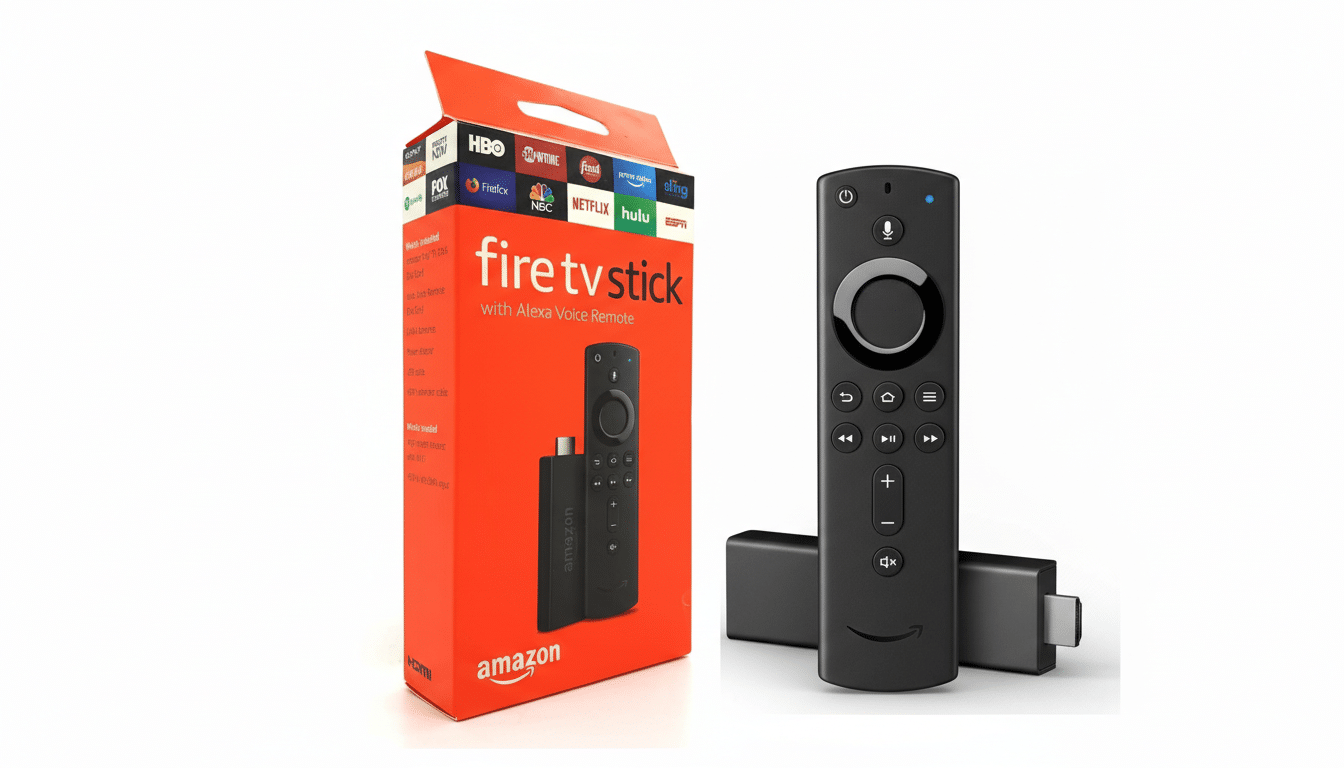
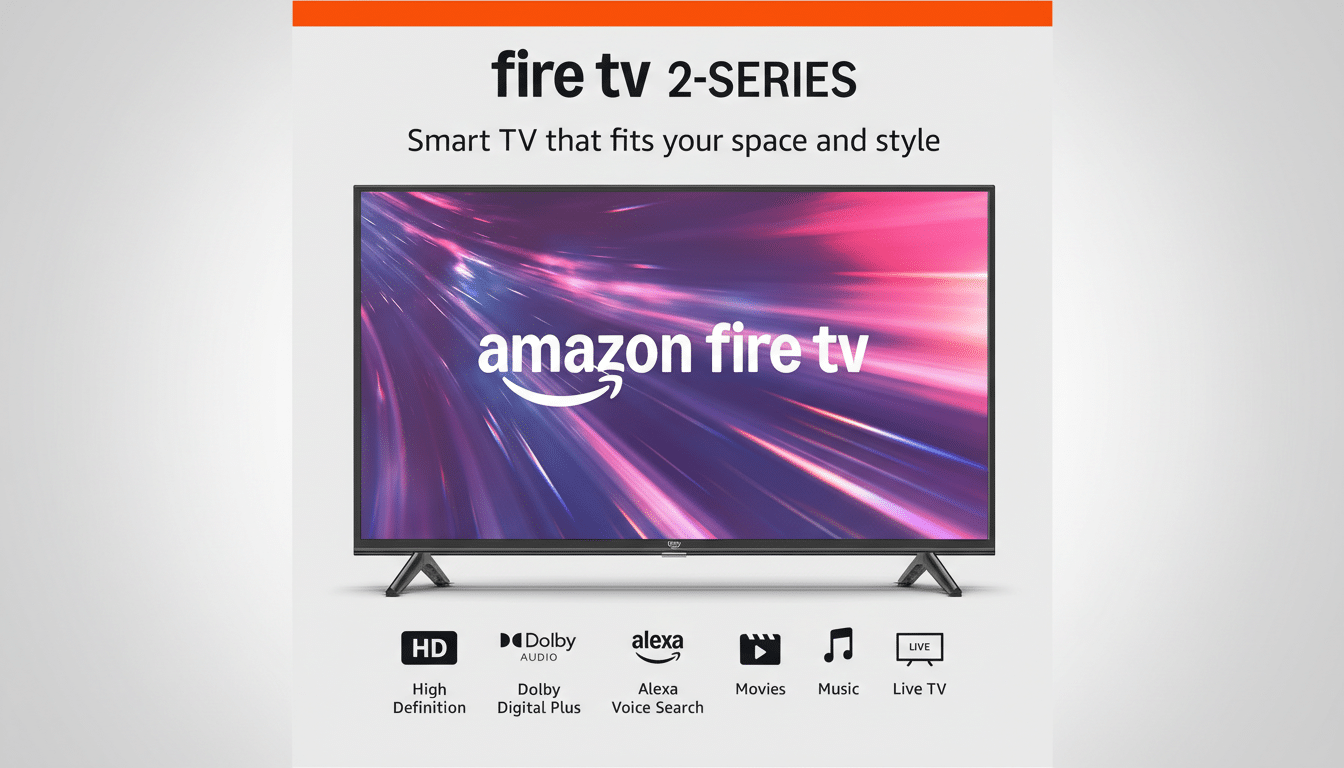
The redesign is first landing on Fire TV Stick 4K Plus, Fire TV Stick 4K Max (2nd Gen), and the Fire TV Omni Mini‑LED Series in the US. Amazon says more devices and regions will follow, including the latest Fire TV 4K streaming players and Fire TV 2‑Series, 4‑Series, and Omni QLED sets, as well as partner-made TVs from Hisense, Insignia, Panasonic, and TCL.
The new interface also ships on Amazon’s Ember Artline televisions, which double as digital art displays when idle — a nod to increasingly ambient living-room screens.
Why This Fire TV Redesign Matters for Viewers Now
Streaming has become the dominant mode of TV consumption, and navigation is the battlefield. Nielsen’s The Gauge reported streaming surpassed cable in 2023, peaking near 39% of total TV usage. As households juggle multiple subscriptions and free services, the platform that reduces decision fatigue wins more nightly minutes.
By expanding app pins to 20 and clarifying category tabs, Amazon is acknowledging how viewers actually watch: they rotate between a handful of go-to services and then graze curated rows for something new. The Live TV hub and Alexa+ queries are aimed squarely at cutting down the “infinite scroll” problem.
Competitively, this redesign brings Fire TV closer to rivals that emphasize content-first experiences, such as Google TV and Apple TV, while preserving Fire TV’s large app ecosystem and tight integration with Amazon services. The bigger question is how well recommendations balance paid upsells with genuinely useful picks — a tension every modern TV platform must navigate.
What Users Should Know About the Fire TV Redesign
Less-frequent features now sit under a left-side hamburger menu, including Games, Art & Photos, the Appstore, Music & Audio, the universal watchlist dubbed My Stuff, and Settings. If you don’t see the redesign yet, expect a phased rollout; checking for software updates on supported devices can sometimes nudge it along.
For households overwhelmed by a growing grid of tiles, the update promises fewer clicks to something watchable and more control over which services live front and center. It’s not just a new coat of paint — it’s a refresh tuned to how people actually stream in 2026.