


Amazon is moving Prime subscribers onto Alexa Plus without asking first, and the backlash is already building. Reports from users and corroborating coverage by major tech outlets indicate that the company has begun automatically converting eligible accounts to its upgraded AI assistant, positioning the change as a Prime perk rather than an opt-in feature.
The company has also launched a dedicated web entry point for Alexa Plus, signaling that this is not a small pilot but a broad push to reframe Alexa around generative AI. For many households where Alexa is woven into daily routines, the lack of advance consent is the sticking point.

What Is Changing For Prime Members With Alexa Plus
Users say they received messages stating their Alexa experience would be “automatically upgraded” to Alexa Plus at no extra cost as part of Prime, with a confirmation email to follow. If they prefer the original assistant, Amazon instructs them to say, “Alexa, exit Alexa Plus” to roll back.
Alexa Plus is the company’s more conversational, generative AI incarnation designed to handle multi-step requests, sustain context longer, and deliver richer answers. Amazon has pitched it as a smarter home controller and more capable helper for shopping, media, and productivity. What’s missing for many users is a straightforward way to decline the migration before it happens.
Why Amazon Is Pushing Alexa Plus To Prime Members Now
Amazon has long said hundreds of millions of Alexa-enabled devices are in use, and it publicly disclosed that Prime membership tops 200 million worldwide. Moving even a fraction of that base onto a next-gen assistant instantly scales usage, a critical advantage in the AI race as companies compete for training data, engagement, and developer interest.
There are business incentives, too. A more capable Alexa can drive retention for Prime, spur more voice shopping, and open new surfaces for recommendations. Maintaining two divergent assistant experiences also adds complexity; steering Prime members to the flagship model simplifies Amazon’s roadmap and consolidates user behavior around a single AI stack.
Early User Reactions To The Alexa Plus Upgrade Rollout
Initial responses have been mixed. Some users like the more natural tone and improved comprehension. Others cite a less pleasing voice, slower responses, and changes that break their established habits. Several Reddit posts, referenced by reporting from The Verge, describe the upgrade notice, the confirmation email, and the downgrade command working as advertised.
A flashpoint is advertising. At least one user claims that after downgrading to the original Alexa they were “flooded with ads,” prompting them to switch back to Plus. Another suggests that switching the language setting to Canadian English reduced ad frequency. These are anecdotal accounts, but they speak to the core concern: choice should not come with penalties or side effects that feel punitive.
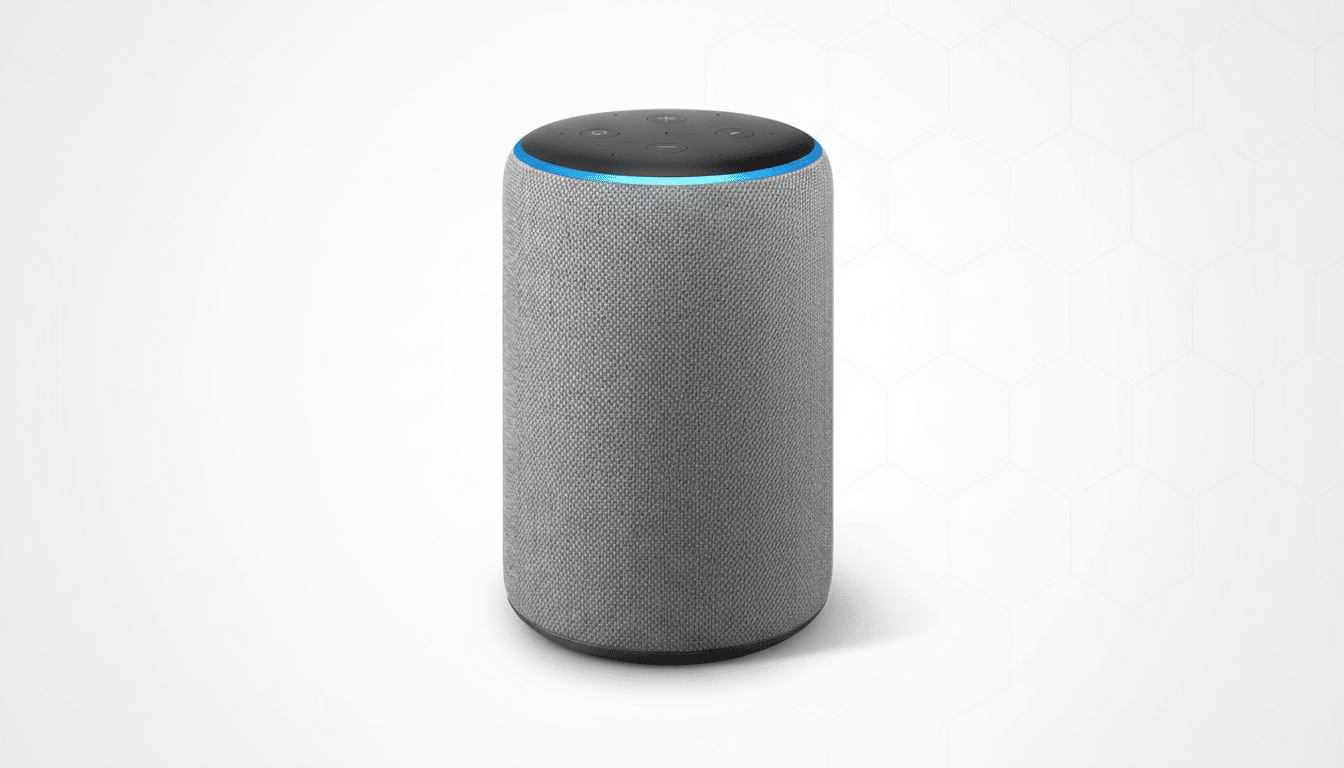
Ads And Choice Concerns Around Alexa Plus Changes
Voice assistants have always walked a line between utility and monetization. Amazon has experimented with sponsored content and proactive recommendations, especially around shopping. When the assistant itself changes, users notice shifts in tone and frequency, and those shifts shape trust.
Consumer advocates often warn about “choice architecture” that nudges people toward a company’s preferred outcome. The US Federal Trade Commission has flagged dark patterns that make opting out harder or less appealing, and European regulators have pushed for explicit consent in profiling and personalization. While there’s no indication of regulatory action specific to Alexa Plus, forced upgrades, advertising changes after downgrades, and limited pre-emptive opt-outs are precisely the kinds of tactics that draw scrutiny.
What You Can Do Now To Manage Alexa Plus Changes
If you were moved to Alexa Plus and want the classic experience back, say, “Alexa, exit Alexa Plus.” Users report that this command takes effect quickly, with a confirmation email arriving afterward. If you stay on Alexa Plus but want to minimize chatter, consider enabling Brief Mode in the Alexa app to shorten responses.
To cut down on promotions, review Notifications in the Alexa app and disable shopping notifications and deal alerts where available. You can also audit Skills permissions and turn off proactive suggestions. If ads spike after a downgrade, some users say toggling language settings reduced the frequency; results vary, and Amazon has not officially endorsed that workaround.
For households with complex routines, test critical voice commands and smart home automations after any switch. If you encounter broken routines or unexpected behavior, Amazon’s device support channels can help capture logs and escalate issues. At scale, even a 1% hiccup rate across Prime’s massive base translates into millions of disrupted sessions, so detailed reports matter.
The bottom line: Amazon is accelerating its vision for a generative AI assistant by defaulting Prime members into Alexa Plus. That may speed innovation, but it raises predictable questions about consent, advertising, and control. Users want better AI, not a bait-and-switch. Giving them a clean, pre-emptive opt-out—and ensuring the old experience remains stable if they choose it—would go a long way toward rebuilding trust.