


Locating your favorite moment just became easy on Fire TV. Amazon is launching an Alexa+ feature that allows you to jump back and forth, for example in supported movies, by saying what you want to jump forward or back to in natural language (“jump me to the airport chase scene,” “go to when the lead singer sings her first number”). It’s a small change, but one that makes the use of Amazon Prime Video more enticing — and it’s based on all of the deep metadata Amazon has been continuing to build out within Prime Video’s X-Ray feature.
How Alexa Plus scene jumping works on Fire TV
Alexa+ can understand requests about actions, characters and actors, or even famous lines on Fire TV devices to find the exact timestamp and begin playing the scene. Request the “dancing scene in Mamma Mia,” the “boulder run in Raiders of the Lost Ark,” or “the moment John McClane cracks his coast line,” and Alexa+ will prompt the film to start at that moment.
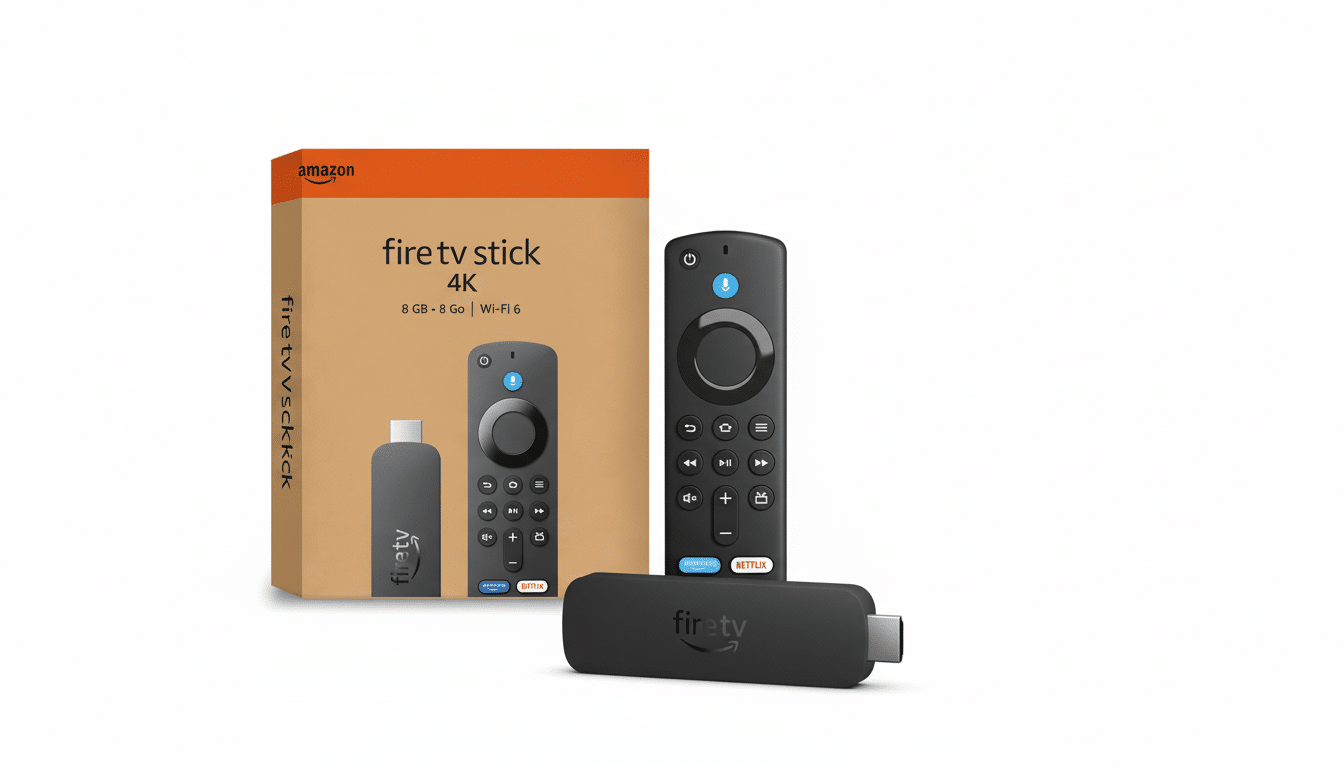
At launch, Amazon tells me the feature is available for thousands of movies, including titles that are part of Prime Video subscriptions and some rentals and purchases. Early examples include Mamma Mia, Raiders of the Lost Ark, Red One, and Wicked. No on-screen badge for compatibility is apparent yet, so the fastest way to confirm is to ask Alexa. Amazon will expand the feature to TV shows following movies.
The tech powering Alexa Plus scene jumps on Fire TV
This is a demonstration of Amazon’s media metadata stack. It already features X-Ray, a Prime Video feature that maps a show’s scenes to its cast members, songs, and trivia (often using IMDb data), so the service knows who is on screen and what they’re doing. Alexa+ builds generative AI on top of this index using AWS Bedrock to orchestrate models from Amazon Nova and Anthropic Claude. The system receives a spoken request, identifies entities and context (such as with respect to a quote, character, or action), then aligns at dialogue and scene boundaries to provide the time-coded result.
In practical terms, it’s the difference between gummy generic voice control (“fast-forward two minutes”) and intent-based navigation (“jump to the final duel”) for you, dummy.
For viewers, the interaction is closer to how people actually narrate movies to others — and it shortens the distance from intent to play.
Why scene-level Alexa Plus navigation matters now
Streaming interfaces still create friction. Nielsen’s State of Play research has consistently found that people take an average of about 10 minutes to find something to watch, and too large a share give up and go do something else. Scene-level navigation is not a fix for discovery, but it does eliminate the annoying scrub-and-hope loop once you’re certain of what to search for. It’s especially useful for franchise installments that are easy (or at least, easier) to rewatch, musical numbers, and quote-worthy action beats.
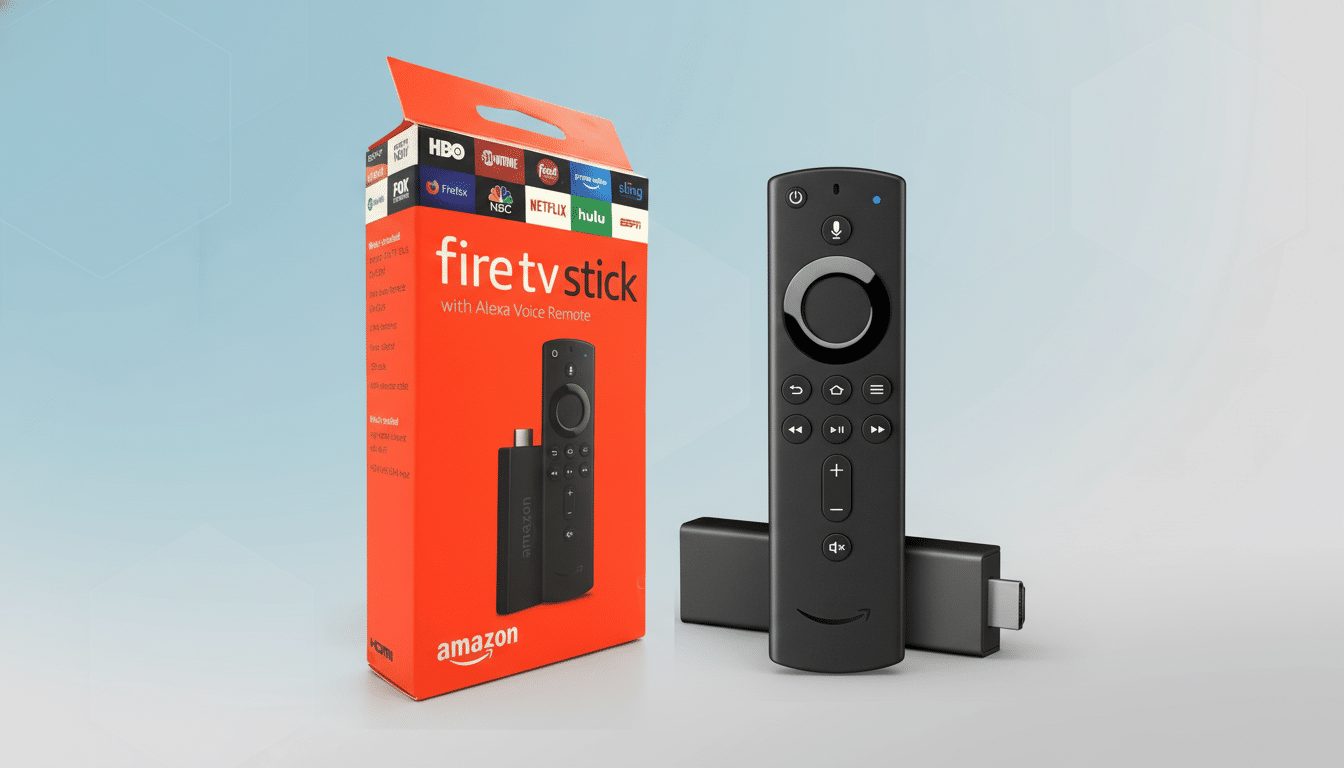
It also differentiates Fire TV. For titles and basic transport controls, most platforms have voice search available, yet natural-language scene jumping across a vast catalog is the exception. If Amazon rapidly expands coverage and adds TV episodes with the same fidelity, Alexa+ could become the benchmark for AI-driven guidance on the big screen.
Availability, pricing, and current limitations to expect
Today, skill developers can use Alexa+ scene search on Fire TV devices across an expanding list of movies. Since the support depends largely on title, there’s no surefire way to know if it will work other than giving it a shot. Amazon tells me TV show support is on the roadmap, and that will bring a few trickier challenges like episode disambiguation, cold opens, and recaps — all places where having the X-Ray dataset behind you should prove useful.
During the early access, Alexa+ will be free for everyone. Once that window is shuttered, a separate service will be available for Prime members; it costs $19.99 per month for non-Prime subscribers. More improvements will come to the recognition of paraphrased quotes, regional titles, and multilingual dialogue as Amazon continues to fine-tune voice processing.
Tips to try Alexa Plus scene jumping on Fire TV
Natural phrasing works best. Examples:
- Begin the rooftop scene in Wicked.
- Locate the big reveal in Red One.
- Advance to when the cards are revealed in Love Actually.
If Alexa+ doesn’t get it right, add a bit of context, like a character’s name or an extended quote. You can also combine scene jumps with simple commands — pause, rewind 10 seconds, or “who’s in this scene?” via X-Ray — for an exact, low-resistance rewatch.
The come-on here is straightforward: less scrubbing, more viewing. For a device category built around convenience, that seems like the right sort of upgrade.