


So I’ve spent the past couple of weeks switching my AirPods Max back and forth between a $150 luxury charging stand and a $30 budget cradle, in search of which one best belongs on the desk.
The short answer: the more expensive option is premium through and through, but the cheaper stand gets the basics right for a lot less cash. So that’s how they compare, and my buying advice is based on day-to-day use.
- What you get for $150: premium build, Qi pad, and heft
- What $30 delivers: simple charging and sleep support
- Ease of use and stability in daily docking routines
- Compatibility concerns amid the ongoing USB-C transition
- Charging behavior, sleep mode, and practical power needs
- Price, materials, and whether the premium is worth paying
- Buying advice: which stand fits your AirPods Max best
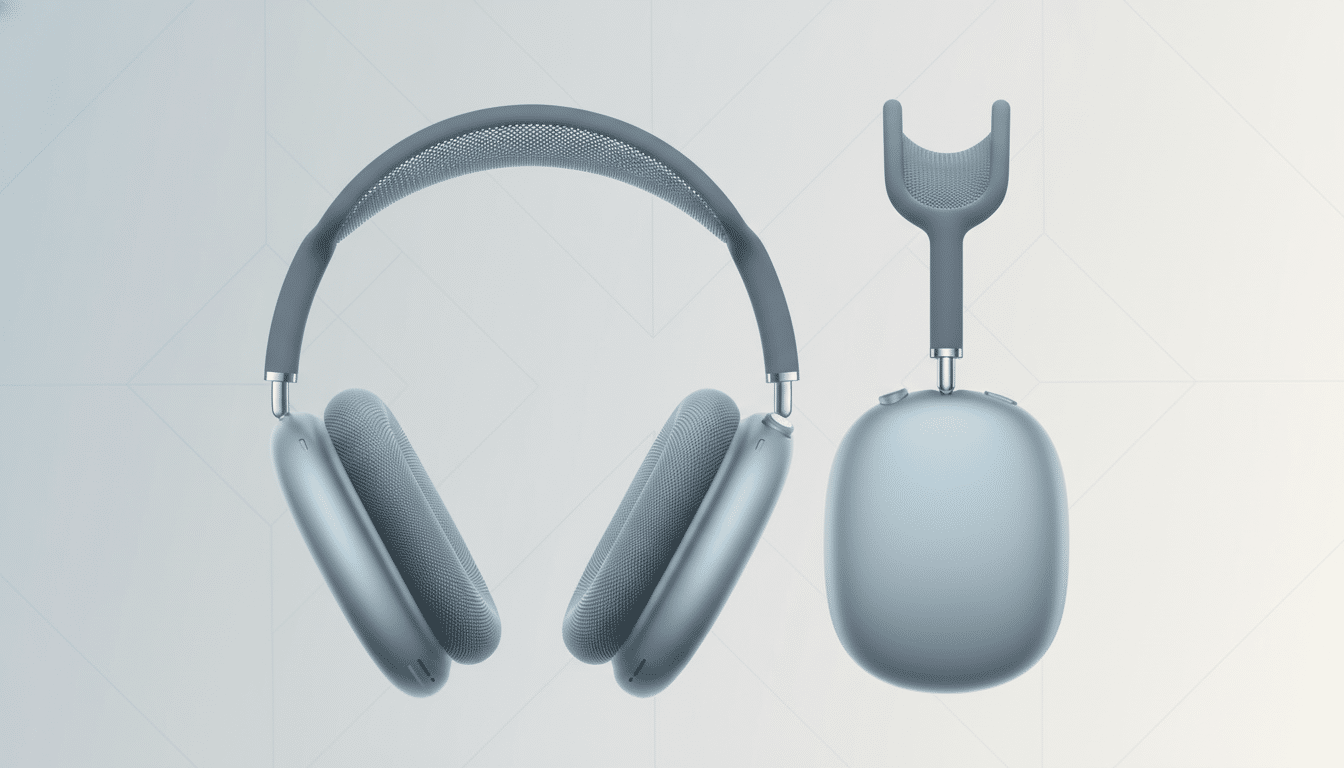
What you get for $150: premium build, Qi pad, and heft
Mophie’s premium stand is constructed like a mini sculpture. Weighing about 1.61 pounds, it’s got real heft, and the aluminum ear cups are protected by a padded cradle that anchors to your desk. There’s a minuscule magnetic dongle that plugs into your cans, and the base clamps cleanly to the dock — it also puts the headphones into sleep mode as soon as you drop them onto it. Fit and finish are definitely top-notch.
There’s a bonus: tucked between the ear cup wells is a Qi wireless pad to top off AirPods or any other small device. If you prefer one power cable and a neat footprint, that integration is appealing. In daily usage, the stand charged with reliable precision and never budged when brushed against.
The drawback is compatibility. The included magnetic dongle is USB-C only, which would leave most current AirPods Max owners, who still use Lightning, out unless they buy a separate adapter. For a high-end accessory, that restriction seems odd.
What $30 delivers: simple charging and sleep support
The VAWVVA stand costs about $120 less and weighs approximately 0.64 lb. It’s lighter, simpler, and does away with the extra Qi pad. But it does the one thing that counts: it’ll charge your AirPods Max using a magnetic dongle and will also put the headphones to sleep while docked. In testing, mating the connector was just as smooth as on the premium stand.
Most importantly, the budget model came with both USB-C and Lightning connectors in the box. That’s helpful if your house or office harbors generations of Apple gear. The only issue I encountered was a one-time failure to start charging the headphones; removing and replacing them in their Smart Case, as well as briefly resting them back inside the case, reset things and fixed it. After that, it never recurred.
Ease of use and stability in daily docking routines
Everyday ergonomics often determine whether a dock becomes a habit or an irritation. The heavier stand felt stable and of higher quality, though I found the spacing between ear cups resulted in occasionally finicky docking for larger headband extensions, sometimes having to guide one side in then shimmy the other side a bit. Despite its lighter build, the $30 stand provided a more forgiving drop-in experience. I did place some double-sided tape to keep the lighter base from moving around — and after that, set-and-forget.
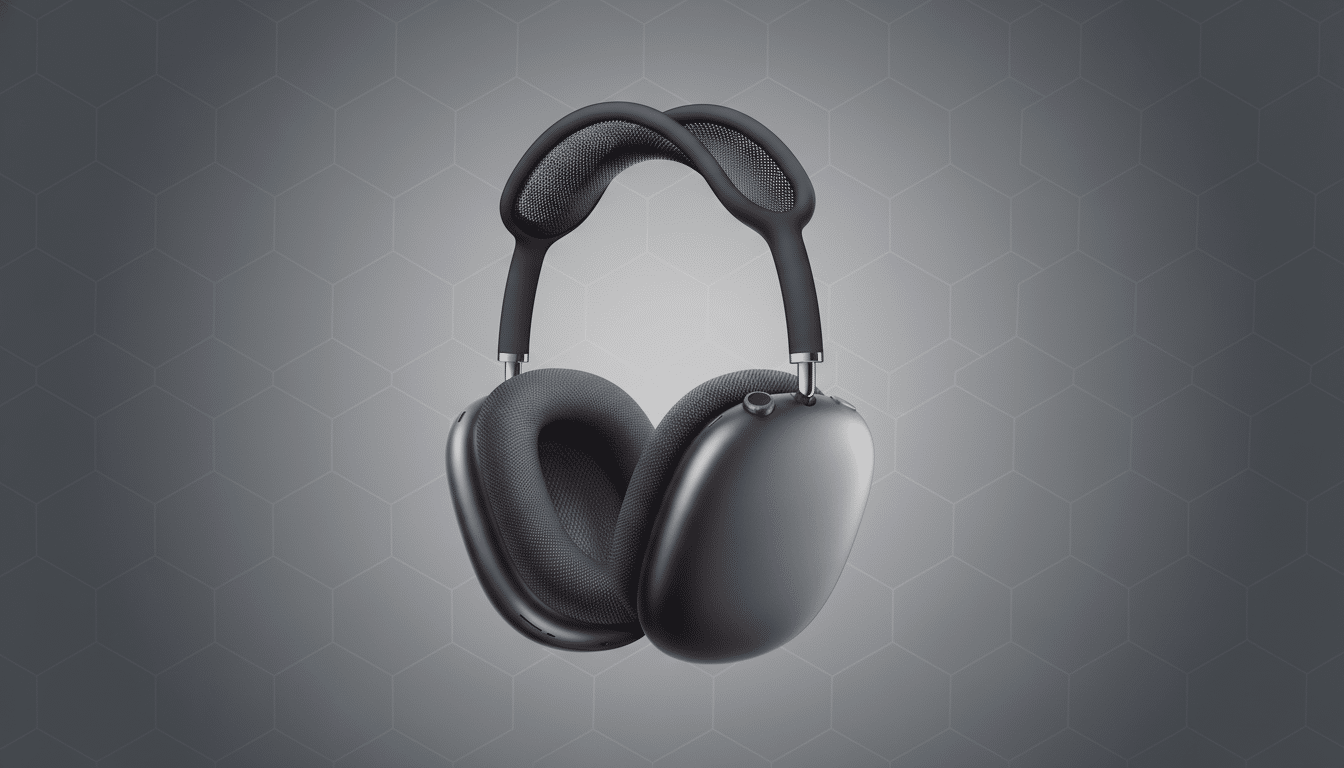
Compatibility concerns amid the ongoing USB-C transition
Apple’s sweep to USB-C across its devices has accelerated after regulatory pressure from the European Commission, but most AirPods Max in use still rely on a Lightning connection. A stand that can only accommodate USB-C will shut out a lot of owners for now. If you’re planning for the future and assuming you’re going to use USB-C headphones, that might be fine. If not, it’s more convenient to have a stand that comes with both dongles.
Charging behavior, sleep mode, and practical power needs
Both stands use magnets to emulate Apple’s Smart Case, which puts the AirPods Max in a low-power state when they are docked. Apple’s support docs outline this sleep behavior and, in practice, it’s a game-changer — no more mystery idle drain. Actual charging speed is a nonissue for over-ear headphones, which sip power compared with phones; an overnight top-up was common to both stands. The premium stand’s Qi pad is convenient if you don’t already own a multi-device charger, but many people do.
Price, materials, and whether the premium is worth paying
That premium stand costs $150, or five times the price of the cheaper alternative. You’re paying for weight, materials, a tidier one-cable setup, and a secondary Qi charger. If that sort of thing matters, the upgrade seems worth it. But if your number one concern is a sturdy dock that can keep the charge flowing and prevent cable fumbling, you should find the cheaper stand does the job just as efficiently without costing an arm and a leg.
Buying advice: which stand fits your AirPods Max best
If you want the best bang for your buck, require both USB-C and Lightning support, and favor a little forgiveness when it comes to dropping headphones in a stand, pick up the $30 stand. It does what you need it to do — charge and go to sleep — with no fuss. Glue it if you need more support.
Get the $150 stand if you care about premium build quality, a rock-solid base, and a built-in Qi pad that decreases cable clutter. Just make sure your headphones are USB-C, or you have a compatible Lightning dongle at the ready — otherwise, you’re paying more and getting less.
Bottom line: For most AirPods Max owners, the $30 stand is the better purchase. The premium model looks and feels good, but USB-C-only support and a finicky fit make it more of a luxury than a necessity.