


A lightweight video editor with AI assist just slipped into impulse-buy territory. VideoProc Converter AI is selling its family license for $29.97, bringing advanced enhancement tools and a straightforward workflow to creators who don’t want the complexity of a full non-linear editor.
The license covers up to five Windows PCs and, at this price, reflects a 75% drop from its typical list price. The pitch is simple: get cleaner, sharper footage fast, without wrestling a long learning curve.
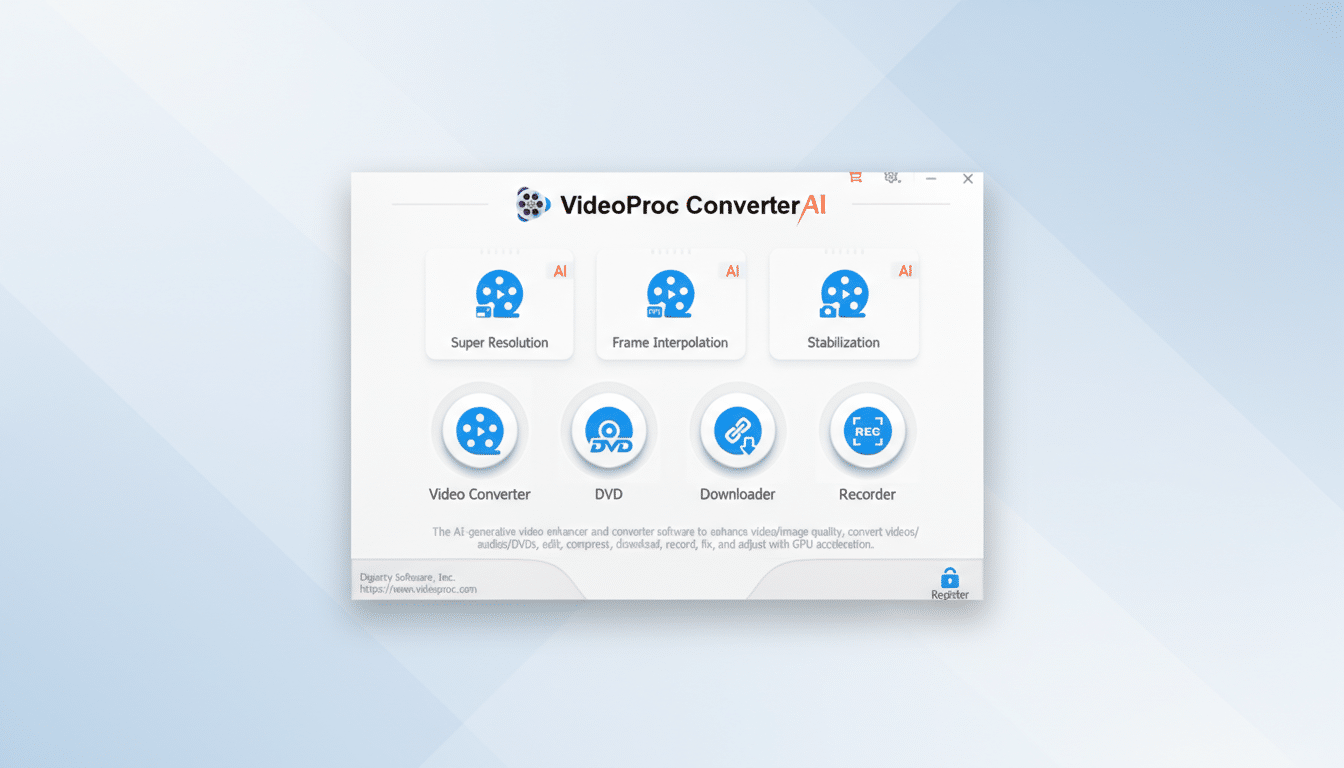
What This Deal Includes: Tools, Formats, and Extras
Beyond basic trims and crops, the suite bundles AI-powered tools to upscale video to 1080p, 2K, or 4K, reduce noise, recover detail in faces and textures, and smooth motion by increasing frame rate. It also adds video stabilization for action cams, drones, and handheld phone clips—useful if you’re editing travel vlogs or mountain-bike runs.
The package doubles as a robust converter. It supports a wide array of formats and device profiles, making it easy to optimize for phones, tablets, streaming boxes, or social platforms. There’s one-click compression for oversized files, subtitle support, speed controls, and utility tools for screen and webcam recording.
There’s also a DVD digitizer for personal archives and a video downloader. As always, users should check local laws and only back up media they own the rights to use.
AI Features in a Lightweight Editing Package
Where heavyweight suites bury features behind layers of panels, VideoProc’s AI tools are designed to be approachable. Upscaling and noise reduction are preset-driven: pick a target resolution, dial in strength, and preview. The system aims to restore detail in hair, eyes, and fine textures while suppressing grain—handy for older smartphone clips or dimly lit footage.
Motion smoothing can raise frame rates to make panning shots feel more fluid. As with any interpolation, it’s best for steady scenes; fast, chaotic motion may need lighter settings to avoid artifacts. The same engine can sharpen still images and AI art for higher-resolution exports, a bonus for creators juggling thumbnails and short-form posts.
Performance and Hardware Support for Faster Exports
Under the hood, VideoProc taps hardware acceleration on compatible GPUs from Nvidia, Intel, and AMD to speed up encoding and decoding. In real projects, that can cut export times significantly compared with CPU-only workflows, especially on 4K footage or H.265 files.
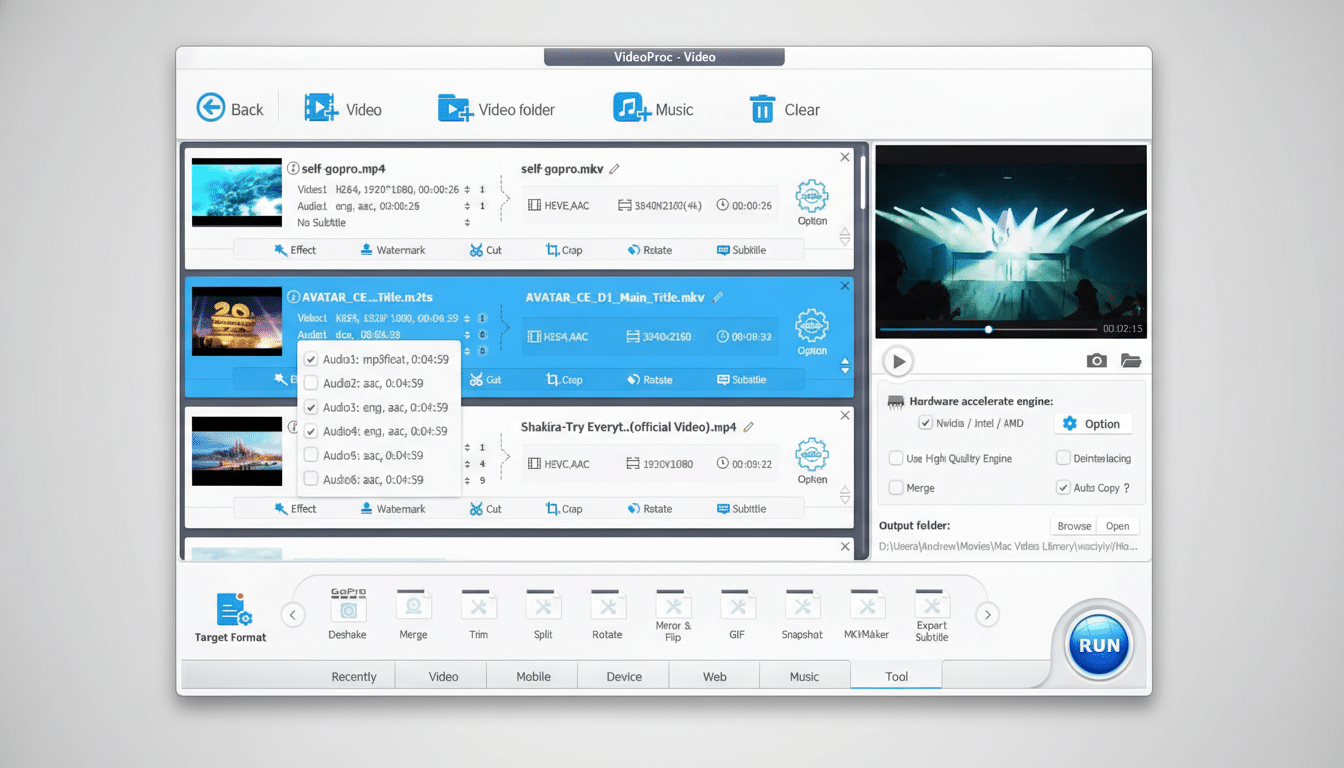
The app’s hundreds of device presets minimize guesswork for creators who just want a reliable output for Instagram Reels, YouTube, or a specific phone model. It’s not meant to replace a full editing timeline, but it excels at the enhancement, conversion, and delivery steps that bog down many projects.
How It Compares to Editors and AI Enhancers Today
Compared with free, full-featured editors like DaVinci Resolve, VideoProc is far lighter and faster to learn, though it lacks deep color grading, multi-cam, or advanced audio tools. CapCut offers capable AI filters at no cost but leans heavily on a social-first workflow and cloud tie-ins that won’t suit everyone.
Against dedicated enhancers like Topaz Video AI, VideoProc is considerably cheaper and easier on system resources, but its AI upscaling is aimed at practicality rather than pixel-peeping perfection. For many small teams and solo creators, that trade-off makes sense—particularly at $30 for five seats.
Why This Matters for Creators and Small Teams
The volume of video keeps climbing. YouTube has reported hundreds of hours of content uploaded every minute, and Wyzowl’s State of Video Marketing notes that the vast majority of businesses now rely on video to reach customers. With more content to turn around, the bottleneck often isn’t creativity—it’s cleanup and delivery.
A tool that can denoise, stabilize, upscale, and compress without a training manual can save hours per week. For educators recording lectures, marketers cutting product demos, or athletes editing helmet-cam footage, shaving steps from post-production is often more valuable than adding another advanced timeline feature.
Who Should Consider It and When It Makes Sense
If you regularly process smartphone clips, action-cam footage, or screen recordings and don’t need a full-blown editor, VideoProc fits the sweet spot. The family license makes sense for small teams and households with multiple PCs. Creators embedded in Adobe or Blackmagic workflows can still park VideoProc alongside their main editor as a fast pre-processor and converter.
At $30, the value proposition is clear: AI-assisted enhancements, device-savvy exports, and hardware-accelerated performance wrapped in an interface you can learn in an afternoon. For many projects, that’s exactly the kind of upgrade that pays for itself with the first batch of cleaner, sharper uploads.